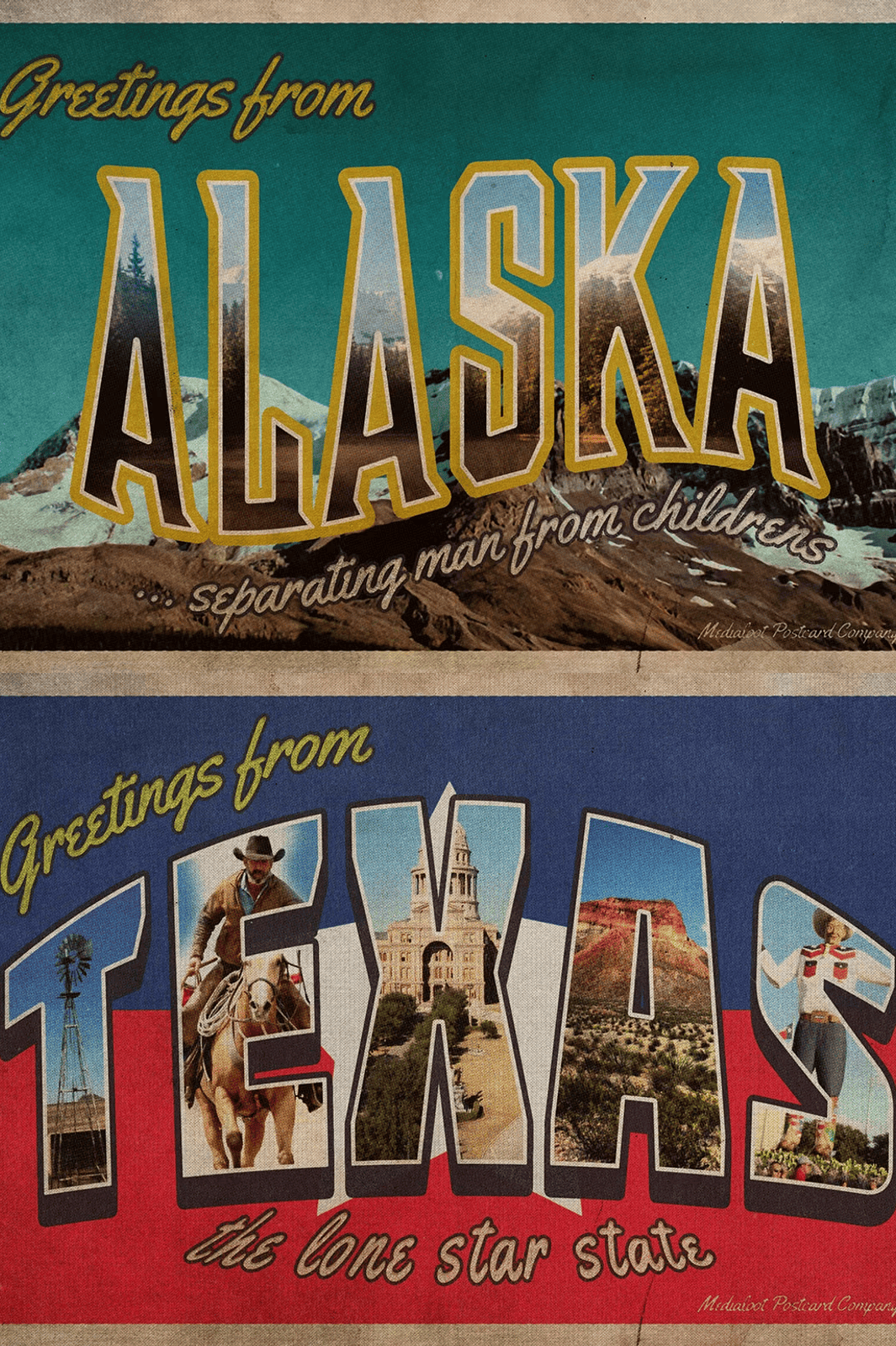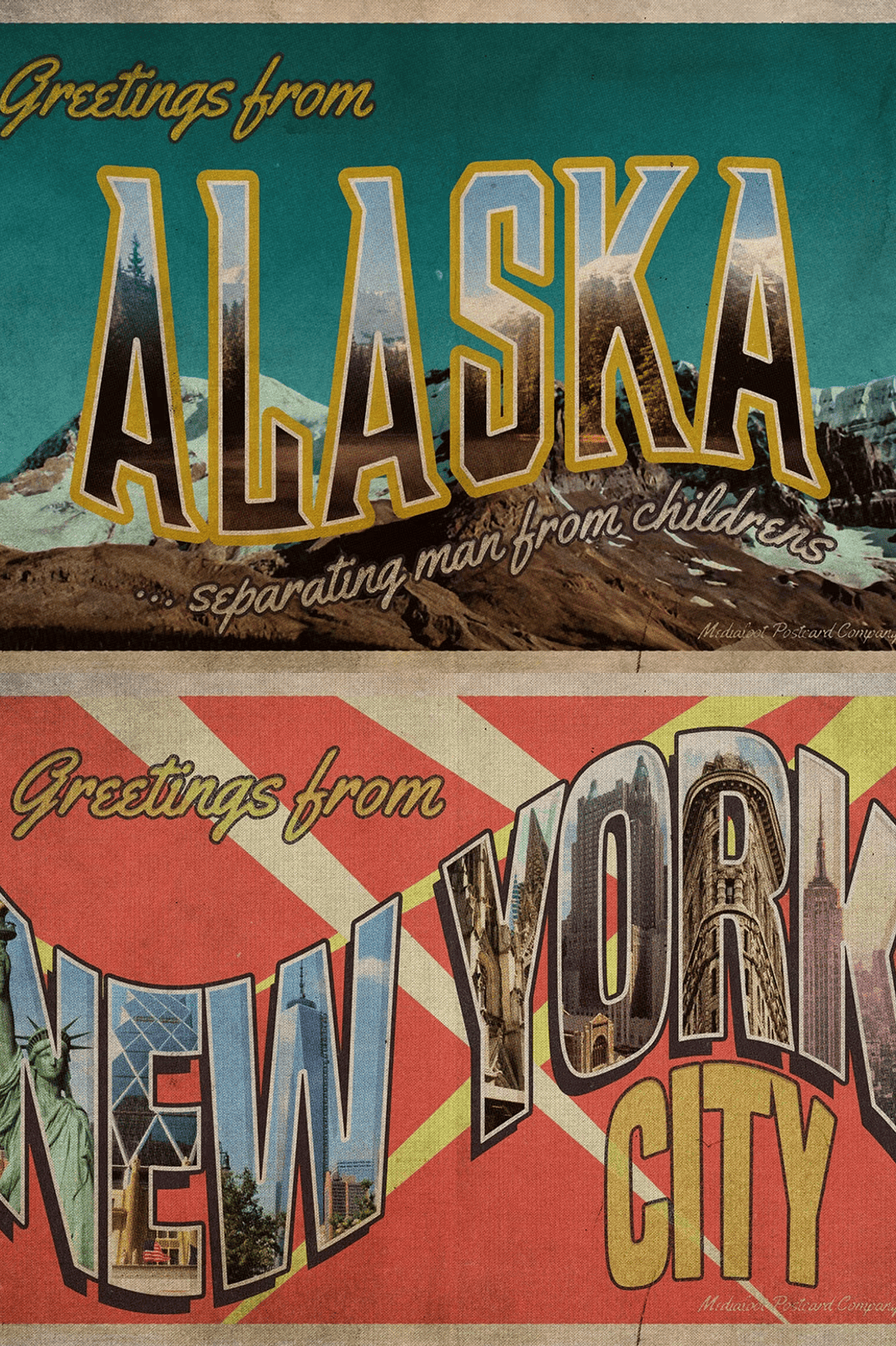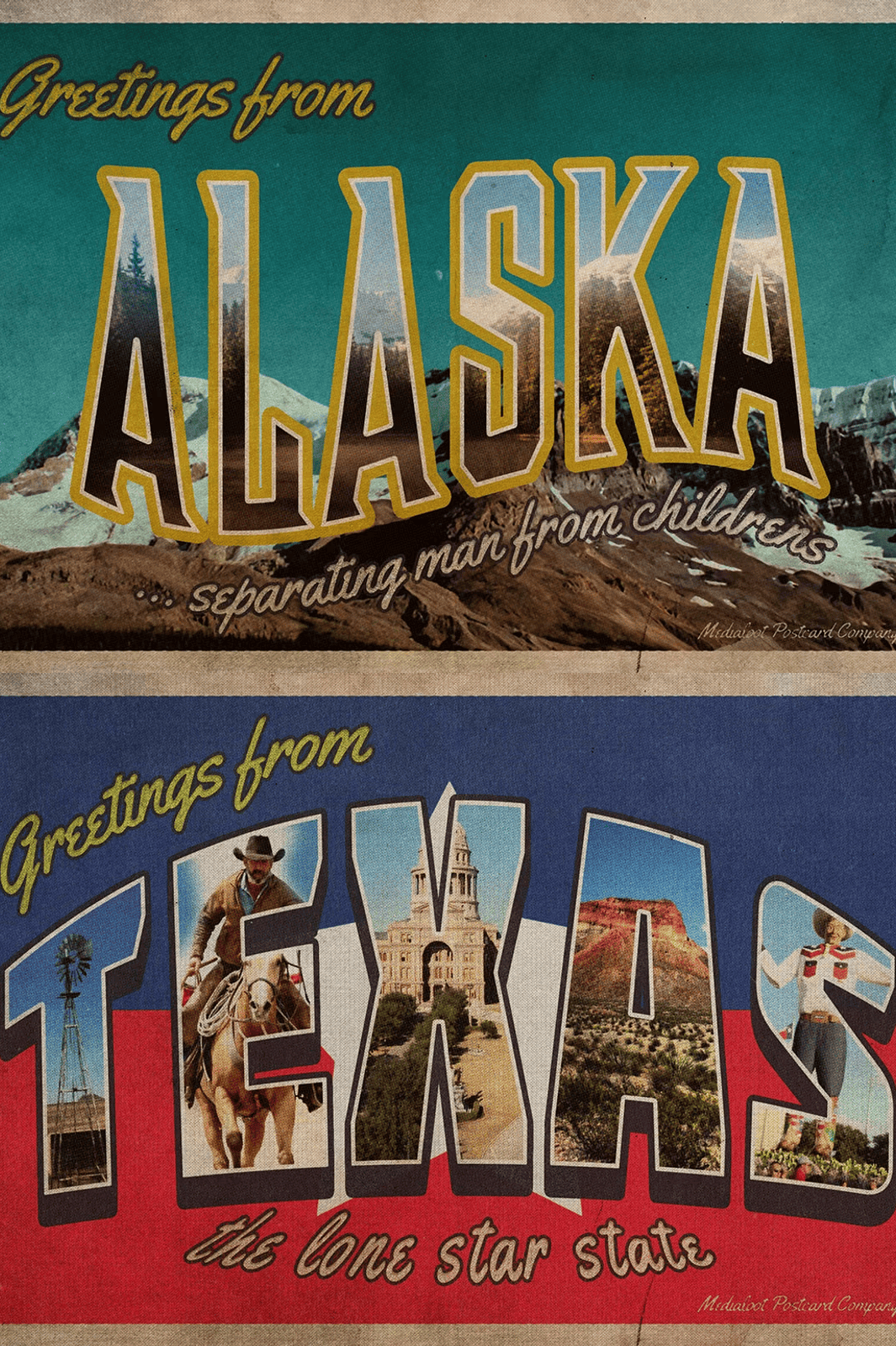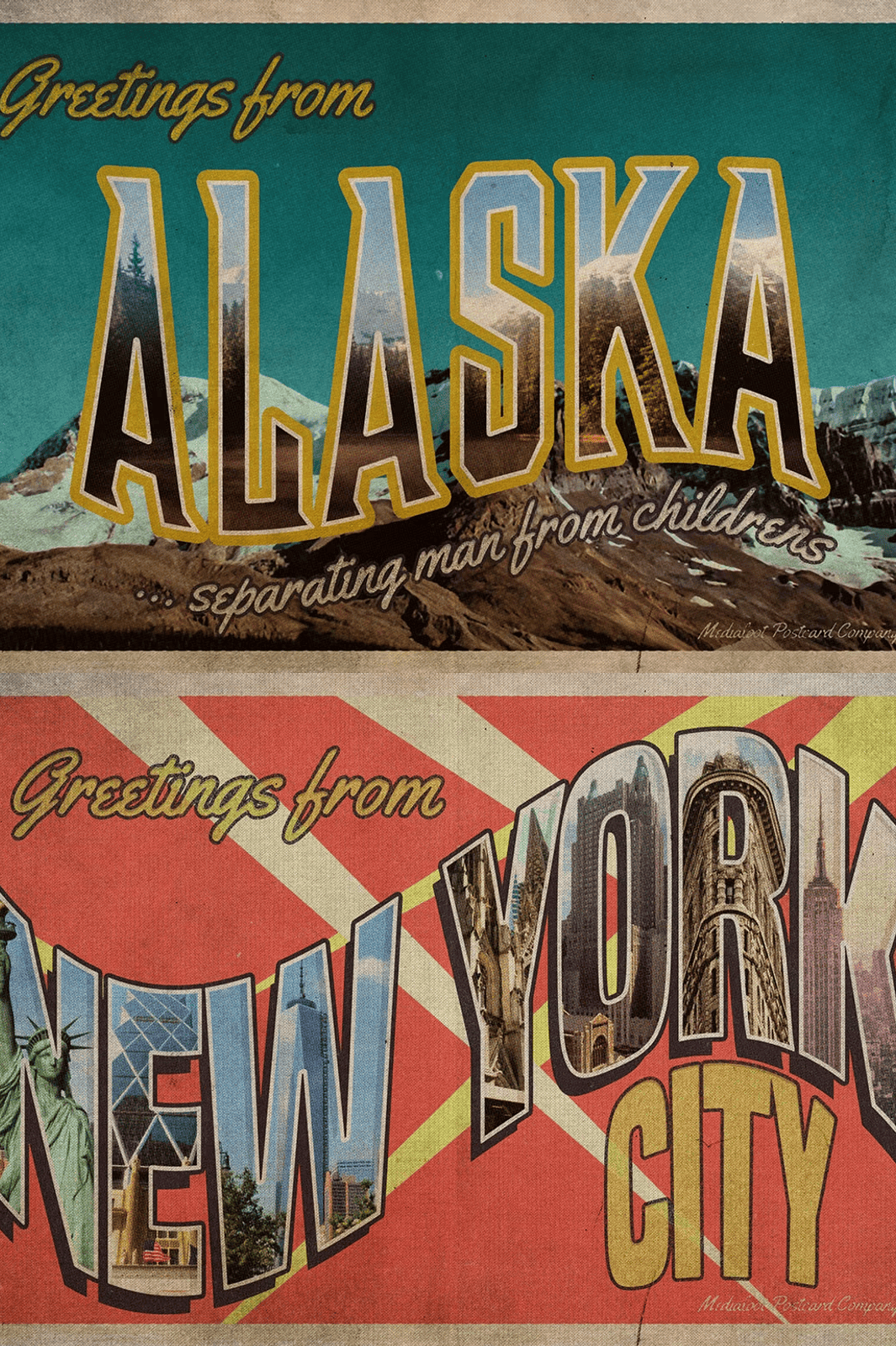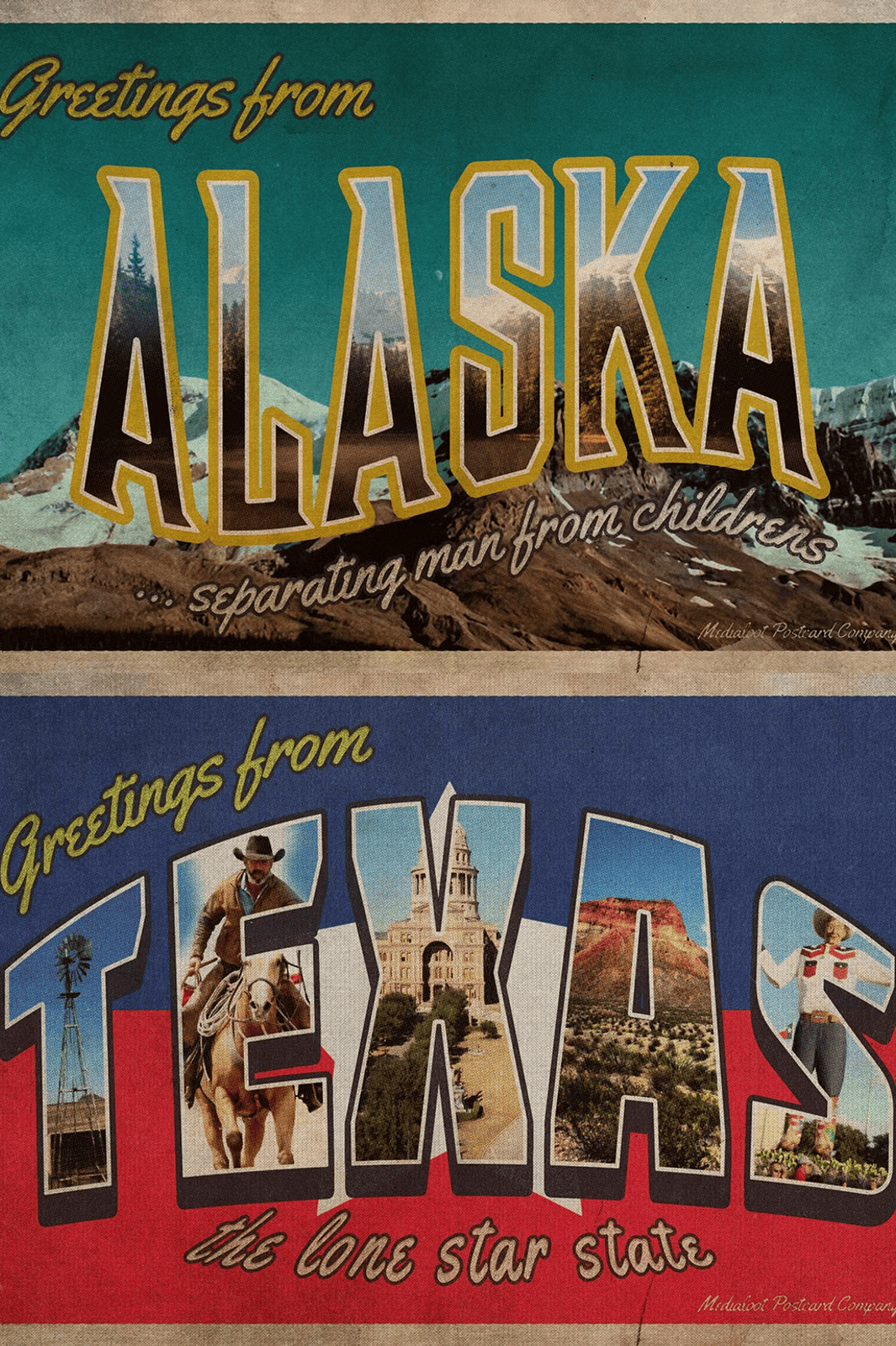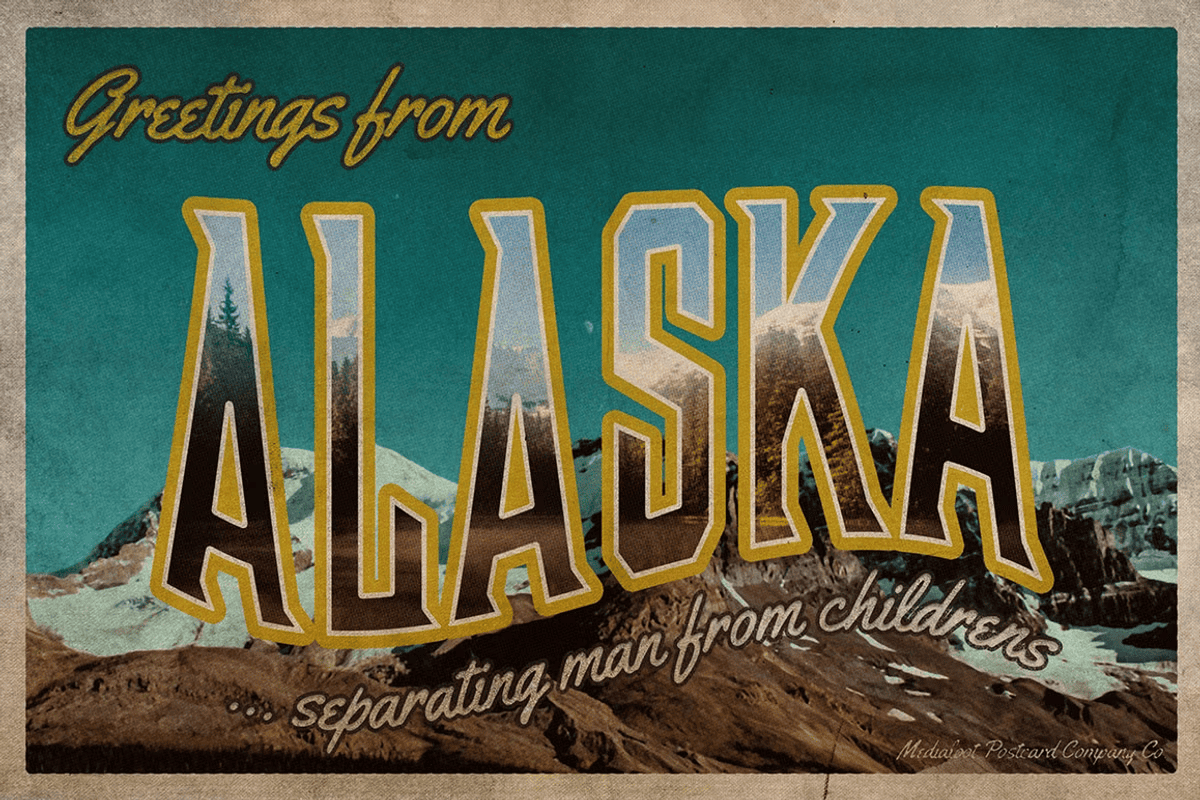

Unlock the Power of Nostalgic Design with One-click Customization
Transform your creative vision into captivating retro postcards with the **Vintage Greetings Postcard Generator** — a fully customizable Photoshop template built for speed, precision, and authenticity. This isn’t just a design kit; it’s a complete creative engine for generating vintage-inspired, high-impact postcards with minimal effort. Whether you’re a graphic designer, small business owner, or hobbyist, this template empowers you to produce professional-quality artwork in seconds.
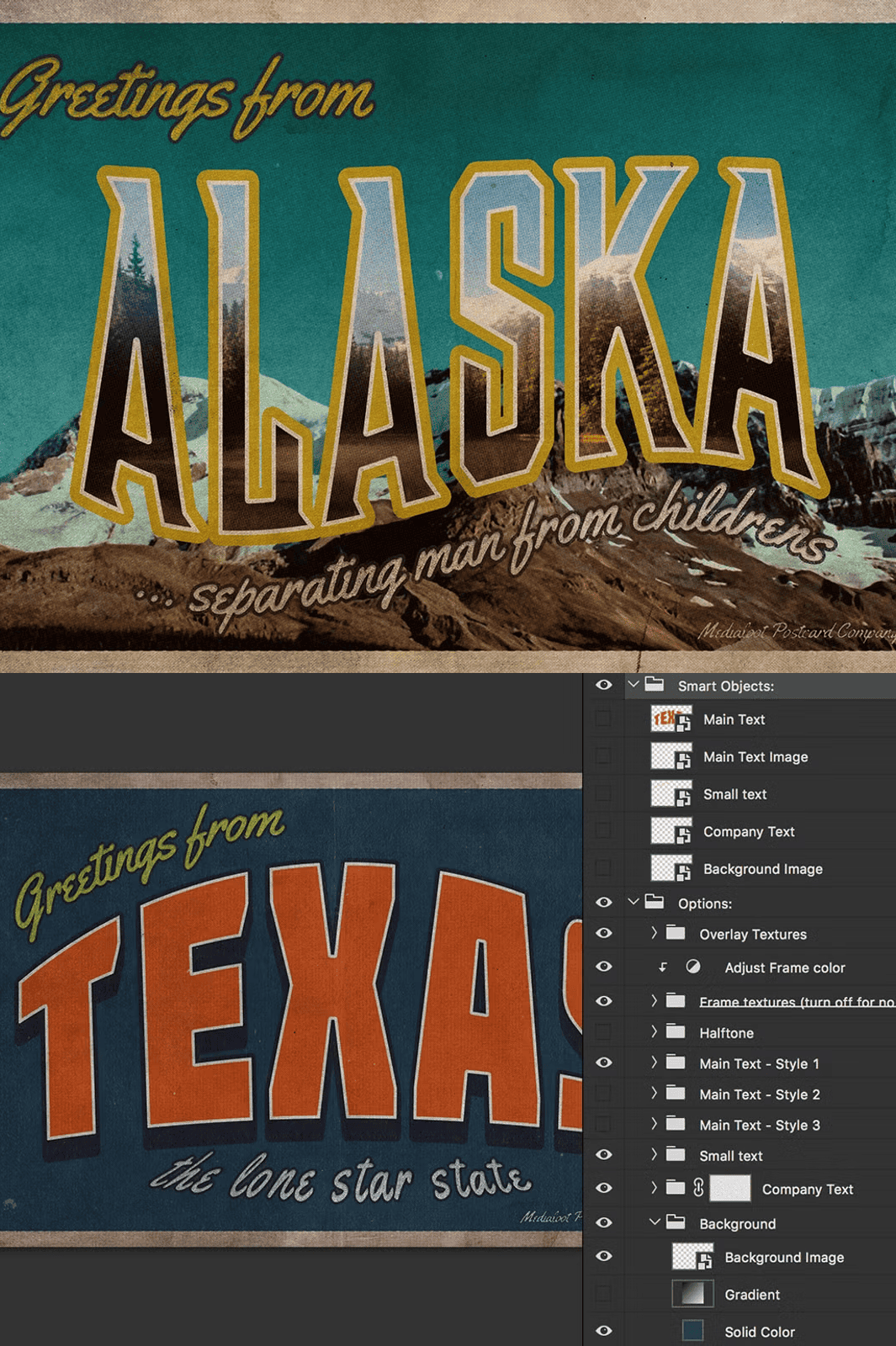
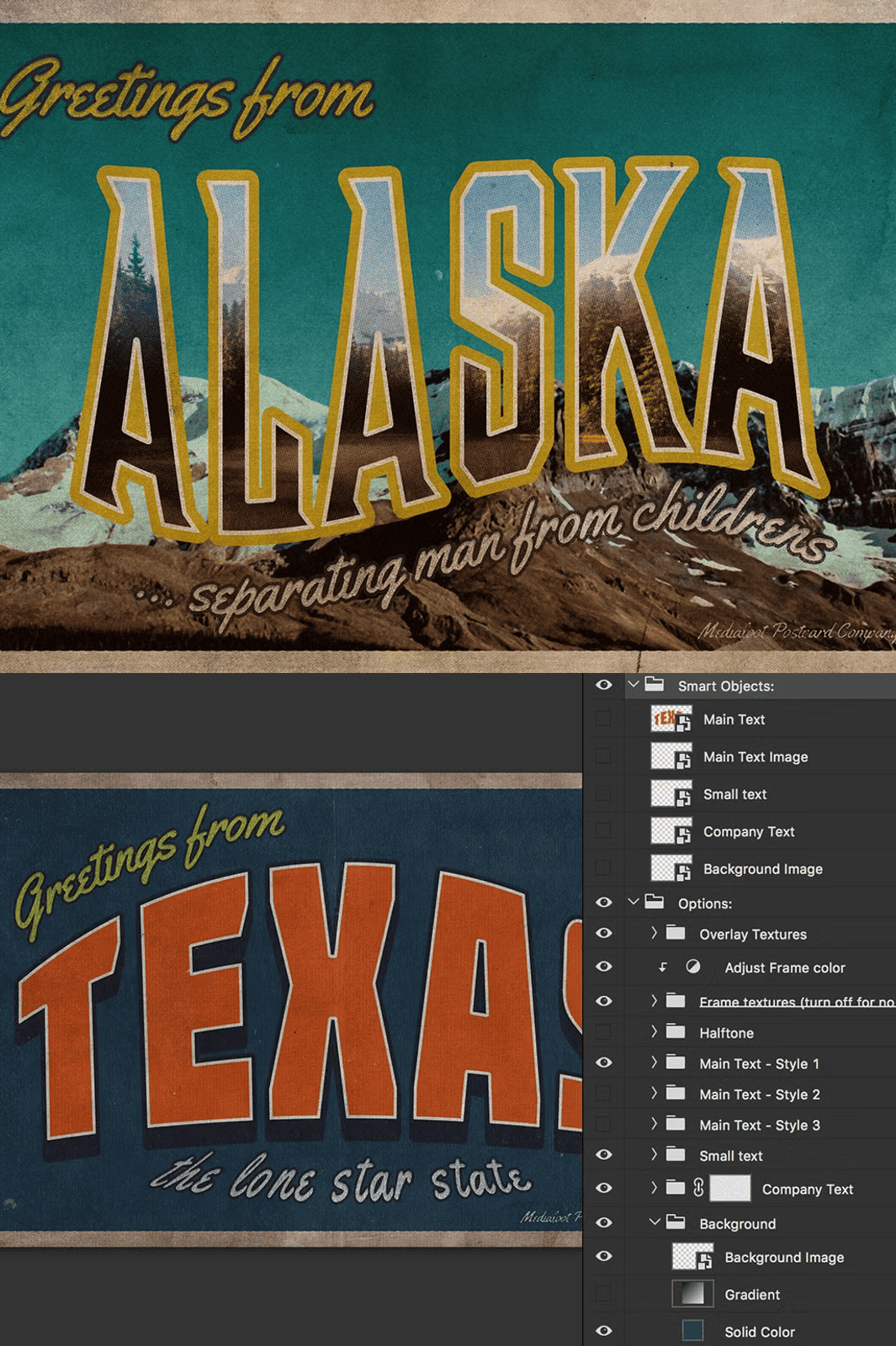
Every element is designed with **Smart Objects**, giving you full control over headlines, optional masked images, supporting text, and background layers. Adjust fonts, colors, layout, and textures with a single click — no complex masking or layer management required. The intuitive setup ensures even beginners can create polished, vintage-style postcards that feel handcrafted and authentic.
What’s Included in This Premium Photoshop Template?
- Highly Editable Smart Object Layers – Customize the main headline, optional image (masked within text), supporting text, and company details without losing quality or structure.
- Multiple Background Options – Choose between solid colors, custom gradients, or high-resolution background images with seamless integration and perfect layer stacking.
- Layered Overlay Textures – Apply vintage grunge, film grain, paper texture, or subtle ink bleed effects to enhance the retro aesthetic and evoke nostalgia.
- Optional Frame Textures – Add authentic edge treatments like aged borders, stitched lines, or worn wood frames for an extra vintage touch.
- Halftone Effects & Screen Patterns – Simulate the look of 1950s–70s photography with customizable halftone screens and dot patterns for authentic vintage rendering.
- Diverse Text Style Presets – Access a library of retro typography including art deco, hand-lettered, blocky sans-serif, and typewriter-inspired fonts.
- Print-Ready & Digital-Optimized Files – All templates are set to 300 DPI, with proper bleed and margin spacing for professional print quality and sharp digital display.
- Comprehensive User Guide included – Step-by-step instructions on how to customize every element, manage layers, export in multiple formats, and prepare files for print or digital use.
Why This Template Stands Out from the Rest
– Effortless Workflow – No learning curve required. All key controls are accessible via Smart Objects and layer groups.
– Mass Production Ready – Use the same file to generate dozens of unique postcards with different text, images, and effects — perfect for seasonal campaigns or product launches.
– True Vintage Aesthetic – Every visual element is crafted to mimic real historical printing styles, not generic “retro” filters.
– Future-Proof Compatibility – Fully compatible with Adobe Photoshop CC and later versions. Works on both Windows and macOS systems.
– Unlimited Commercial Use – Use these postcards for clients, social media, promotional materials, or retail products without additional licensing fees.
How to Use the Template Step-by-Step
1. Download & Open the File – Unzip the archive and open the .PSD file in Adobe Photoshop.
2. Replace Smart Object Contents – Double-click on any Smart Object layer to edit the headline, image, or text block.
3. Customize the Background – Pick a color, gradient, or background image from the provided options and layer them in the correct order.
4. Apply Textures & Effects – Select from the overlay textures folder and drag them onto the desired layers — adjust opacity and blending modes for ideal results.
5. Add Frame or Halftone Layers – Choose your preferred border or halftone pattern and integrate it into the composition.
6. Export Your Final Design – Save as PNG (transparent background), JPG (print quality), or PDF (print-ready) using the export presets.
Note: This is a large .PSD file (over 100MB) and may run slowly on older or low-memory systems. We recommend using a modern computer with at least 8GB RAM and a solid-state drive for optimal performance.
Licensing & Usage Rights
– ✅ Use for personal projects and commercial client work.
– ✅ Print and distribute thousands of postcards using this template.
– ✅ Export for use on websites, email campaigns, or social media.
– ❌ Do not resell the template file or share it with others.
– ❌ Do not bundle it with other products for resale.