
Transform Your Client Deliverables with a Premium, Fully Customizable Branding Blueprint
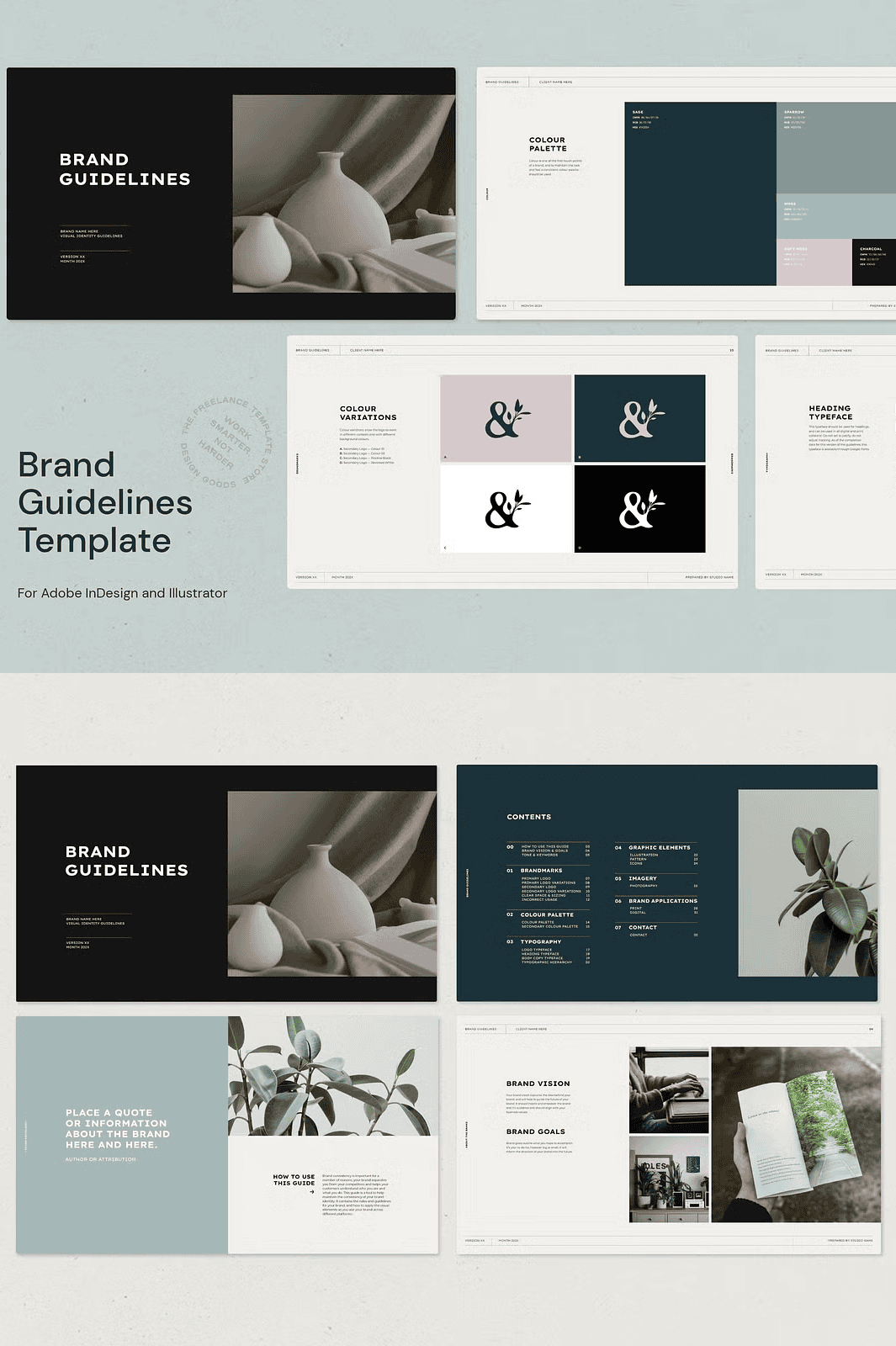
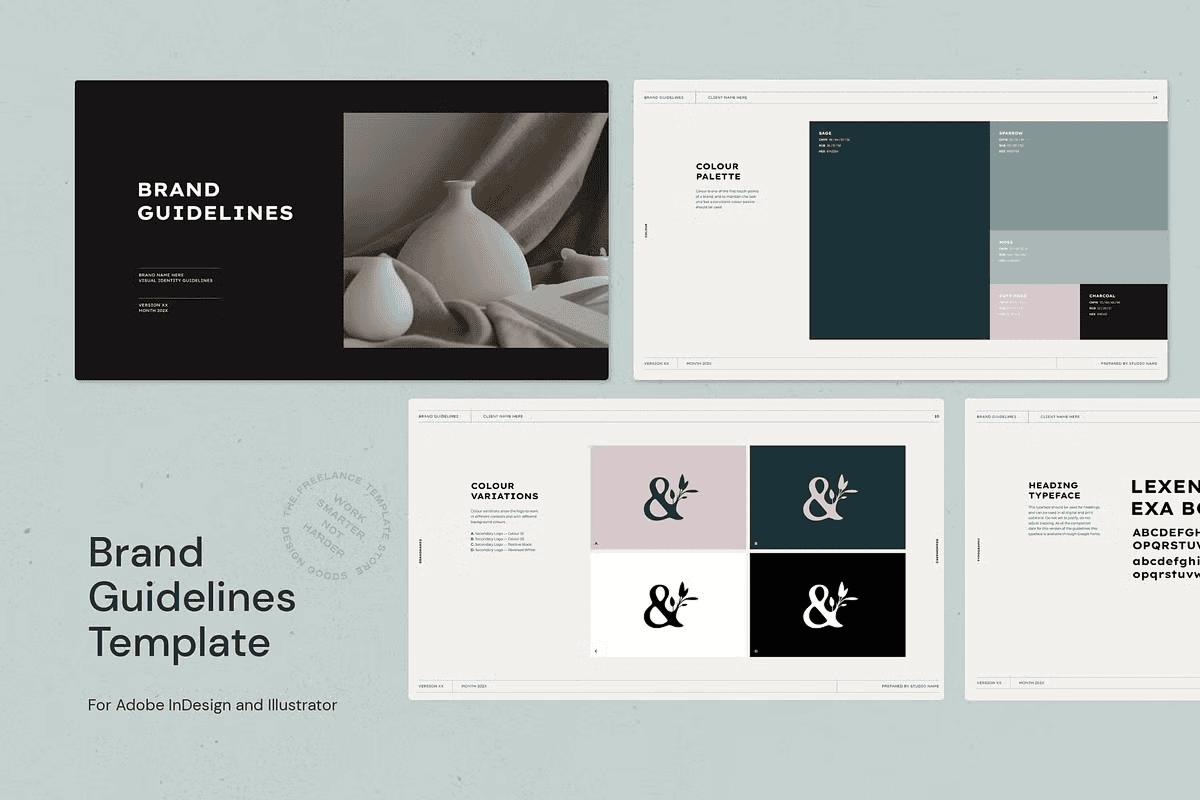
Stop delivering generic proposals. Arm yourself with the **Brand Guidelines for Adobe Ai & Id Template**, a powerful, industry-standard branding toolkit designed to help you deliver exceptional results, command higher fees, and position yourself as a top-tier creative professional. This isn’t just a document—it’s a complete brand identity foundation, meticulously structured for clarity, visual impact, and seamless customization.
Every component is crafted in **Adobe Illustrator (AI) and InDesign (ID)** with native, editable layers, ensuring compatibility with both Creative Cloud and standalone versions from 2021 onward. The template’s intuitive layout and organized layer structure make it effortless for you to personalize the branding narrative for any client, from startups to established enterprises.
What’s Inside This Powerful Branding Toolkit?
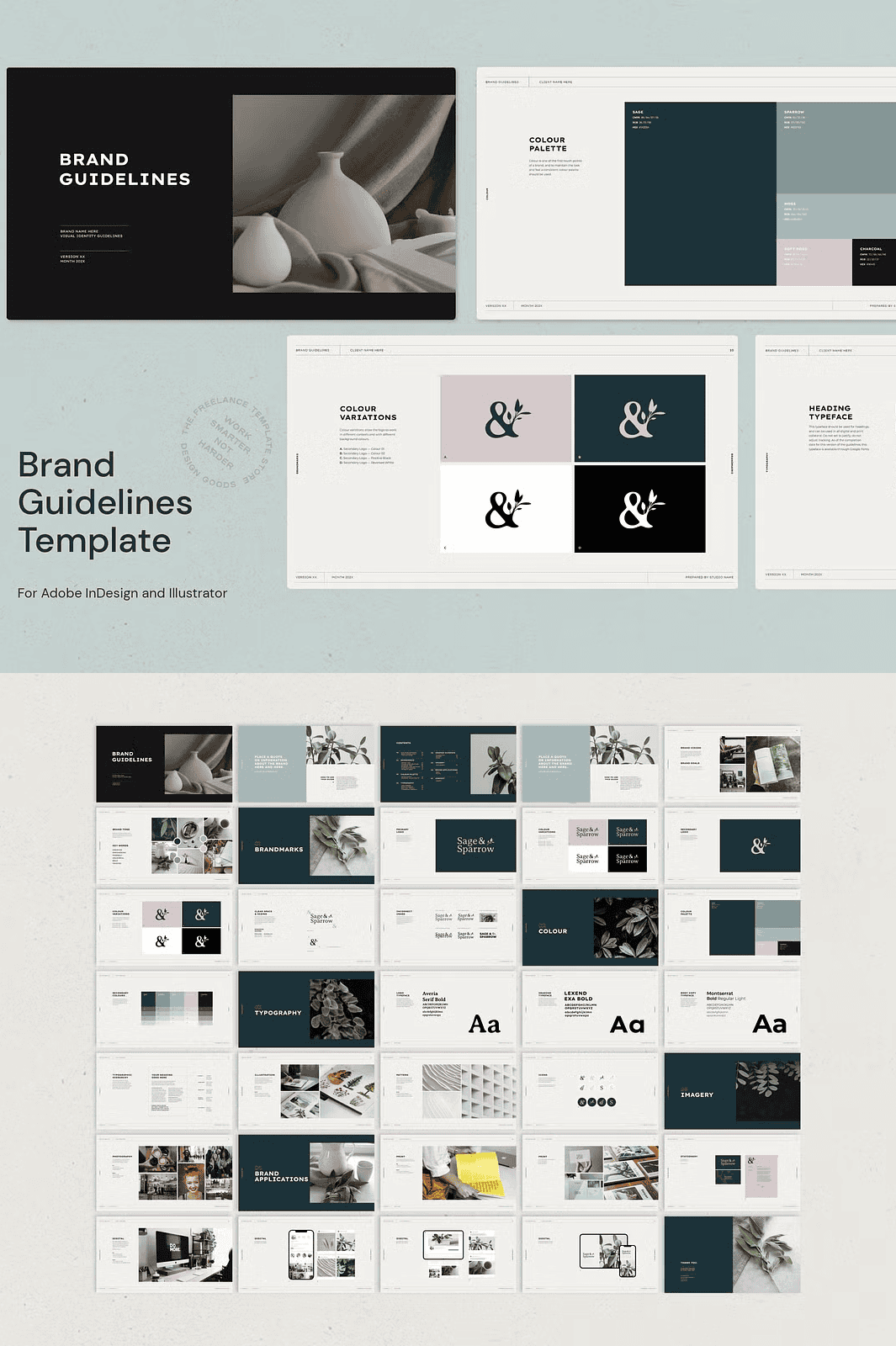
- 35 Professionally Designed Pages – All pages are sized at 1920x1080px for high-resolution presentation, ensuring your work looks sharp on any screen or in any digital context.
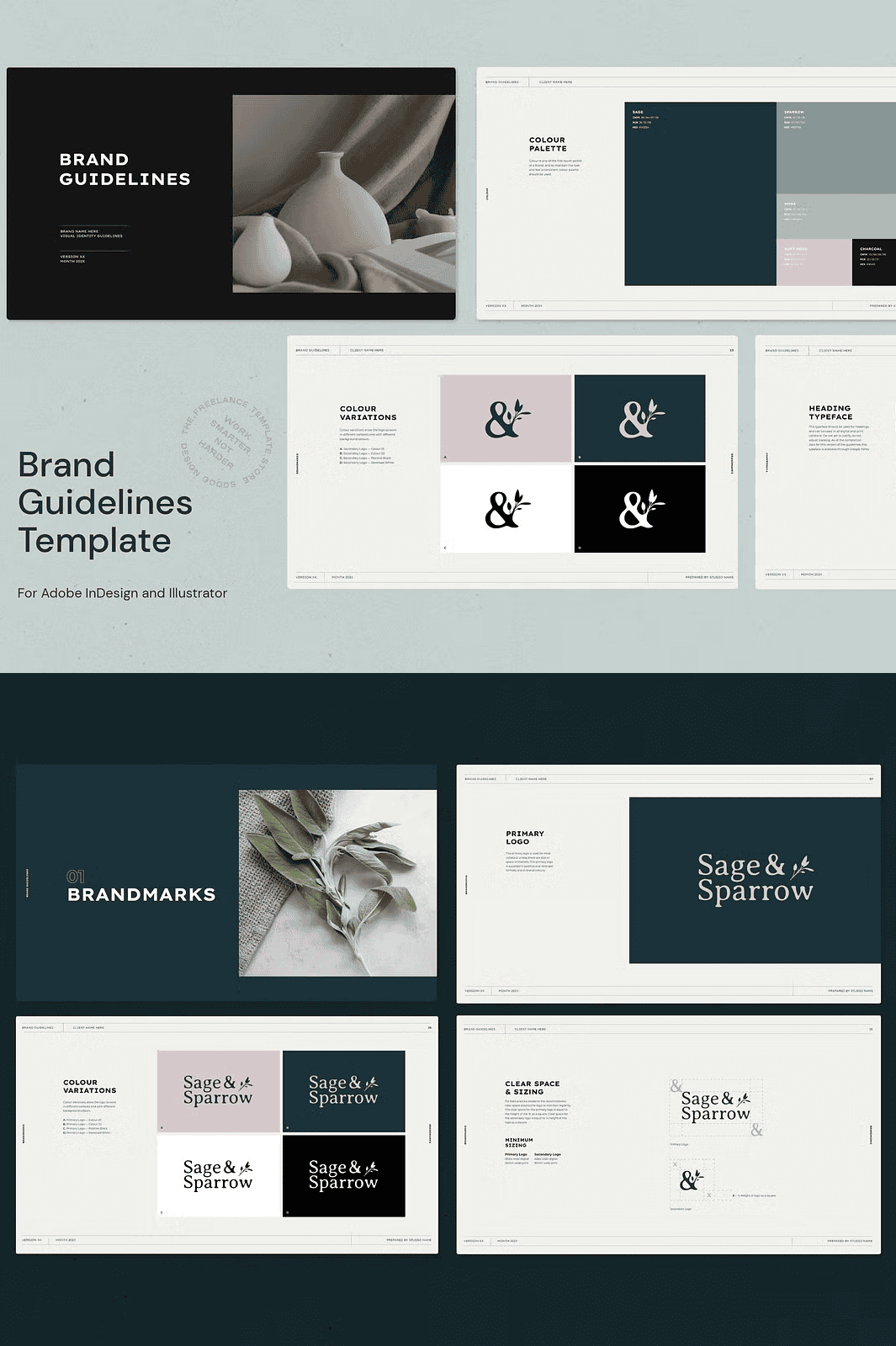
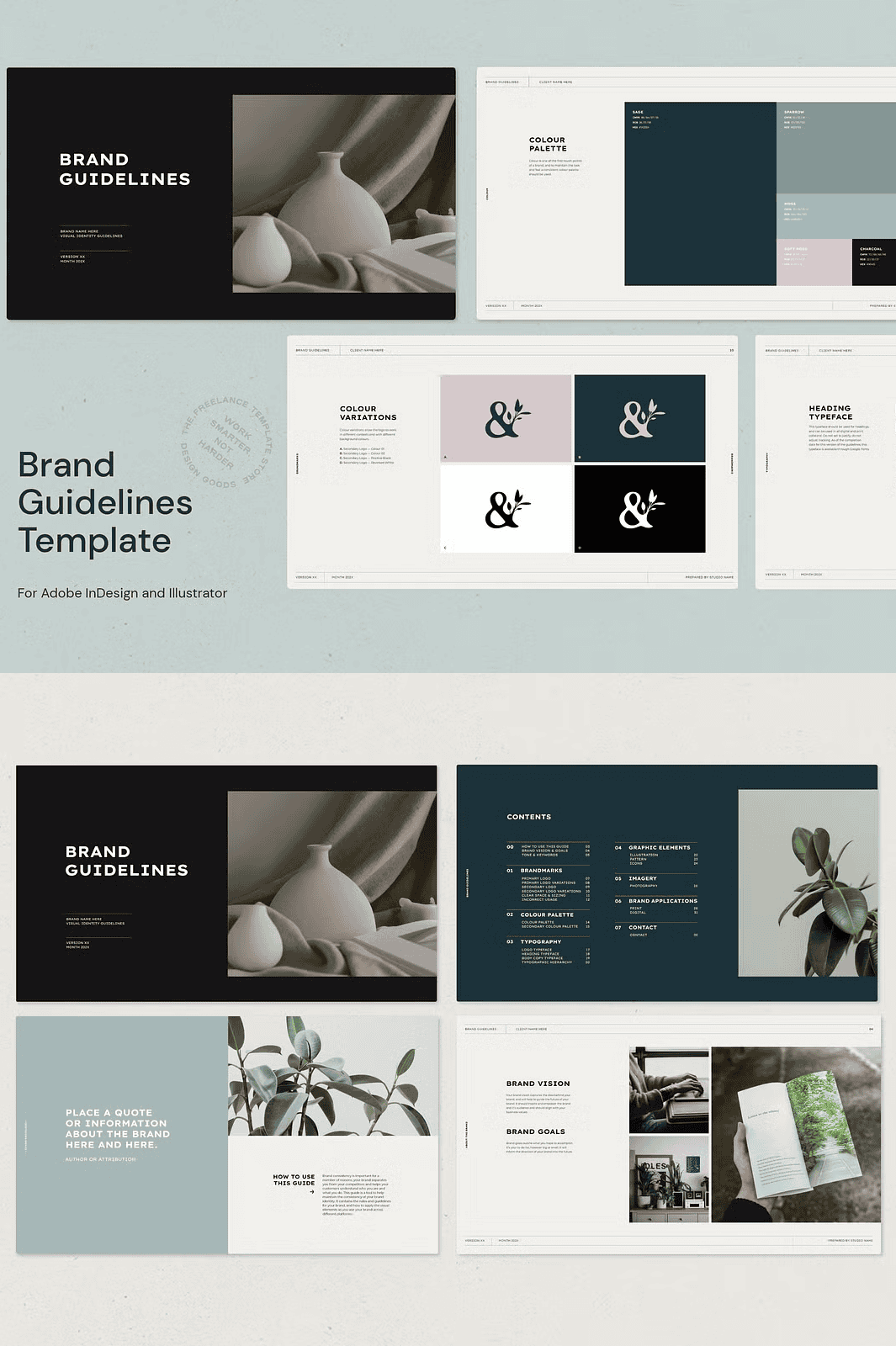
- 8 Fully Customisable Core Sections – Dive deep into every branding element with dedicated sections: About the Brand, Brandmarks, Colour, Typography, Graphic Elements, Imagery, Brand Applications, and Contact Information. Adapt each section to your client’s unique identity.
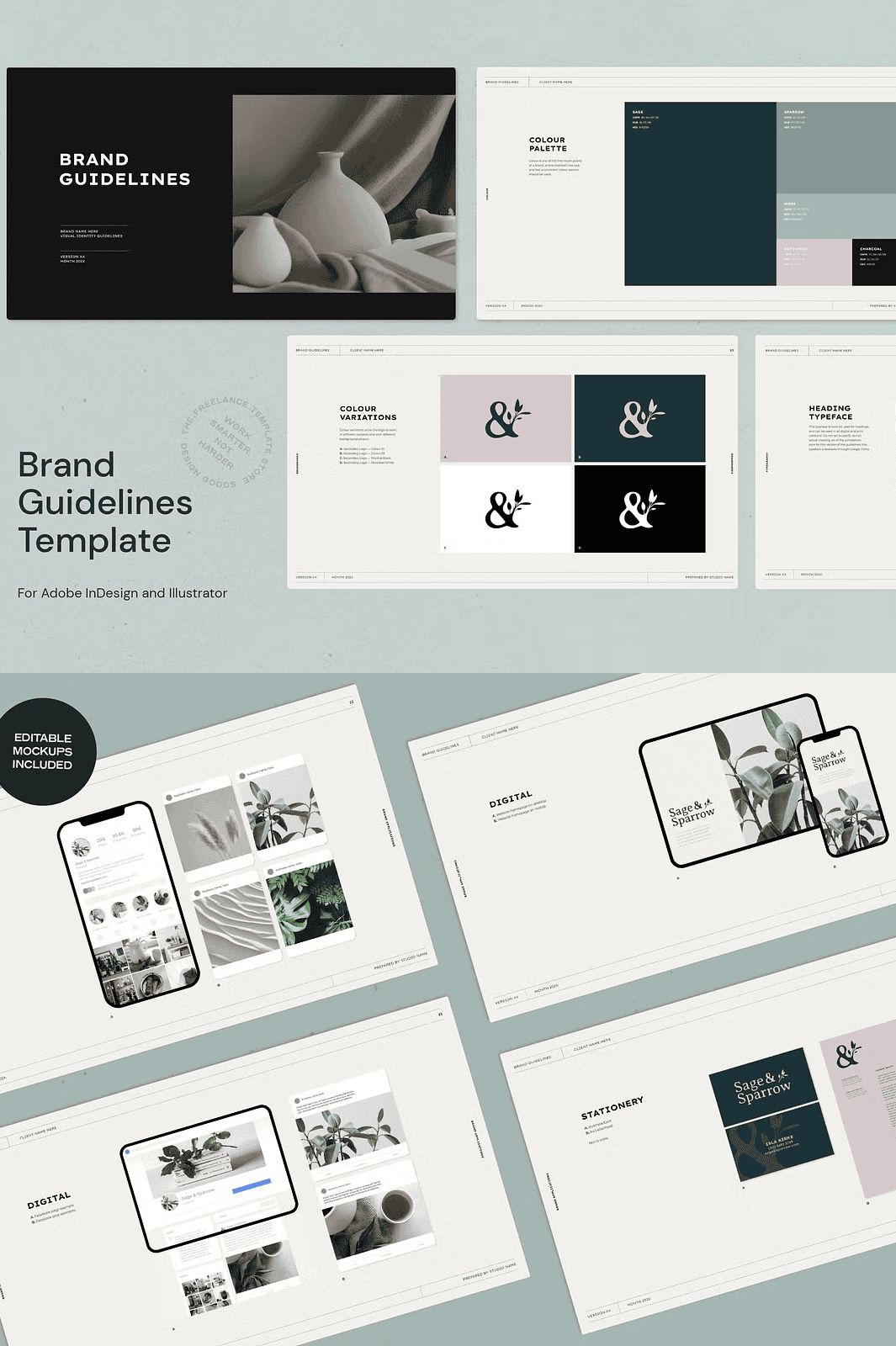
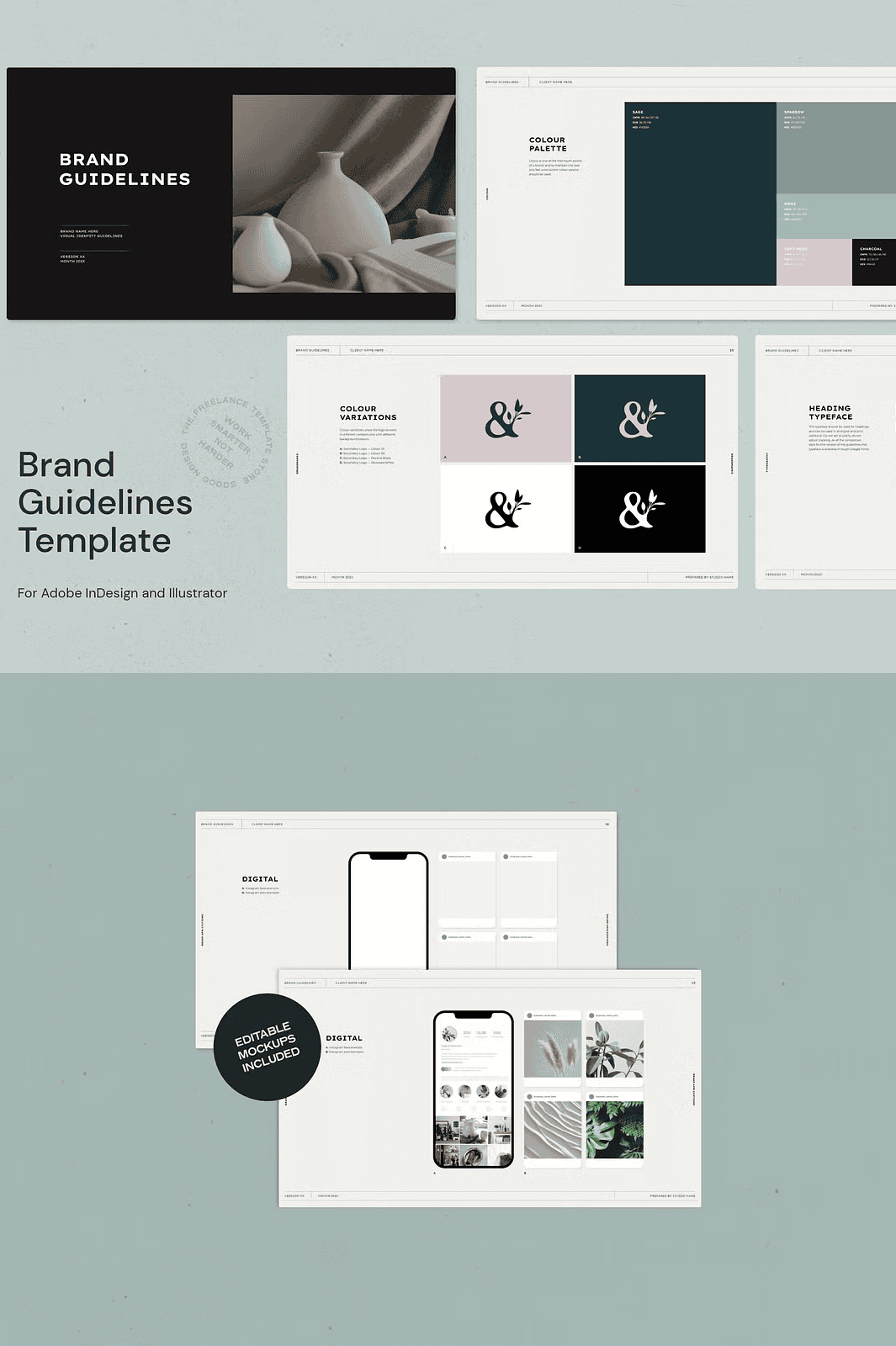
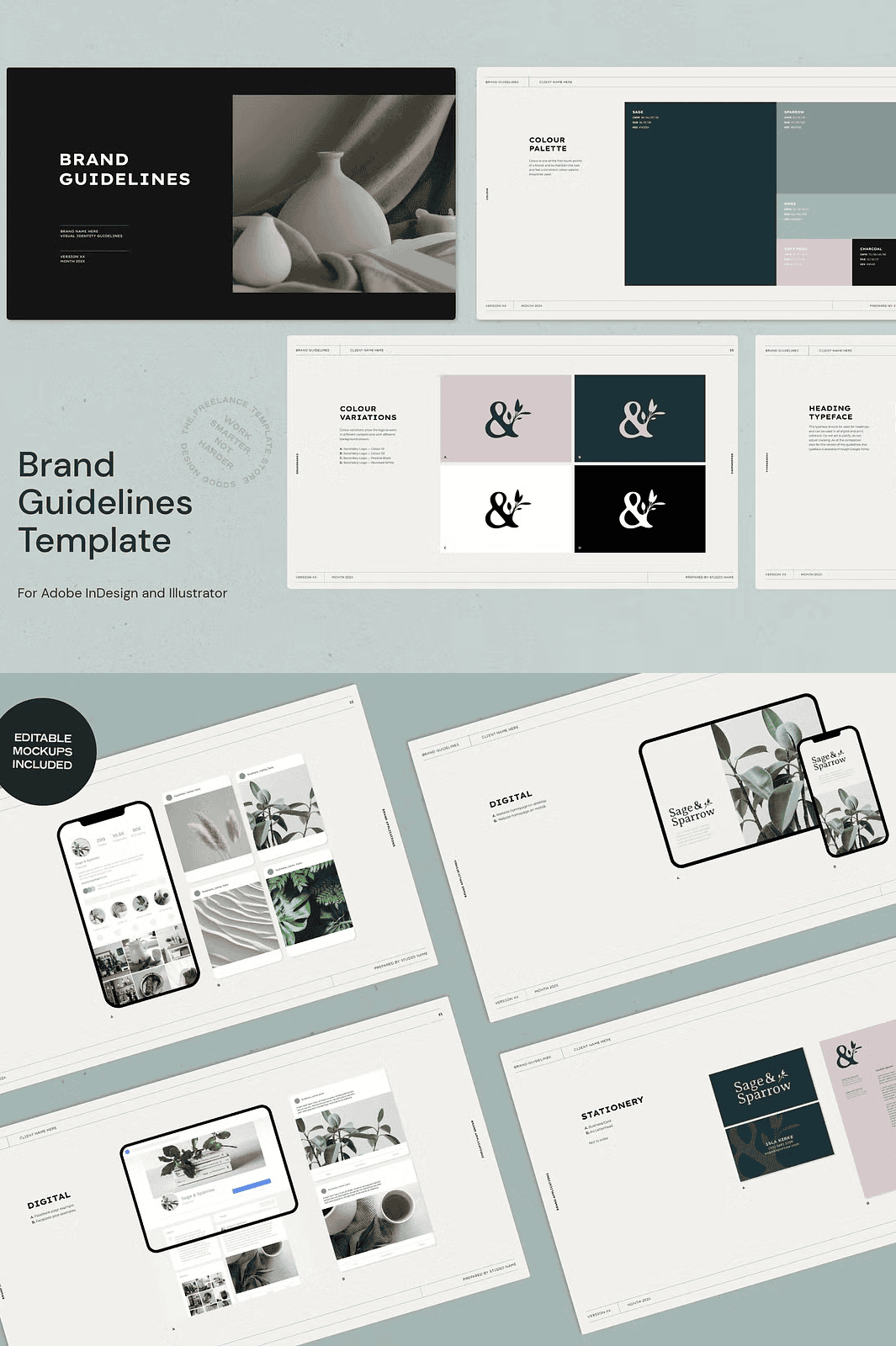
- Native, Editable Mockups – Included are high-quality, ready-to-use mockups for stationery (business cards, letterheads), mobile and tablet devices, and social media posts (Instagram, Facebook). Simply replace the placeholder content with your client’s assets.
- Industry-Standard ‘Do’s and Don’ts’ Guide – Clearly communicate branding best practices to your clients using professionally designed visual examples that demonstrate correct usage, spacing, and file handling procedures.
- Pre-Set Paragraph Styles & Colour Swatches – Accelerate your workflow with consistent typographic hierarchy and colour consistency across all documents. All styles are pre-installed in both AI and ID files for instant use.
- Preview PDF Included – Share a polished, print-ready version of the guidelines with your client for feedback and approval before finalizing the design.
- Clear Terms and Conditions – A dedicated section for legal and usage rules, ensuring both you and your client understand the scope of use and ownership.
Why This Template Is Your Competitive Edge
– Boost Client Confidence – Present a structured, professional document that reflects your expertise and attention to detail.
– Save Hours of Design Time – Start with a fully polished foundation instead of building from scratch. Customize, not recreate.
– Deliver a High-Value Experience – This template allows you to charge premium rates by demonstrating your ability to provide comprehensive, branded deliverables.
– Perfect for Agency & Freelancer Use – Ideal for managing multiple clients with ease and maintaining consistent brand quality across all projects.
– Future-Proof & Update-Ready – Built to work with modern Creative Cloud versions. Keep your files compatible with the latest software updates.
Step-by-Step Guide to Use This Template
1. Download & Open – Extract the files and open the primary .AI and .ID files in their respective applications.
2. Install Required Fonts – Ensure the Google Fonts Montserrat, Lexend Exa, and Averia Serif Libre are installed on your system. These fonts are provided in the download package for easy installation.
3. Customize the Brandmarks – Replace the placeholder logo with your client’s artwork. Use the smart layer structure to adjust size, position, and colour.
4. Update the Typography – Modify heading and body text using the pre-defined paragraph styles. Experiment with different weights and sizes for visual hierarchy.
5. Input Brand Colours – Access the colour swatch libraries to apply primary, secondary, and accent colours throughout the document.
6. Insert Client Imagery – Drop in high-resolution images into the designated frame areas in InDesign or mask them in Illustrator. Note: Images are not included in the download; sources like Unsplash (Creative Commons license) are recommended.
7. Adjust Mockups and Layouts – Customize device mockups with client-specific branding. Use the layout grids for consistency.
8. Export & Share – Save your final project in multiple formats, including PDF (print-ready), PNG, and high-res JPEG for client presentations.
Note: Minor stylistic variations may occur between Illustrator and InDesign due to inherent differences in how the two programs handle text and vector rendering. These are normal and do not affect the overall quality or professional appearance.
Licensing & Usage Rights
– ✅ Use for personal projects and commercial client work.
– ✅ Create branding deliverables for multiple clients.
– ✅ Export and present the guidelines in digital and print formats.
– ❌ Do not resell the template file or distribute it publicly.
– ❌ Do not bundle it with other products for resale or redistribution.