
Version 3.1 is Out Now! June 16, 2025
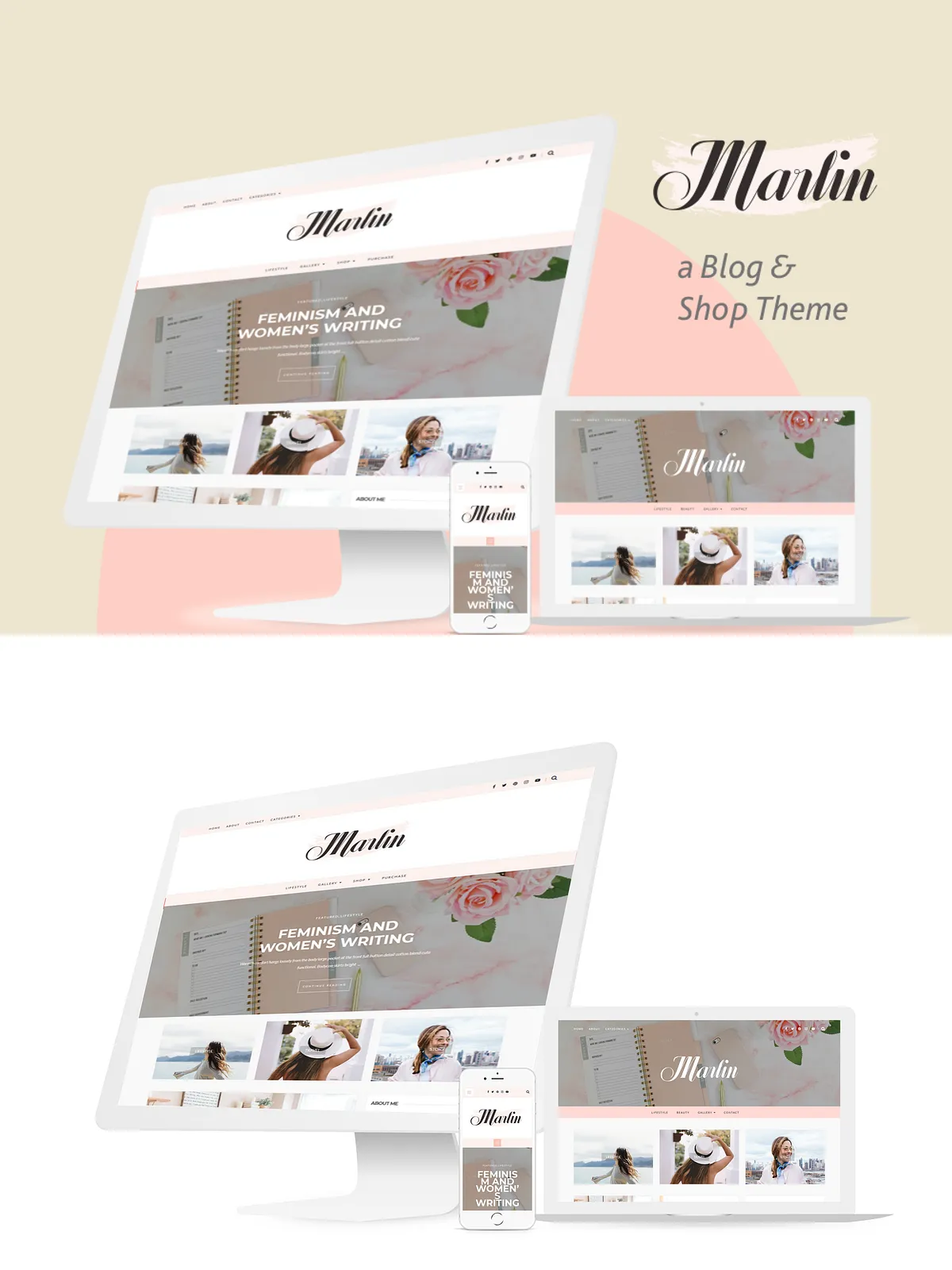
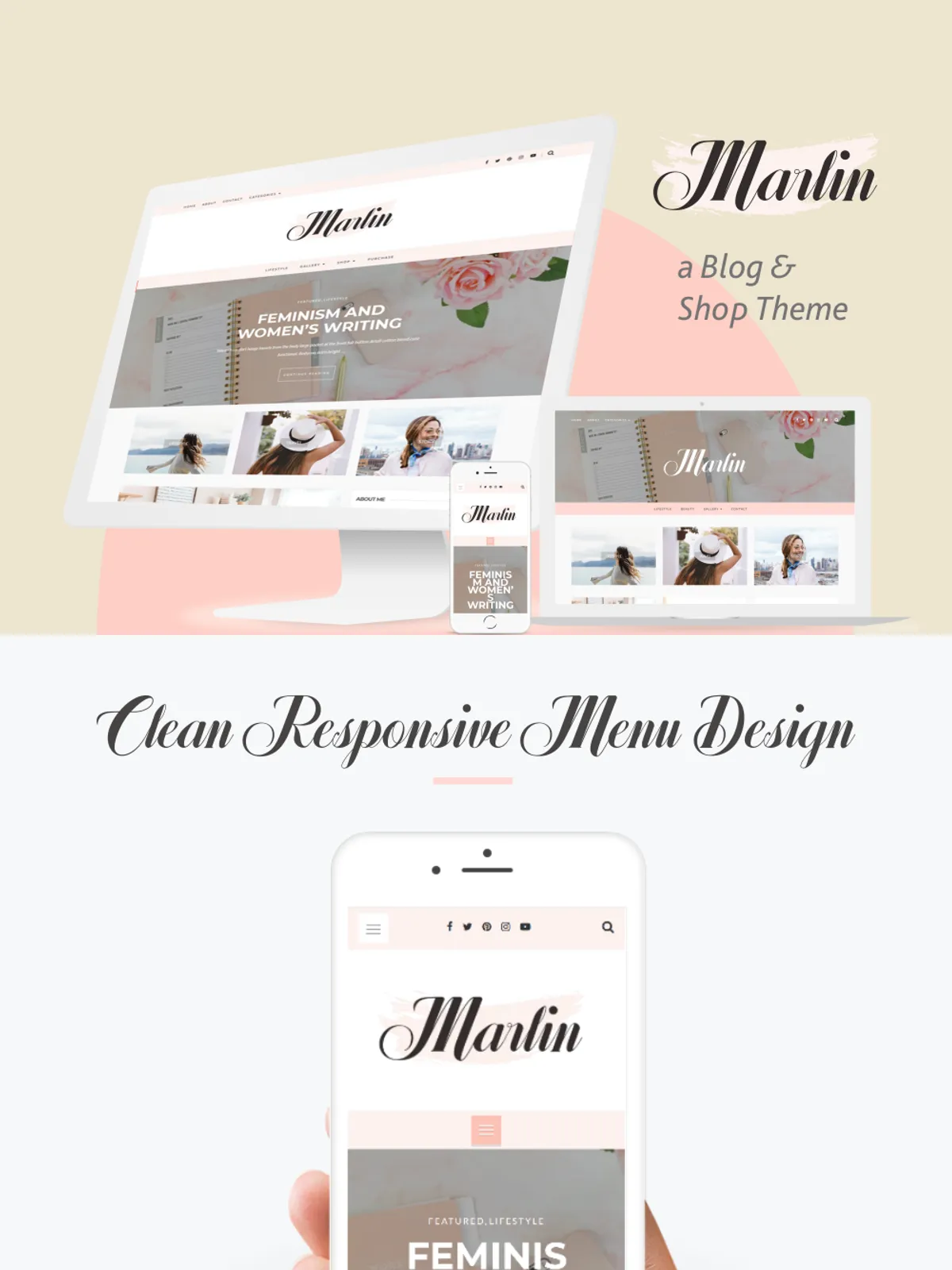
Marlin is an elegant, clean, modern, and professional WordPress Theme with affordable price. Built with Bootstrap framework which is absolutely responsive layout and perfect look on any device. The content focused design with straightforward functionality and provides you more flexibility and ease-of-use for your site.
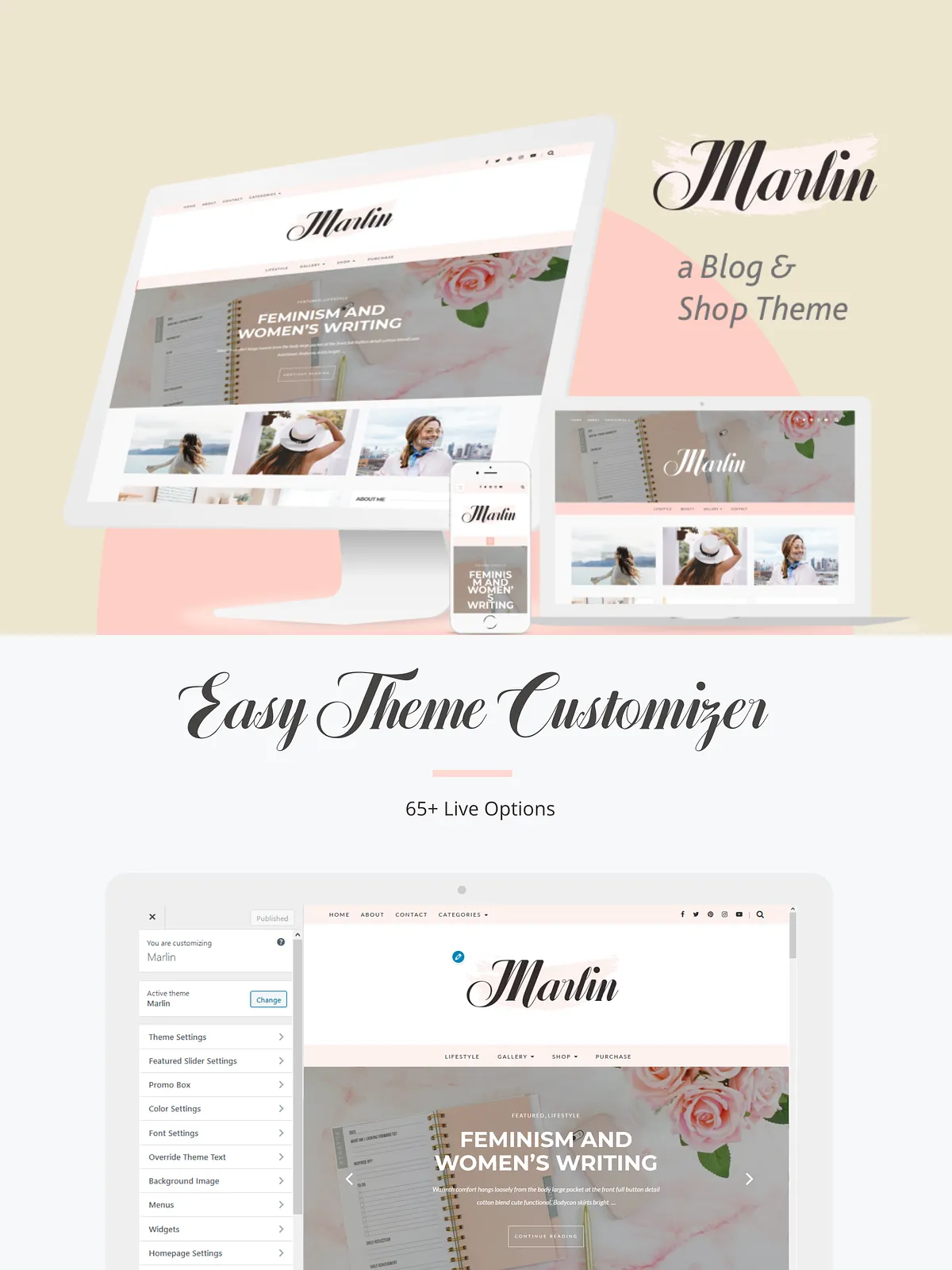
Integrates with advanced Theme Options (powered by Customizer), which is allowing you to change colors, display or hide elements, Featured slider, Custom Font, Custom CSS, Custom Script, and more.
It can be used for creative bloggers, personal and also suitable for photographers, business, corporate and other professionals websites.
Theme Features
1 Click Demo Import
1 Click auto-updates
600+ Google Fonts Selector
SEO optimized
Advanced Typography
Error-free W3C markup validity
Easy to Customize
Built-in Dynamic & Responsive Slider
Responsive Design
65+ Configuration Options
WooCommerce Compatible
2 Slider Variation
3 Useful Promo boxes
6 Blog Layouts. Up to 10+ Layout variation
8 Additional Custom Widget
Sticky Sidebar
Custom Logo Size
Custom Copyright Text
Custom Page Template
Post Formats
MailChimp/Newsletter Widget Compatible.
Hide/Show Most Element
Instagram Widget Styling Included
Support for Contact Form 7
Theme Options powered by WordPress Customizer
Hide/Show Most Element
Full-width Page Template
Tons of Customizable Color Options
Translation Ready
Works with WP 4.7+ or above
And much more…
Includes
Marlin Child Theme
Documentation
PLEASE NOTE
Once downloaded, you must unzip the file to access the individual theme file you’ll need to install the themes. If you receive the missing style.css stylesheet error message, you have not unzipped and will need to do so before uploading the theme.
This theme is designed to work on hosted installations of WordPress.ORG only. This theme will not work with WordPress.COM sites. Your site must be self-hosted, meaning you must have both a domain and hosting purchased from a hosting company. You will need to speak with your hosting company to ensure that your domain is properly configured to run WordPress.