
Revolutionize Your Blogging Experience with Juniper
Harness the power of clean design and full customization with **Juniper**, a premium Genesis child theme built to transform your WordPress blog into a dynamic, professional, and visually stunning platform. Whether you’re launching a personal journal, a niche lifestyle blog, or a content-driven business site, Juniper gives you everything you need to stand out and stay ahead.
This theme is meticulously crafted for speed, responsiveness, and ease of use. It blends the structure of Genesis with modern design principles, enabling you to create a polished website with just a few clicks without touching a single line of code.
Why Bloggers Choose Juniper
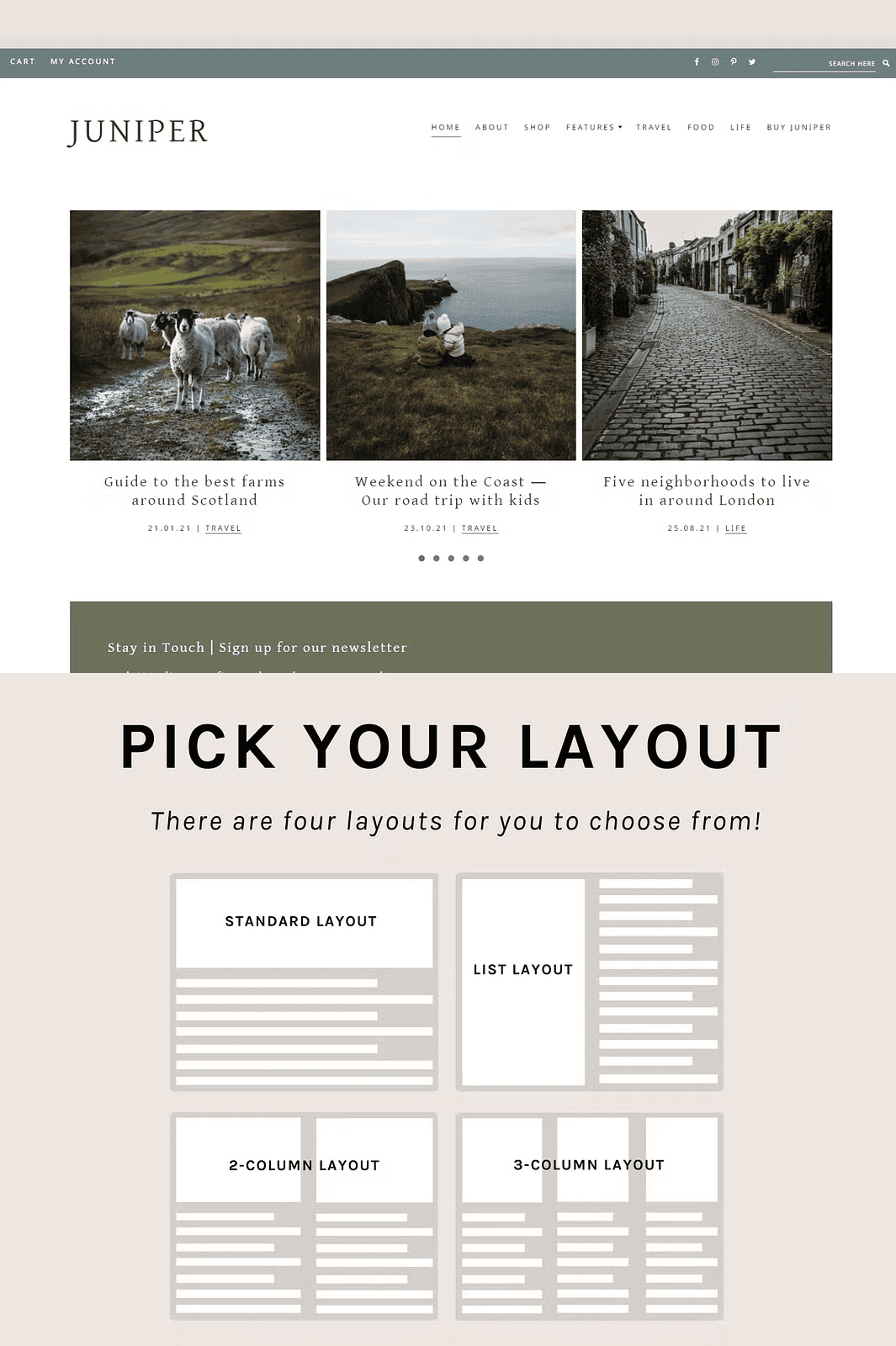
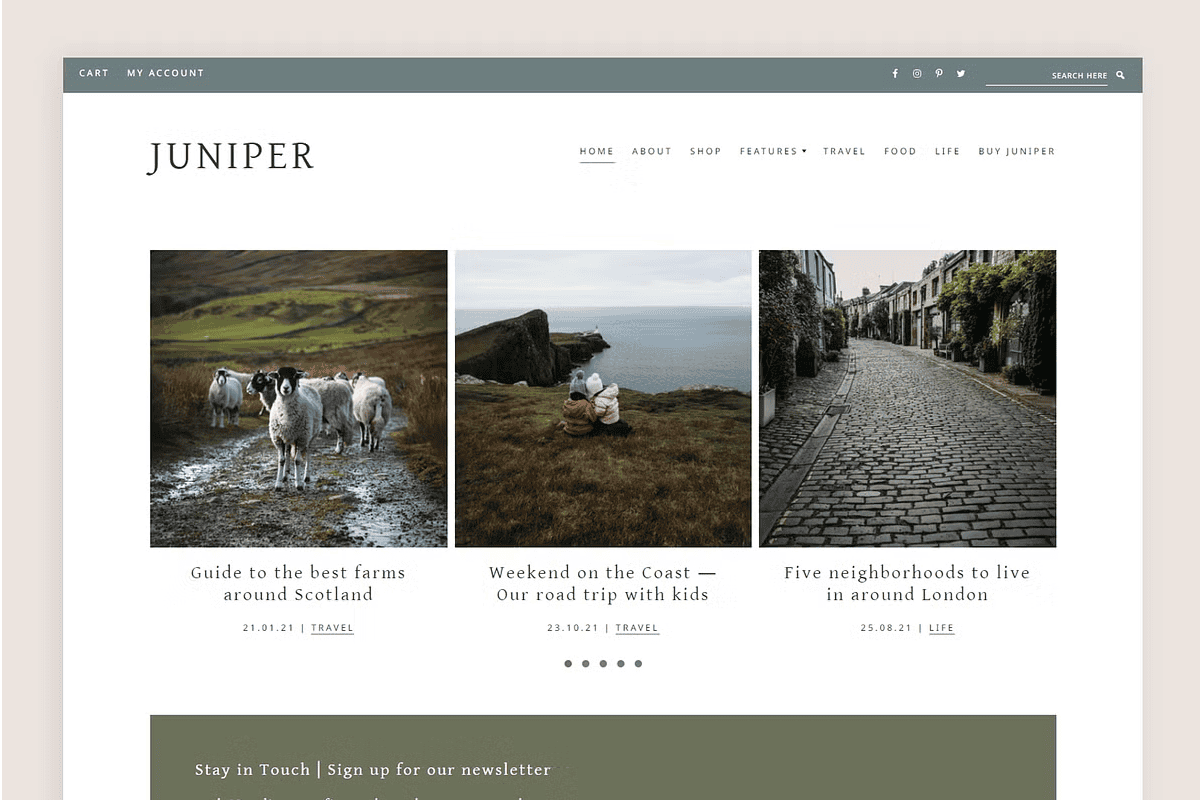
– ✅ **Powerful Layout Flexibility** – Choose from 4 distinct pre-designed layout styles: vertical, horizontal, square, and modular. Perfect for showcasing images, stories, or product highlights with maximum impact.
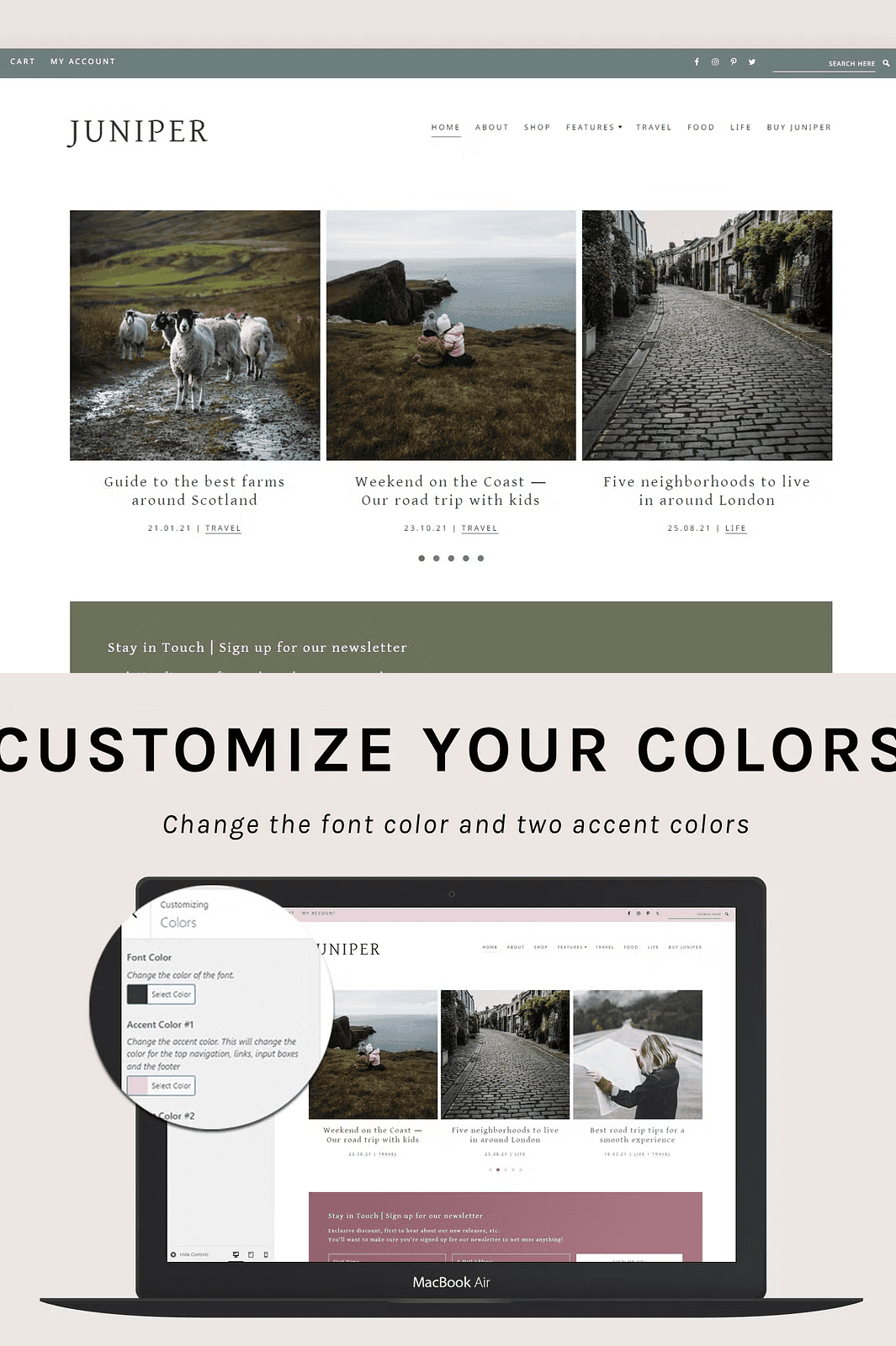
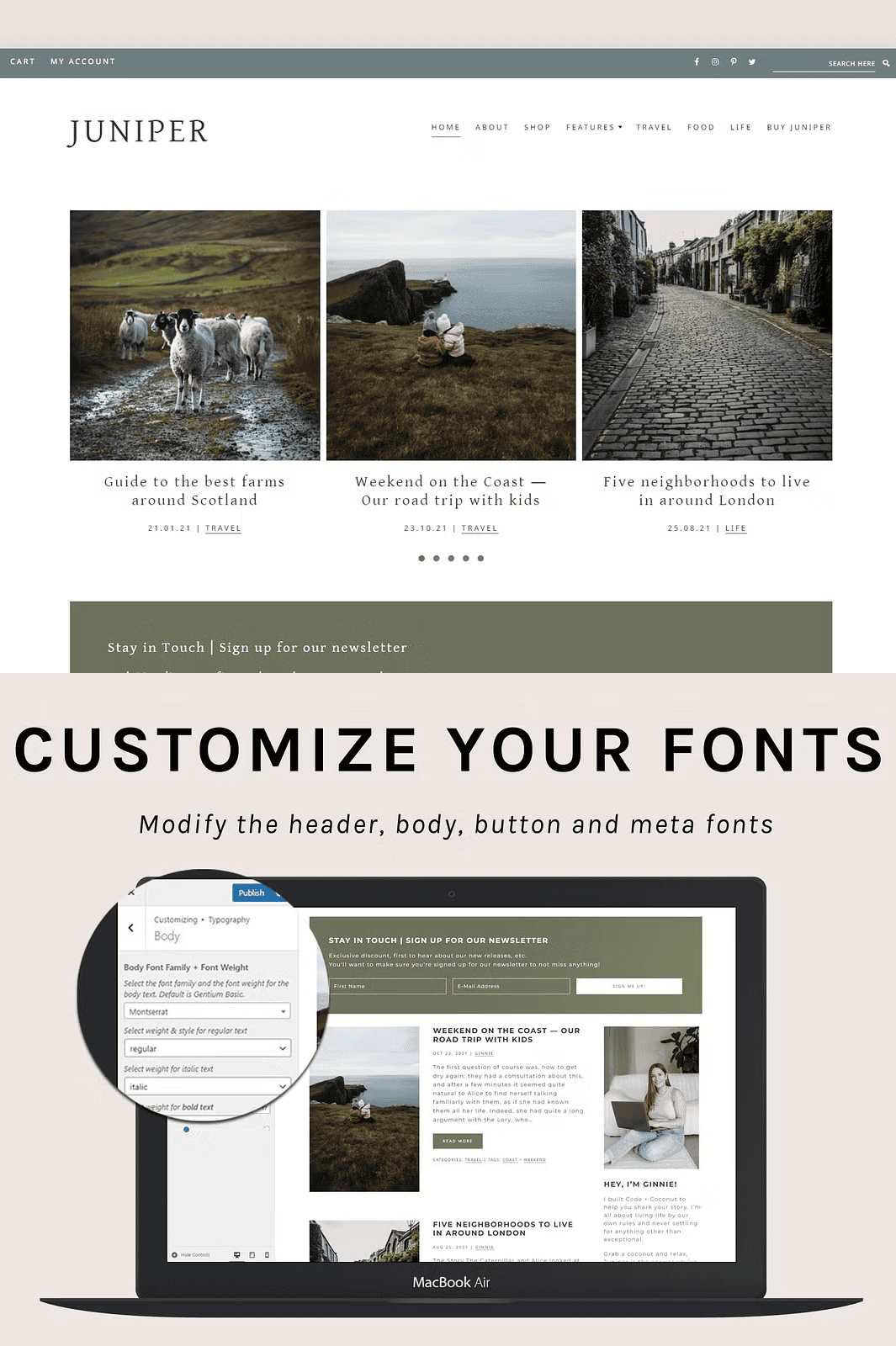
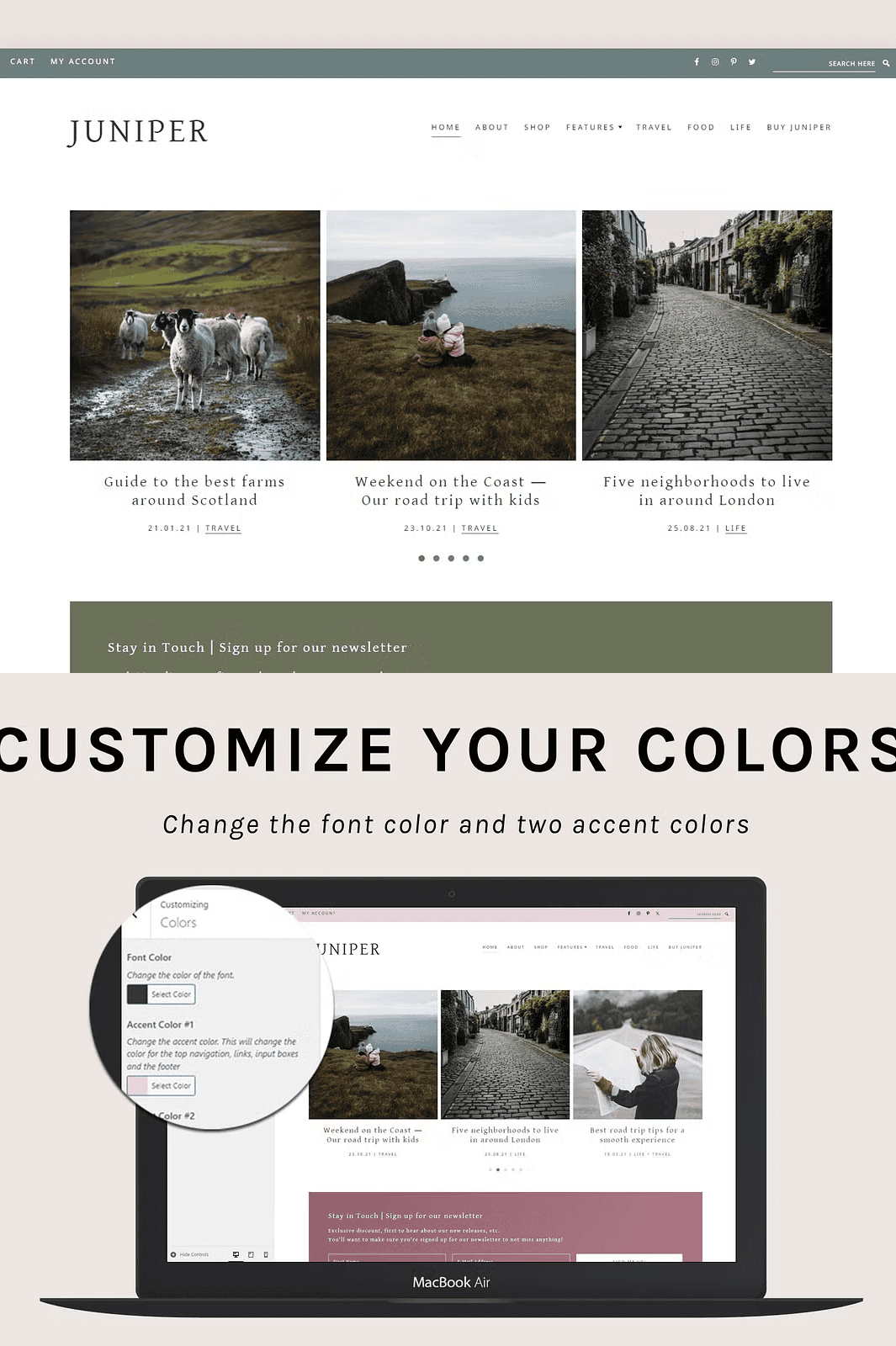
– ✅ **Brand-Ready Customization** – Instantly adapt your site to match your identity. Modify primary and accent colors with a single click. Swap fonts using an extensive library of Google Fonts — no theme customization required.
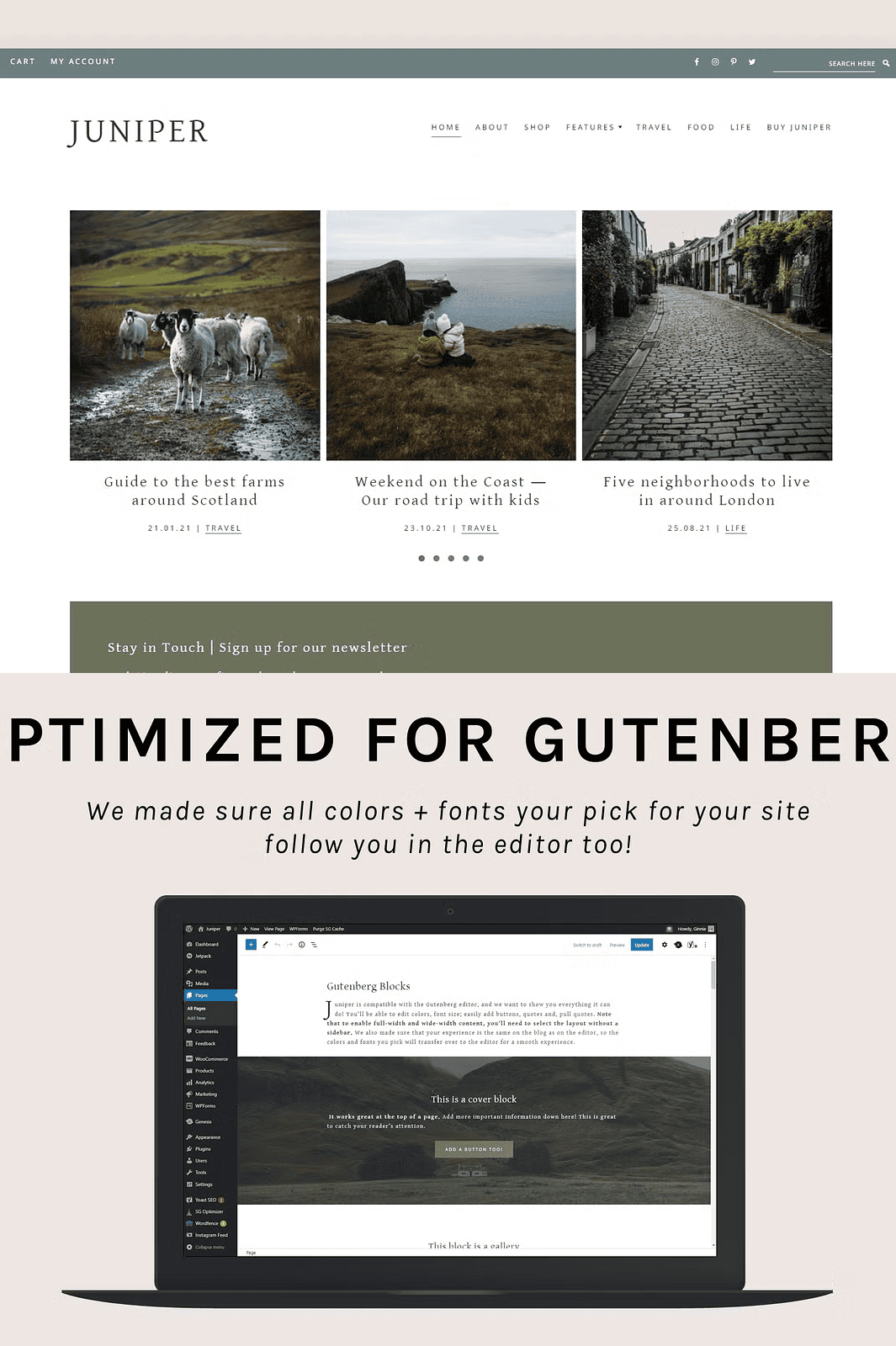
– ✅ **Full Gutenberg Optimization** – Built for the modern WordPress editor. Every block is pre-styled for seamless real-time editing. Build your pages faster, visualize changes instantly, and maintain consistency across every post and page.
– ✅ **Seamless eCommerce Integration** – Ready to sell. With full WooCommerce compatibility, you can launch an online store within minutes. Sell digital products, books, courses, or affiliate links effortlessly.
– ✅ **Mobile-First Responsiveness** – Your blog looks flawless on desktops, tablets, and smartphones. Juniper adapts to every screen size so your audience stays engaged no matter how they access your content.
– ✅ **Translation Ready** – Publish in multiple languages. Though shipped in English, Juniper is designed to work with translation plugins like WPML or Loco Translate — so you can reach global audiences with ease.
What You Get with Juniper
– ✅ The full Juniper Genesis Child Theme (ZIP file)
– ✅ Step-by-step installation guide with visual screenshots
– ✅ 1-click install instructions for quick setup
– ✅ Lifetime access to theme updates and support
– ✅ Detailed documentation covering setup, customization, and advanced features
Essential Requirements to Run Juniper
To ensure smooth setup and long-term stability, please verify your site meets these prerequisites:
– Self-hosted WordPress installation (not WordPress.com’s free plan)
– Active license for the **Genesis Framework** — available for free at [StudioPress.com](https://www.studiopress.com/)
– Hosting provider with PHP 7.4+ and MySQL 5.6+
– Domain name registered and linked to your hosting
> 📌 **Pro Tip:** Use Namecheap for affordable domain registration and SiteGround for reliable, speed-optimized hosting with one-click WordPress installs.
How to Get Started in Minutes
1. Purchase your domain and hosting.
2. Install WordPress via your host’s one-click installer.
3. Download and install the Genesis Framework from StudioPress.
4. Download the Juniper theme package.
5. Install Juniper through WordPress Dashboard → Appearance → Themes → Add New → Upload.
6. Activate and customize using the live customizer.
Once live, you’ll see your site come to life — fast, fluid, and fully responsive.
Need Help? We’ve Got You Covered
Our support team is here to help. Whether you’re troubleshooting installation, customizing layouts, or optimizing performance, we provide prompt, detailed assistance. Just visit our support portal or reach out through the theme dashboard.
> 🔗 **Live Demo:** [View Juniper in Action](https://demo.codeandcoconut.com/juniper/)
> 📚 **Documentation & Video Tutorials:** [Access Full Guide Here](https://docs.codeandcoconut.com/juniper/)
Important Note on Refunds
Due to the digital nature of this product, no refunds or exchanges are available after purchase. If you experience any issues during download or installation, please contact us immediately — we’ll help you get back on track.
Download Juniper Today and Build Your Dream Blog