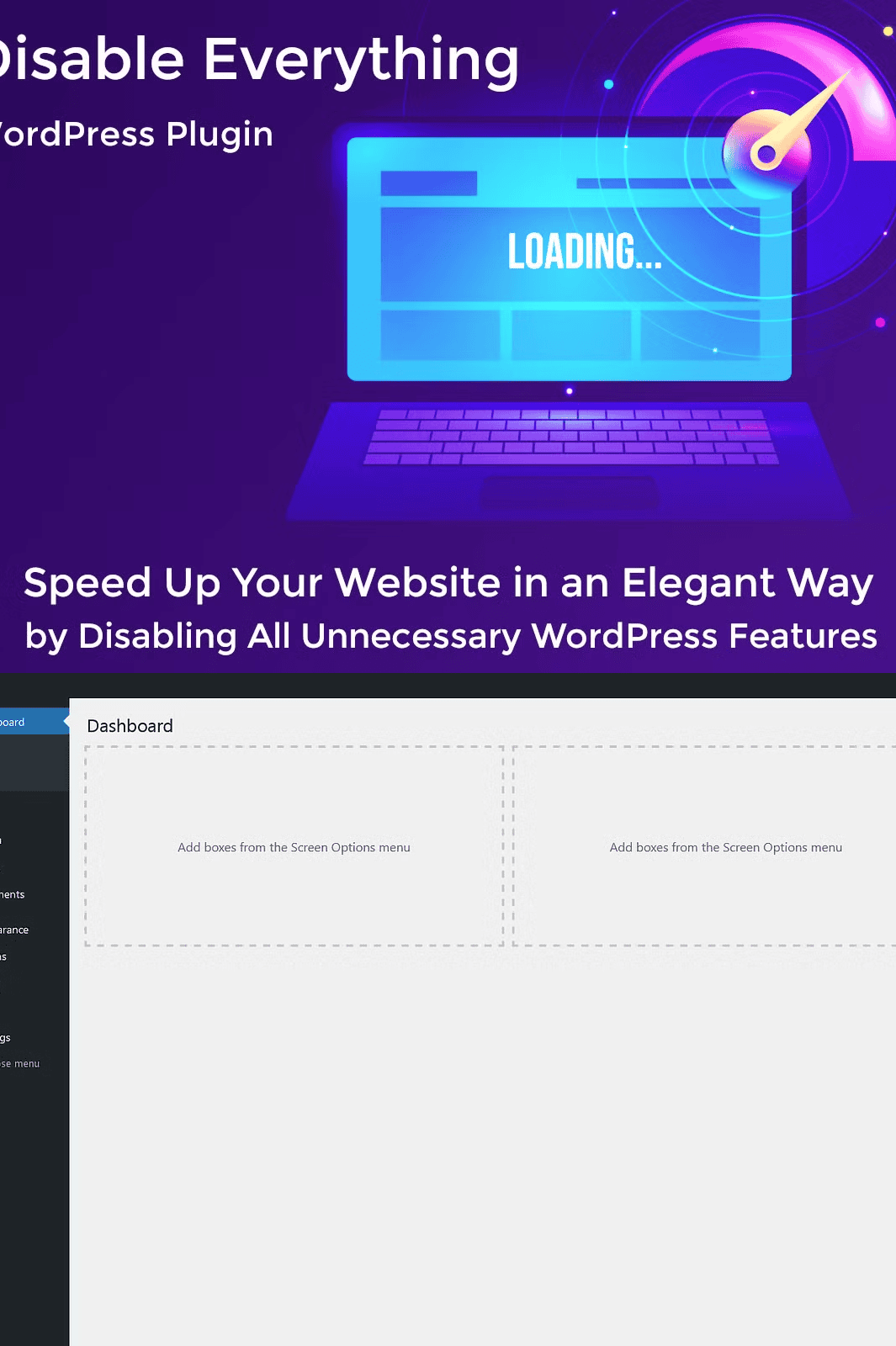
Why Your WordPress Site Needs the Disable Everything Plugin
In today’s fast-paced digital world, every millisecond counts. WordPress has evolved into a powerful platform—but with great power comes unnecessary bloat. Unwanted features, superfluous scripts, and hidden data leaks sap your site’s speed, weaken security, and clutter your admin dashboard.
The **Disable Everything WordPress Plugin** is designed to strip away the excess, returning your site to a lean, fast, and secure state—without compromising essential functionality.
This isn’t just another plugin. It’s a full-scale digital decluttering system engineered for performance, simplicity, and control.
Free Version: A Powerful Foundation for Every Website
Start your optimization journey with the free version—packed with essential disables that instantly improve site efficiency and reduce attack surface:
– **User Enumeration Protection**: Disable public user profiles to prevent hacker scraping.
– **Author Archives Disabled**: Remove public author pages that expose user data.
– **capital_P_dangit Filter**: Prevent unwanted capitalization in post titles.
– **Screen Options & Help Tabs Removed**: Clean up the admin interface for faster navigation.
– **Howdy in Admin Bar Hidden**: Eliminate unnecessary visual distractions.
– **Unwanted Admin Bar Items Removed**: Streamline access to only what matters.
– **Clean Dashboard Mode**: Replace clutter with a minimal, focused workspace.
– **Emojis Disabled**: Remove unused emoji scripts that slow down loading.
– **Embed Objects Blocked**: Prevent third-party content injection and trackables.
– **Dashicons Removed**: Reduce extra CSS and font loading.
– **Heartbeat API Stopped**: Stop unnecessary AJAX traffic between browser and server.
– **XML-RPC & Pingback Disabled**: Fix security vulnerabilities and reduce server load.
– **Generator Tag Removed**: Hide your WordPress version from public view.
– **WLW Manifest & Really Simple Discovery Removed**: Eliminate metadata leaks.
– **Shortlinks Disabled**: Remove auto-generated short URLs that clutter your SEO.
– **RSS Feeds Hidden**: Protect content delivery from bots and spammers.
– **REST API Turned Off (Optional)**: Control data exposure with granular access.
– **Block Library Disabled**: Prevent unwanted Gutenberg loading.
– **Admin Footer Cleaned**: Remove plugin version notices and links.
✅ **No coding required**
✅ **1-click activation**
✅ **Zero impact on core functionality**
✅ **Compatible with all WordPress 6.0+ versions**
👉 [Try the Free Version Now](https://wordpress.org/plugins/disable-everything/)
Pro Version: Go Beyond the Basics with Advanced Optimization
Take full control with the premium version—ideal for developers, agencies, and high-traffic sites that demand peak performance and security.
#### Advanced Features Included:
– **Comments Suppression**: Disable comment features entirely for static or high-security sites.
– **WordPress Updates Disabled**: Prevent automatic updates from breaking themes or plugins.
– **Auto-Update Email Notifications Turned Off**: Avoid spam and clutter in your inbox.
– **Post Revisions Eliminated**: Reduce database bloat and improve performance.
– **Search Functionality Disabled**: Stop search queries from draining server resources.
– **WP Login Logo & Favicon Replaced**: Insert your custom branding instantly.
– **Administration Email Verification Prompt Removed**: Skip delays during site management.
– **Lazy Loading Disabled**: Control image loading behavior (ideal for specific performance tuning).
– **Yoast SEO Bloat Removed**: Eliminate unnecessary metadata from SEO tools.
– **WooCommerce Bloat Eliminated**: Disable legacy hooks and scripts in e-commerce setups.
– **Right Click Protection Enabled**: Prevent image and content scraping on public pages.
Every feature is toggled independently so you maintain full visibility and control.
Get Premium Support with Your Purchase
When you upgrade to the Pro version, gain access to **dedicated, priority support**. Simply:
1. Create an account at [dessky.com](https://dessky.com)
2. Go to **My Account > Creative Market**
3. Add your purchase details from Creative Market
4. Submit your request
Once verified, you’ll receive **lifetime access to premium support** for setup, conflict resolution, and customization help.
Launch Your Optimized Site in Minutes
Stop wasting time on bloat. Start building with confidence. With **Disable Everything**, you get:
– 🔥 Instant performance gains on every page
– 🛡️ Sharpened security posture across the board
– 🧼 Clean admin interface—no distractions or clutter
– ⚙️ Fully compatible with Elementor, Gutenberg, Divi, and other builders
– 📦 Built-in rollback options for safe testing
– 💬 Detailed documentation with setup walkthroughs
Download the Disable Everything Plugin Today
Ready to transform your WordPress site? Get the full version now and reclaim control over your website’s core performance.
Need Help Getting Started?
Our guide includes step-by-step instructions, compatibility matrices, and troubleshooting tips.
📧 Visit [support@dessky.com](mailto:support@dessky.com) for personalized assistance.
> ⚠️ **Important Notes**
> – This is a digital product: Download available immediately after purchase.
> – No refunds on digital items.
> – Pro version requires an active Creative Market purchase linked to your account.
> – For developers: Full API access and developer documentation available upon request.
> 🌐 **To Use the Plugin, You Need:**
> – A WordPress site (version 6.0 or higher)
> – Access to the WordPress admin dashboard
> – Recommended: Use with LiteSpeed Cache, WP Rocket, or similar optimization plugins for maximum effect
👉 [Learn More & View Live Demo] (https://dessky.com/plugin/disable-everything/)