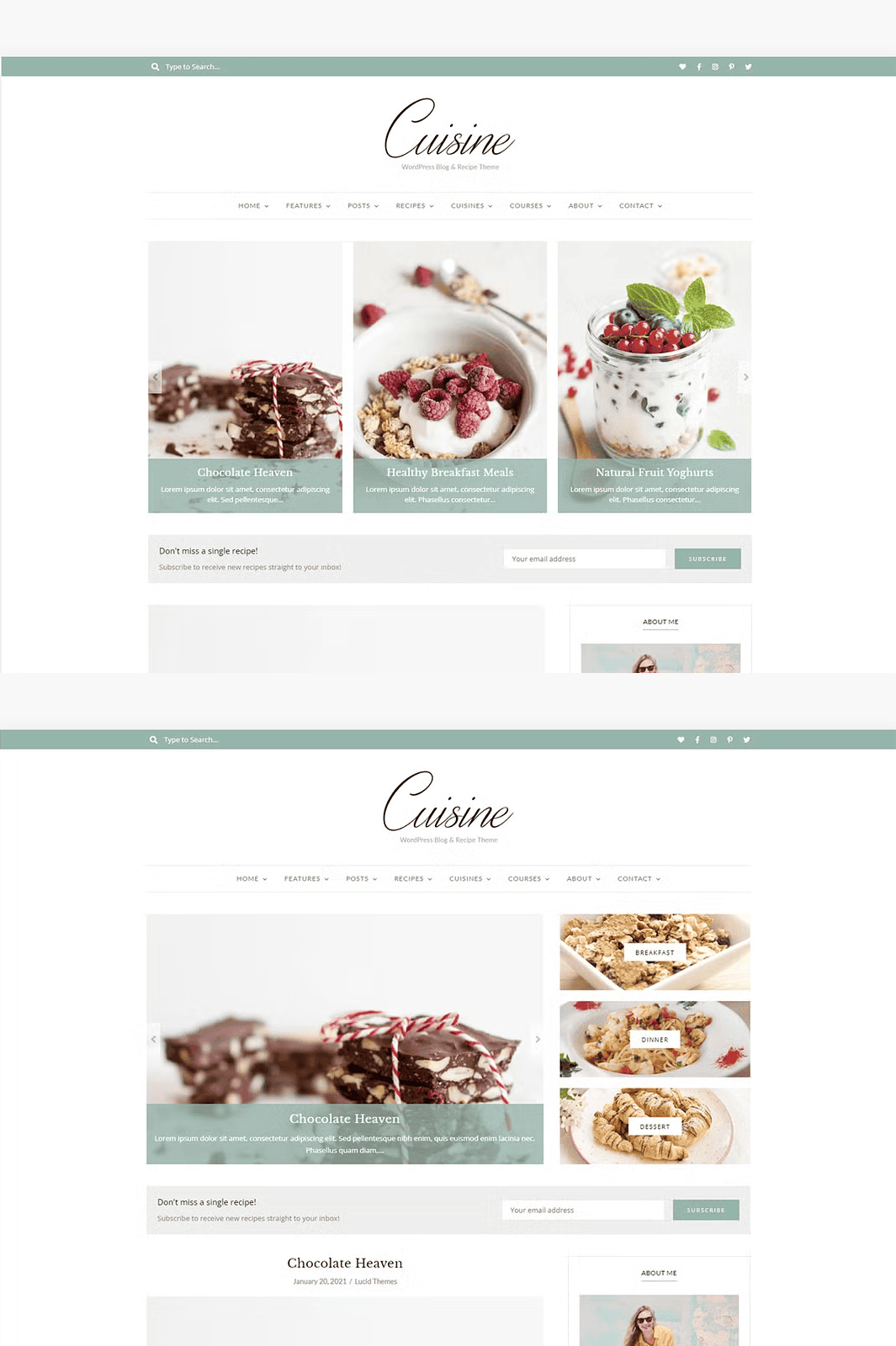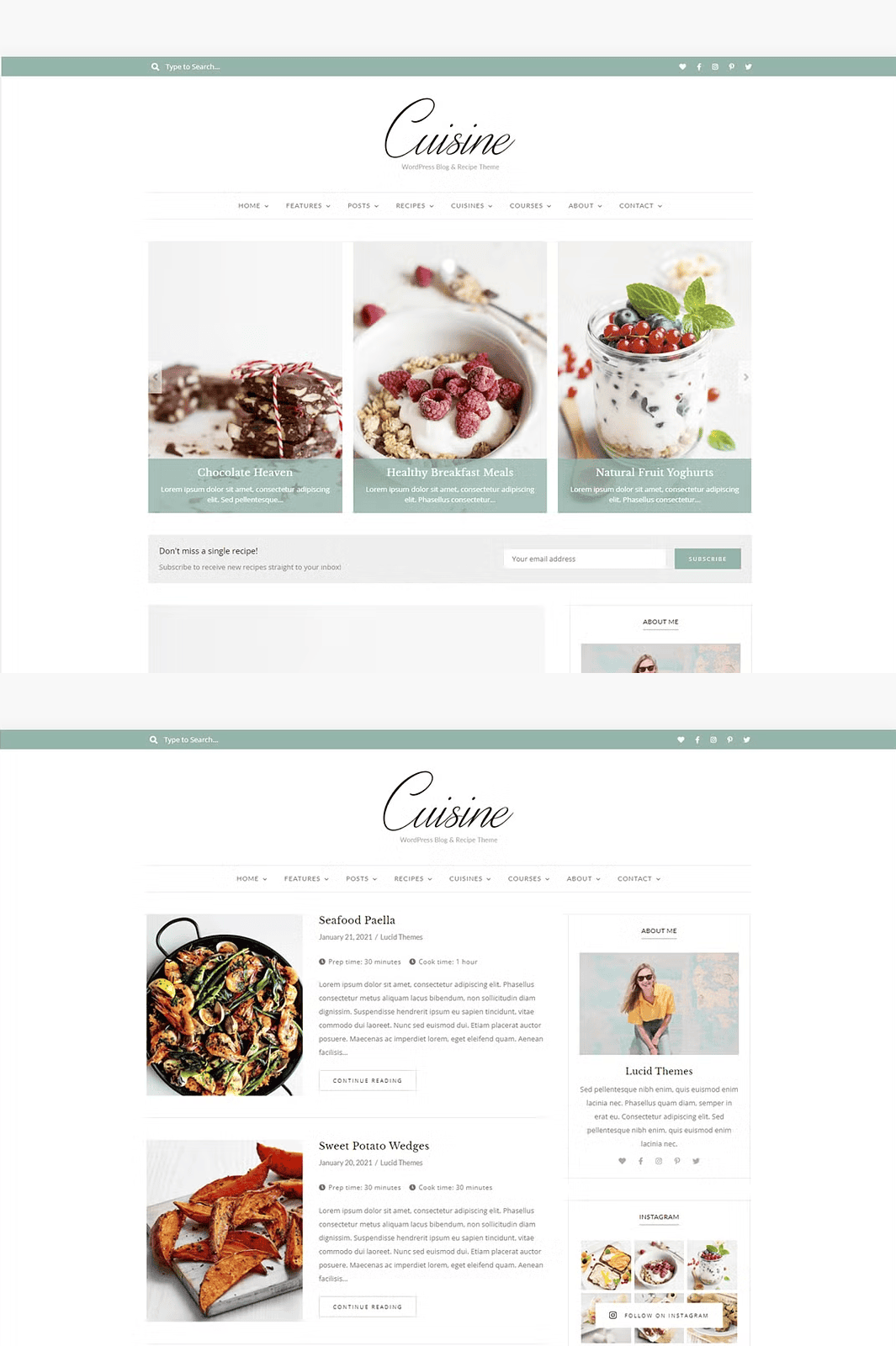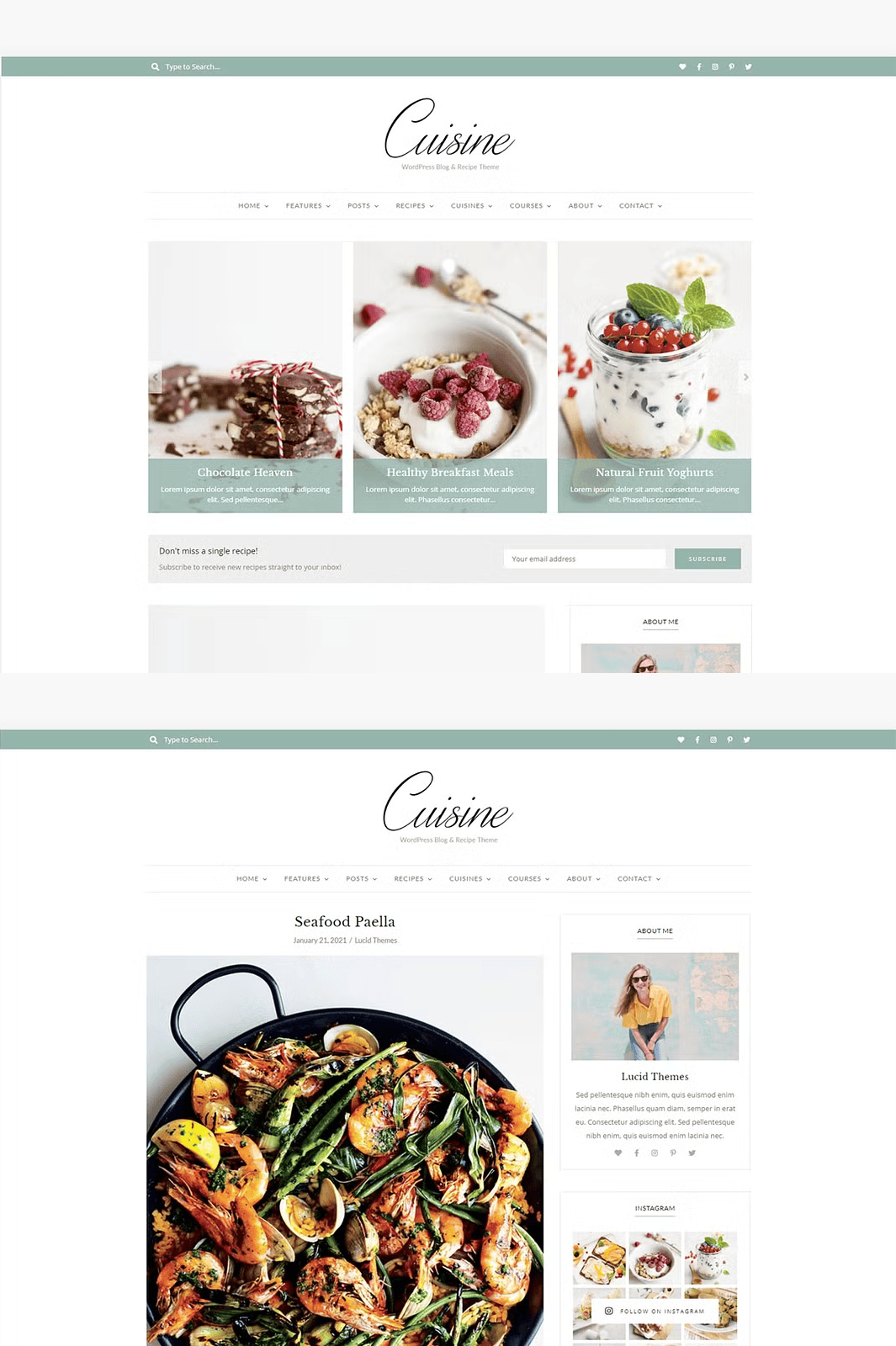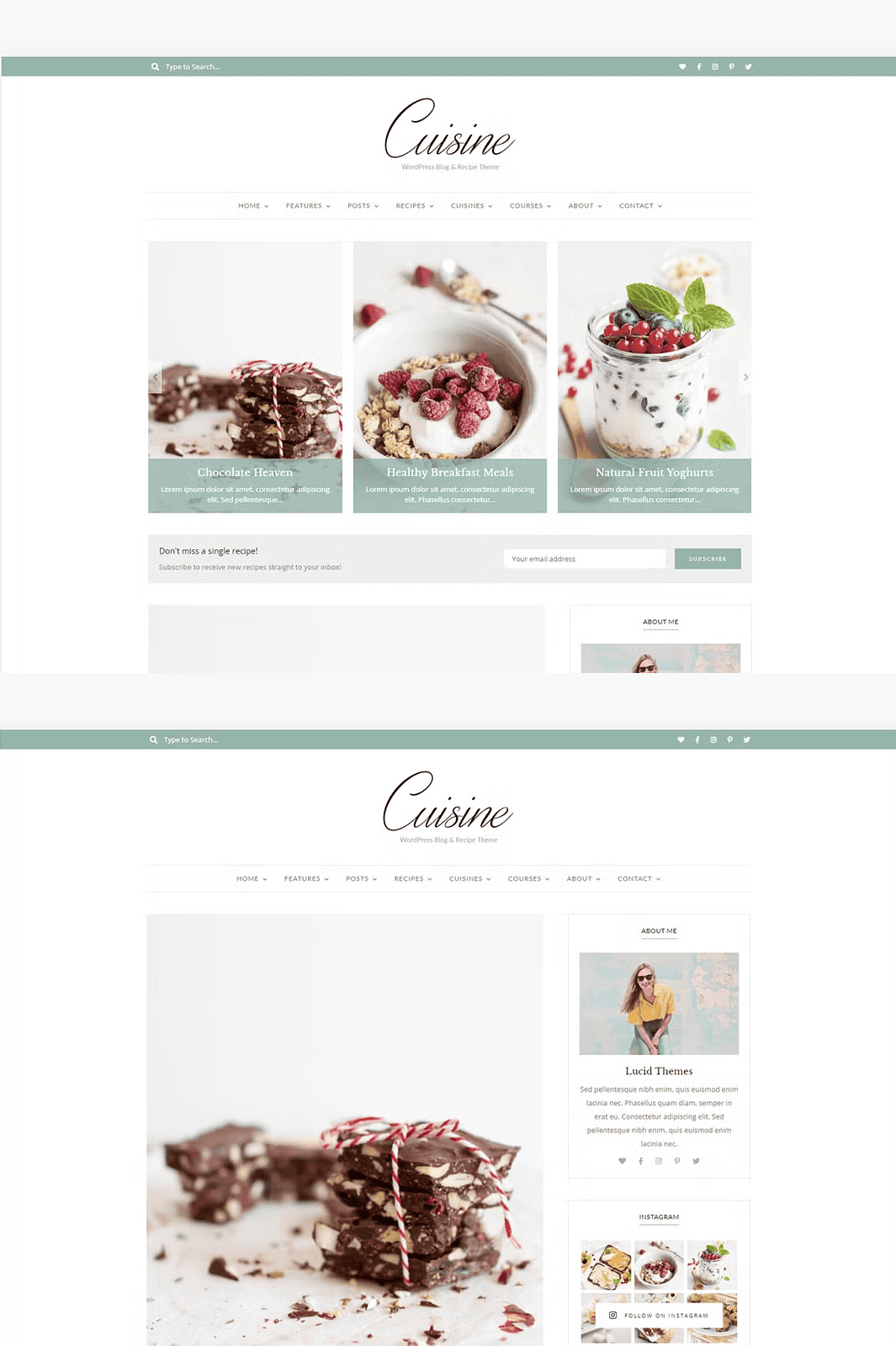

Transform Your Food Blog with a Modern, Powerful Theme
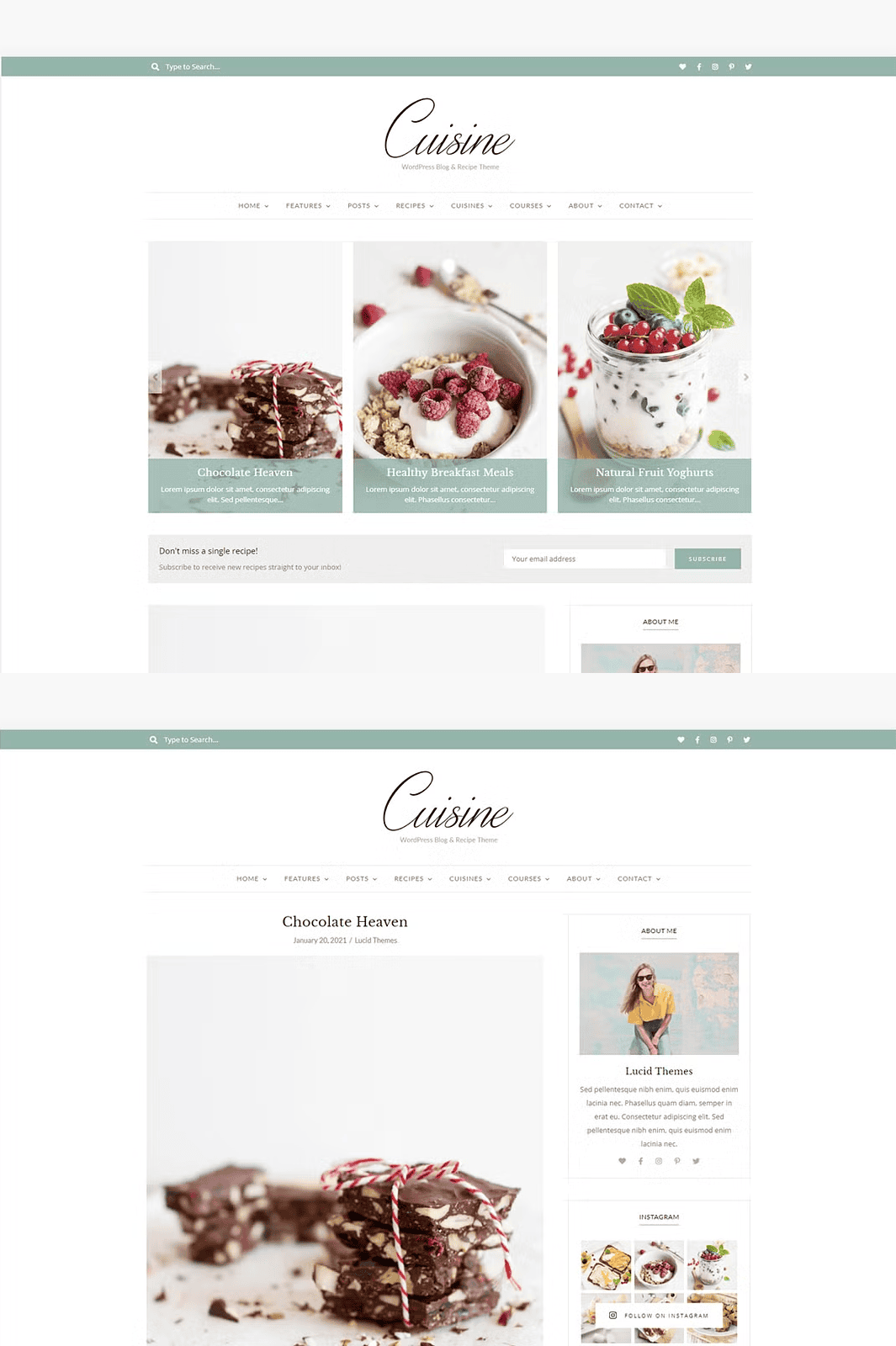
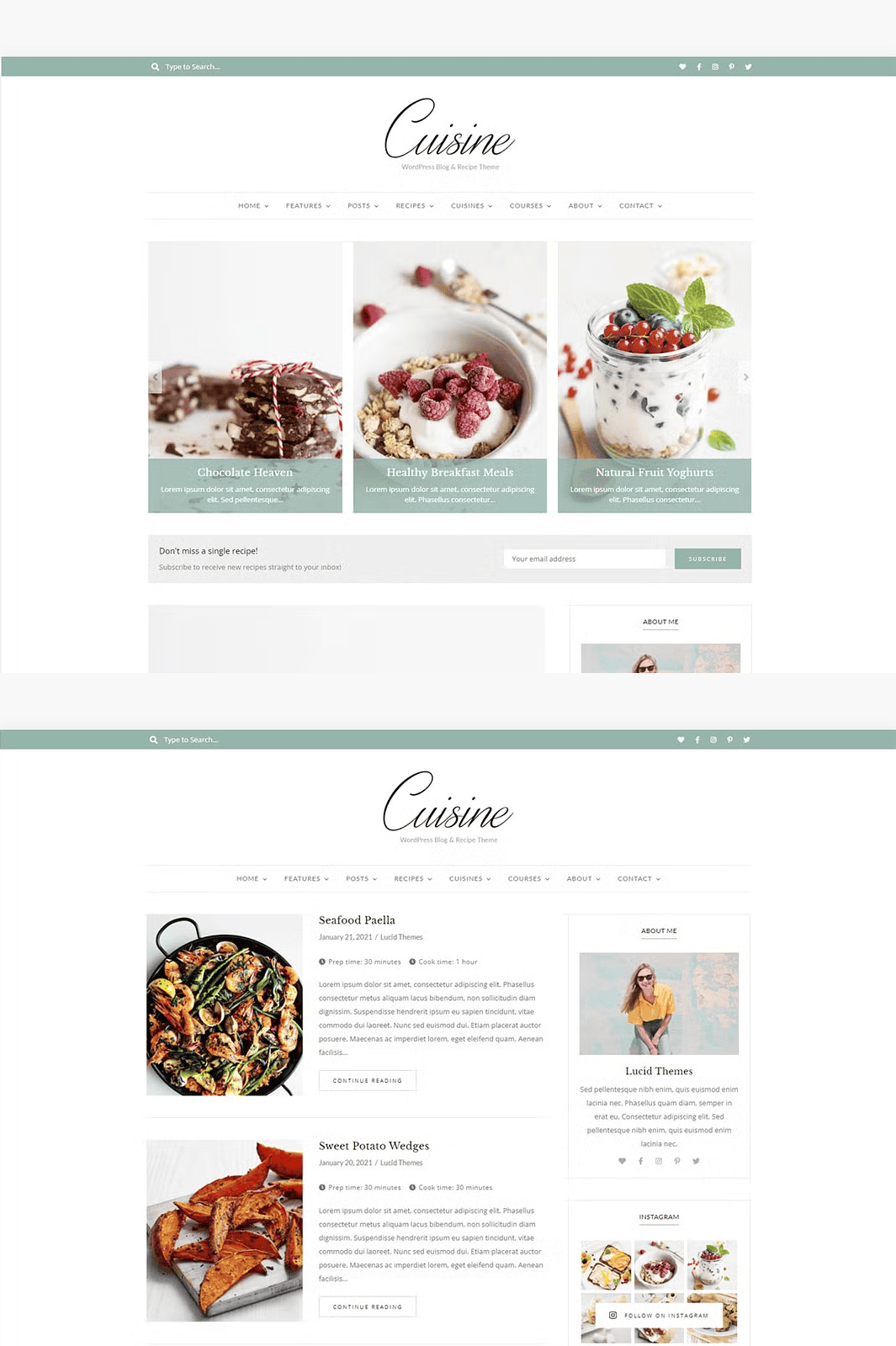
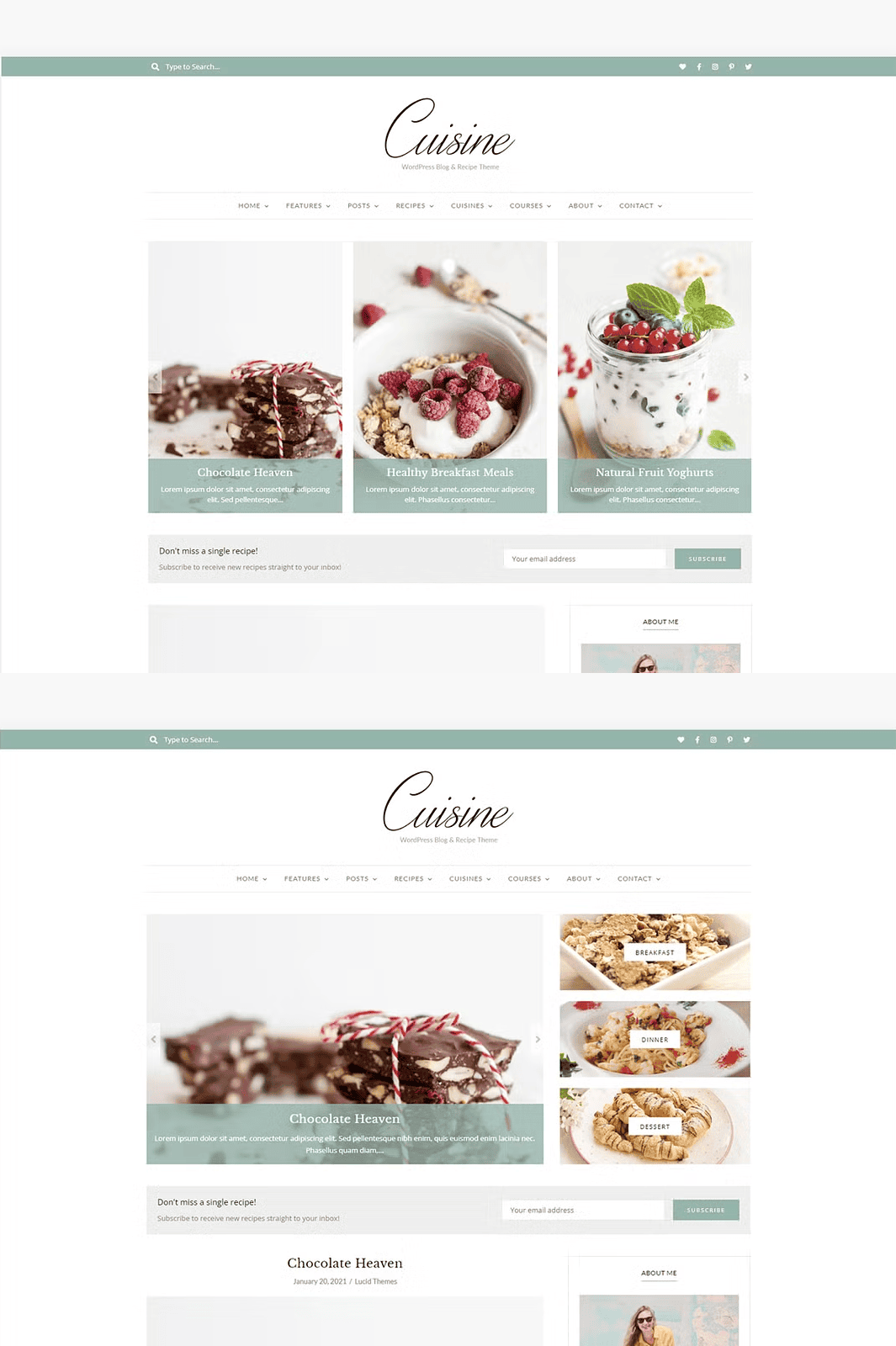
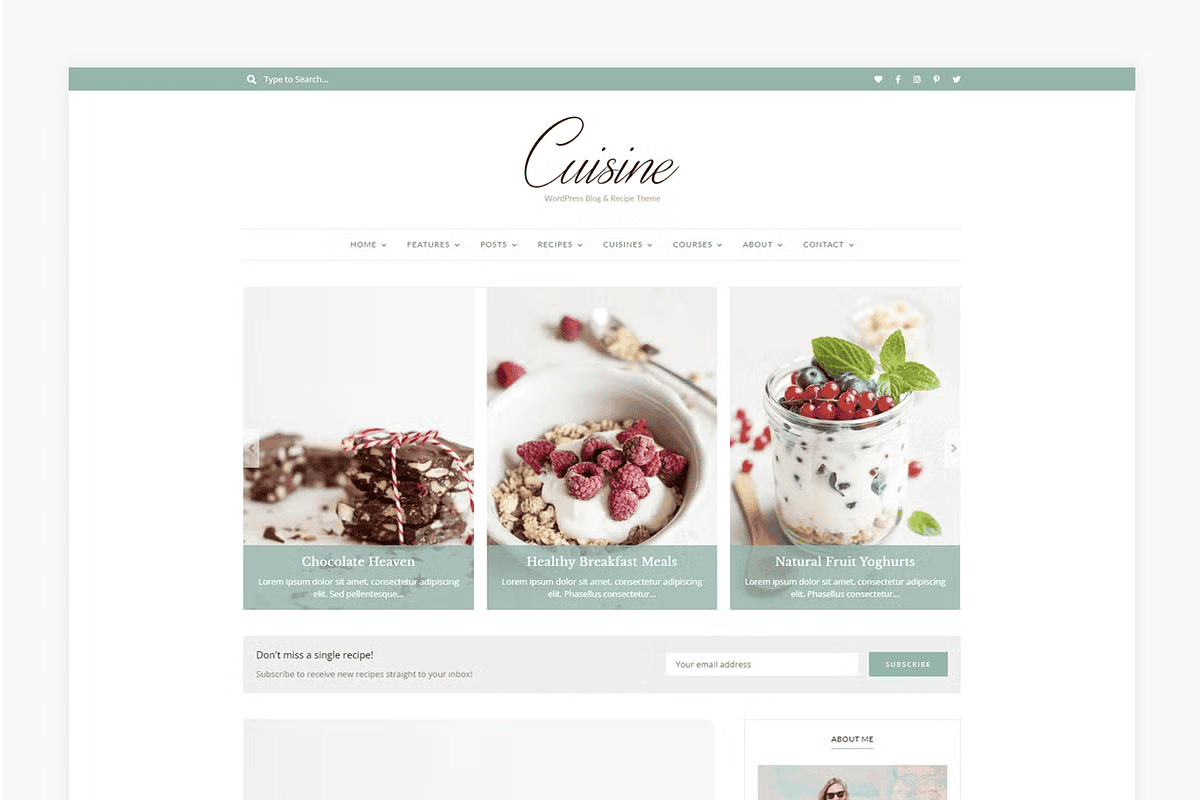
Create stunning, professional-grade recipe blogs with Cuisine, a sleek and fully responsive WordPress theme tailored specifically for food bloggers. Engineered with speed, SEO optimization, and user experience in mind, Cuisine helps you showcase your culinary creations with elegance and precision.
With **bold typography**, **clean layouts**, and **mobile-first design**, your recipes will shine on every device whether your audience is browsing on a smartphone, tablet, or desktop. No more frustrating layouts or poorly rendered content. Cuisine ensures your blog looks flawless, every time.
Revolutionize Your Recipe Presentation with Custom Recipe Cards
Never settle for plain recipe formatting again. Cuisine includes a powerful, custom recipe card system with dedicated sections for:
– **Ingredients** (with toggle for metric/imperial units)
– **Instructions** (step-by-step with numbering and easy readability)
– **Prep & Cook Times**
– **Calorie Count & Nutrition Info**
– **Servings & Difficulty Level**
This feature not only enhances the visual appeal of your posts but also improves engagement and user retention. Readers can quickly scan and follow your recipes—making your blog more practical and trustworthy.
Seamless Gutenberg Integration for Dynamic Content Creation
Take full advantage of the **native WordPress Gutenberg editor**. Cuisine is fully optimized to work with blocks, allowing you to build unique, creative blog post layouts without touching code. Whether you’re adding image galleries, quote blocks, or interactive recipe timelines, the experience is smooth, intuitive, and fast.
No more complex visual builders—just clean, modern content creation with full control over design and structure.
One-Click Demo Import for Instant Setup
Start your food blog in minutes, not days. Cuisine features a **one-click demo import wizard**, letting you import fully designed sample content—including homepage, recipe archives, category pages, and more—straight into your site.
No need to customize every page from scratch. Get a fully functional, beautifully designed blog in under 60 seconds.
Boost Visibility with SEO & Rich Snippets
Cuisine is built with SEO in mind. It uses clean, semantic code and structured data to help your recipes rank higher on Google and other search engines. When your recipes appear in search results, they’ll show **rich snippets** with images, prep times, and ingredient lists—making them more eye-catching and increasing click-through rates.
Easy Customization & Unlimited Flexibility
From header styles and color schemes to typography and layout options, Cuisine gives you full control over your blog’s identity. The intuitive theme customizer lets you tweak every detail in real time—without writing a single line of code.
Change your site’s palette, choose between header variants (hamburger, inline, or traditional), and adjust spacing—all through a simple, user-friendly interface.
Full Support for RTL Languages
Cuisine supports **right-to-left (RTL) writing systems**, making it ideal for blogs in Arabic, Hebrew, Persian, and other RTL languages. Every layout and element is properly mirrored for seamless display.
Advanced Features That Set Cuisine Apart
- Mobile & Tablet Responsive – Every element adapts perfectly to any screen size.
- Theme Updates – Regular security and compatibility patches for the latest WordPress versions.
- Detailed Documentation – Step-by-step guides to help you set up, customize, and maintain your site.
- 24/7 Customer Support – Need help? Our team responds quickly and thoroughly to your questions.
Frequently Asked Questions
- Q: Does Cuisine require a framework like Genesis?
- No. Cuisine is a standalone theme—no external frameworks or dependencies required. All features are included within the theme package.
- Q: Can I install this on WordPress.com?
- Yes, but with limitations. The theme works best on self-hosted WordPress.org sites. For WordPress.com, you’ll need a **Creator Plan** to upload custom themes.
- Q: What’s the difference between WordPress.com and WordPress.org?
- WordPress.org is the self-hosted platform where you own your site, your data, and full design freedom. WordPress.com is a hosted service with limited customization. Learn more: How to Get Started with WordPress
- Q: I get a “stylesheet.css” error during installation.
- This means you’re installing the wrong file. Downloaded the theme? Look inside the ZIP folder and install the inner theme folder—not the root file.
Get Started Today – Download Cuisine Now
Ready to launch a powerful, professional food blog? Grab your copy of Cuisine and start creating with confidence.
Standard Usage & Licensing
- ✅ Install on unlimited personal or client websites
- ❌ No re-selling, bundling, or redistribution
- ❌ No representation as your own design
- ✅ Commercial licenses available upon request
Need Help? We’ve Got You Covered
– Support Portal
– Facebook Community
– Professional Installation Service
**Cuisine – Where Great Recipes Meet Beautiful Design.**