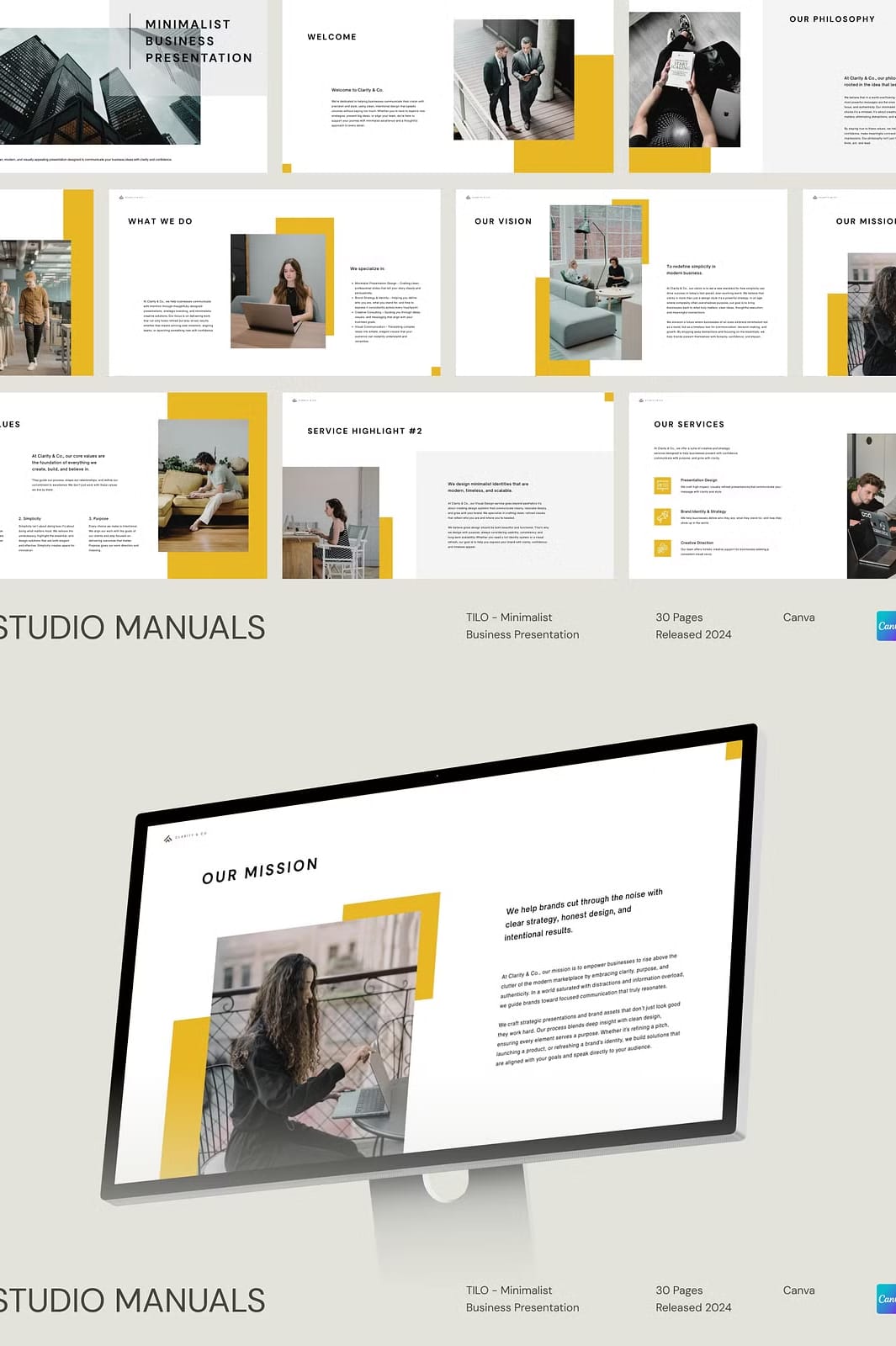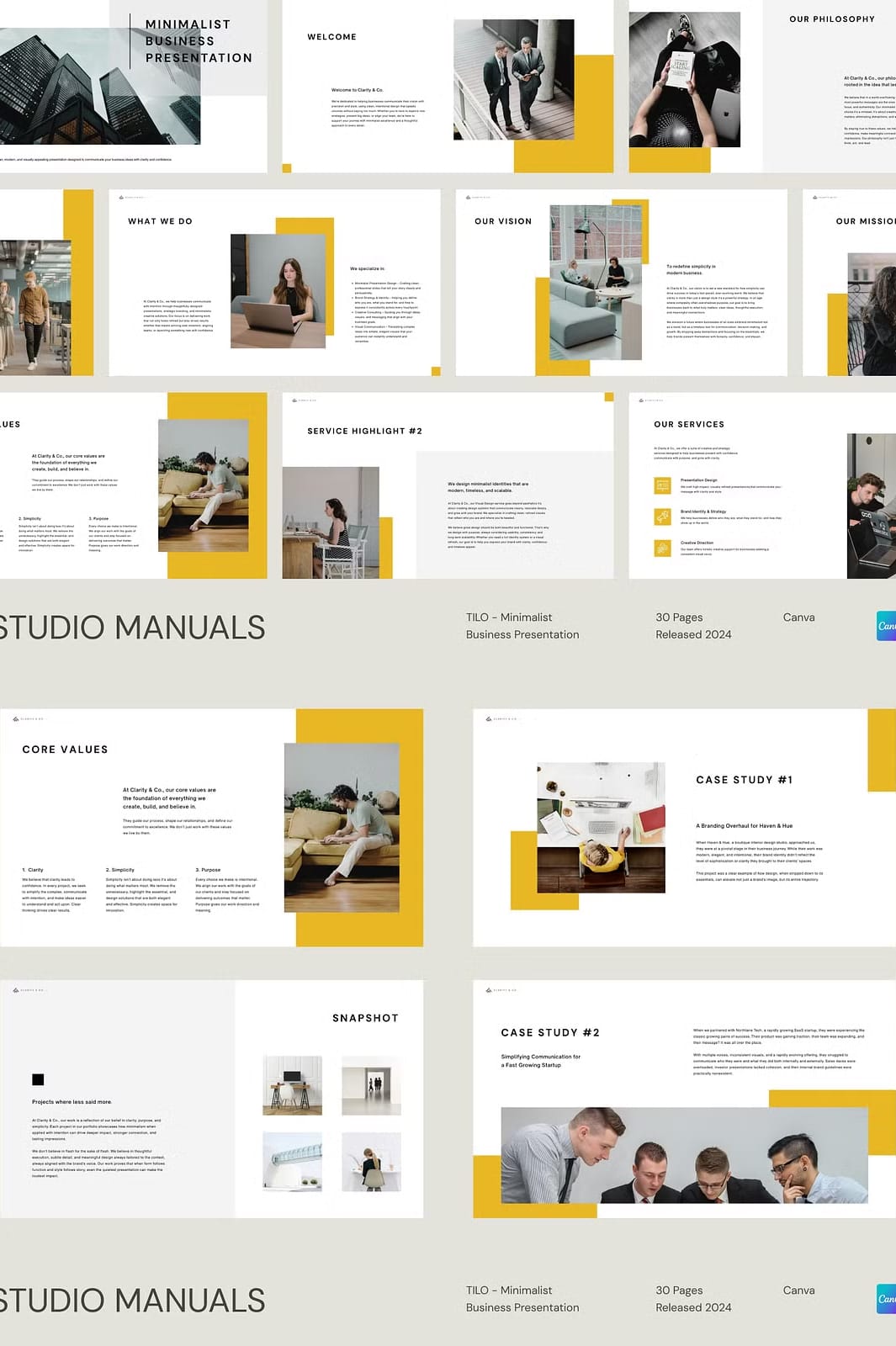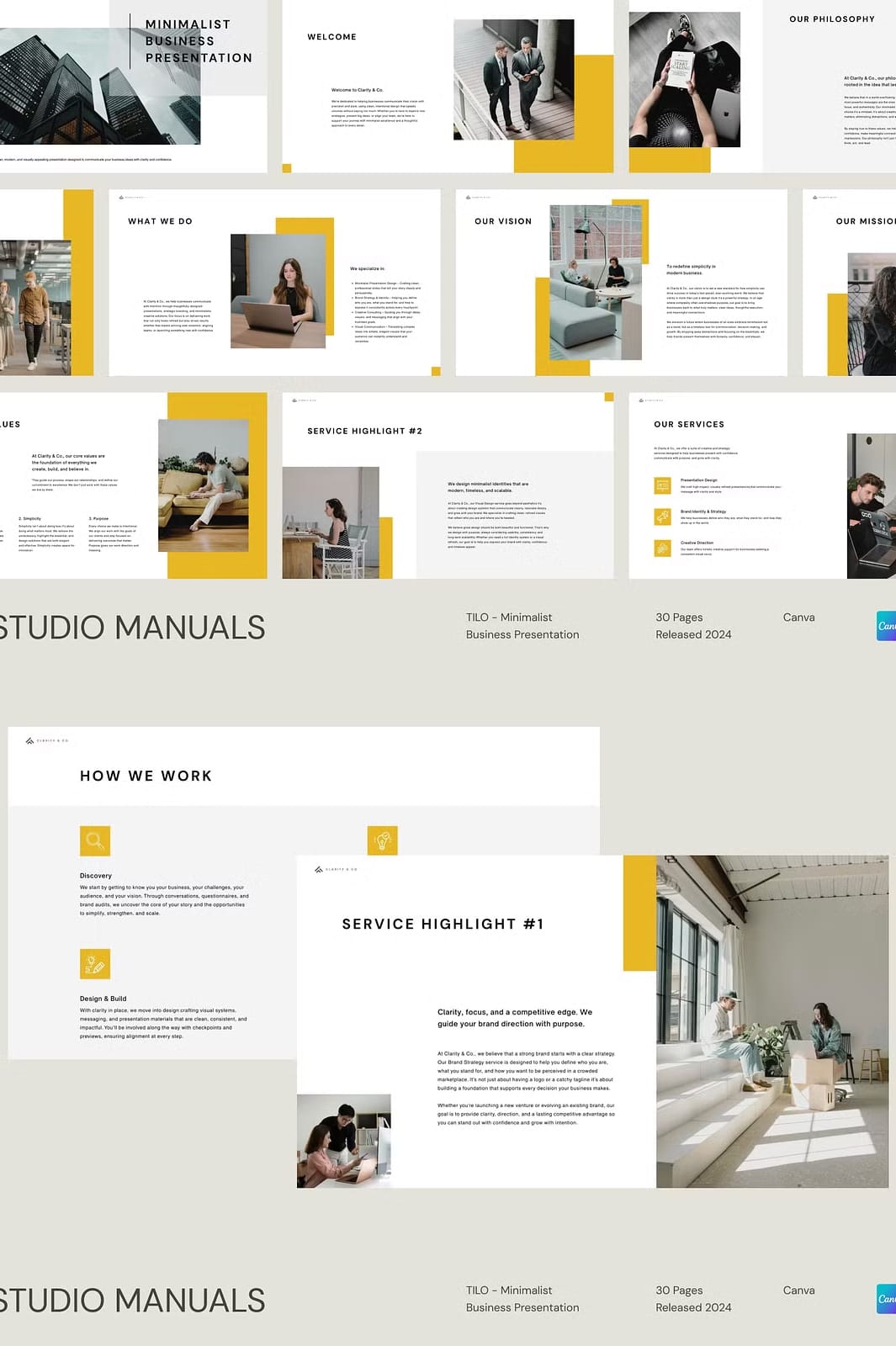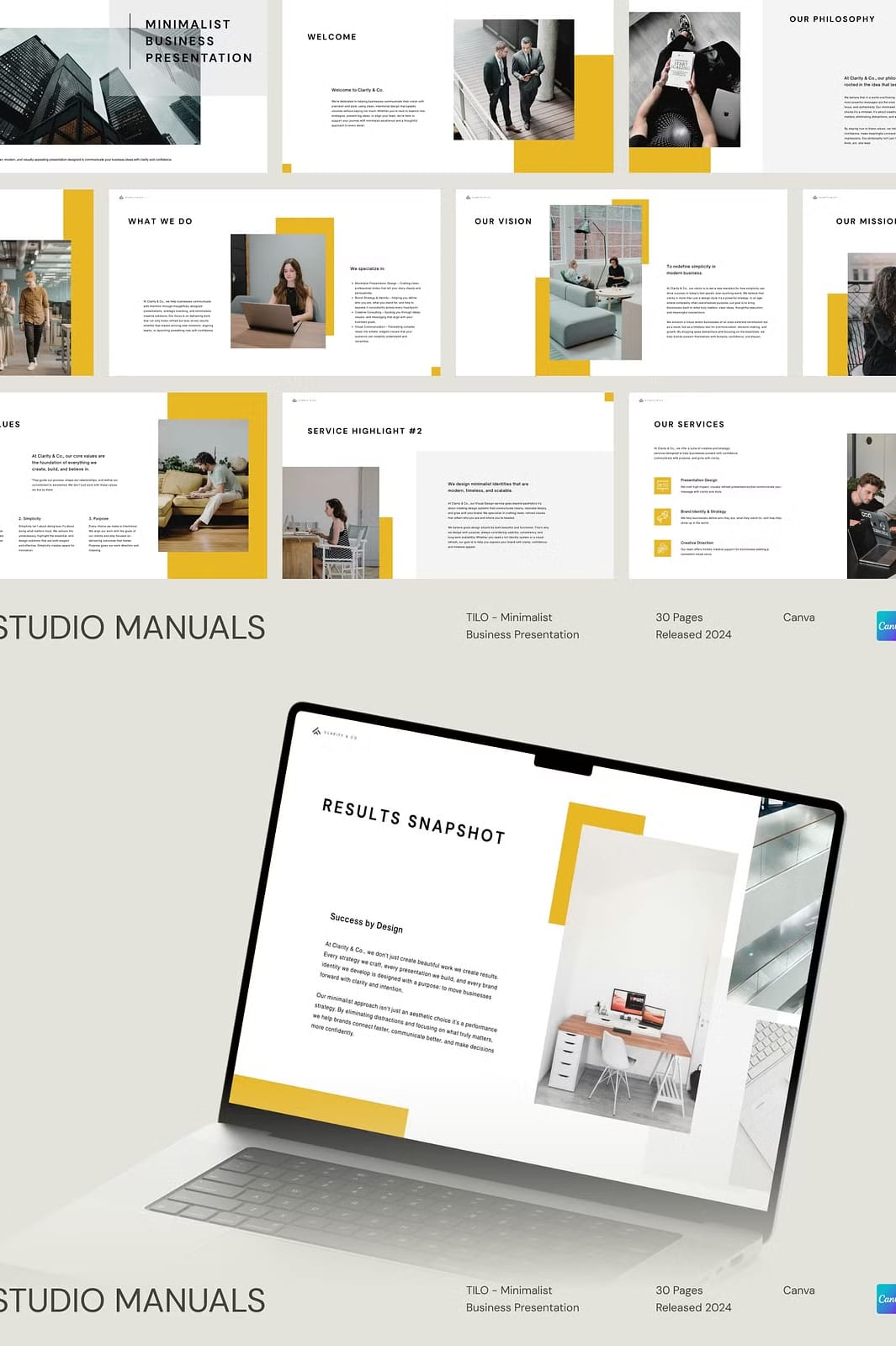

Elevate Your Business Content with TILO’s Sleek Minimalist Design
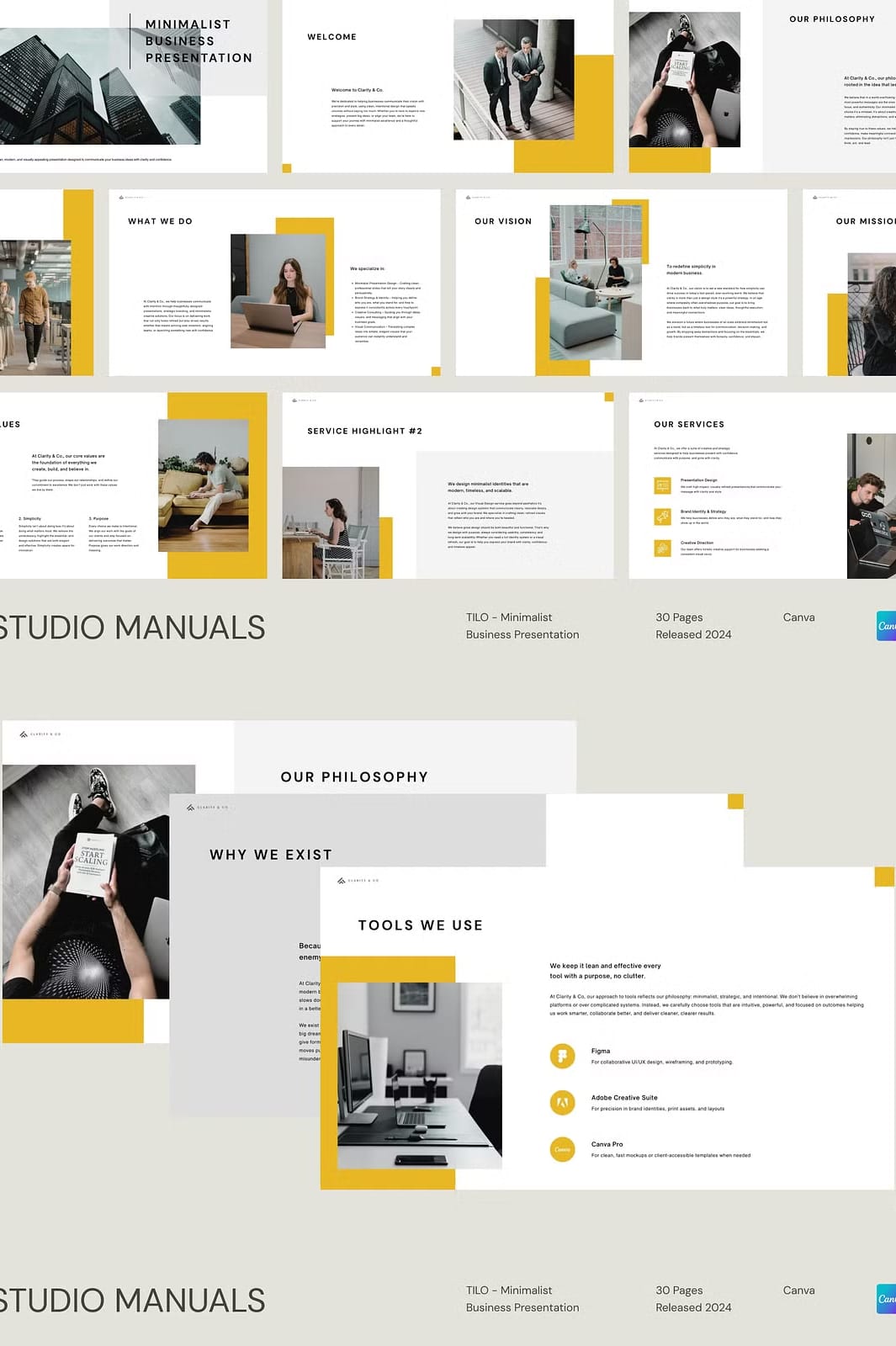
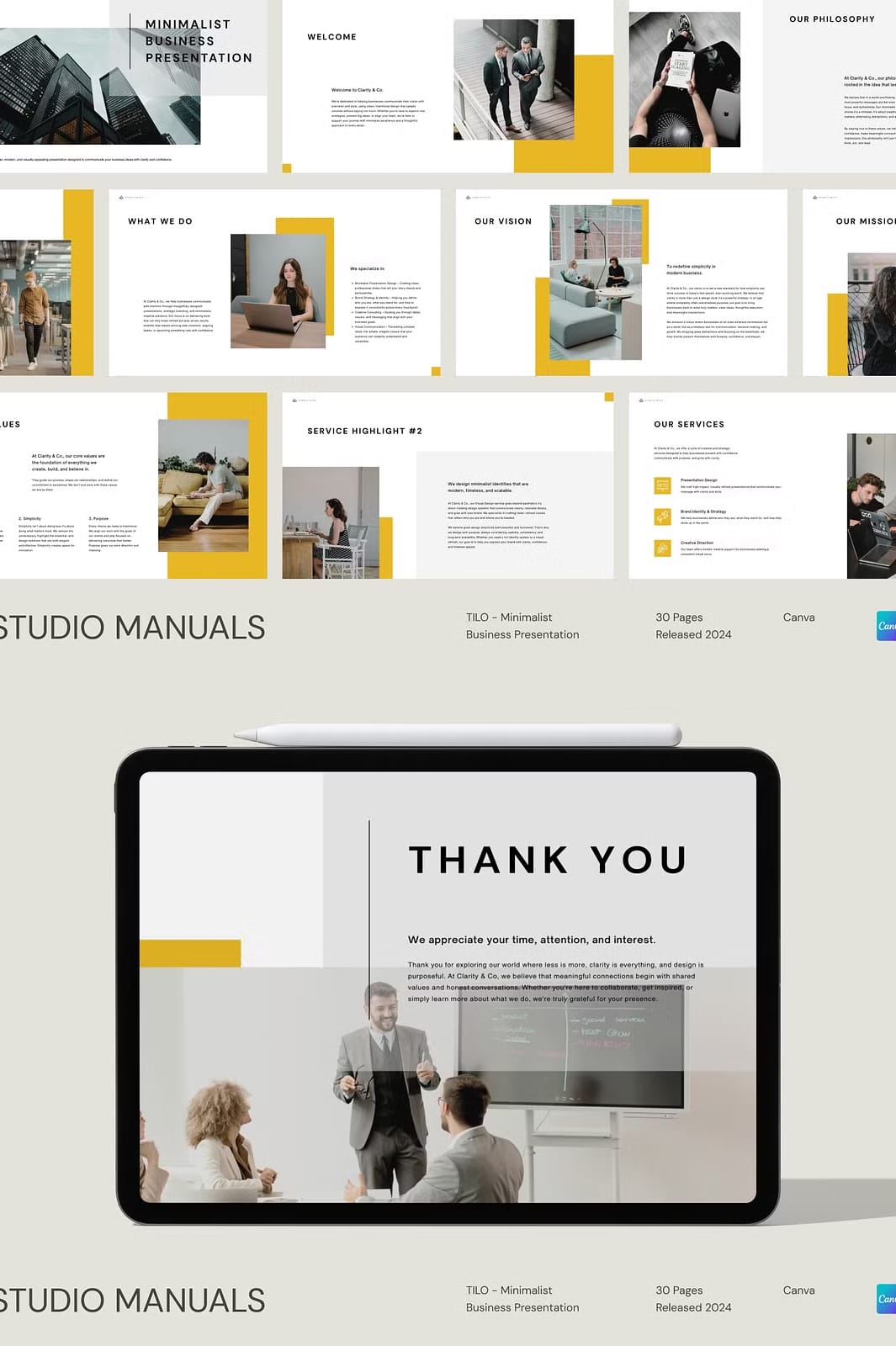
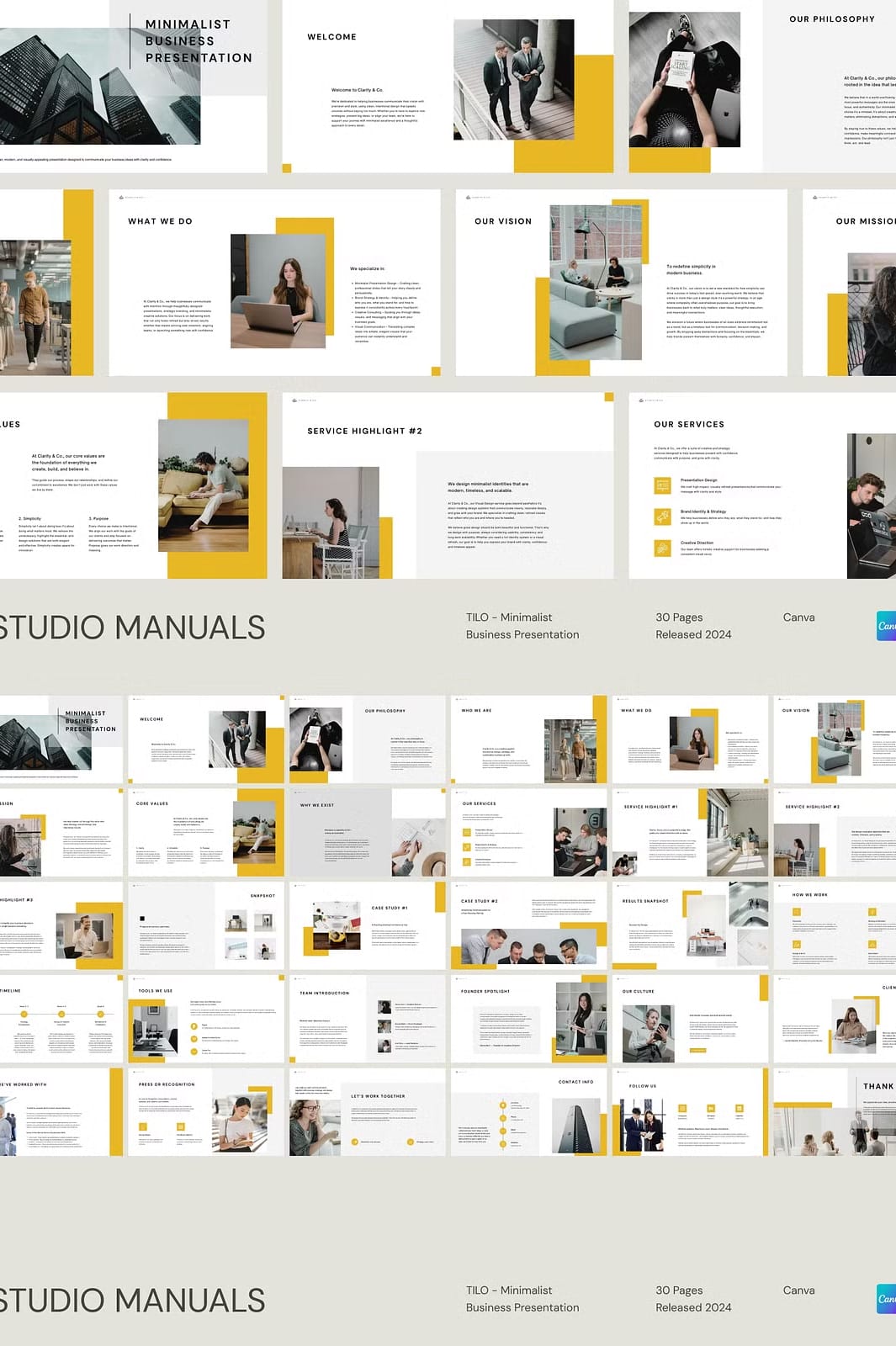
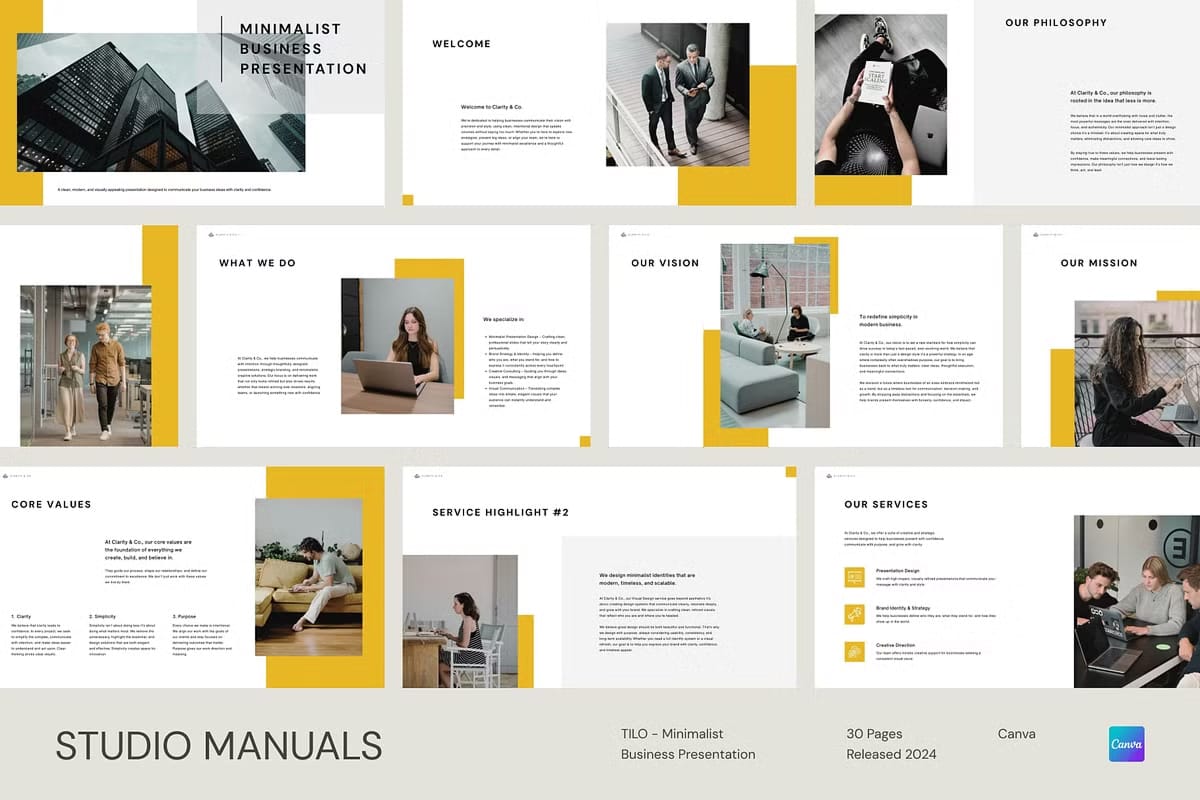
Introducing TILO – Minimalist Business Presentation, a sophisticated pack of 30 fully customizable social media post templates crafted to enhance your business presentations with a clean and modern aesthetic. Ideal for corporate professionals, entrepreneurs, and agencies alike, this template collection empowers you to create polished and professional content that stands out across all social media platforms.
Designed with an optimal 1920 x 1080px resolution, TILO ensures your posts display crisply and with exceptional clarity wherever they appear. The minimalist style prioritizes clarity and simplicity, allowing your message to resonate powerfully without distractions. Whether highlighting new services, company milestones, or business updates, TILO’s templates help you deliver your content with confidence and style.
Seamless Customization through Canva Integration
TILO integrates flawlessly with Canva’s user-friendly platform, empowering you to tailor each template precisely to your brand specifications without needing design expertise. Quickly adjust colors, fonts, and images to maintain perfect brand consistency. The intuitive drag-and-drop interface reduces time spent on design details, letting you focus on crafting compelling messages that engage your audience effectively.
This flexibility extends to adding your own visuals, as images are not included, providing you full creative control to incorporate graphics that best represent your unique business identity. The combination of premium free fonts and minimalist design ensures each post looks polished, professional, and visually appealing.
Comprehensive Features of TILO Minimalist Business Presentation
TILO delivers an array of design elements intended to meet diverse business presentation needs on social media:
- 30 expertly designed social media post templates optimized for business communication
- Fully editable text fields for straightforward personalization within Canva
- Inclusion of premium free fonts to elevate the overall appearance
- Drag-and-drop interface for effortless template customization and editing
- Images excluded to offer full flexibility in selecting your own brand visuals
- Dedicated customer support to assist with any customization or usage questions
Step-by-Step Guide to Using TILO Templates
Starting with TILO is simple and efficient. Follow these steps to create your standout business posts:
- Purchase the TILO template collection from the official marketplace
- Download the PDF file, which contains direct links to templates for easy access
- Open the PDF and click the provided link to launch the templates within Canva
- Customize the templates by editing text, adjusting colors, changing fonts, and adding your own images
- Export your finalized designs in your preferred format such as JPG, PNG, or PDF for social media use
Why TILO is the Ultimate Choice for Your Business Presentations
TILO transforms business presentations into clean, sophisticated, and compelling visual content that builds trust and reinforces brand professionalism. Its minimalist style reduces clutter, allowing your key messages to shine and leaving a lasting impression on your audience. Whether you’re an entrepreneur launching a startup or a well-established agency, TILO helps ensure your social media presence maintains a consistent, polished look.
This versatile template pack suits a wide range of industries and purposes, including marketing campaigns, company announcements, service launches, and performance highlights. By choosing TILO, you guarantee visually cohesive and impactful social media posts that engage and convert.
Template Specifications
- 30 fully customizable social media post templates
- Optimized size of 1920 x 1080px for crisp, clear display
- Editable text and elements with Canva’s intuitive interface
- Premium free fonts included for a polished, professional look
- Drag-and-drop customization for quick and seamless editing
- Images excluded to allow adding your own unique visuals
- Ongoing customer support available for assistance