
Launch a High-Impact Portfolio, Magazine, or Lookbook in Minutes
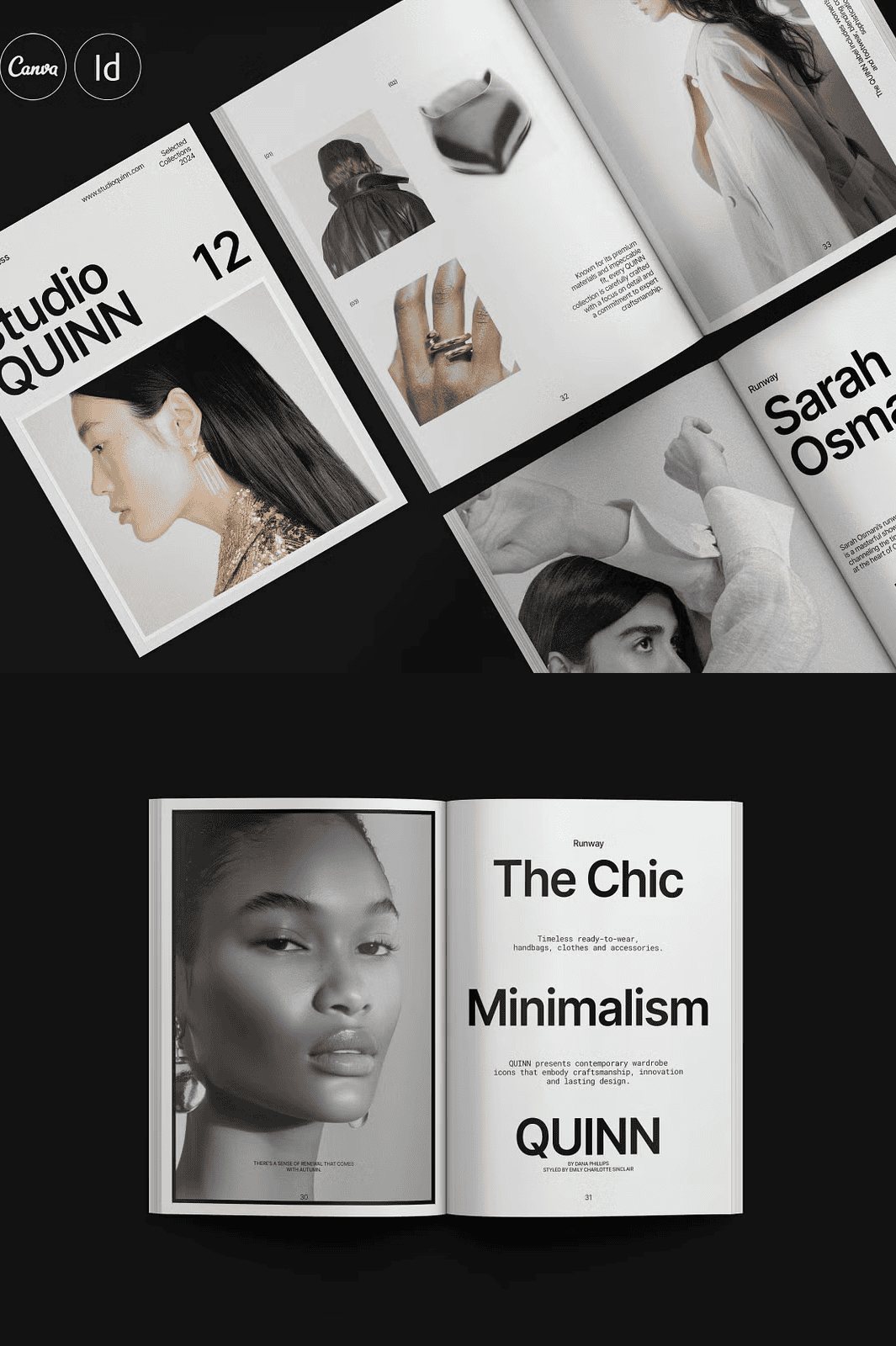
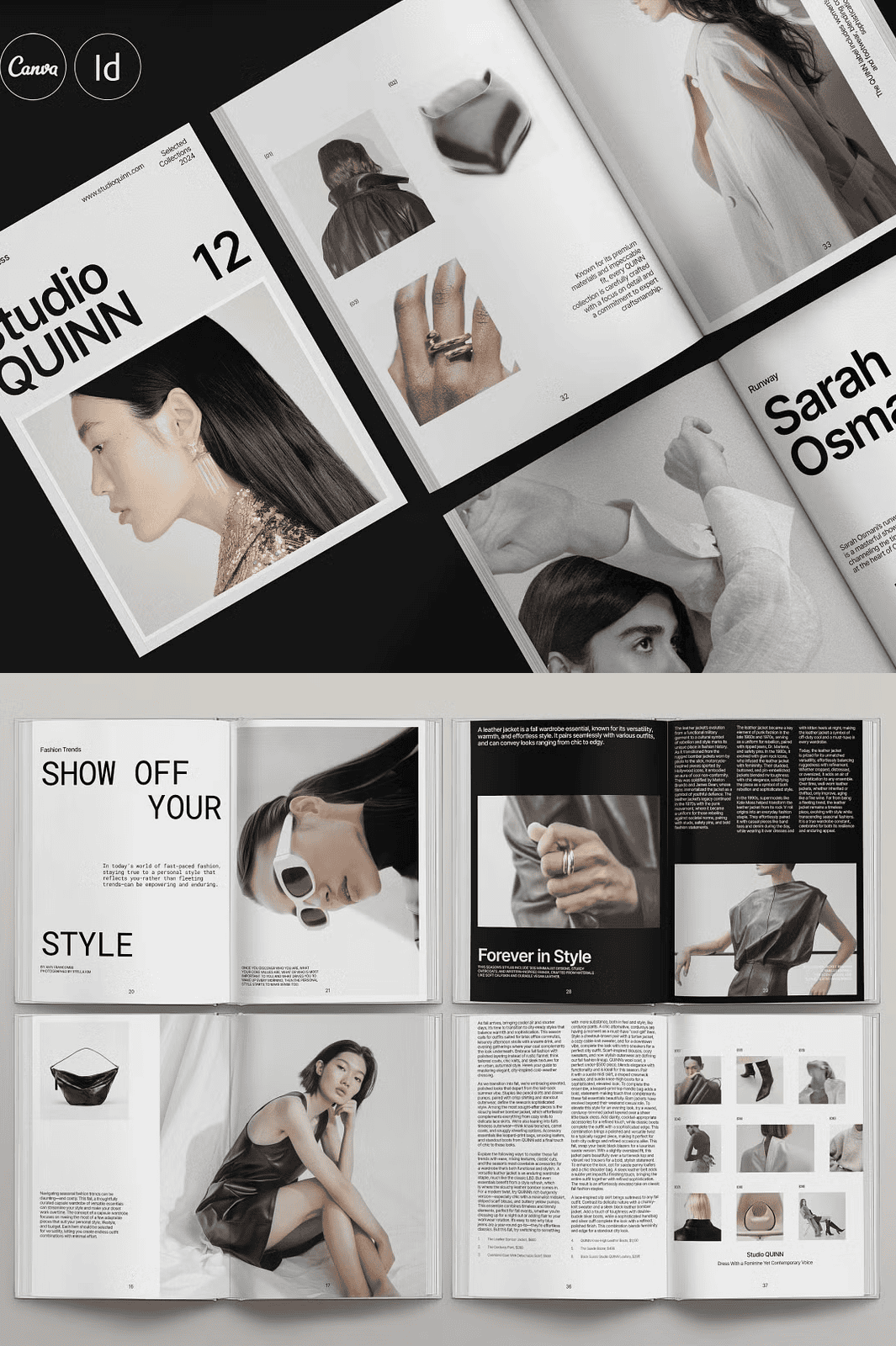
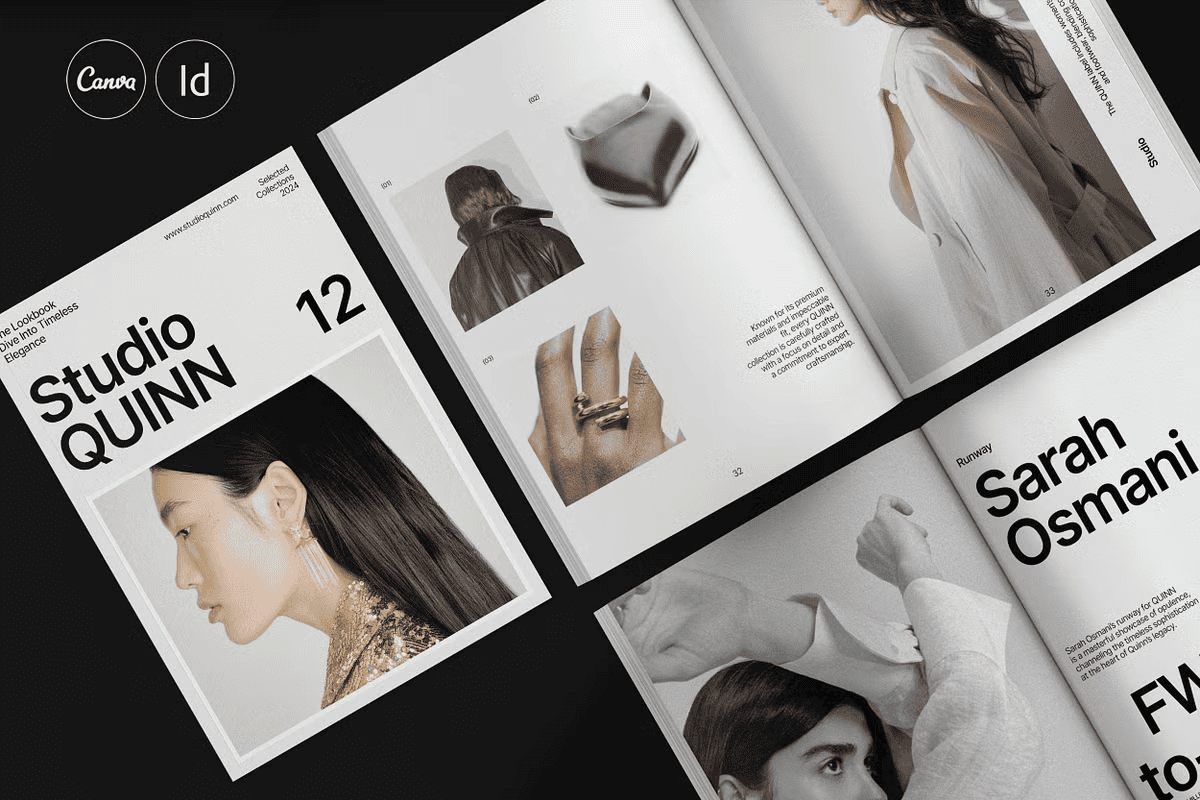
Stop wasting hours on repetitive layouts. Ignite your brand’s visual presence with the **QUINN Portfolio (Magazine – Lookbook) Template**, a designer-grade solution crafted for fashion houses, creative agencies, photographers, interior designers, and all visual storytellers. Engineered for maximum impact, this template gives you a stunning 68-page foundation in both A4 and US Letter sizes, ready for instant customization. Whether you’re pitching to clients, showcasing your latest collection, or launching a brand magazine, QUINN delivers the professional polish your work deserves.
Leverage intelligent design to elevate your content. With carefully curated, hierarchical layouts, you seamlessly guide your audience from cover to closing. No more guesswork. Every section – from introductory bios and project showcases to detailed timelines and inspirational quotes – is strategically placed for maximum engagement. The template includes original placeholder text with clear, actionable guidance, ensuring you never struggle with content flow. Your story comes alive, not through generic forms, but through a narrative architecture built for impact.
Unlock the Full Potential of a Premium, Editable Design Kit
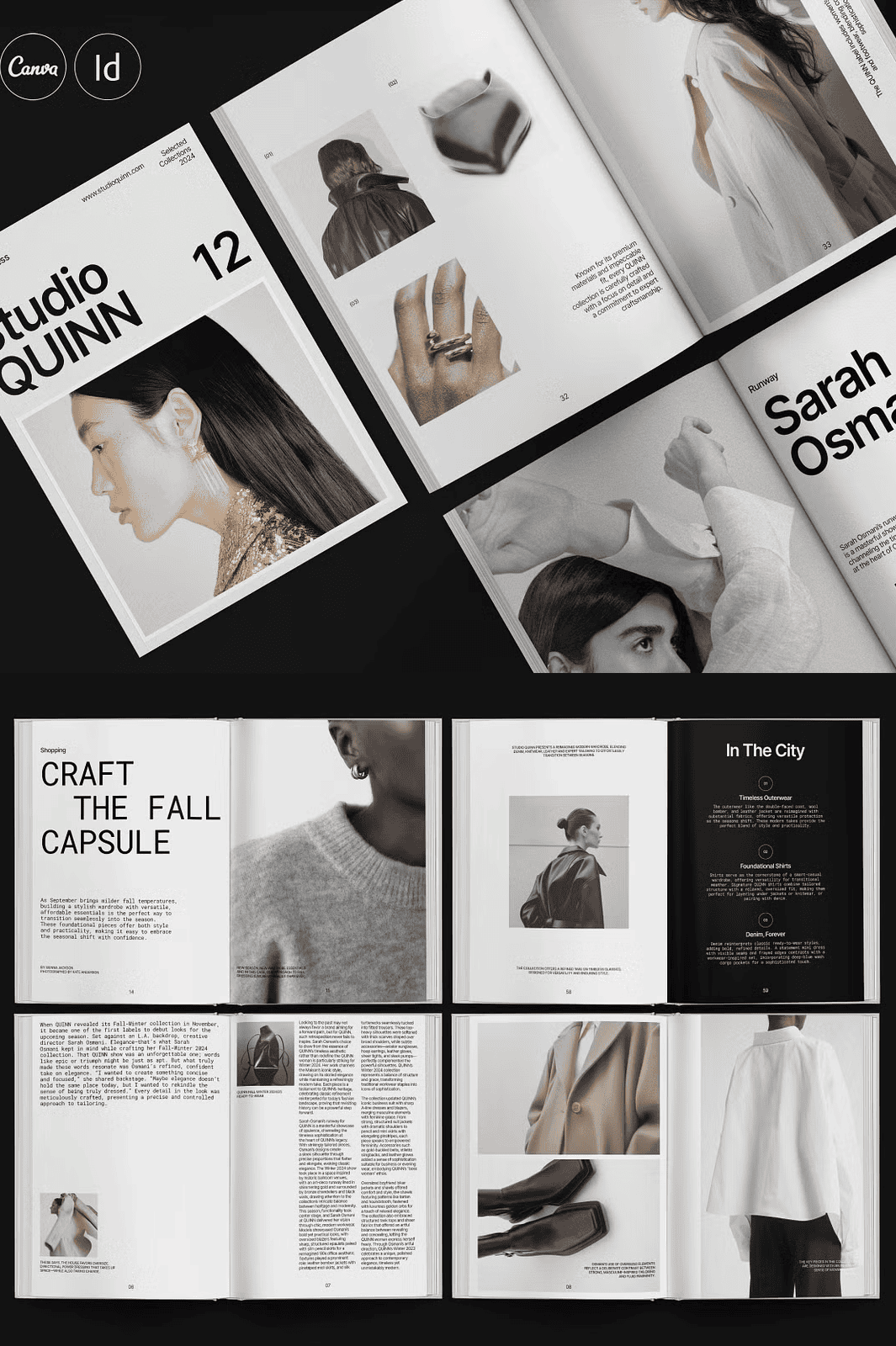
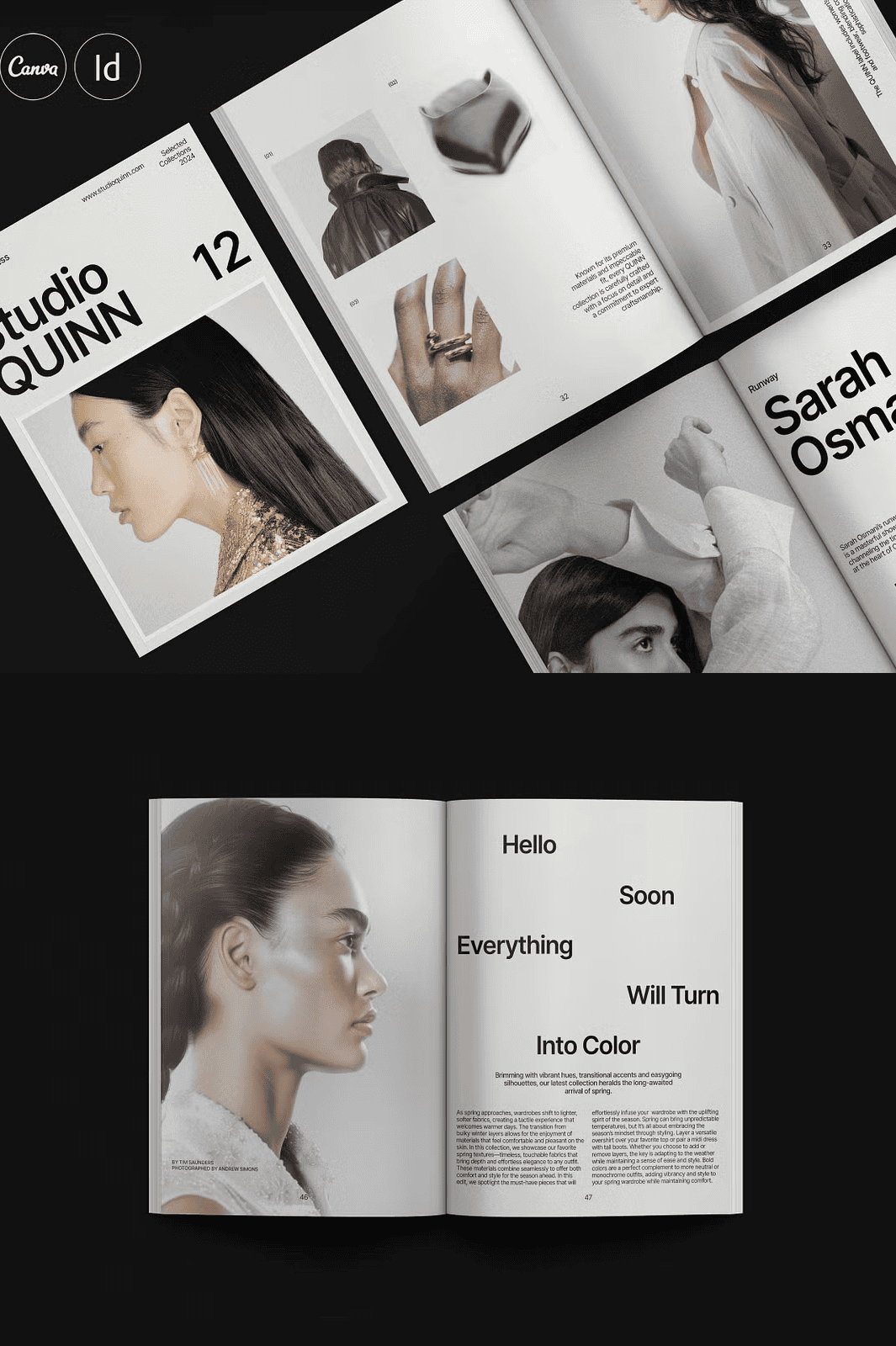
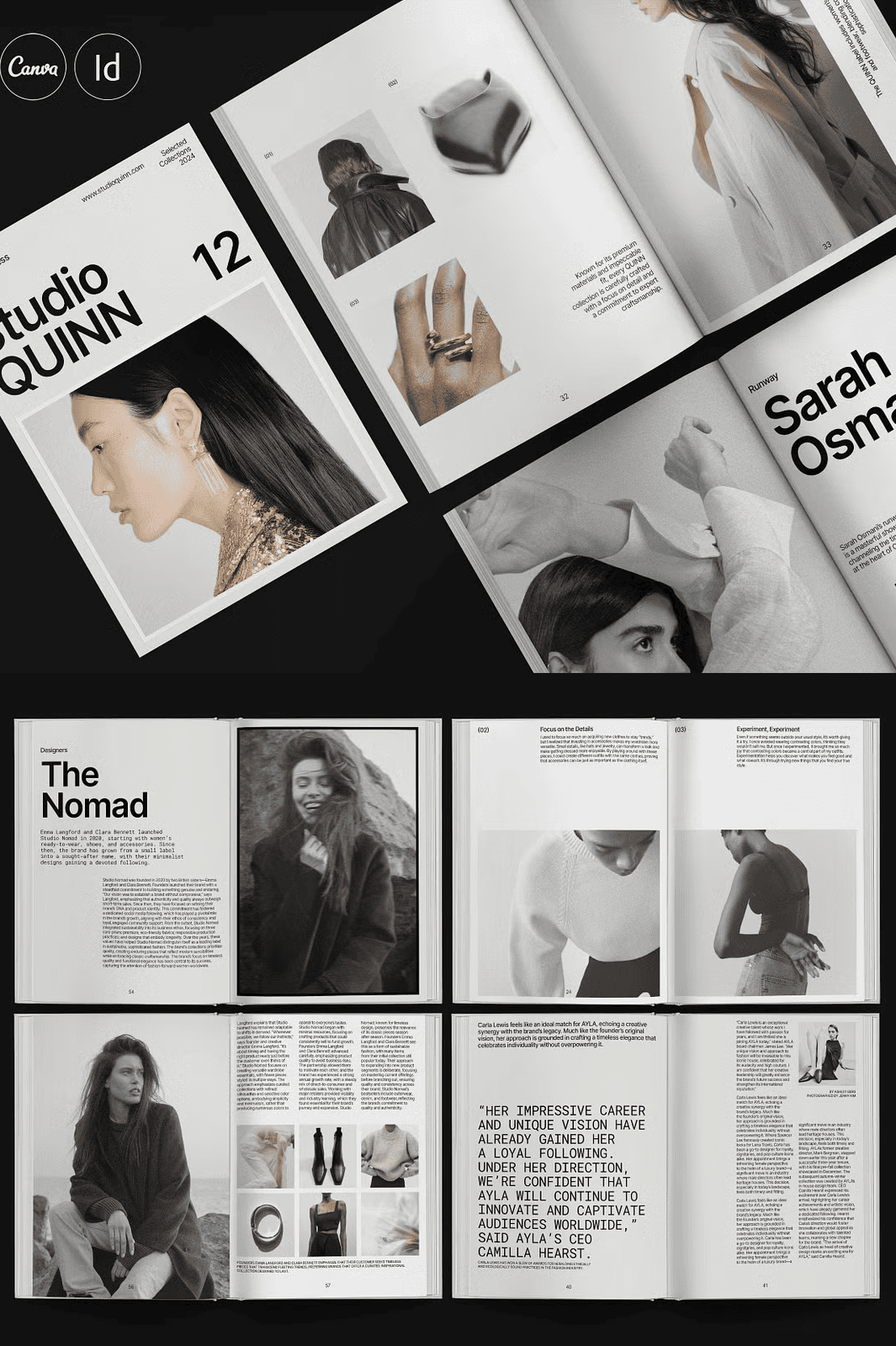
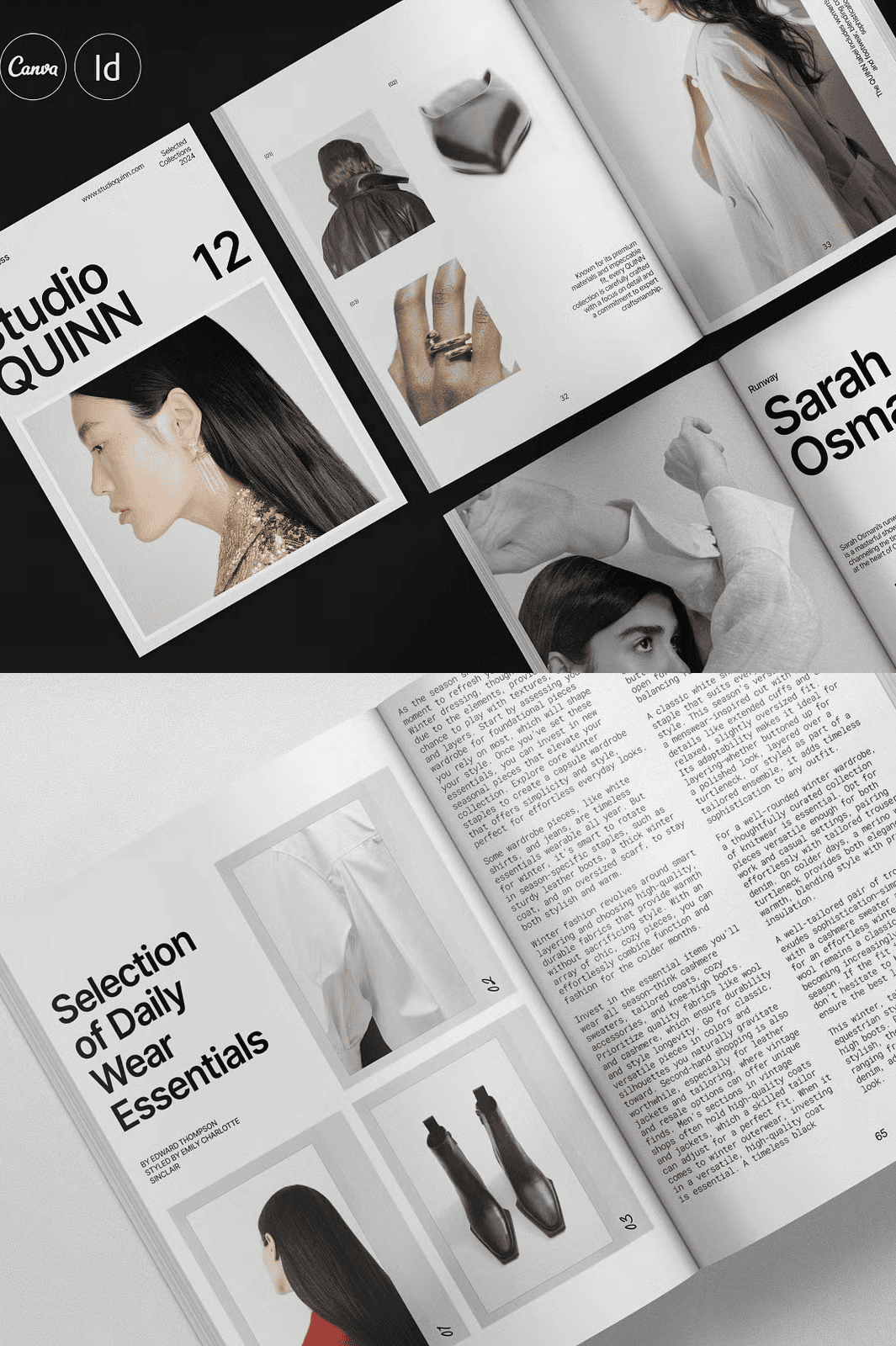
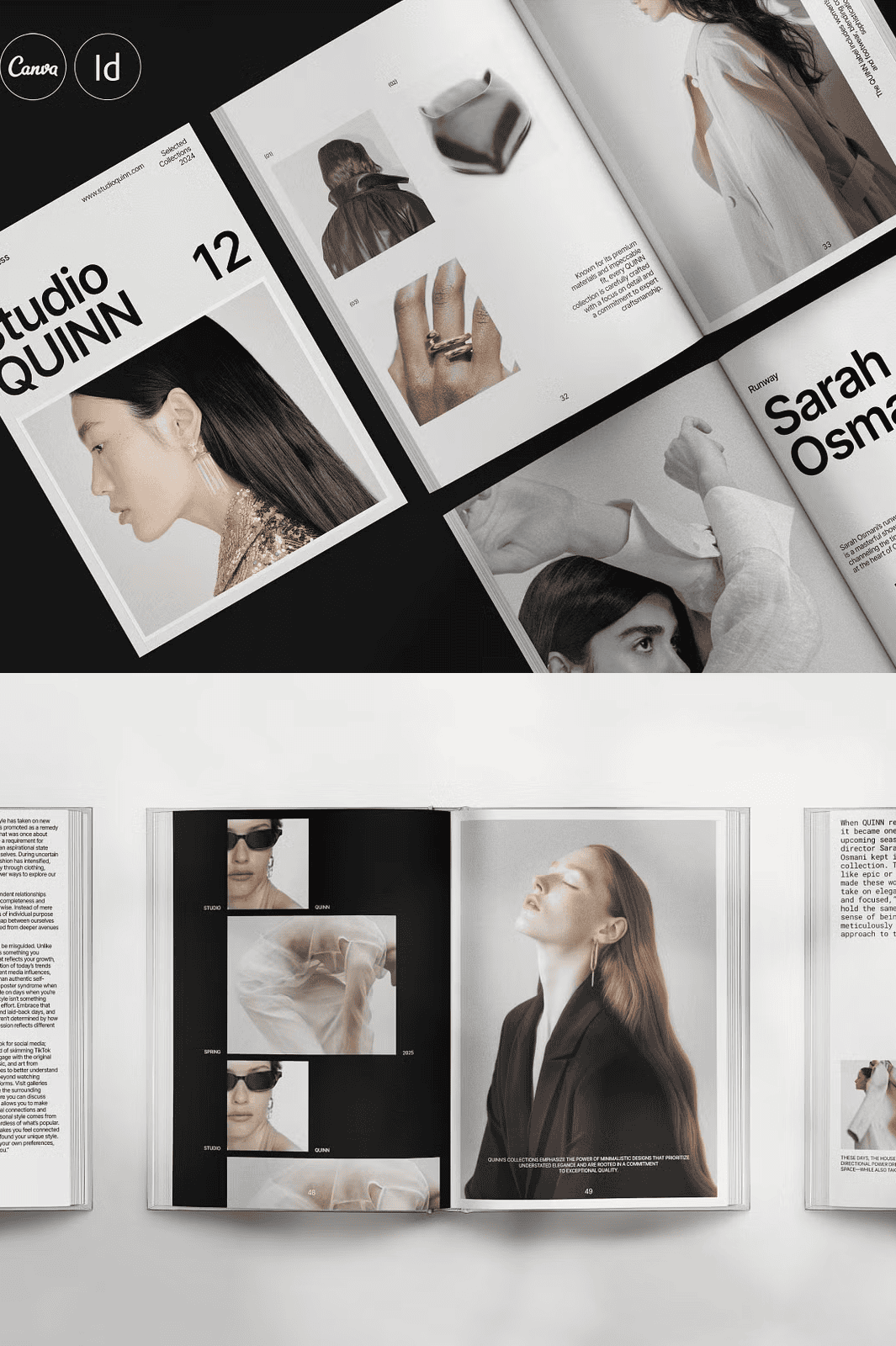
– 68 Pages of Designer-Grade Layouts: From cover to back matter, every page features a unique, professional composition. Perfectly balance text and imagery across your entire publication with confidence.
– Pre-Structured, Intuitive Sections: Quickly access and edit key areas: Introduction, Portfolio Showcase, Case Studies, Project Details, Team Bios, Client Testimonials, Trends & Inspiration, and an integrated “Contact” page.
– Real, Editable Text & Content: Replace all placeholder text with your own compelling stories, project descriptions, and quotes. Your voice, your message, flawlessly presented.
– Drag-and-Drop Photo Placement: Instantly integrate high-res images, mood boards, or concept art. Use simple image frames to place and position your visuals with precision.
– HD-Ready, Print-Optimized Formats: Designed for both digital viewing and premium print. Perfect for high-resolution screens and professional printing with correct bleeds, margins, and crop marks.
– Vector-Style Graphics & Elements: All icons, decorative lines, and shapes are clean vectors, ensuring flawless scaling and crisp detail on any device.
– Organized & Fully Customizable Styles: Access and modify over 20 pre-set character and paragraph styles. Rebrand with a single click by updating your master color palette via the Swatches Panel.
– Free, Premium-Quality Fonts: Utilize modern, highly legible Google Fonts included at no extra cost. Instantly integrate them into your project without licensing concerns.
– Universal Compatibility: Use QUINN across your entire workflow:
– **Adobe InDesign**: Native .INDD and .IDML files for CS4 through CC.
– **Canva**: Edit online with intuitive templates and real-time collaboration.
Accelerate Your Workflow from Draft to Delivery
– Master Page Integration: All headers, footers, page numbers, and design elements are locked to master pages. Change one setting, and the update propagates across your entire 68-page document.
– Automatic Page Numbering: Say goodbye to manual numbering errors. The template generates sequential, accurate page numbers across all sections.
– Professional Type Hierarchy: Establish a strong visual rhythm with pre-defined heading, subheading, and body text styles. Ensure readability and brand consistency.
– Well-Organized Layer System: Edit, hide, and manage content easily with a logical layer structure, perfect for complex layouts or team collaboration.
– Comprehensive Help Guide: A detailed PDF tutorial walks you through setup, editing, export, and troubleshooting to get you up and running in minutes.
– Preview File Included: See exactly how your finished product will look. Make confident decisions about layout and design before exporting.
Get Started in 5 Effortless Steps
1. **Download & Open**: Extract the zip file and open your chosen file (.INDD for InDesign or upload the Canva template).
2. **Apply Your Brand**: Update the primary color palette, add your logo, and select your preferred fonts.
3. **Insert Your Content**: Overwrite all placeholder text with your project details, bios, and quotes. Populate your gallery with real images.
4. **Refine Your Layout**: Adjust image frames and text boxes. Use the grid system for perfect alignment.
5. **Export & Share**: Deliver a polished, professional final product. Export to PDF for digital sharing or print-ready PDFs.
Experience Unmatched Support & Confidence
We’re not just selling a template; we’re empowering designers. If you encounter any challenges—whether it’s a tricky edit or a formatting issue—we offer free, expert assistance from our design team. We ensure you have everything you need to present your best work.