
Deliver Impactful, Professional Presentations with Precision and Style
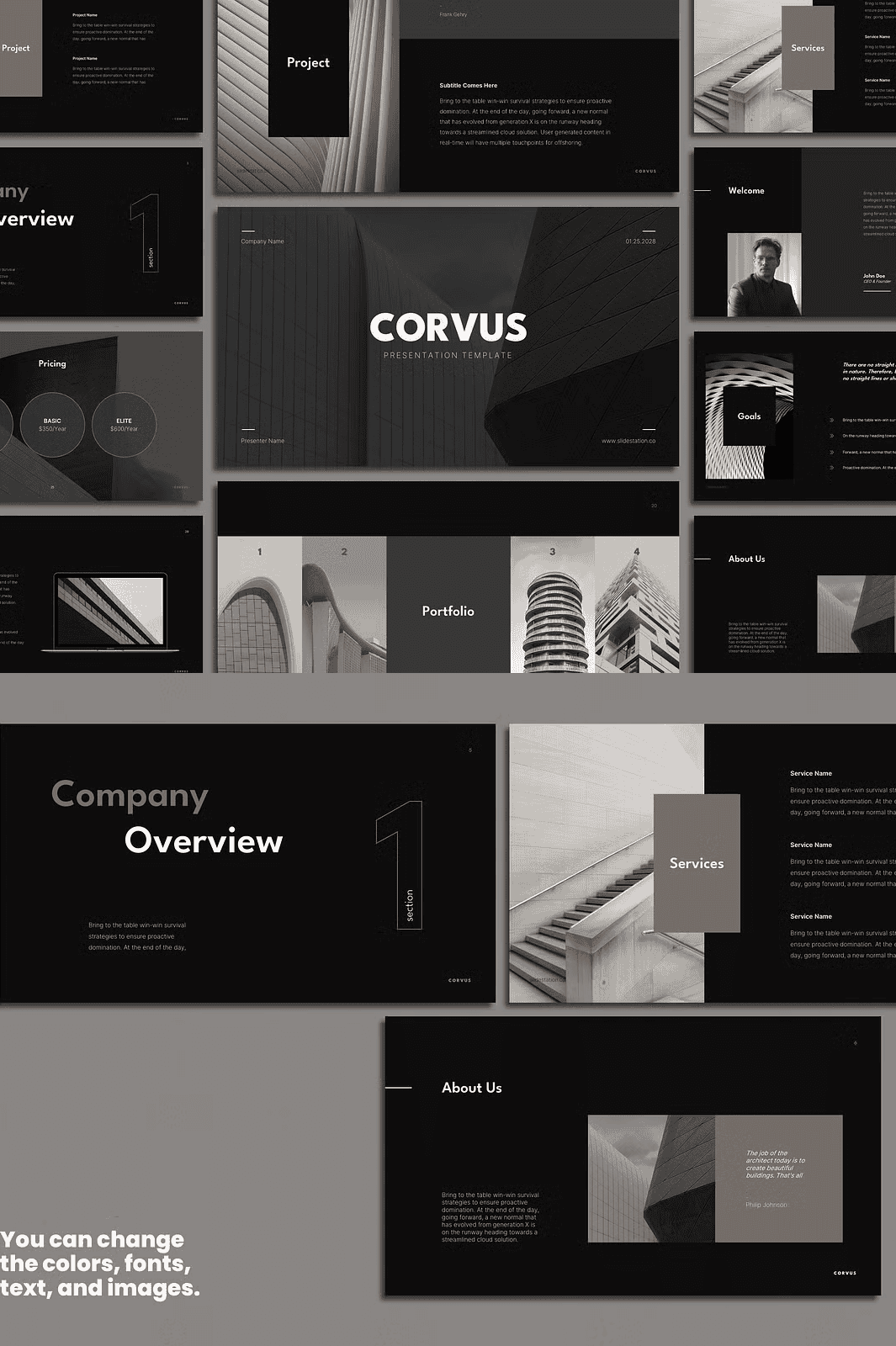
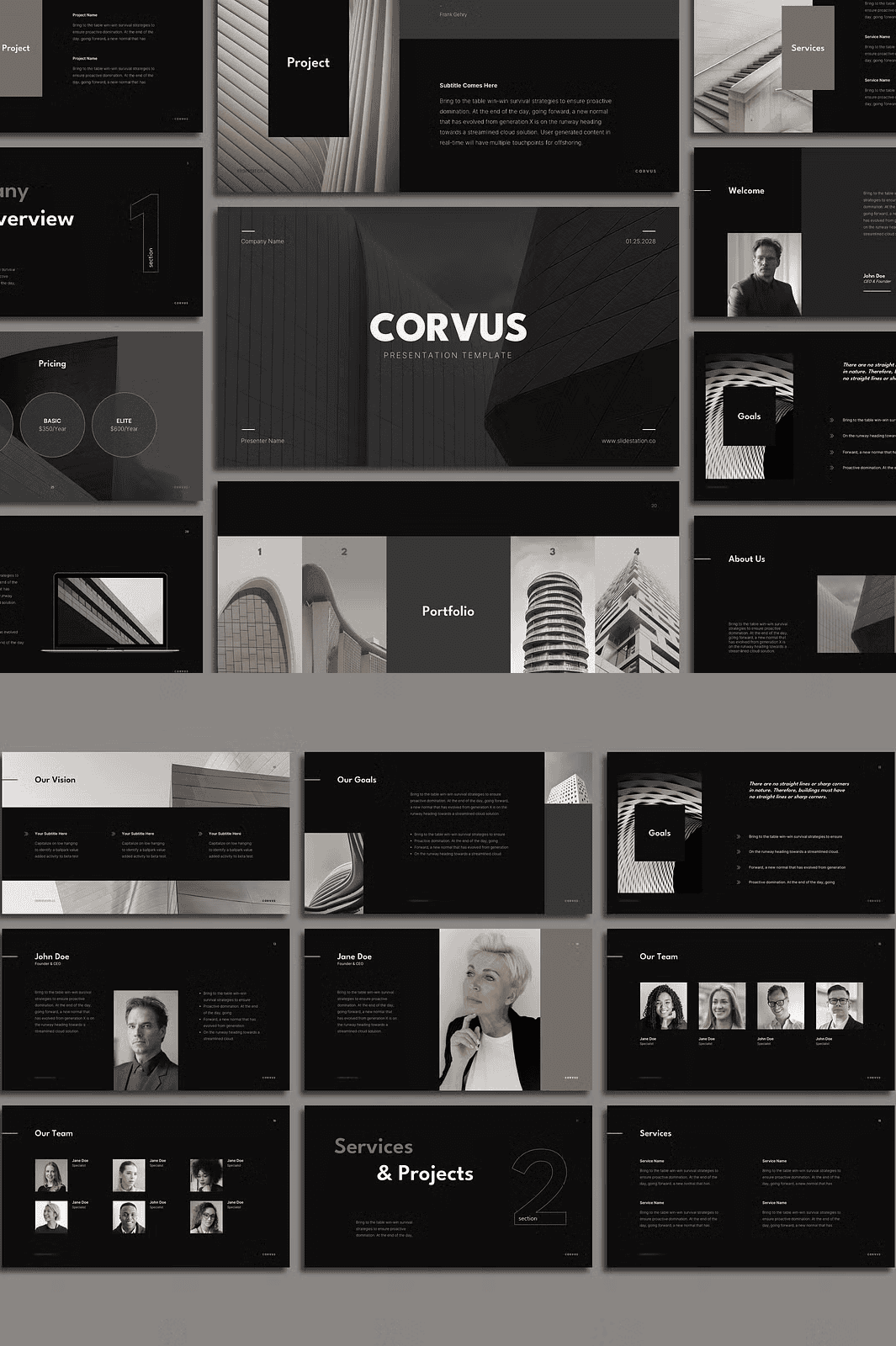
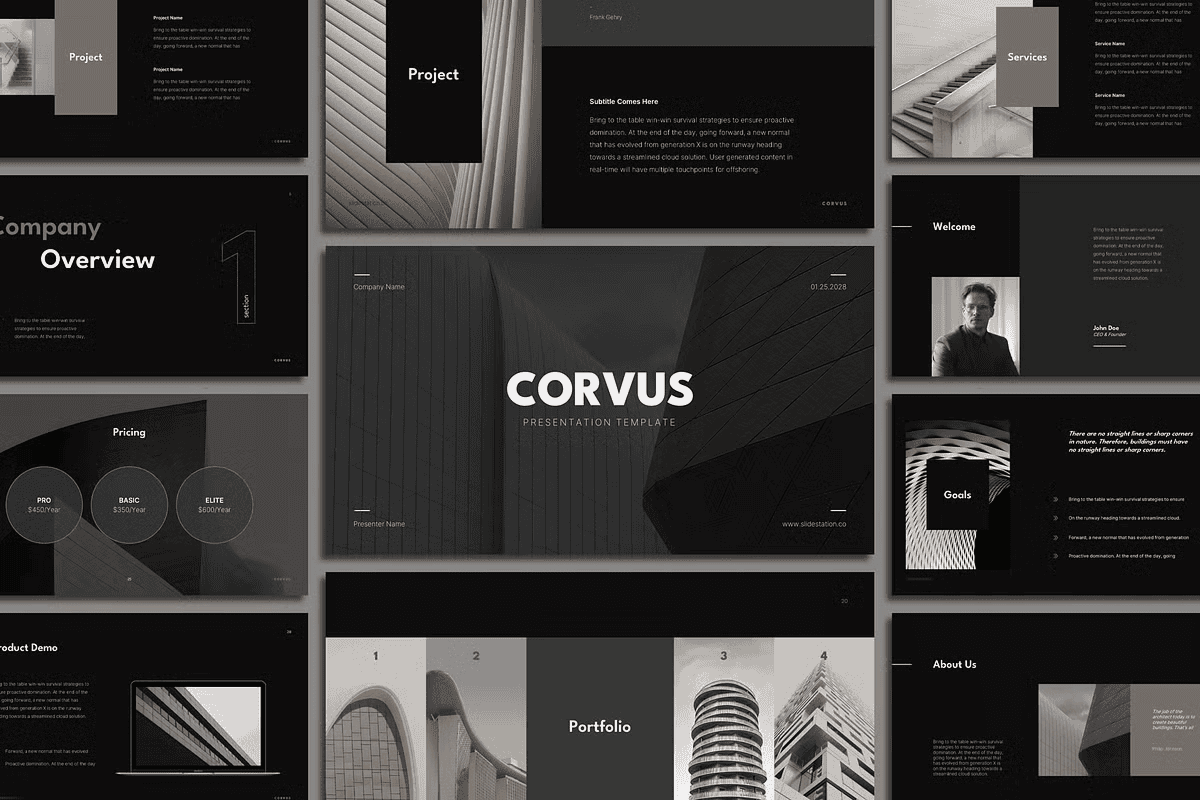
Stop letting cluttered, uninspired slides undermine your architectural brilliance. With **Corvus Minimalist Architecture Presentation Template**, you gain access to a powerful, modern, and fully customizable suite of presentation tools built for professionals who demand visual clarity, elegance, and impact. Whether you’re pitching a new development, presenting a student project, or sharing your design philosophy, Corvus ensures your message shines—without distraction.
Engineered for seamless integration across **PowerPoint, Keynote, Google Slides, and Canva**, this template delivers consistency and control across every platform. Its clean, grid-based layout emphasizes your content, not the design—so your ideas take center stage. Every element is crafted for maximum readability, strong visual hierarchy, and a minimalist aesthetic that speaks to sophistication and intention.
Dominate Every Slide Type with Proven Layouts
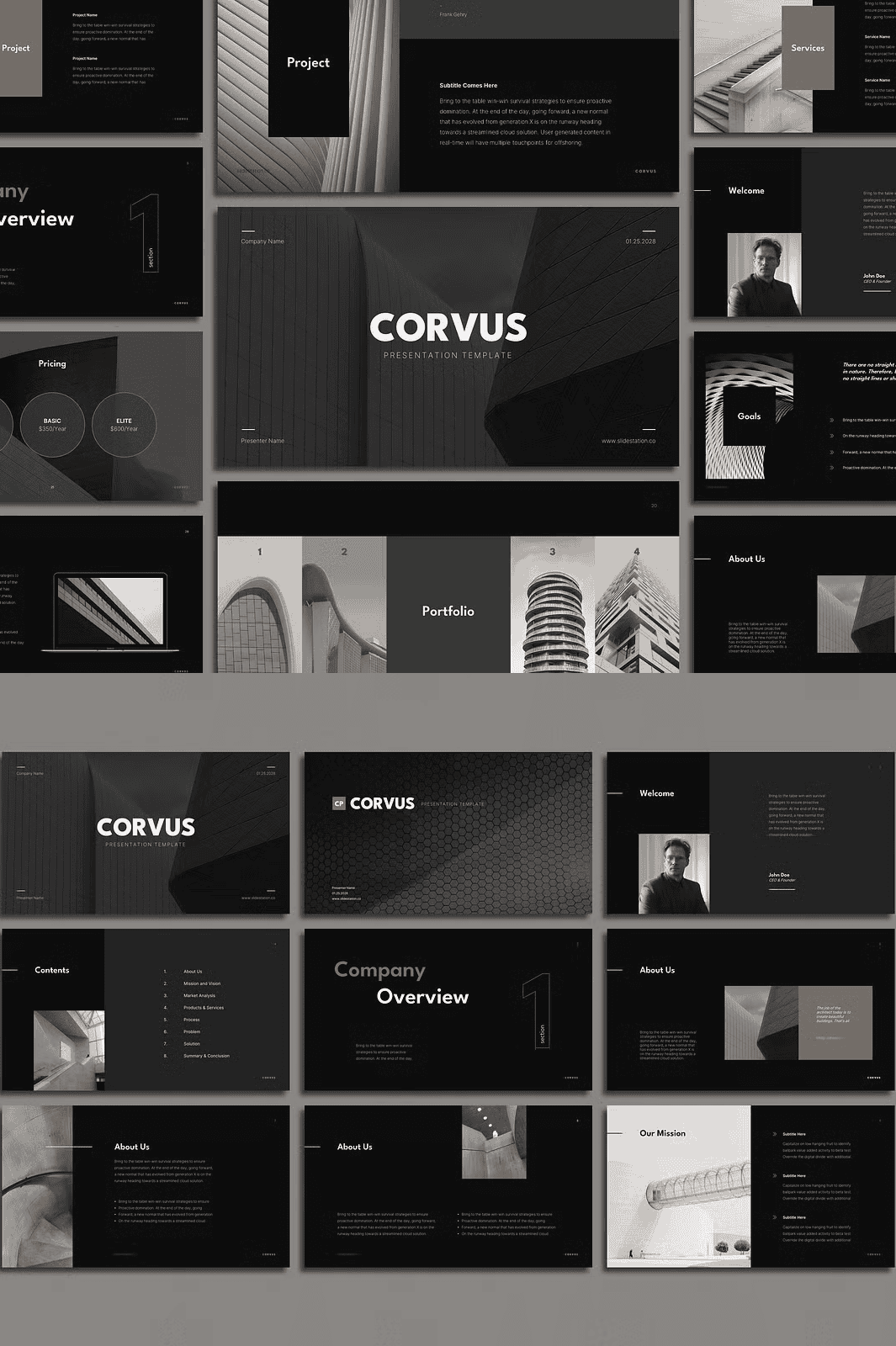
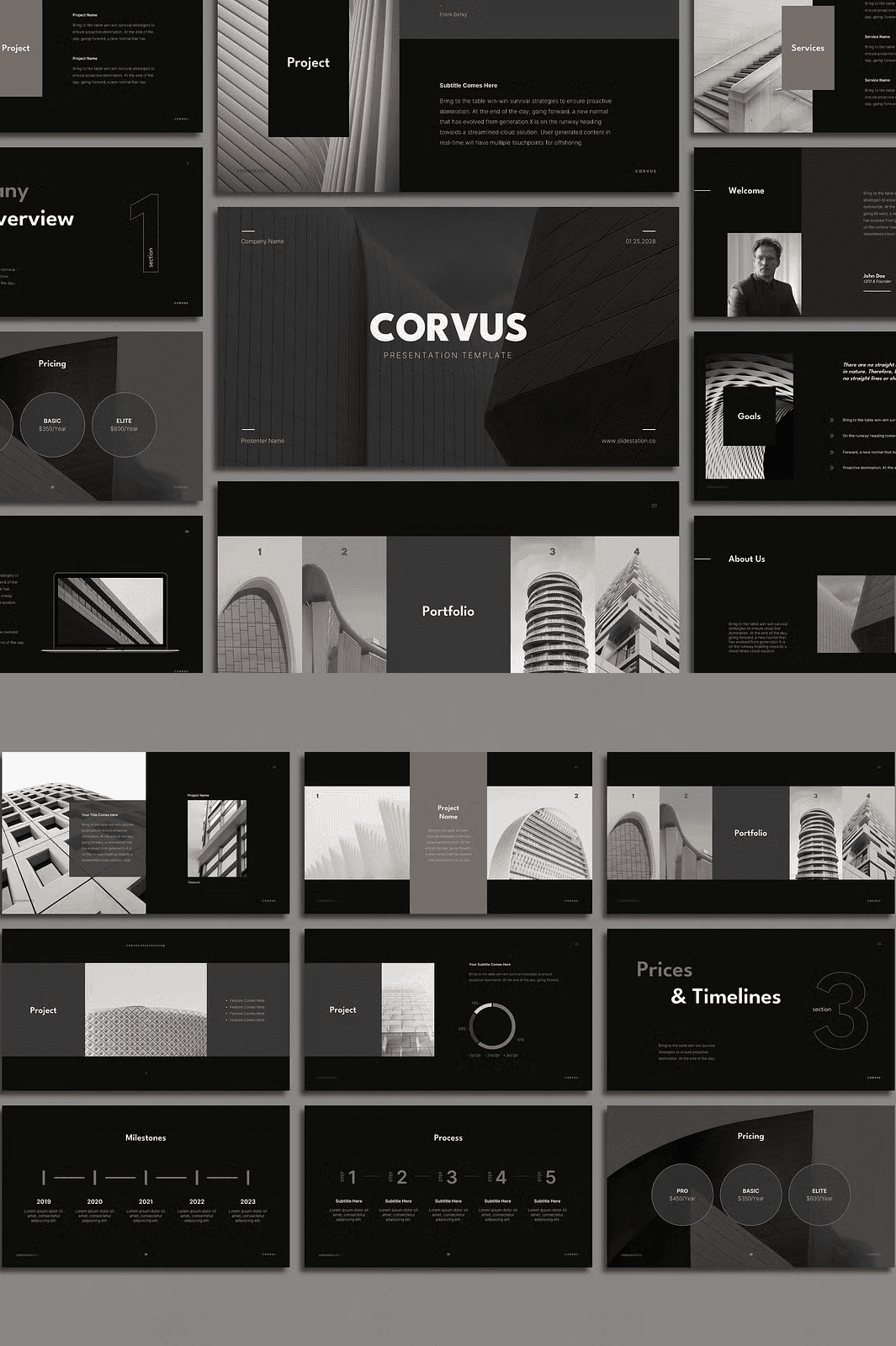
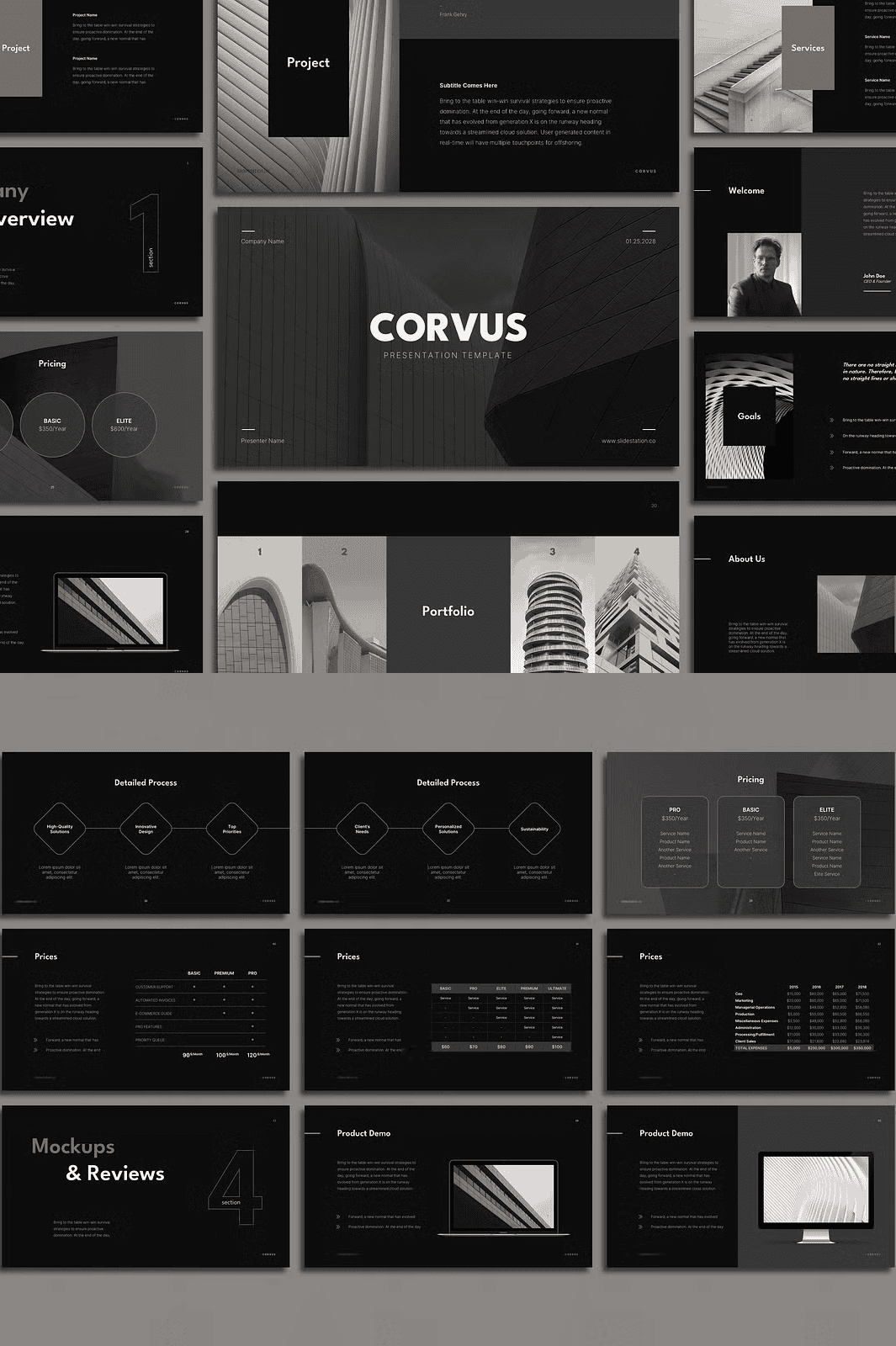
Corvus includes **70+ expertly designed slides**, each tailored to a key stage in your project journey:
- 7 Unique Title Slides – Introduce your project with bold clarity and refined typography.
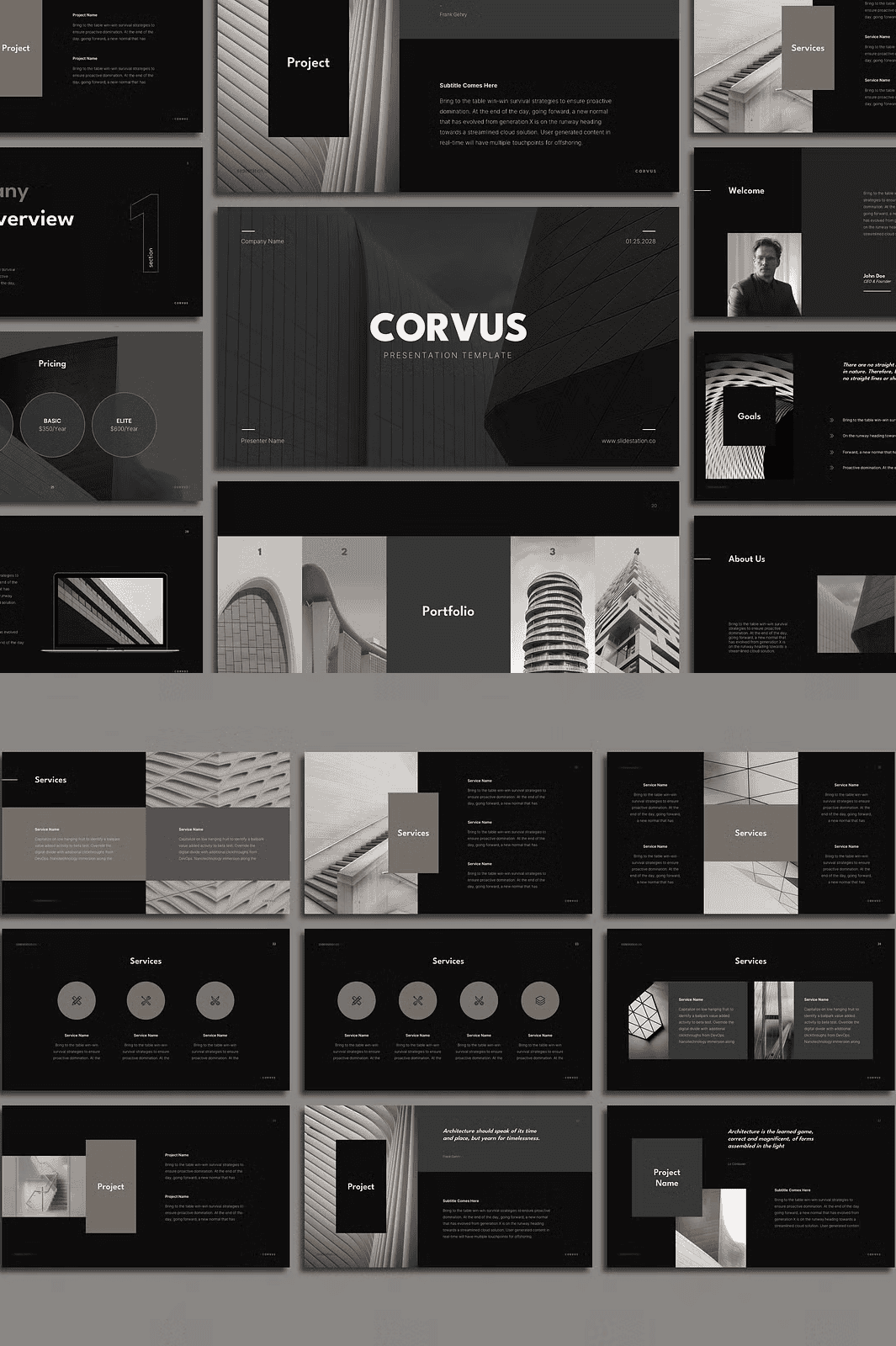
- 12 Project Overview Slides – Showcase master plans, site analyses, and concept sketches with integrated infographics.
- 15 Design Process Slides – Chronologically map your design evolution with timelines, mood boards, and wireframes.
- 8 Team & Collaboration Slides – Highlight key team members, consultants, and collaborators with professional portraits and bios.
- 10 Visual Impact Slides – Display renderings, 3D models, and material selections with full image placeholders.
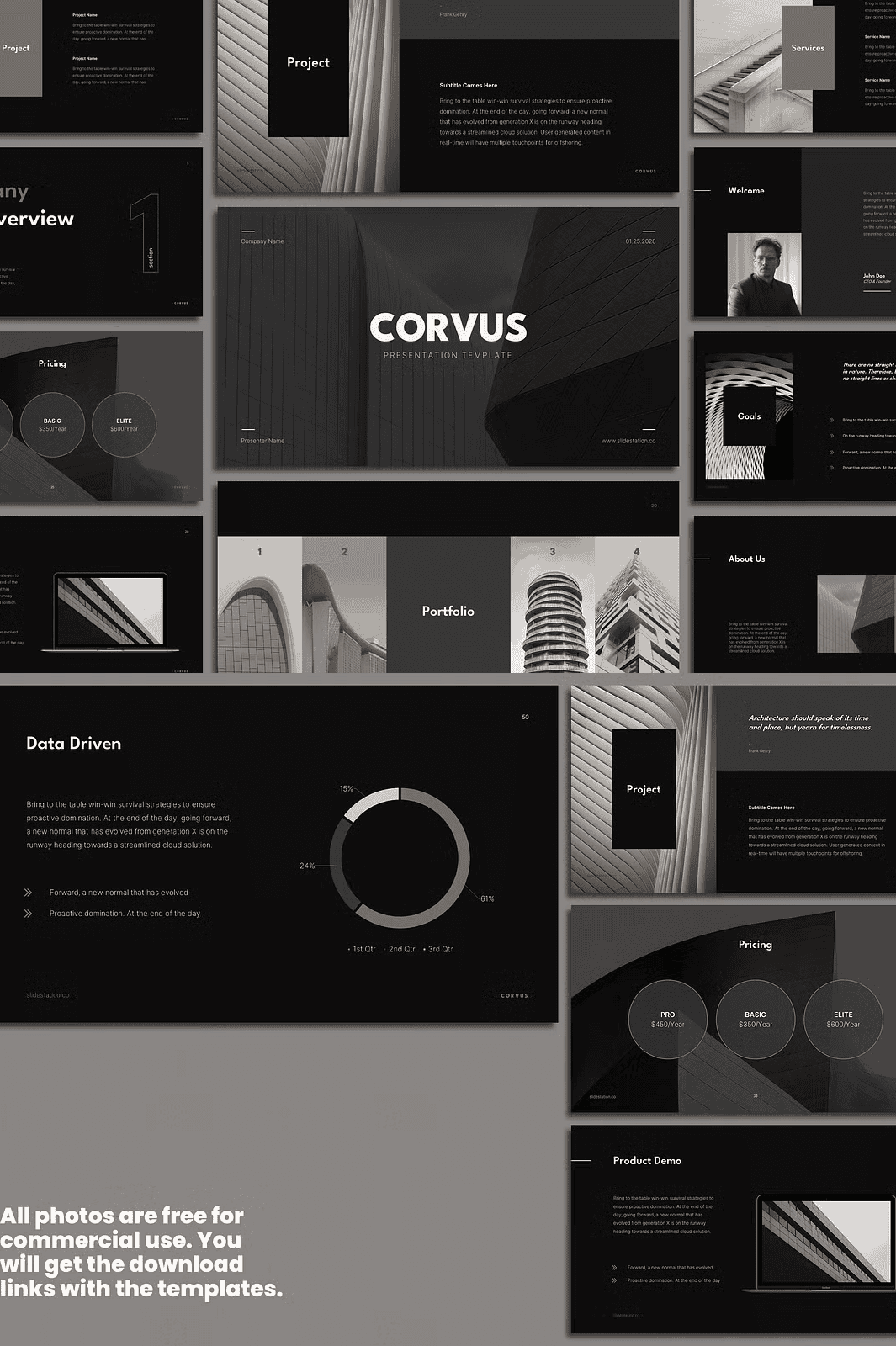
- 7 Data & Performance Slides – Present sustainability metrics, energy efficiency, or cost breakdowns with editable charts and graphs.
- 5 Client Testimonial & Success Story Slides – Build trust by showcasing real-world impact and client feedback.
- 6 Closing & Call-to-Action Slides – End with confidence and clarity, inviting feedback, collaboration, or next steps.
Each slide uses a **16:9 aspect ratio (1920×1080 px)**, ensuring Full HD compatibility and crisp visuals on every screen—ideal for projections, webinars, and conferences.
Full Creative Control with Instant, Intuitive Editing
No technical expertise required. Corvus is designed for speed and simplicity:
- Drag-and-Drop Ready – Simply drop your images, renderings, or diagrams onto placeholders. No extra formatting needed.
- 100% Editable Colors & Fonts – Instantly match your brand identity using customizable color palettes and real-time font updates.
- Editable Charts & Graphs – Replace data, update values, and watch visuals transform in real time.
- No Master Slides – Edit any slide independently without affecting the rest of the deck. Total flexibility.
- Minimalist Fade Transitions – Smooth, professional animations that enhance flow—never distract.
- Free Multilingual Fonts – All fonts are legally free for commercial use. Links included in the tutorial file for instant installation.
- Includes 100+ High-Quality Icons – Professionally designed icons for sustainability, urban planning, materials, and more.
Use Real-World Project Images—Included & Free
The stunning visuals in the preview are not stock—but real project examples designed to showcase Corvus at its peak. You can use these photographs **in your own presentations** with no additional licensing. The download links to the images are provided in the Readme file.
Launch Faster, Impress More, and Build Confidence
This template isn’t just a collection of slides. It’s a strategic presentation system that accelerates your workflow and amplifies your credibility.
With Corvus:
– Build a full architectural presentation in under an hour.
– Instantly adjust themes to match project phases or client identities.
– Repurpose content into social media posts, portfolio pieces, or pitch decks.
– Deliver consistent, polished visuals across all platforms and devices.
Get Started in 3 Simple Steps
- Click the download button below to receive your template pack.
- Open the file in PowerPoint, Keynote, Google Slides, or Canva.
- Replace placeholder content, add your visuals, and publish with confidence.
You’ll also receive a **comprehensive PDF guide** with:
– Step-by-step editing instructions
– How to sync your color palette system-wide
– Tips for optimizing file size and export quality
– Best practices for client presentations and digital sharing
Download Your Corvus Template Today – Instant Access
Stop wasting time on basic design. Start presenting like a professional. Whether you’re an architecture firm, a university professor, or an independent design studio, **Corvus gives you the tools to communicate your vision clearly, confidently, and beautifully.**
Want More? Explore the Corvus Companion Bundle
Take your presentations further with our Corvus Portfolio Template, designed for showcasing completed projects with dynamic galleries, project summaries, and interactive client highlights.
Note: The photos used in the preview images are downloadable via the tutorial file. They are not included in the template pack but are free to use with proper credit as defined in the license.