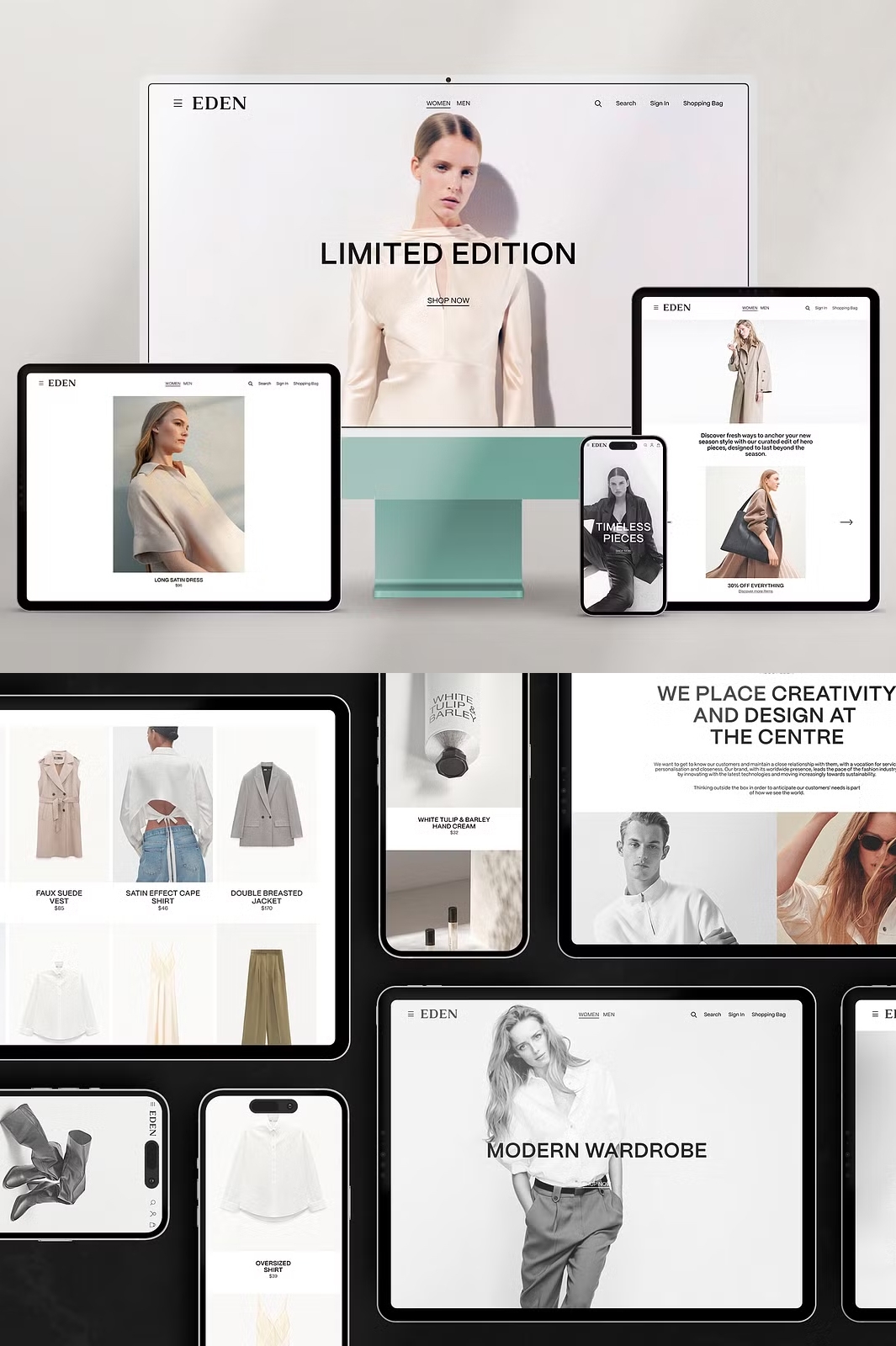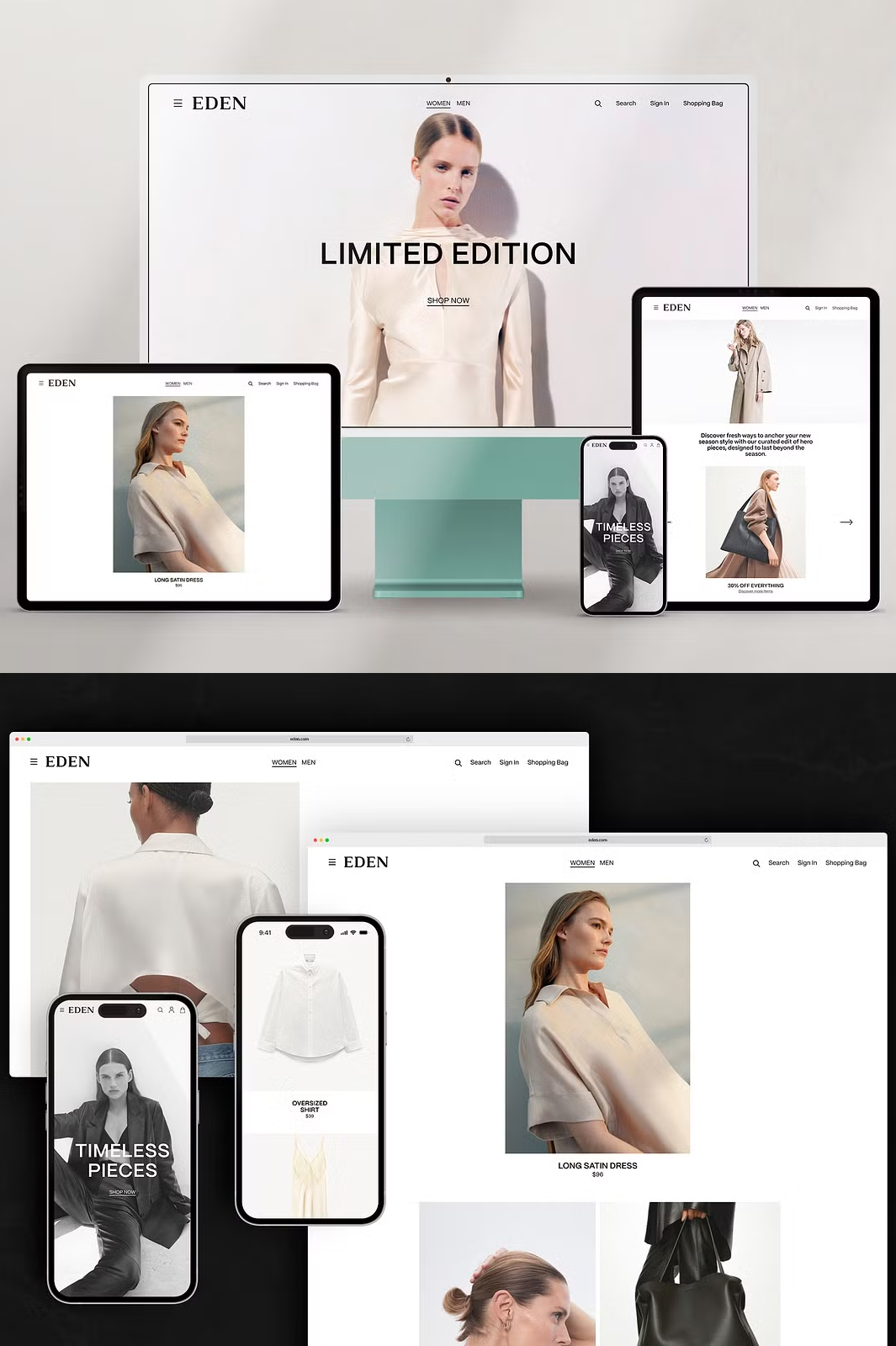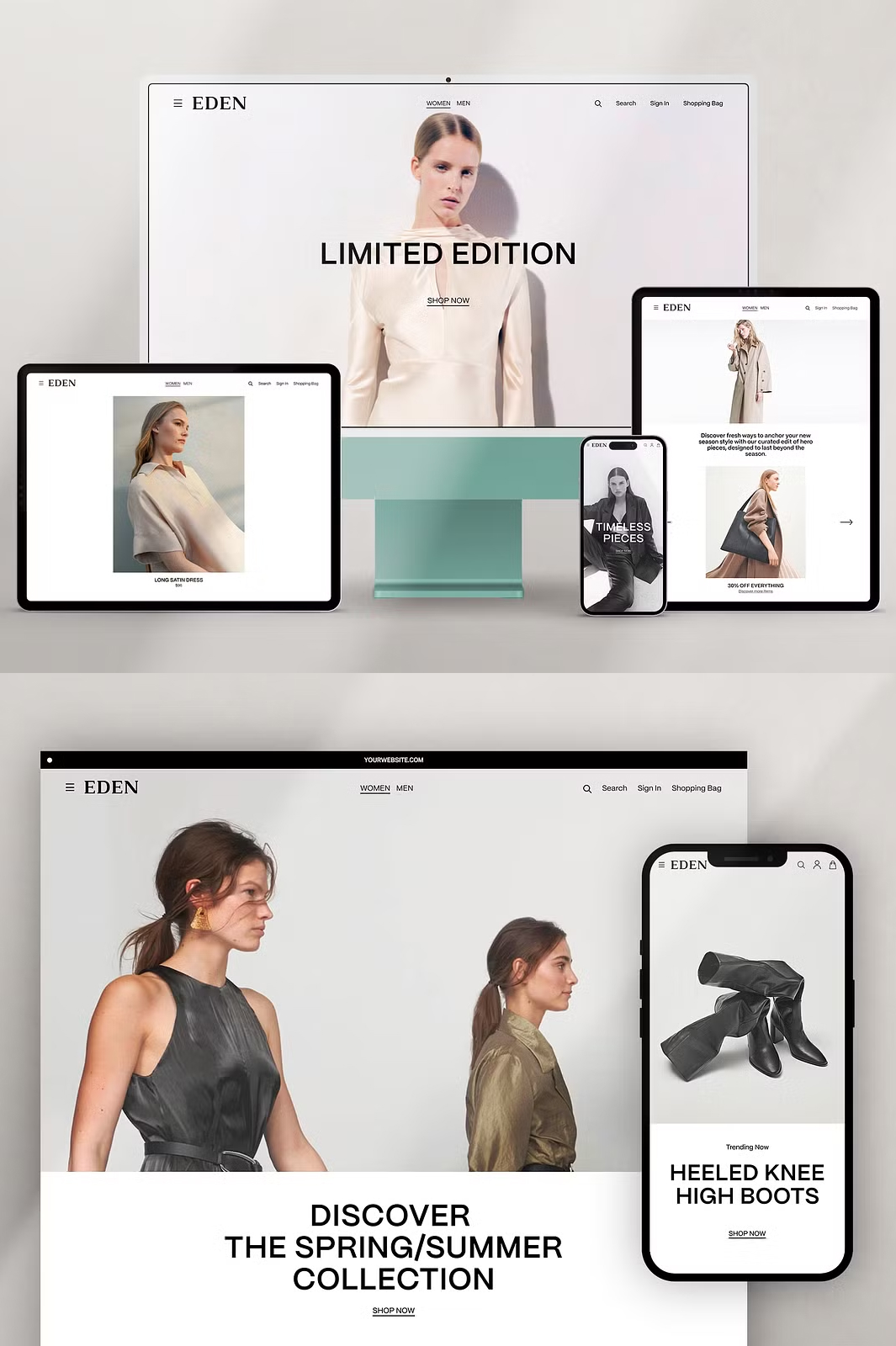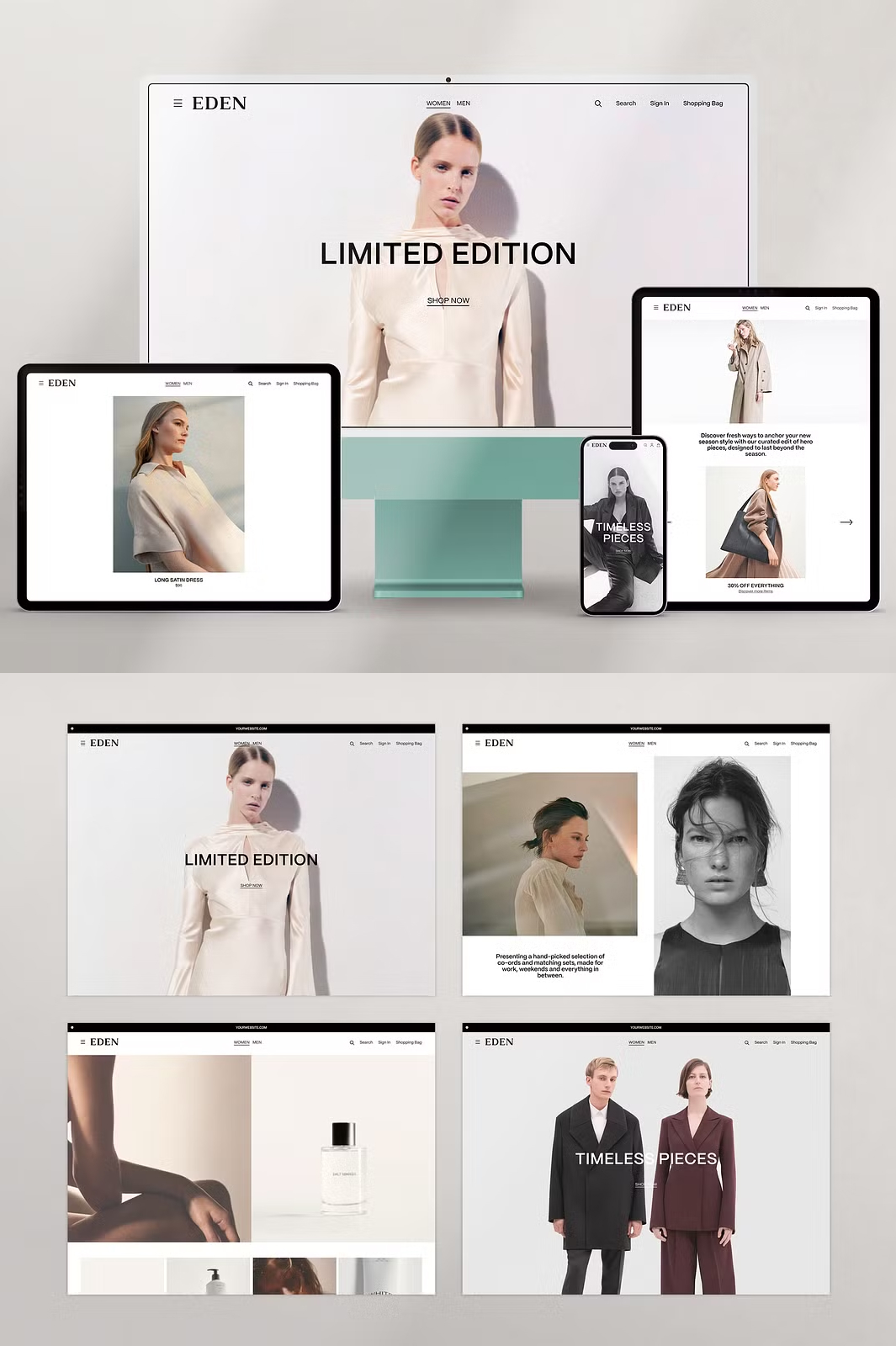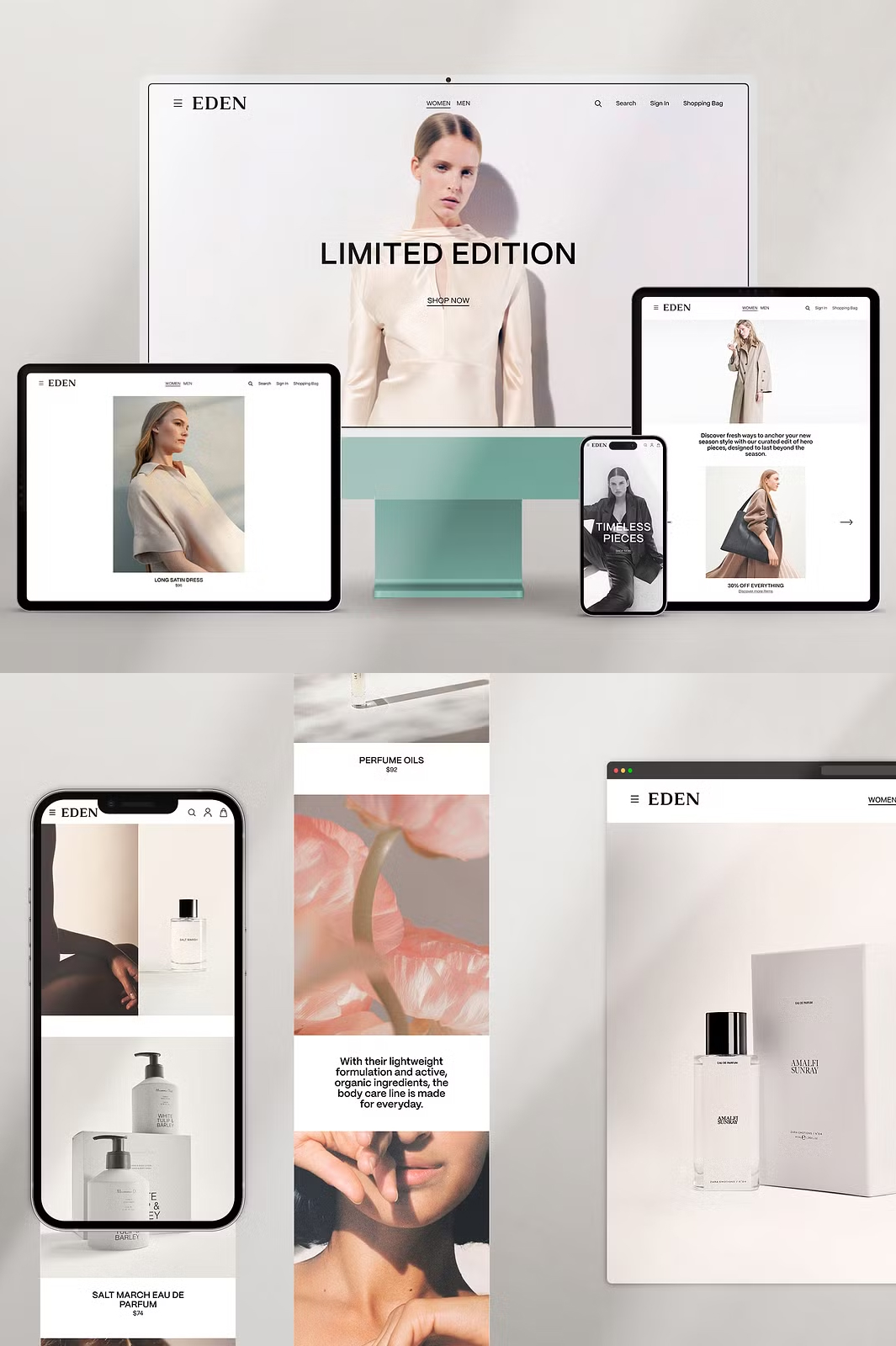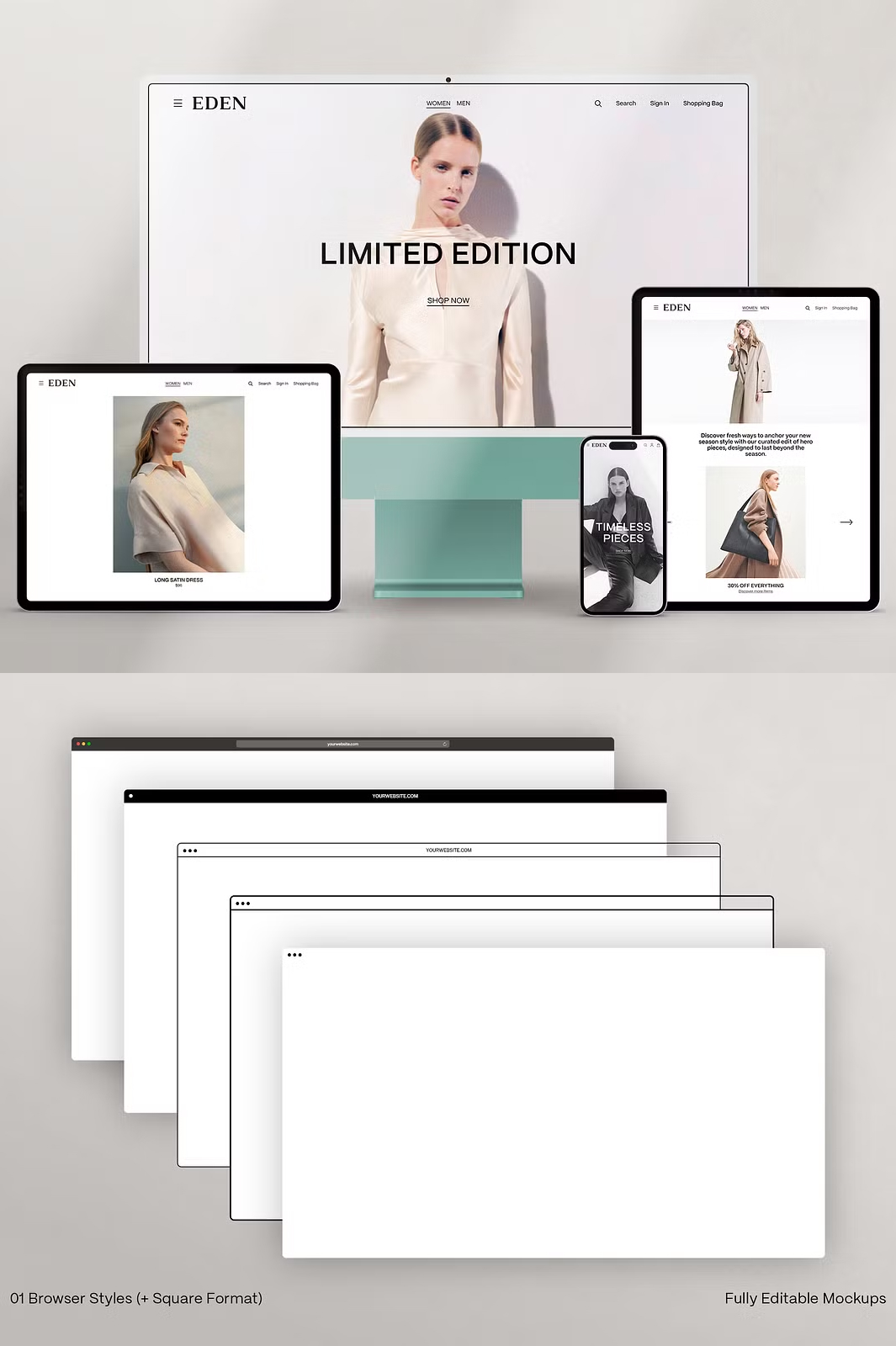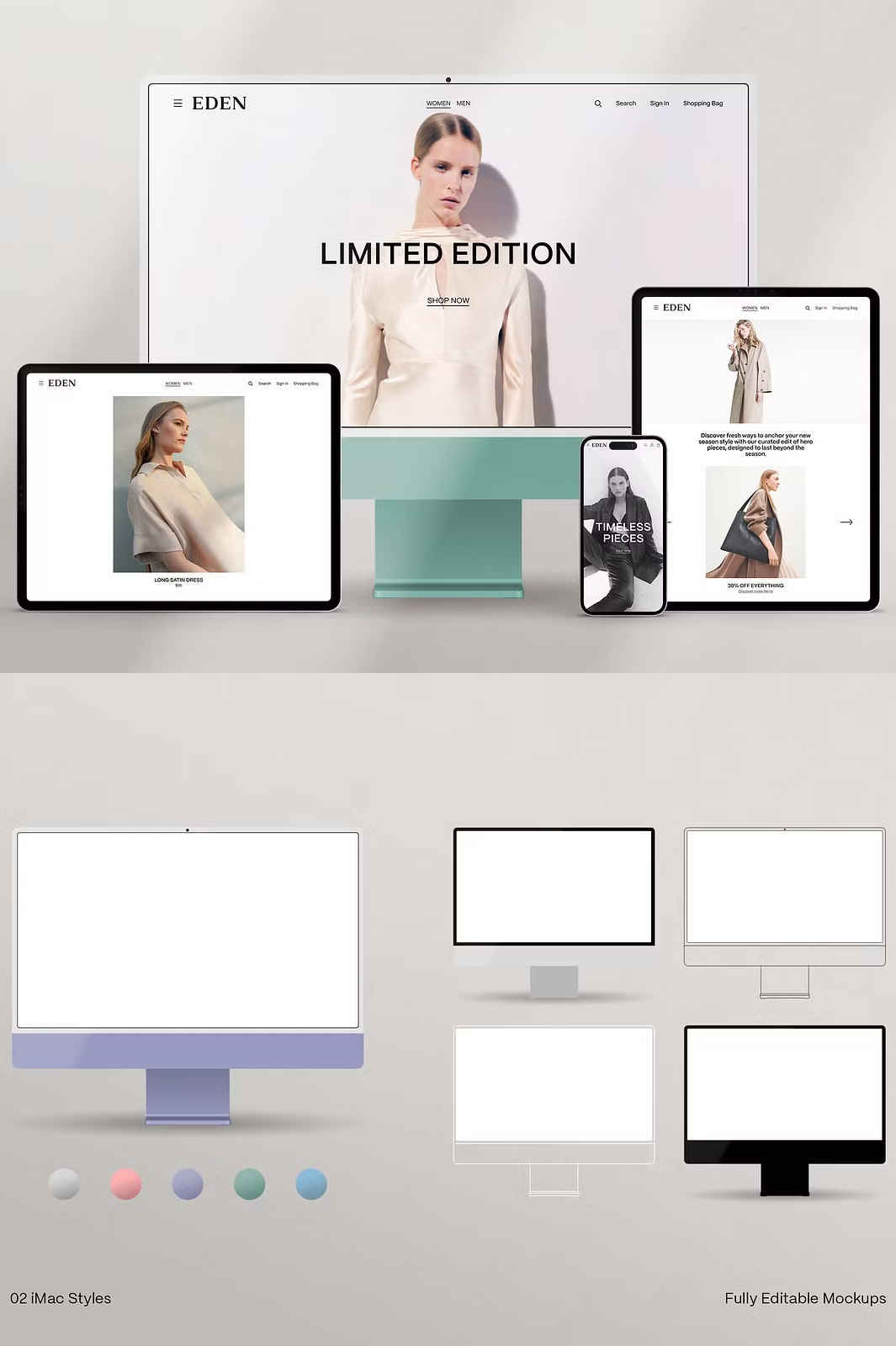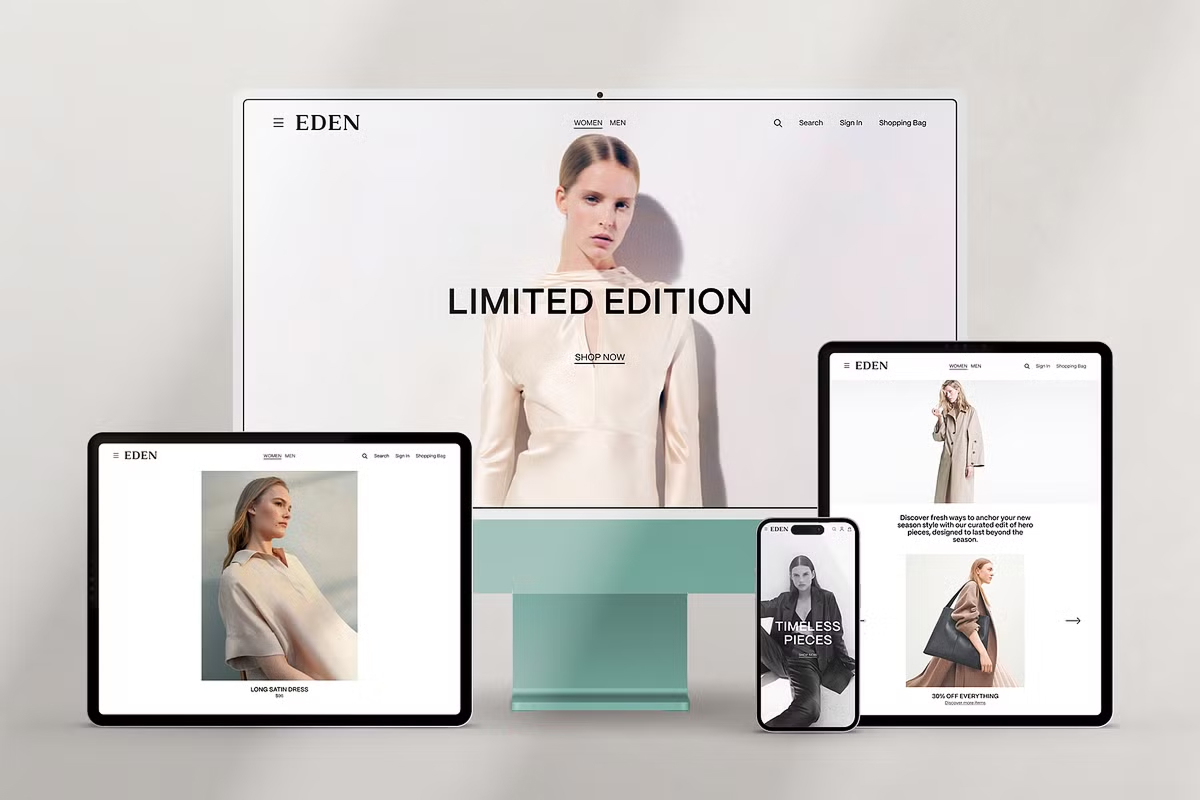

Take your web and app design presentations to the next level with EDEN – Minimal Website Mockup Scene Creator. This high-resolution mockup pack is designed for creative professionals who want to showcase their projects in a sleek and modern style. With a wide selection of browser and device layouts, customizable scenes, and realistic shadow overlays, EDEN is the perfect solution for creating stunning website mockups.
Why Choose EDEN?
Whether you’re presenting website designs, UI concepts, branding, or digital portfolios, EDEN provides a professional and realistic environment. This pack includes 20 pre-made scenes, 8 unique background textures, and 9 natural shadow overlay options, offering unlimited customization possibilities. Designed for Adobe Photoshop, EDEN allows you to insert your designs effortlessly using smart object layers. Simply drag, drop, and your mockup is ready in seconds.
Key Features:
- Versatile Scene Creator: Includes mockups for Browser, iMac, iPad Pro (Portrait & Landscape), iPhone 13 Pro, and iPhone 14 Pro.
- 20 Pre-Made Scenes: Ready-to-use layouts designed to highlight your web and app designs beautifully.
- High Resolution: 4000x2667px at 150 DPI ensures sharp, high-quality presentations.
- Multiple Screen Resolutions: Optimized for various formats, including:
- Browsers: 2800x1600px, 2800x2000px, 2800x4200px, 2800x8000px
- iPad Pro Landscape: 2400x1800px, 2400x4200px, 2400x8000px
- iPad Pro Portrait: 1440x1920px, 1440x3800px, 1440x7600px
- iPhone: 880x1902px, 880x4200px, 880x8000px
- iMac: 2376x1360px
- 8 Unique Background Textures: Choose from a variety of high-quality textures to complement your design.
- 9 Shadow Overlays: Add depth and realism with natural shadow effects.
- Customizable Elements: Change background colors, modify shadows, and edit layouts easily.
- Organized & User-Friendly: Well-structured layers and an included user guide make editing effortless.
What’s Included in the Download?
- Adobe Photoshop Files – Fully editable PSD mockups.
- Scene Creator Mockups – High-resolution layouts for multiple devices.
- 20 Pre-Made Scenes – Professionally designed compositions.
- High-Quality Backgrounds – 8 unique textures to enhance your presentation.
- Shadow Overlays – 9 realistic options for added depth.
- Smart Object Layers – Quick and easy design replacement.
- Comprehensive User Guide – Step-by-step instructions to help you get started.
How to Use:
- Open the PSD file in Adobe Photoshop.
- Double-click on the Smart Object layer.
- Insert your design and save the changes.
- Customize background colors, textures, and shadows to fit your aesthetic.
- Export and showcase your design with a professional presentation.
Important Notes:
- Templates & Photographs Not Included: The design templates and images shown in the previews are for demonstration purposes only.
- For Adobe Photoshop Users: This product is optimized for Photoshop and requires basic knowledge of smart object layers for editing.
Need Support?
If you have any questions or require assistance, feel free to reach out at daralight.studio@gmail.com. I’m happy to help!
Get EDEN – Minimal Website Mockup Scene Creator Today!
Transform your website and app design presentations with this high-quality scene creator. Click the button below to download now: