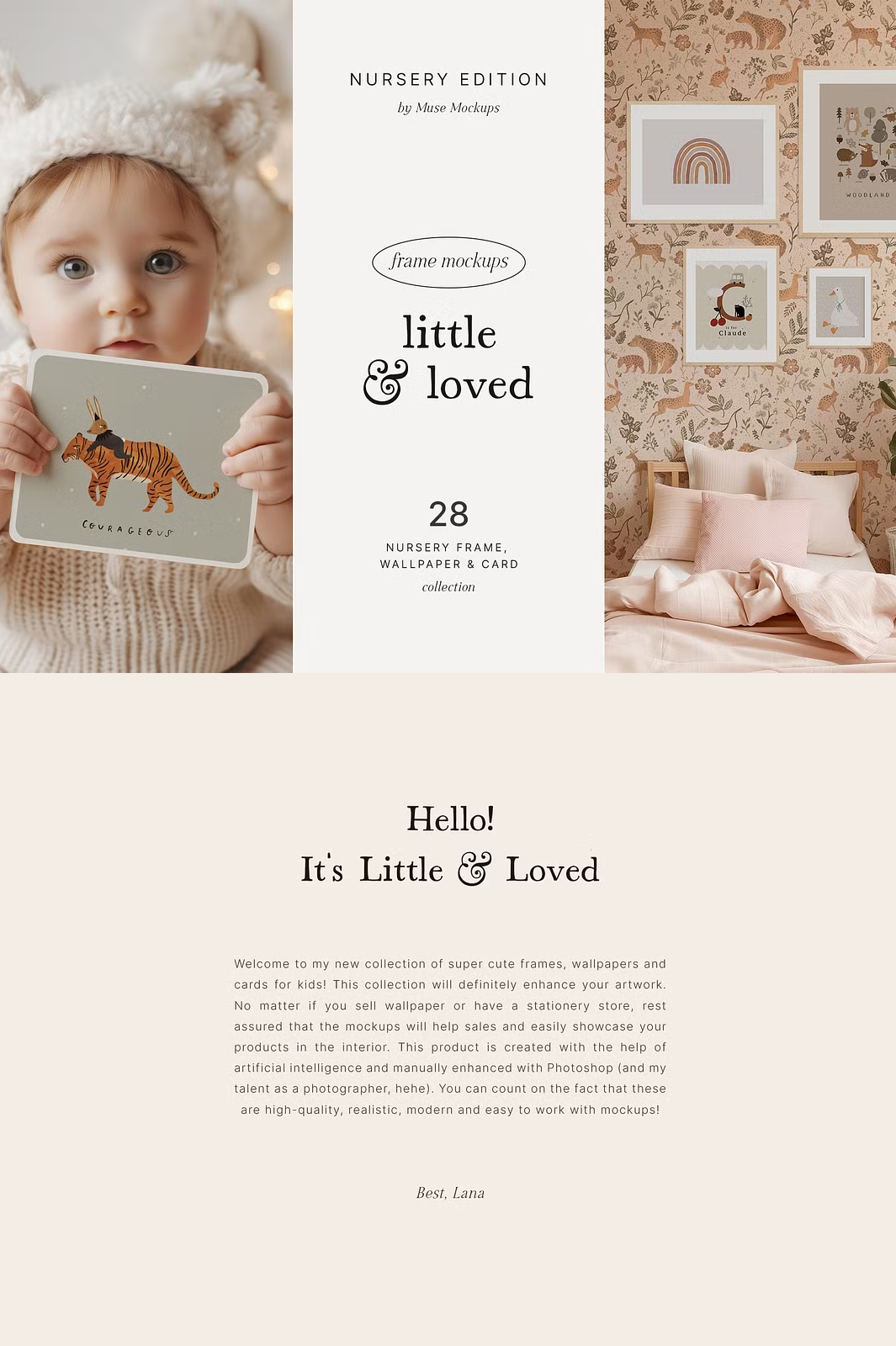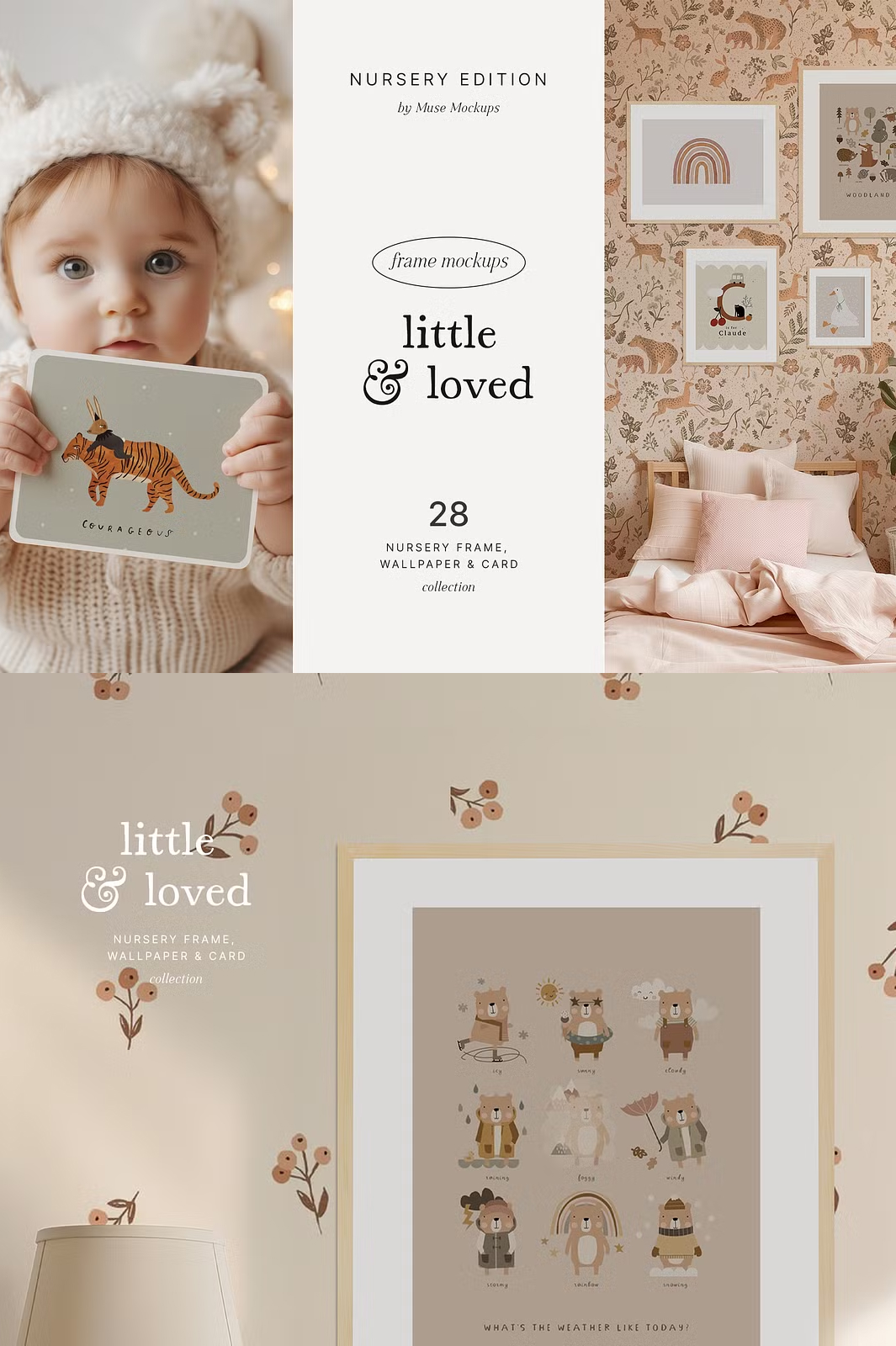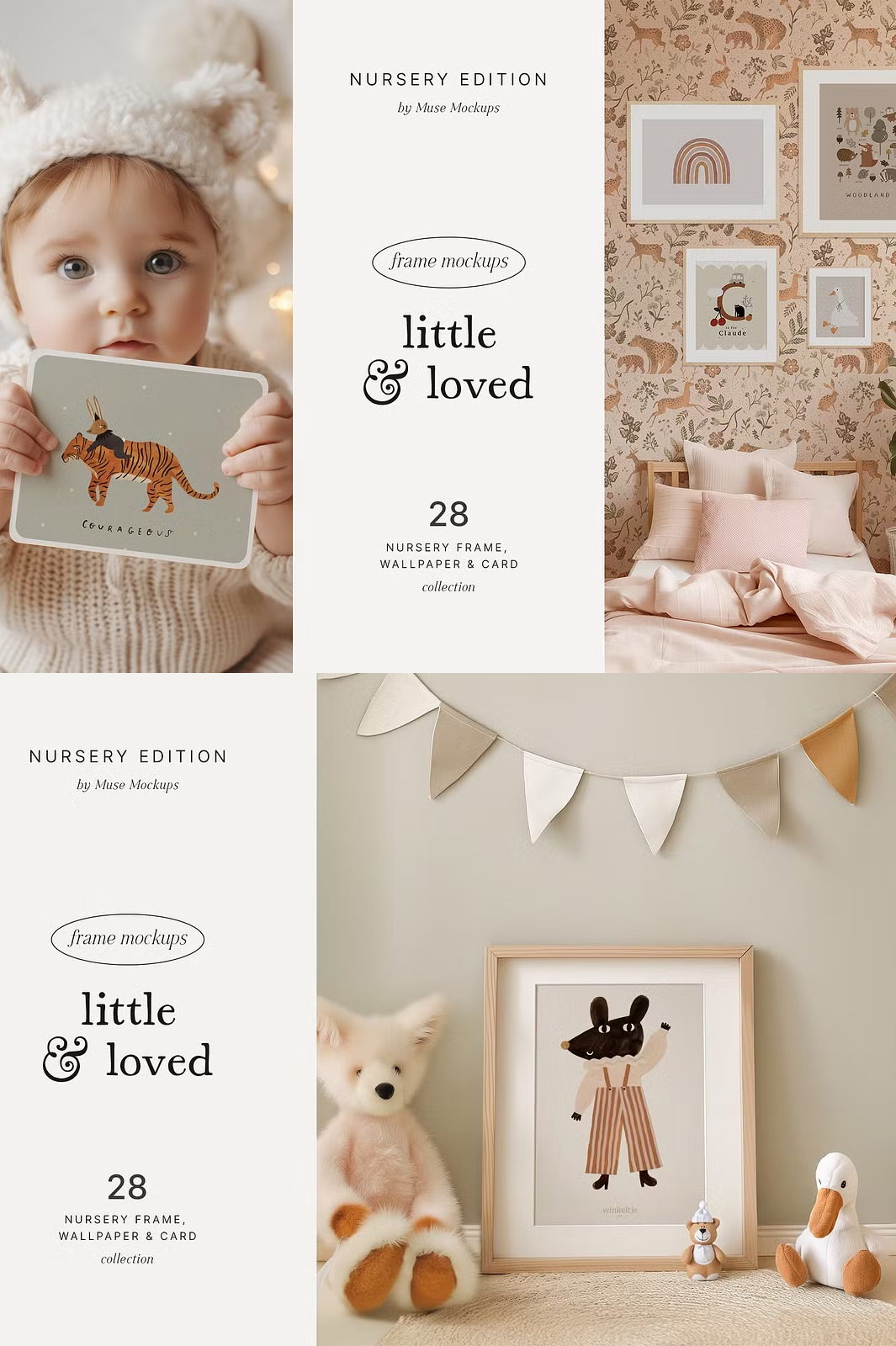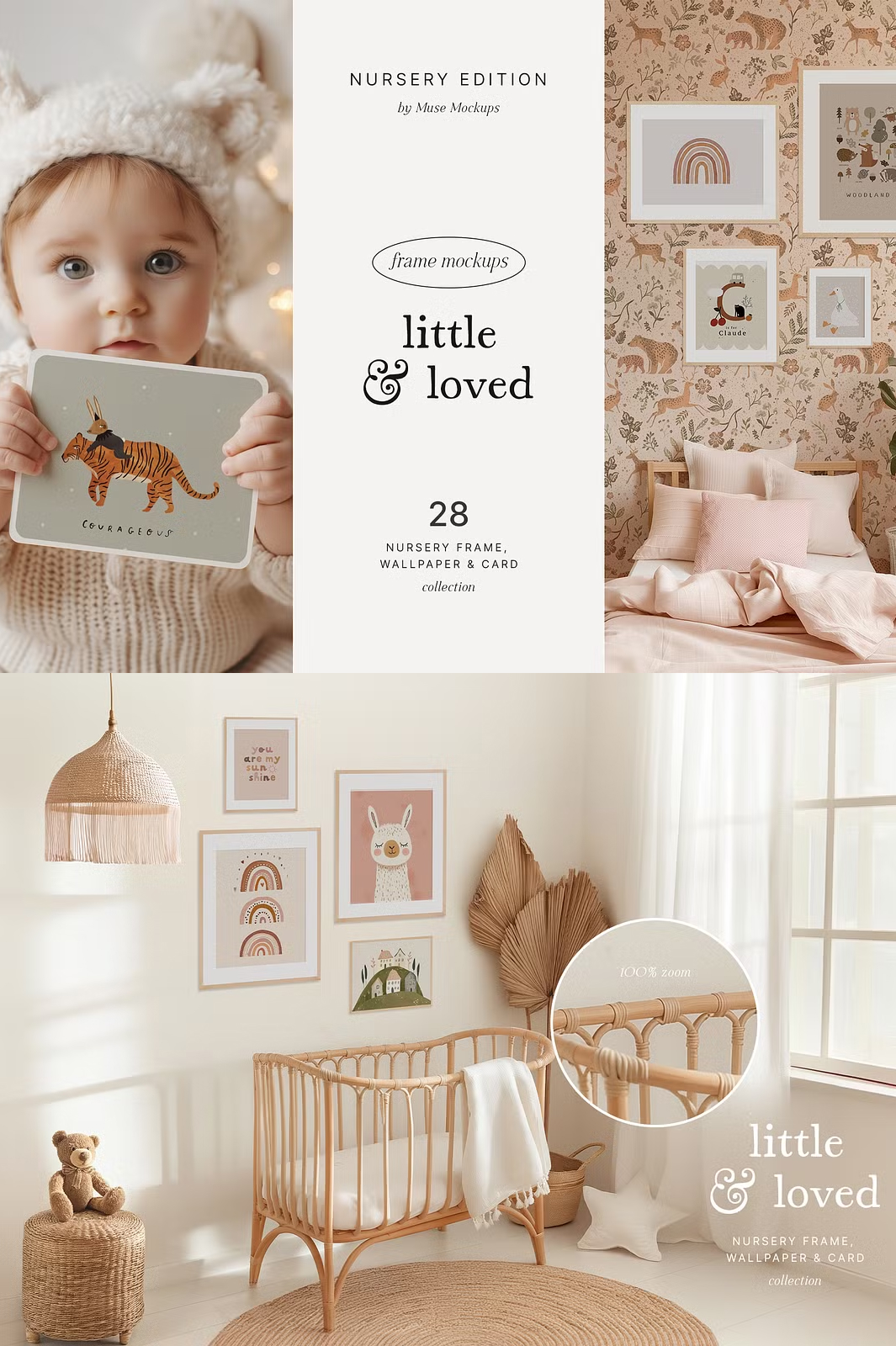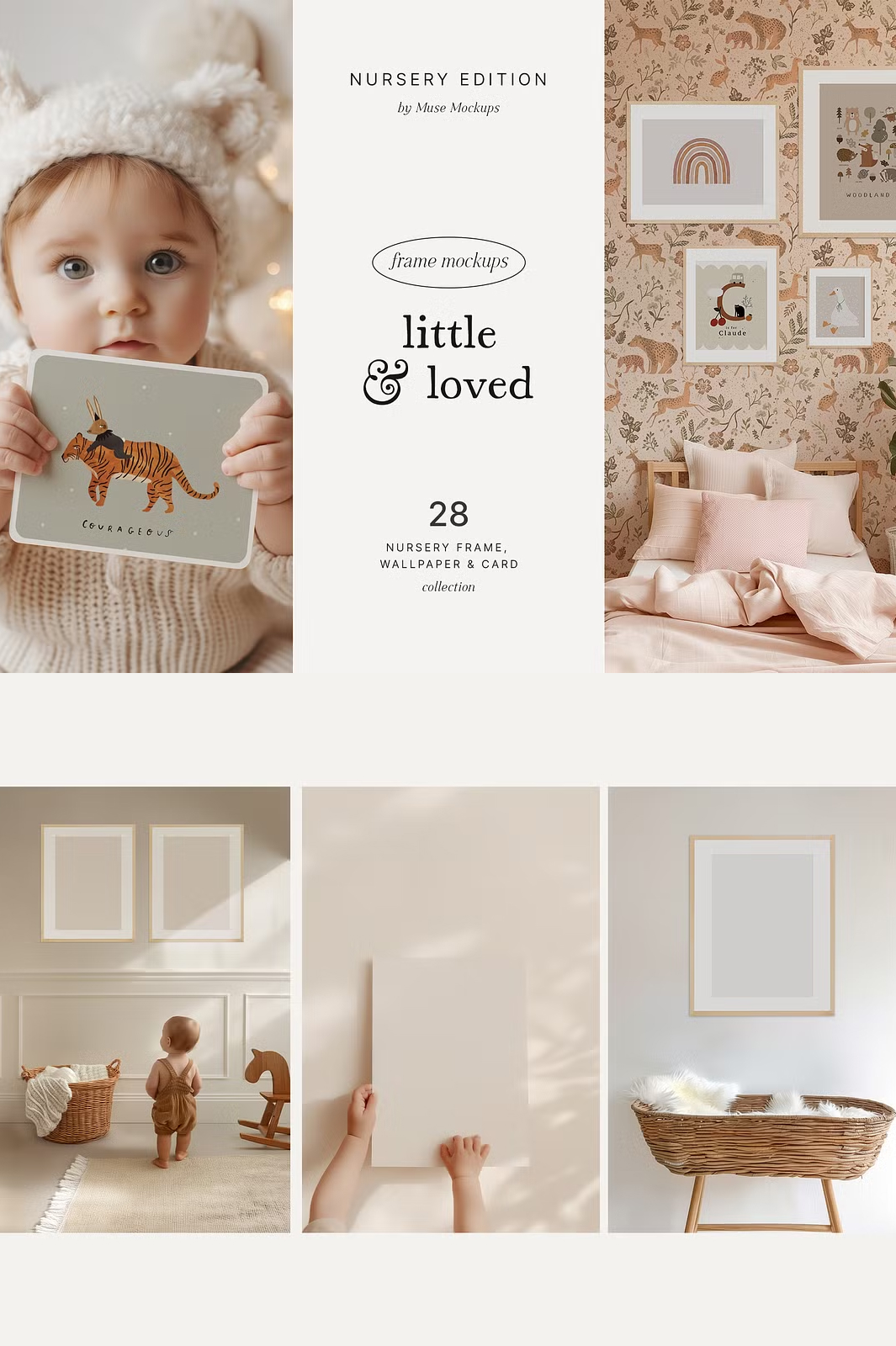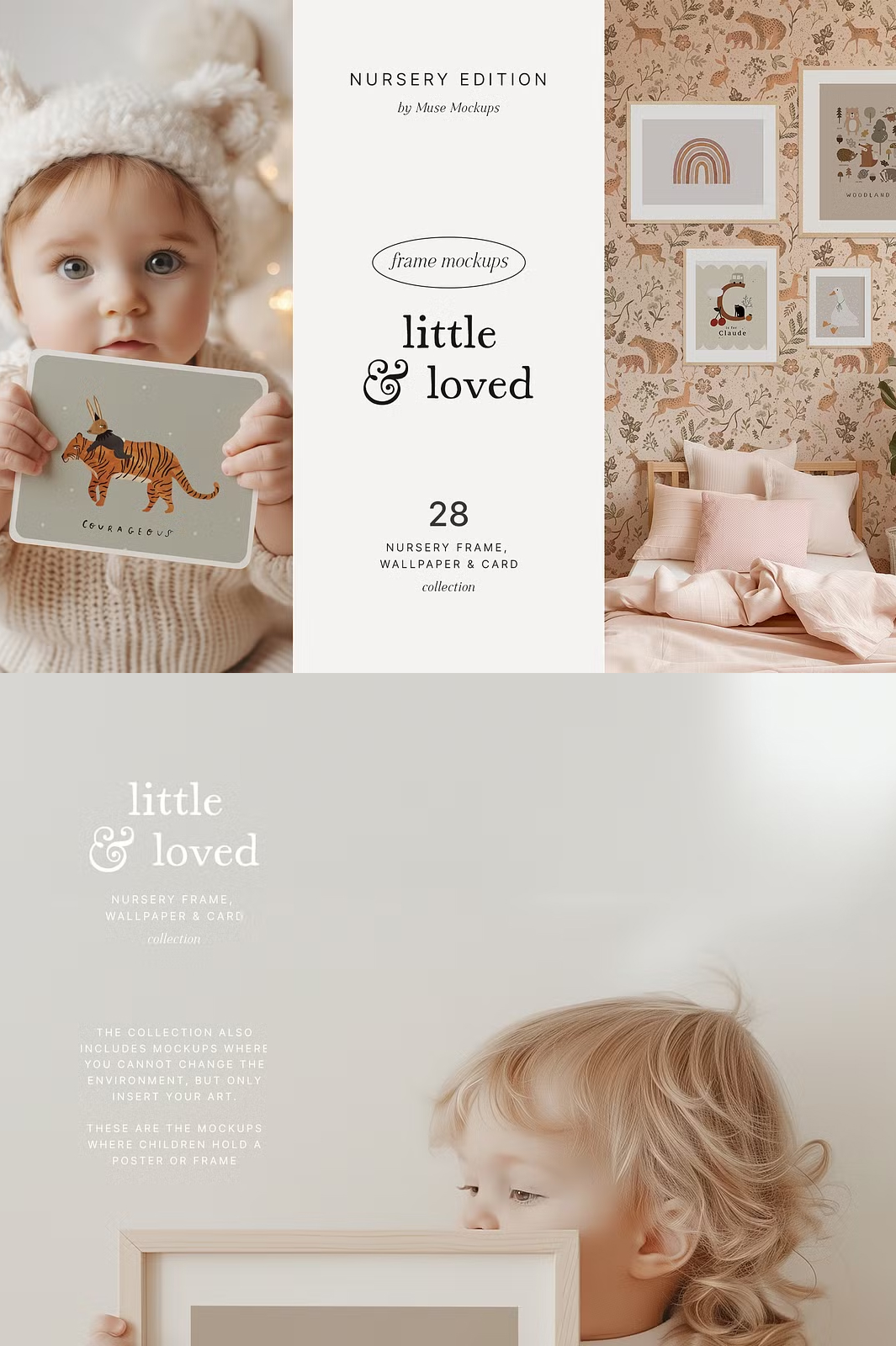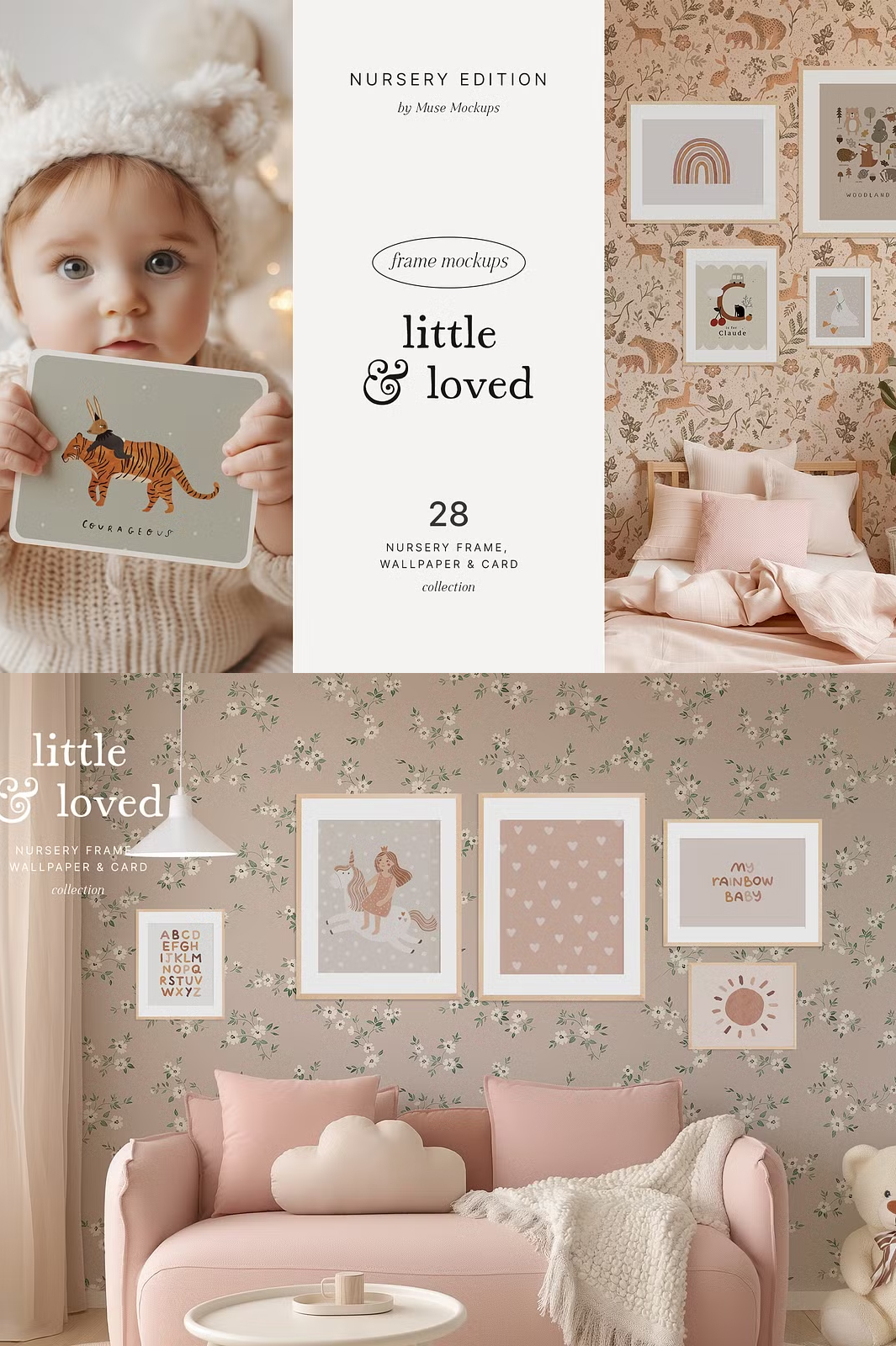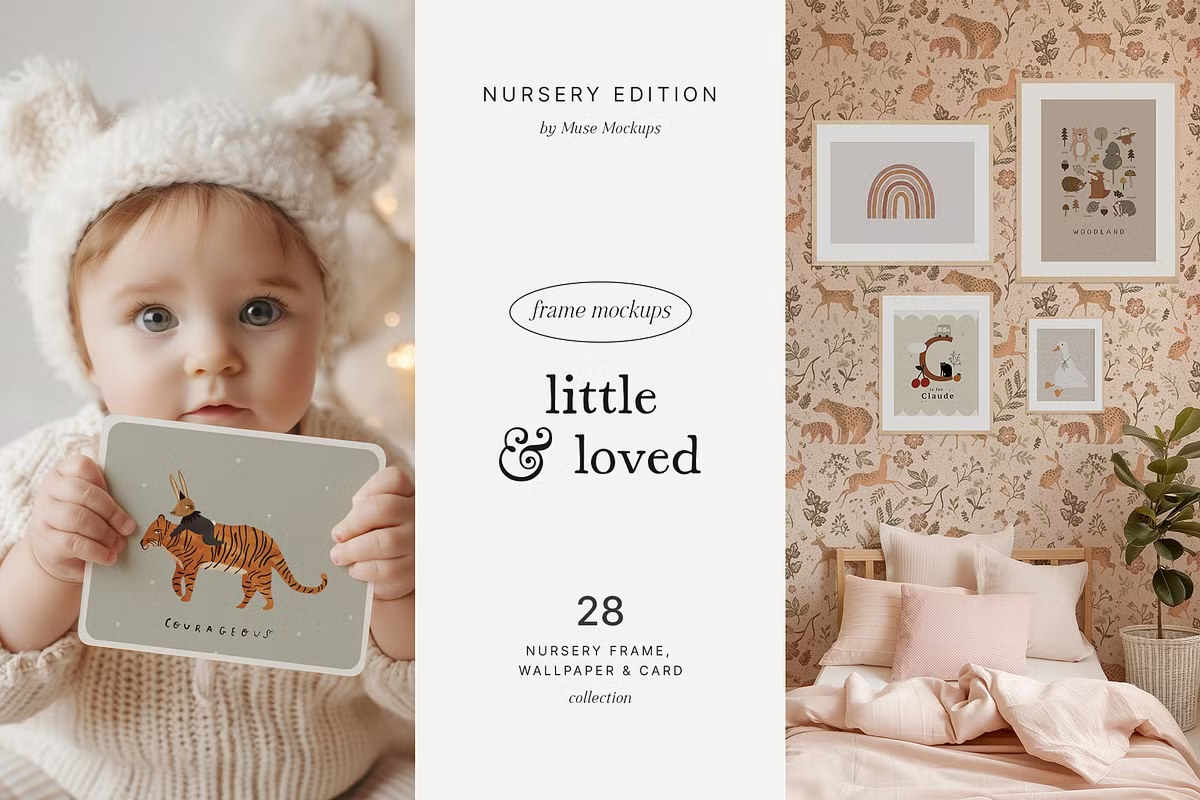

Welcome to my brand-new collection of super cute frames, wallpapers, and cards for kids! 🎨✨ Whether you sell wallpapers, operate a stationery store, or create children’s artwork, these mockups will enhance your presentation, boost sales, and beautifully showcase your designs in realistic nursery interiors.
Created using a blend of artificial intelligence, professional photography, and Photoshop enhancements, these mockups are high-quality, modern, and easy to customize. You can seamlessly adjust the frames, swap wallpapers, and create multiple variations in just a few clicks!
🎨 Why Choose This Nursery Mockup Set?
- ✨ Realistic & High-Quality – Manually enhanced for a premium look.
- 🖼️ Customizable Frames & Wallpapers – Hide frames, add multiple ones, rotate, or resize freely.
- 📏 Various Frame Sizes – Includes 5×7, 8×10, A4, A3, both vertical and horizontal orientations.
- 📸 Exclusive Scenes – Includes mockups with children holding a poster or frame.
- 💡 Huge Resolution – 5000×3333 pixels for crystal-clear presentation.
- 🔧 Easy to Use – Works with Photoshop, Photopea (free online editor), and other image tools.
📦 What’s Included?
This comprehensive set features 56 premium mockup items:
- 📂 28 Nursery PSD Mockups – Fully editable Photoshop files.
- 🖼️ 28 Nursery JPG Previews – High-resolution preview images.
- 📖 Mockup Instructions – Step-by-step guide for easy editing.
🖌️ How to Use the Mockups
📜 Frame Mockup Instructions
- Open the PSD document in Adobe Photoshop.
- Double-click on the “Your Artwork Here” layer.
- Select the frame, add your own design, and save (Ctrl+S).
🎨 Wallpaper Mockup Instructions
- Find the “Your Wallpapers Here” area in the PSD file.
- To hide the frames, simply click the eye icon in the layer panel.
- Double-click on the “Wallpapers” layer.
- Add your custom wallpaper design and save (Ctrl+S).
💡 No Photoshop? No Problem!
If you don’t have Adobe Photoshop, you can use Photopea.com, a free online image editor that supports PSD files.
📝 Your Feedback Matters!
Positive reviews make my day and help future buyers make confident purchases. If you love this mockup set, please take a moment to leave a review. Your support is greatly appreciated! ♥
Follow me on Instagram for more updates: @muse___artist
📥 Download LITTLE LOVED – Cute Nursery Mockups Now!
Click the button below to grab your copy and start creating beautiful nursery designs today! 🚀
✨ Thank You & Happy Creating!
With love, Lana 💛