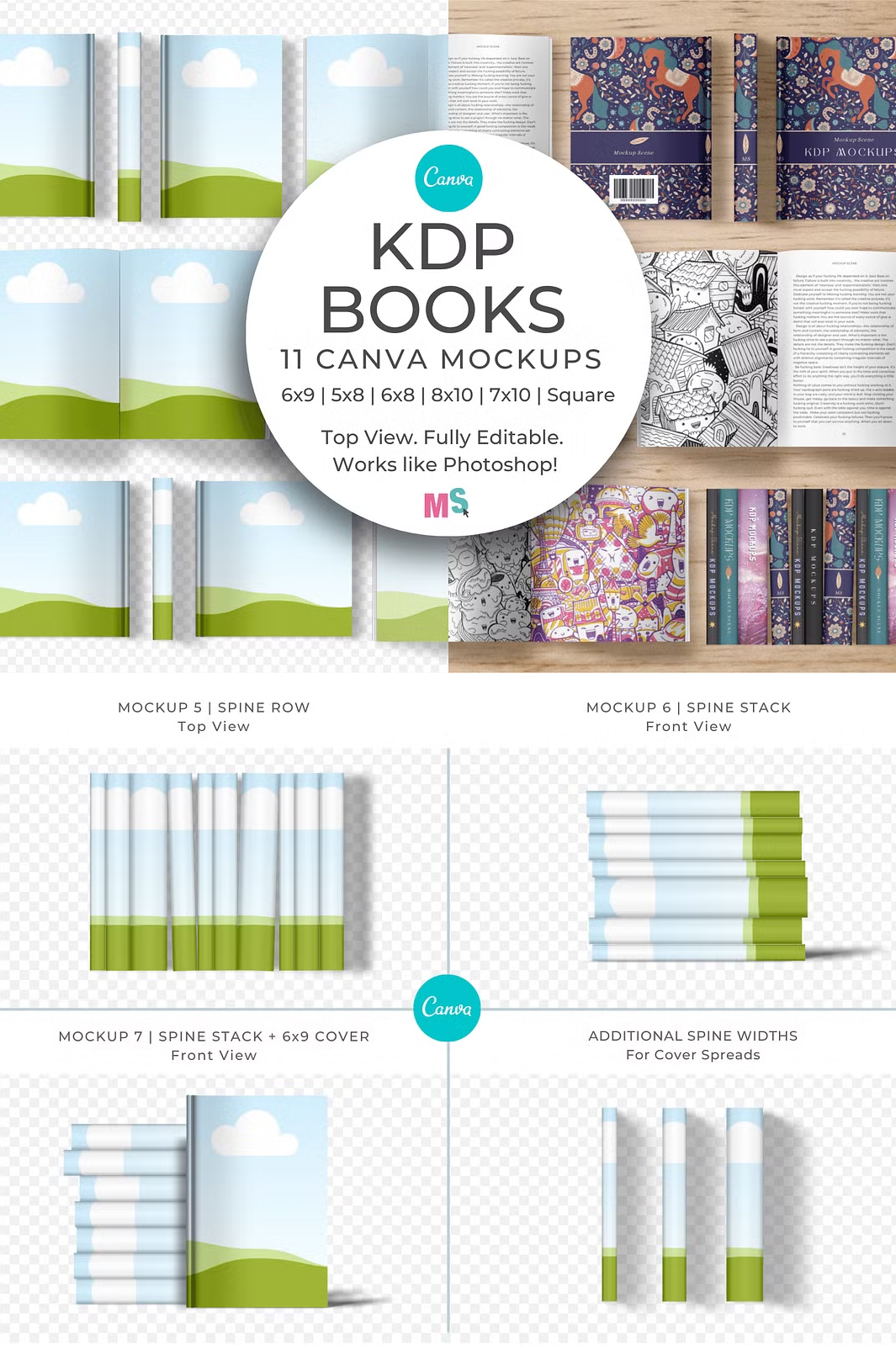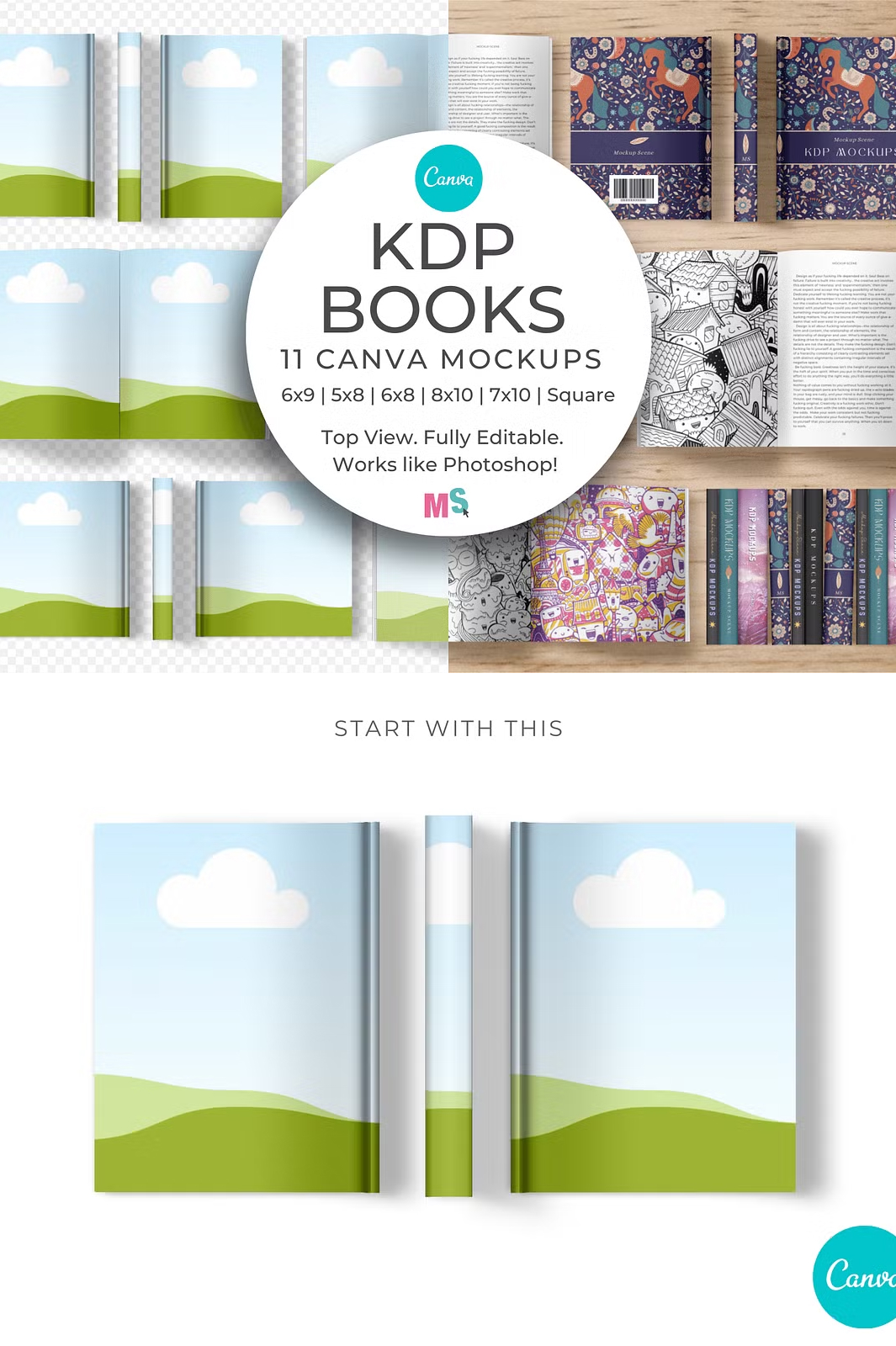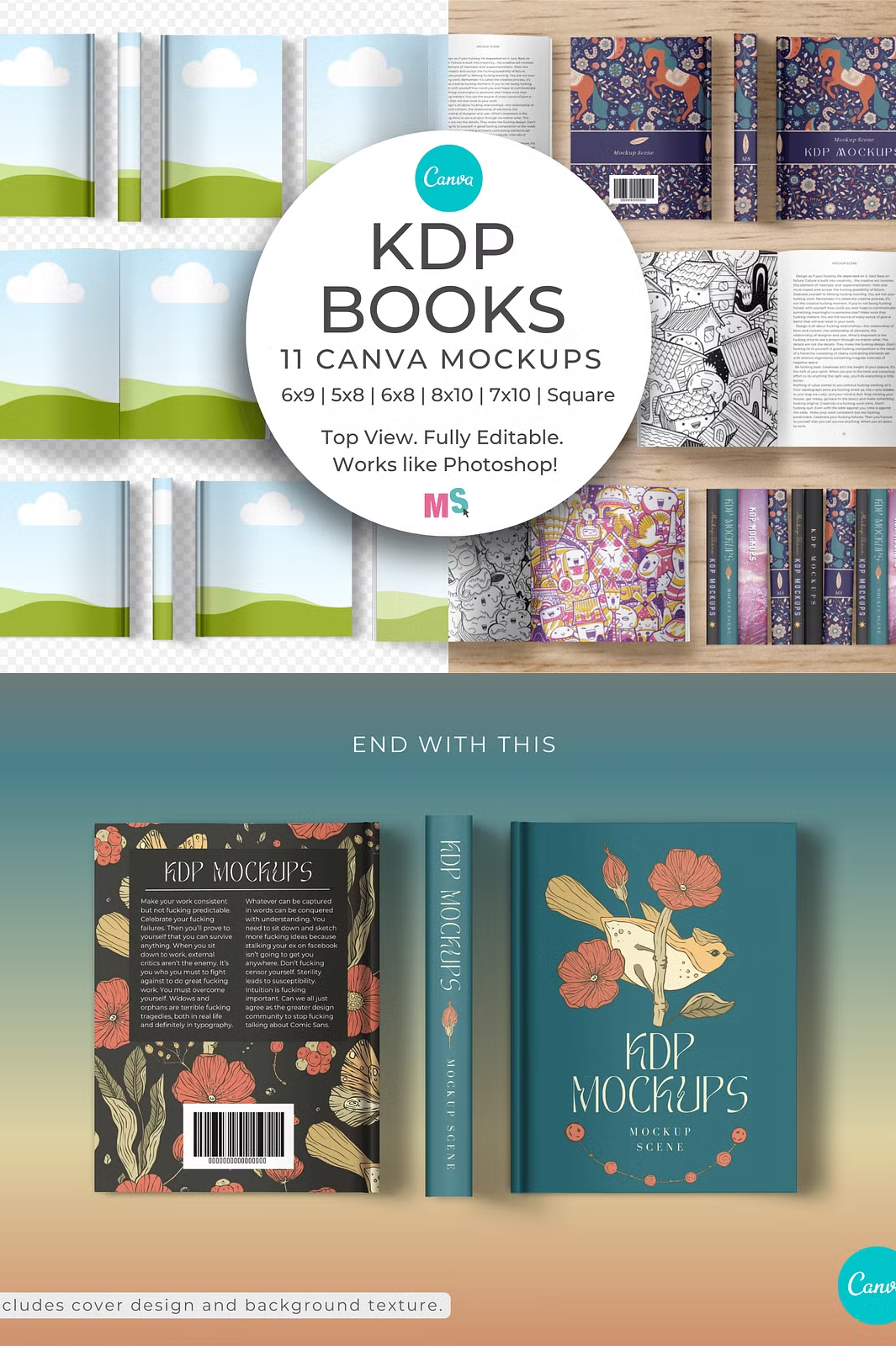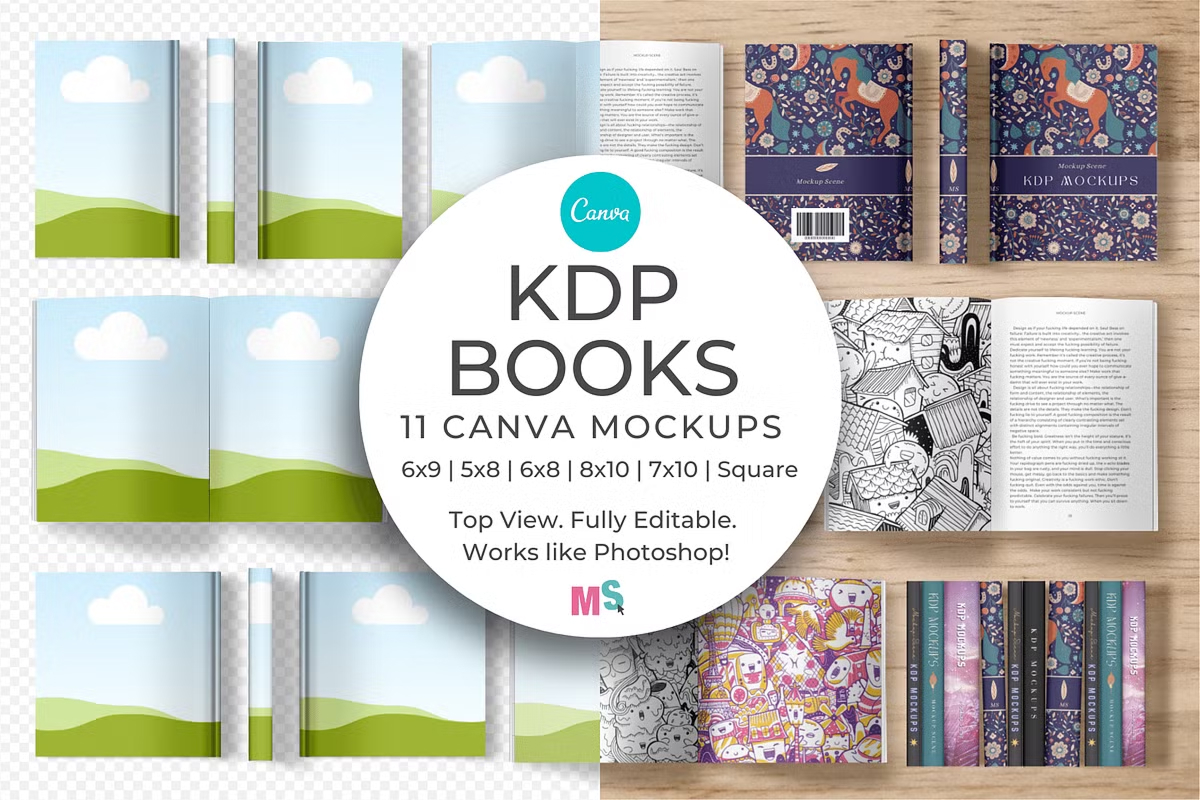

Showcase your book covers, spines, and page designs with ease using our premium KDP Book Mockups for Canva. This collection includes 11 fully editable and customizable mockups designed to help authors, publishers, and designers display their work professionally. Featuring realistic proportions, customizable colors, and drag-and-drop functionality, these mockups are the perfect tool for bringing your book designs to life.
Effortless Customization
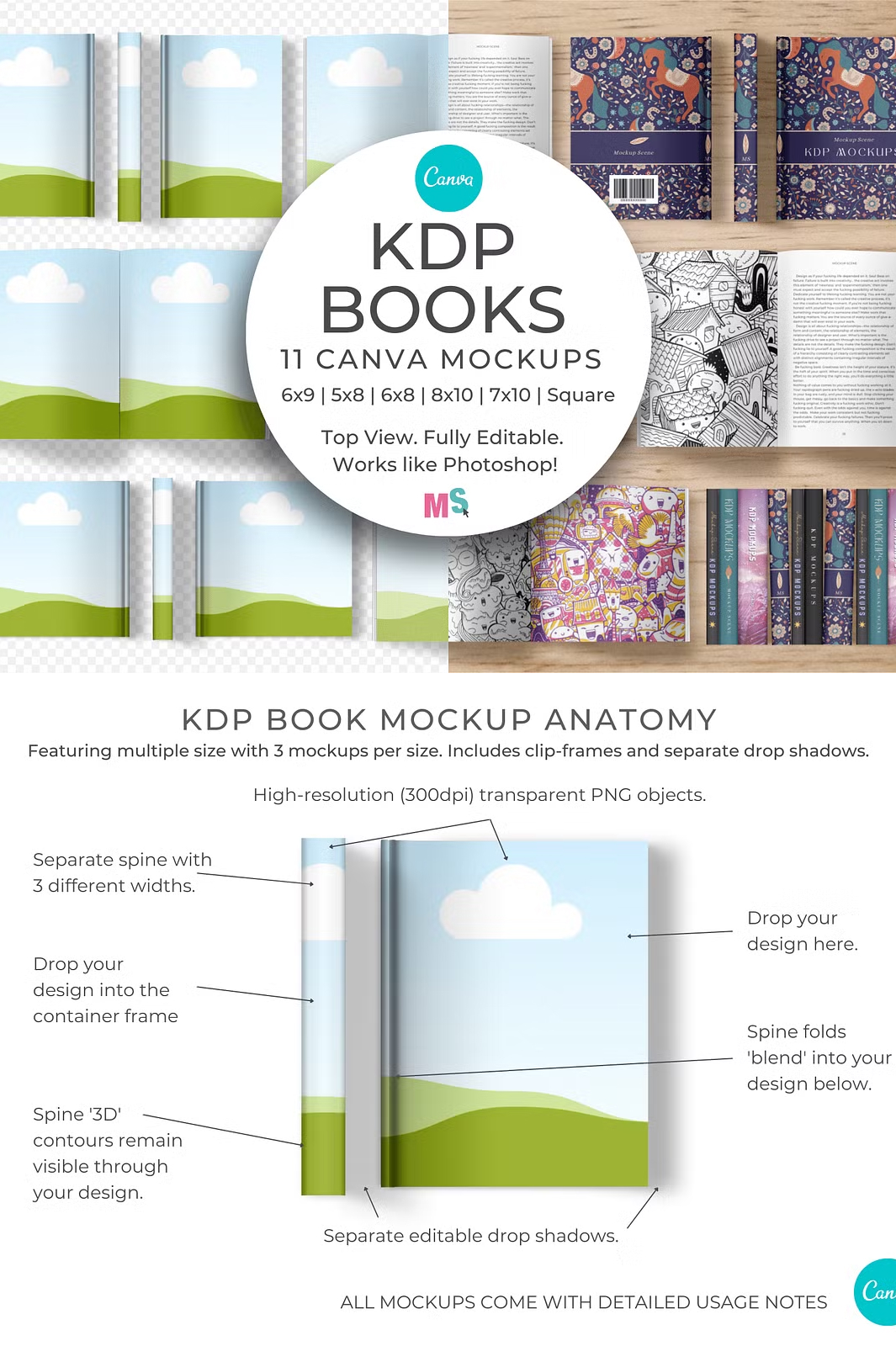
Designed exclusively for Canva, these mockups include custom container frames that allow you to insert your designs effortlessly. Unlike traditional Photoshop mockups, this set is accessible and easy to use for anyone familiar with Canva’s intuitive interface.
Mockup Features
- 11 high-quality book mockups with editable covers, spines, and pages.
- Realistic book dimensions matching common KDP sizes.
- Moveable mockup objects for a fully customizable layout.
- Drag-and-drop functionality – simply place your design into the frame.
- Editable surface colors for full creative control.
- Adjustable spine shadows to enhance depth and realism.
- Layered PNG files with transparent backgrounds.
- High-resolution, print-ready images at 3000×2000 px, 300 dpi.
Included KDP Book Sizes
This mockup set accommodates a variety of KDP book sizes, making it versatile for different projects:
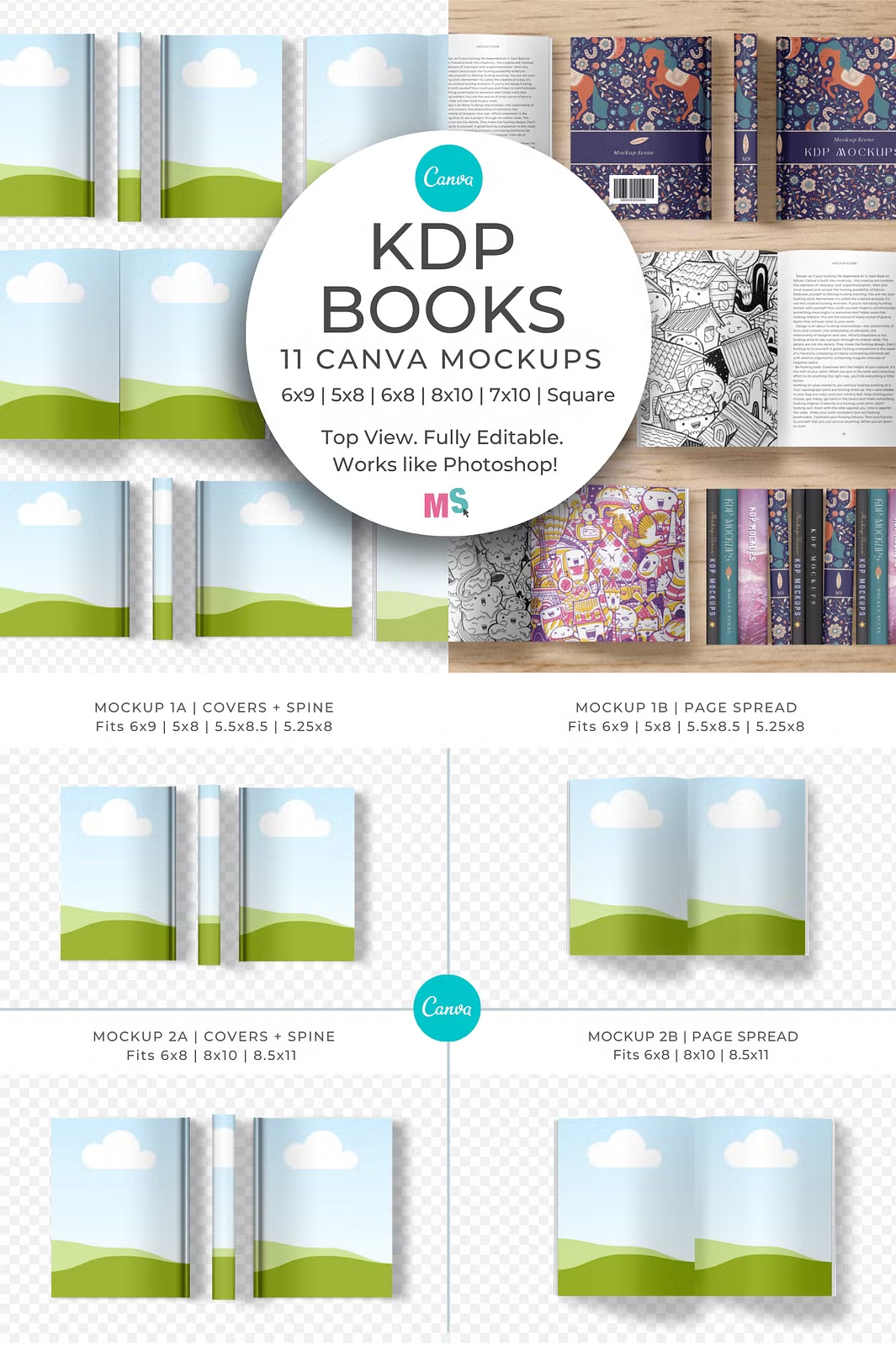
- 6 x 9 inches
- 5 x 8 inches
- 5.5 x 8.5 inches
- 5.25 x 8 inches
- 6 x 8 inches
- 8 x 10 inches
- 8.5 x 11 inches
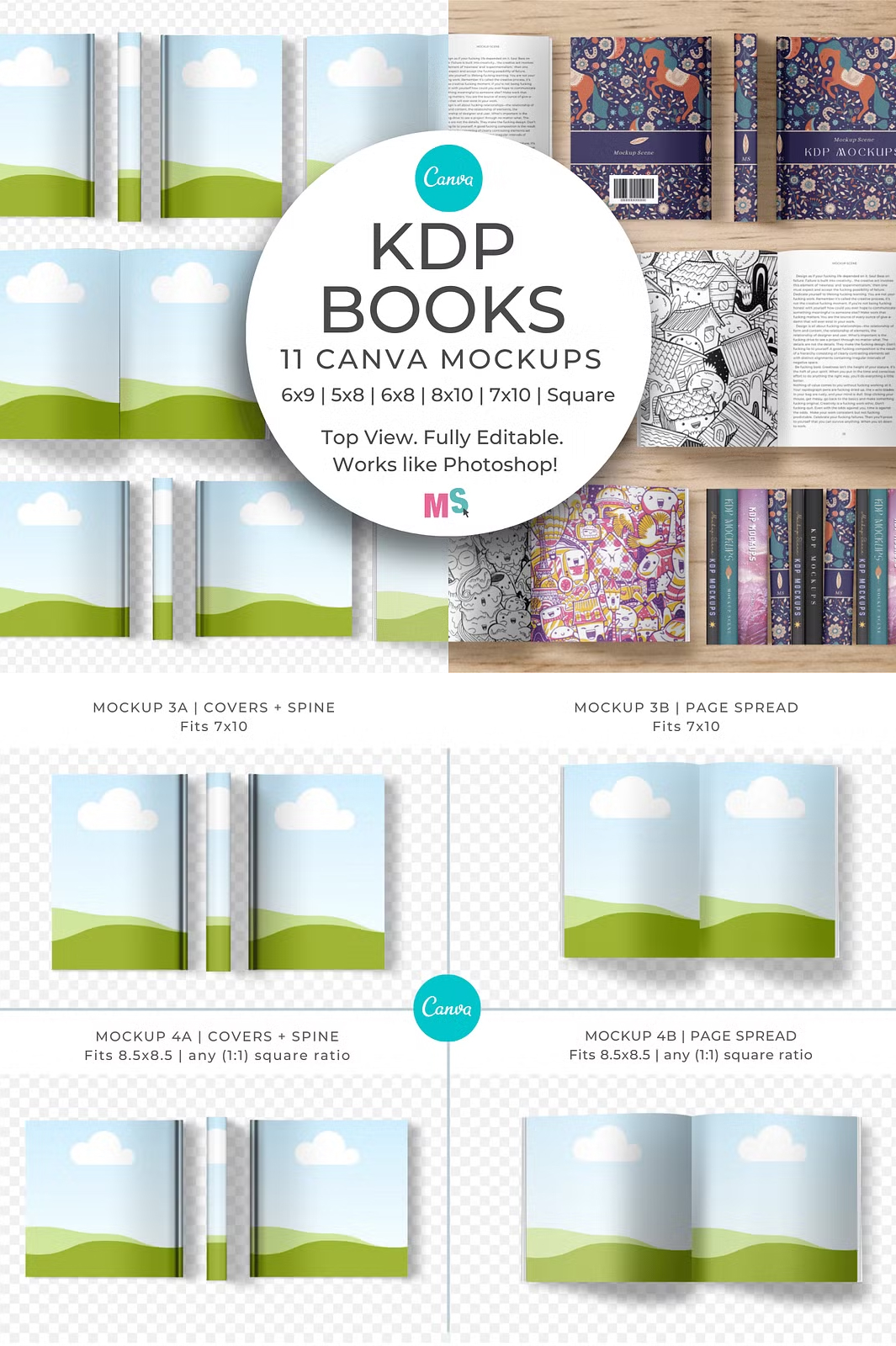
- 7 x 10 inches
- 8.5 x 8.5 inches (or any square ratio)
Additionally, three different spine widths are included to accommodate thin, regular, or thick books.
Perfect for Various Book Types
These Canva mockups are ideal for showcasing designs for:
- Novels
- Workbooks
- Storybooks
- Textbooks
- Coloring books
- Training manuals
Use them to create stunning promotional images for social media, portfolios, or online shops. These mockups make it easy to show clients how their books will look in print.
How to Use These Mockups
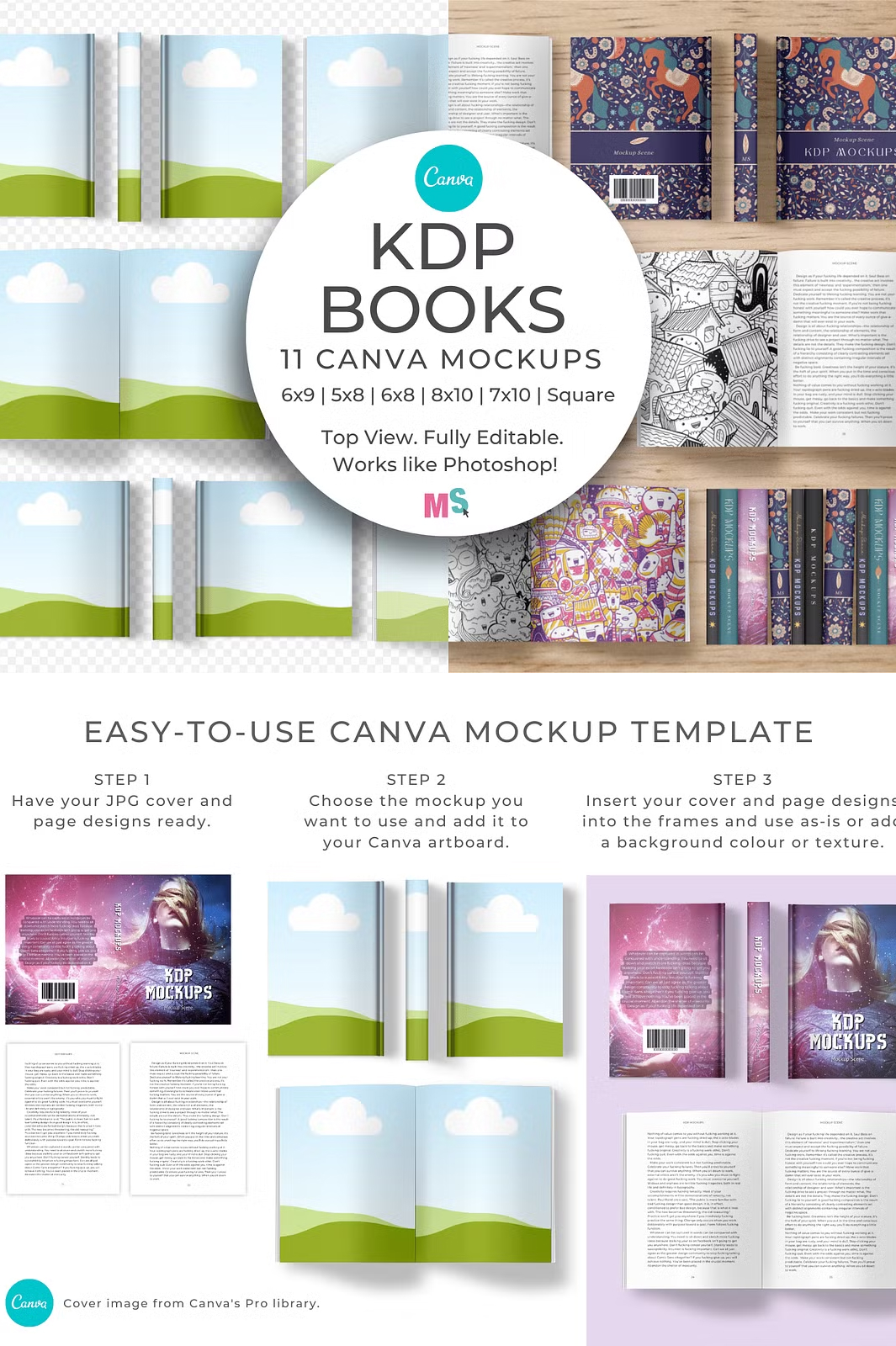
- Download the PDF Guide: Once purchased, access the included PDF guide.
- Open the Canva Template: Click the link provided in the PDF to access all 11 mockups in one file.
- Insert Your Design: Drag and drop your book cover or page design into the custom frames.
- Customize as Needed: Adjust colors, add textures, modify shadows, and arrange the elements as you like.
- Save & Export: Once satisfied with your design, download your mockup in high resolution.
Important Usage Terms
- Commercial and extended commercial licenses DO NOT allow reselling of this mockup.
- Mockups cannot be copied, resold, or shared in any format, including as Canva templates for resale.
- Flattened versions of these mockups cannot be sold as new mockups.
Technical Details
- File Format: Canva template (access via PDF download)
- Resolution: 3000 x 2000 px, 300 dpi
- Customization: Editable colors, shadows, and backgrounds
- Software Required: Canva (Free or Pro version)
- Pre-Made Mockup Designs Included: No (only blank mockups)
Get Started Today
Upgrade your book marketing strategy with high-quality, easy-to-use mockups! Click below to download your KDP Book Mockups for Canva and start creating stunning visuals in seconds.