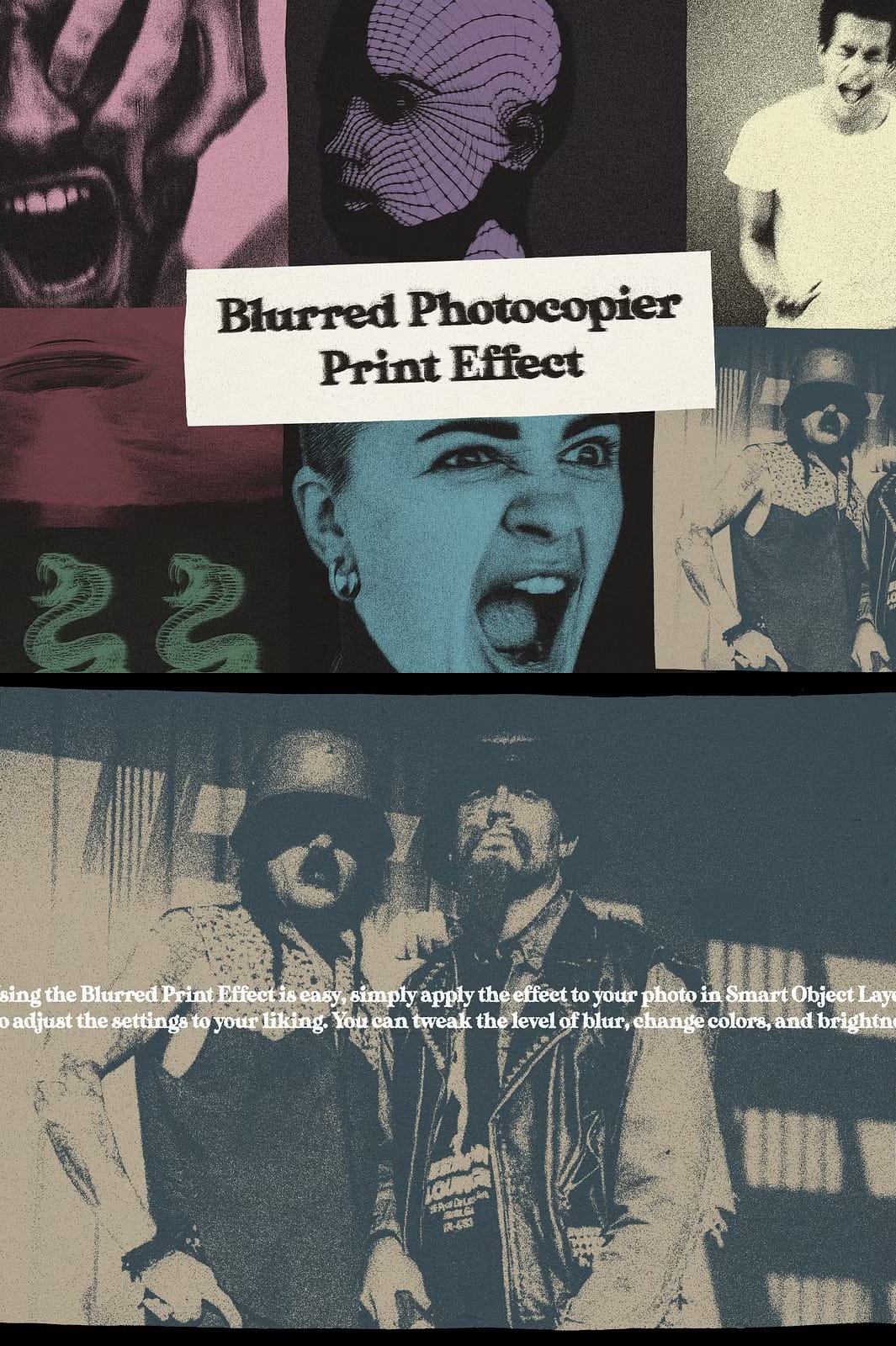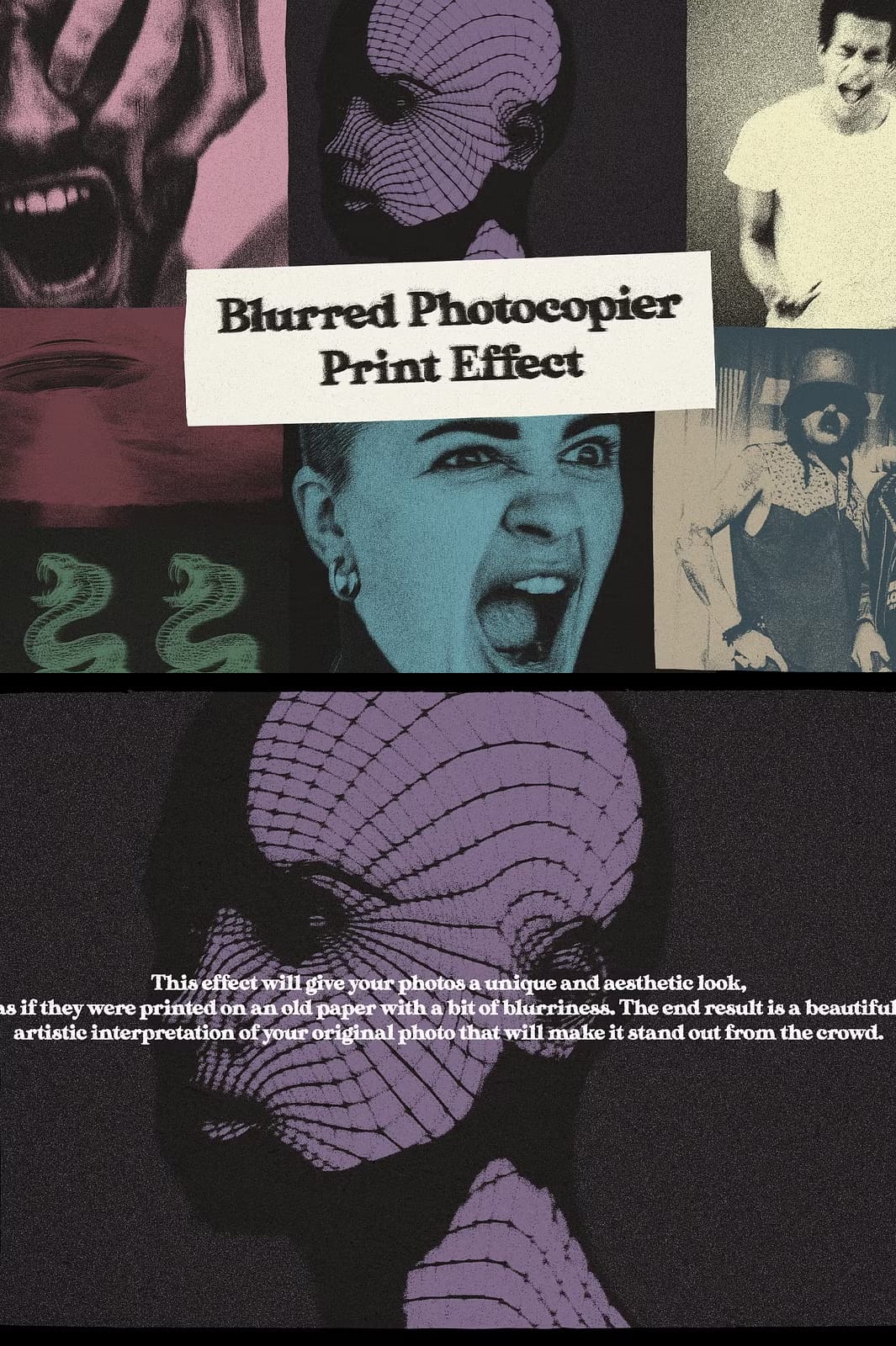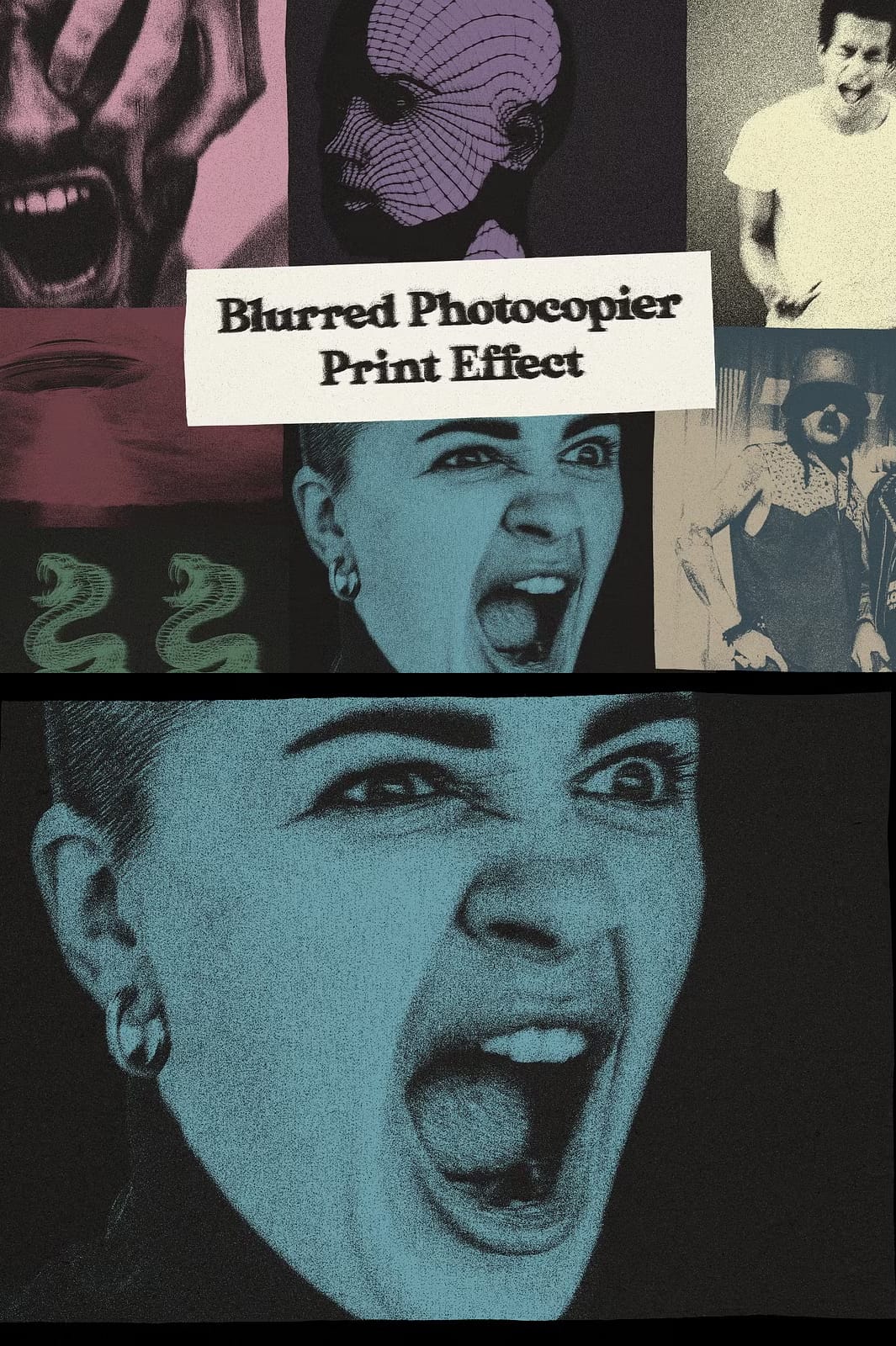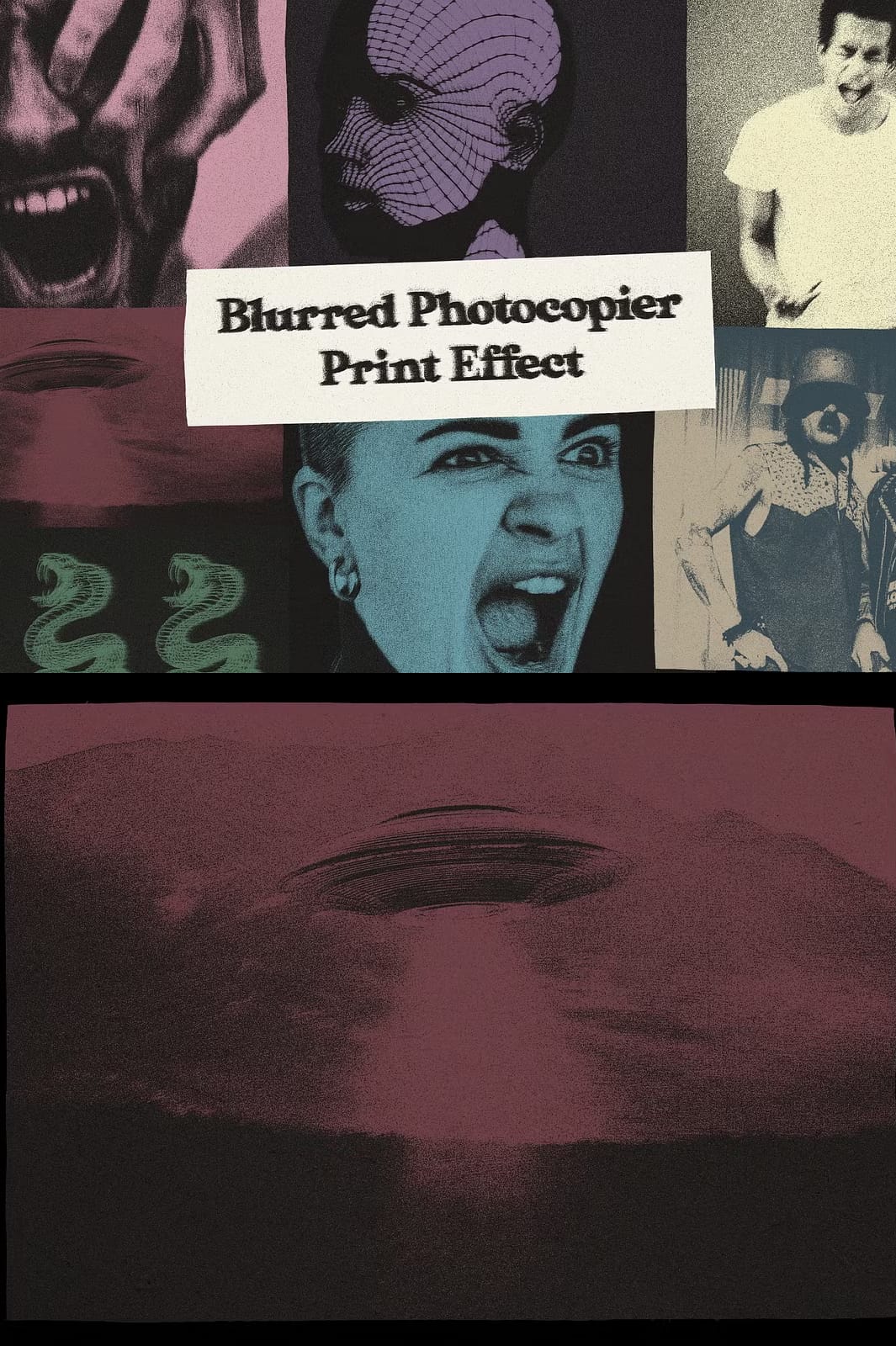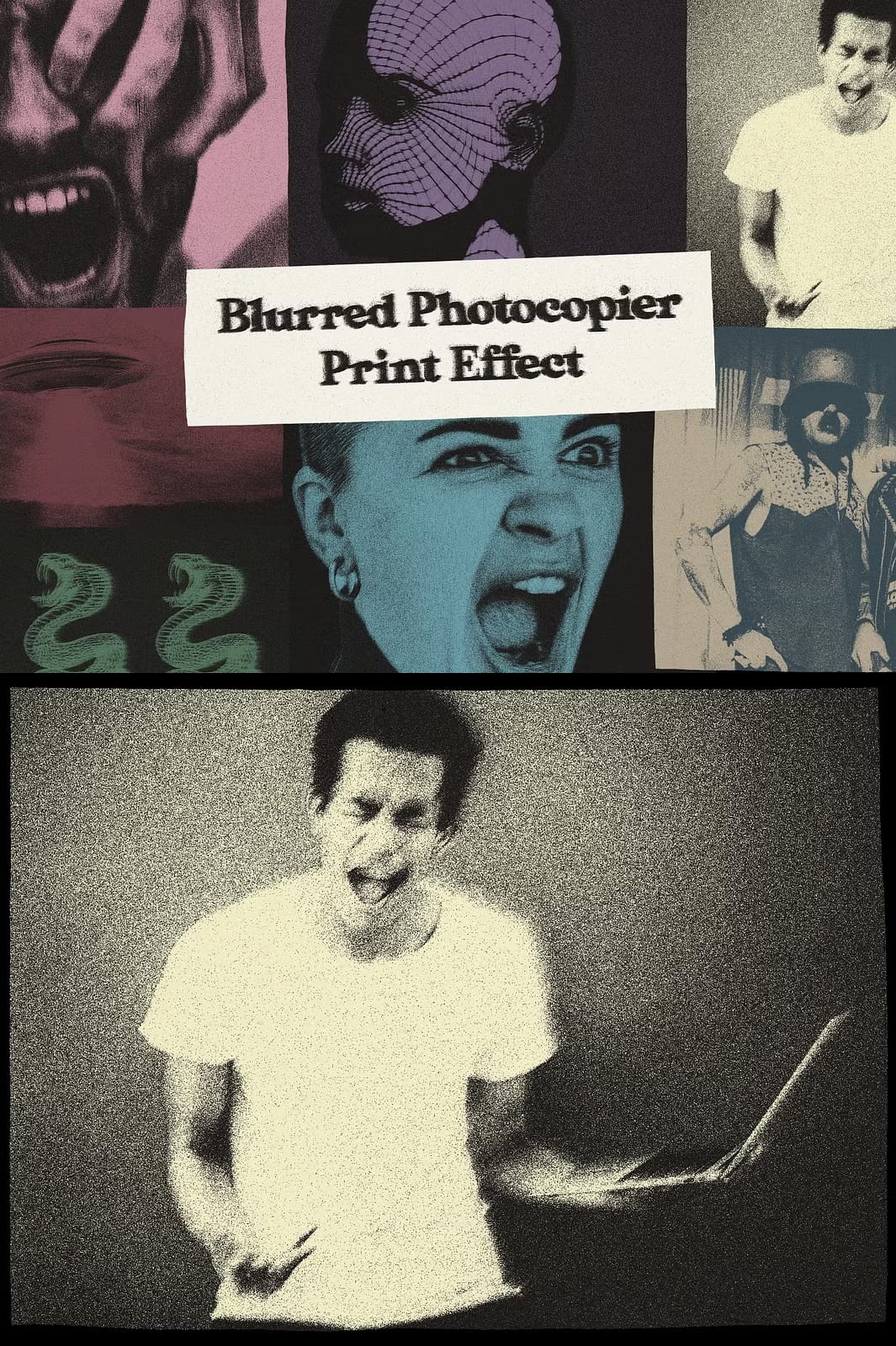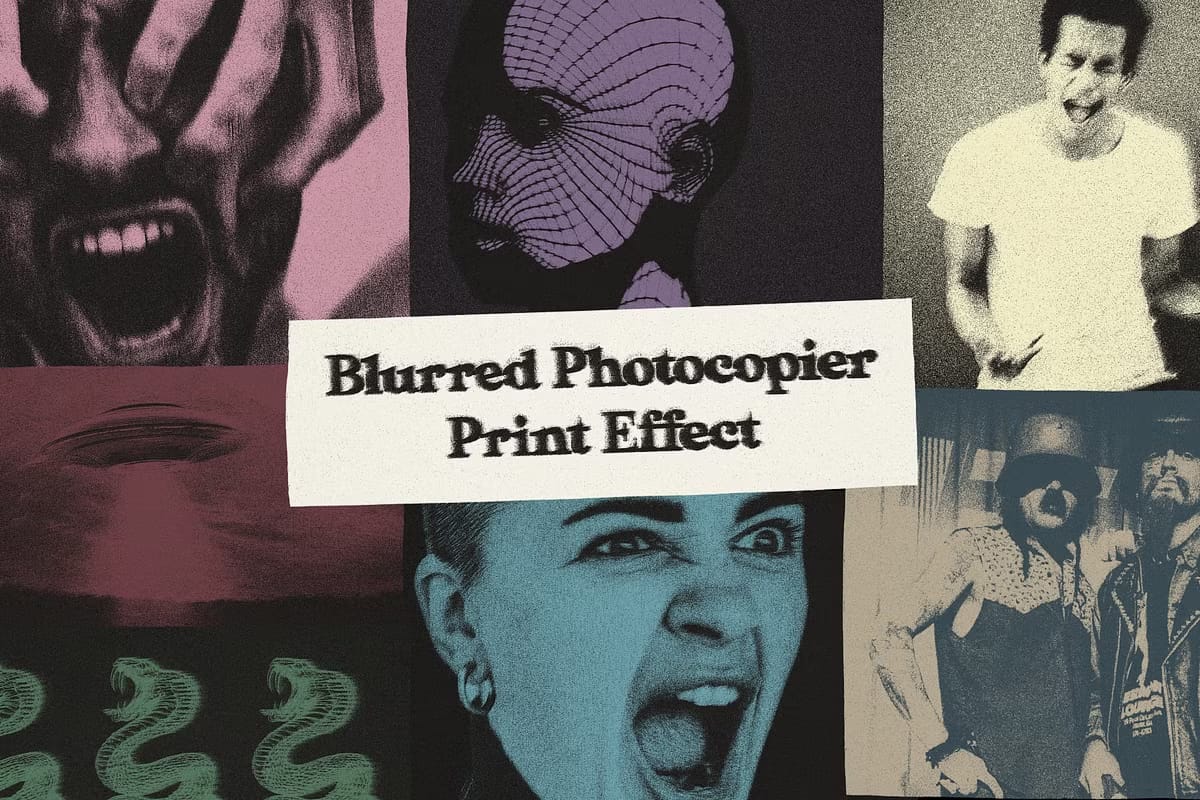

Elevate your photography with the Blurred Print Effect, a powerful Adobe Photoshop preset that instantly converts ordinary images into striking, vintage‑inspired artworks. Designed for both seasoned professionals and enthusiastic hobbyists, this effect replicates the subtle imperfections of old‑paper printing, adding a soft blur, tactile grain, and authentic color shifts that make each photo feel like a treasured archival piece.
Why Choose the Blurred Print Effect?
In a sea of generic filters, the Blurred Print Effect stands out because it delivers:
- Authentic vintage texture: Hand‑crafted grain and blur layers emulate real‑world photocopier prints, giving your work a genuine retro feel.
- Full creative control: Adjustable smart‑object settings let you fine‑tune blur intensity, color balance, and brightness to match any visual style.
- Non‑destructive workflow: Implemented as a Smart Object layer, the effect preserves original image data, allowing you to revert or edit at any time.
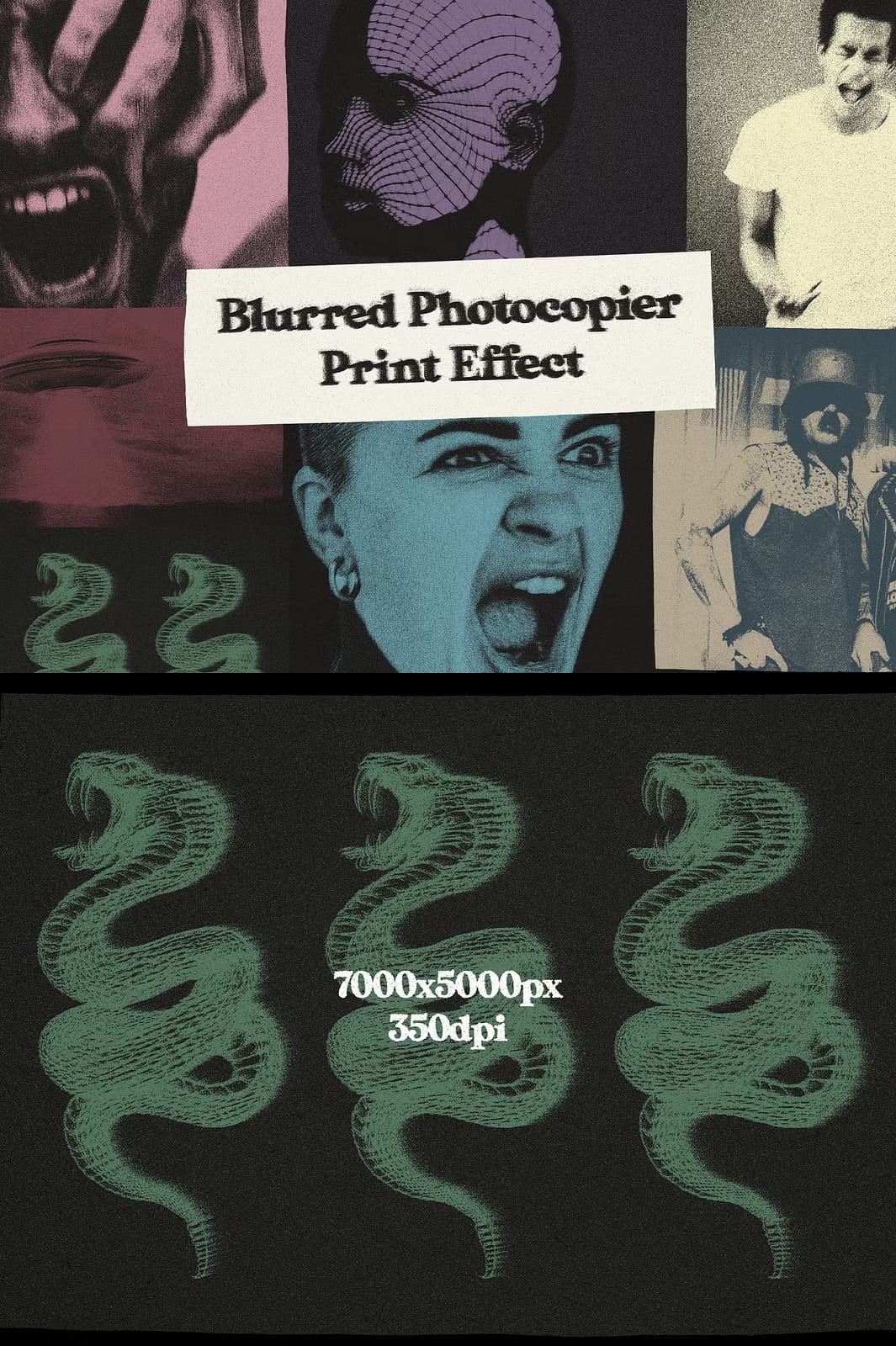
- High‑resolution output: Files are prepared at 7000 × 5000 px and 350 dpi, ensuring crisp results for both digital display and large‑format prints.
Key Features
Adjustable Blur Levels
The preset includes 6 distinct grain intensity options and multiple blur settings. Whether you want a barely noticeable softening or a pronounced, dreamy haze, the sliders give you precise control over the final look.
Smart‑Object Compatibility
Simply double‑click the Smart Object thumbnail, drop in your image, and watch the effect apply automatically. Optional adjustment layers can be toggled on or off for additional color grading, contrast tweaks, or tonal shifts.
Versatile File Formats
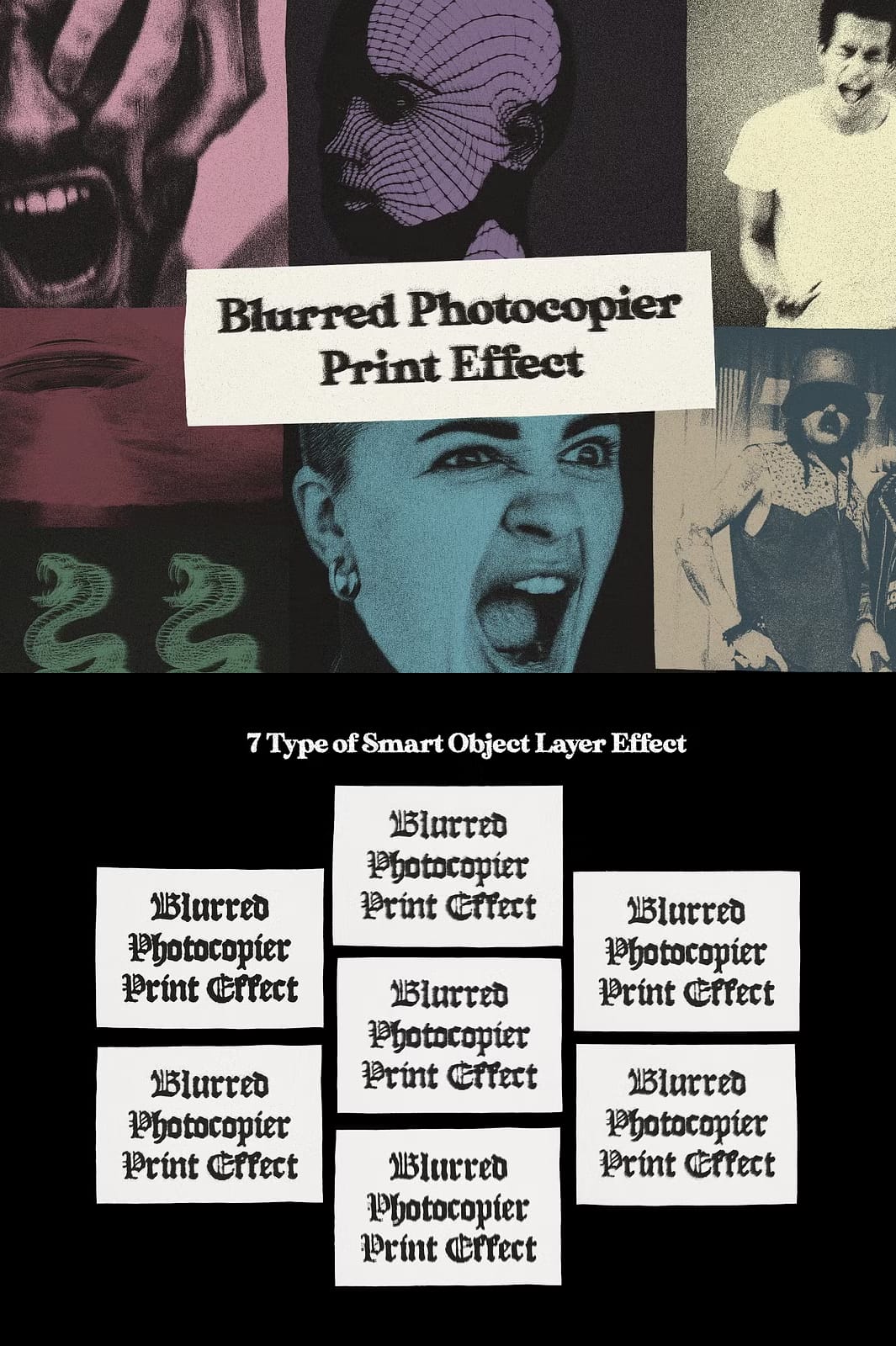
The bundle supplies 7 PSD smart‑object files pre‑configured with different blur styles, making it easy to experiment across multiple projects without rebuilding the effect from scratch.
How to Use the Effect
- Open the PSD file and double‑click the Smart Object layer placeholder.
- Insert your photo into the Smart Object window, then save and close the Smart Object.
- Adjust the Blur and Grain sliders in the main document to achieve the desired vintage intensity.
- If needed, enable or disable the optional adjustment layers to fine‑tune color balance, saturation, or brightness.
- Export the final image in your preferred format (JPG, PNG, TIFF) for web or print use.
What’s Inside the Download Package
- 6 Grain Intensity Options – pre‑set levels for subtle to heavy texture.
- 7 Photoshop Smart Object files – each featuring a unique blur style.
- High‑resolution assets: 7000 × 5000 px, 350 dpi – ready for large prints.
- Compatibility note: Minimum required Photoshop version is CS6.
Ideal Users & Applications
Professional Photographers
Enhance client portfolios, create marketing materials, or add a signature retro aesthetic to wedding and portrait collections.
Graphic Designers & Creatives
Integrate the effect into branding collateral, album covers, or social‑media visuals that demand a nostalgic vibe.
Content Creators & Influencers
Stand out on Instagram, Pinterest, or TikTok by presenting images that feel timeless and uniquely textured.
Support & Licensing
All purchases include unlimited commercial use. You may apply the effect to client projects, product packaging, and personal artwork without additional fees. Should you encounter any issues—missing files, difficulty adjusting layers, or compatibility questions—our dedicated support team is available via Creative Market messaging for prompt assistance.
Ready to Transform Your Photos?
Download the Blurred Print Effect now and start turning everyday images into vintage masterpieces. The intuitive smart‑object workflow saves time, while the rich texture options provide endless creative possibilities.