
Revolutionize Your Content Strategy – Now with a Stunning New Design
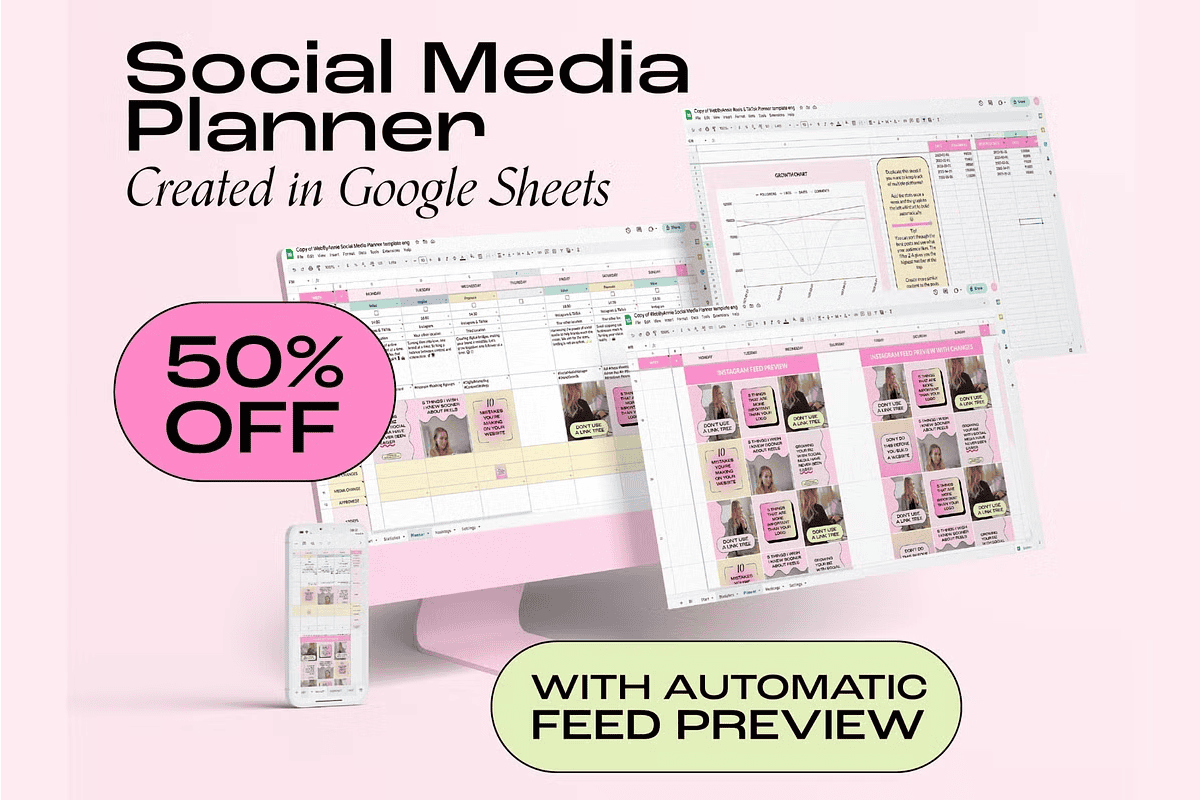
Stop wasting hours on guesswork and disorganized planning. The **Social Media Planner 2.0** is here to transform how you organize your content. This powerful, all-in-one Google Sheets solution delivers everything you need to schedule, preview, and analyze your social media posts with precision. Whether you’re managing your personal brand, a business account, or multiple client profiles, this planner gives you total control and clarity.
With a sleek, modern redesign and enhanced functionality, version 2.0 maintains every feature you love while offering a smoother, more intuitive experience. Best of all, this is a **one-time payment**, giving you unlimited access forever. No subscriptions. No hidden fees. Just powerful tools at your fingertips.
What’s Included in the Social Media Planner 2.0?
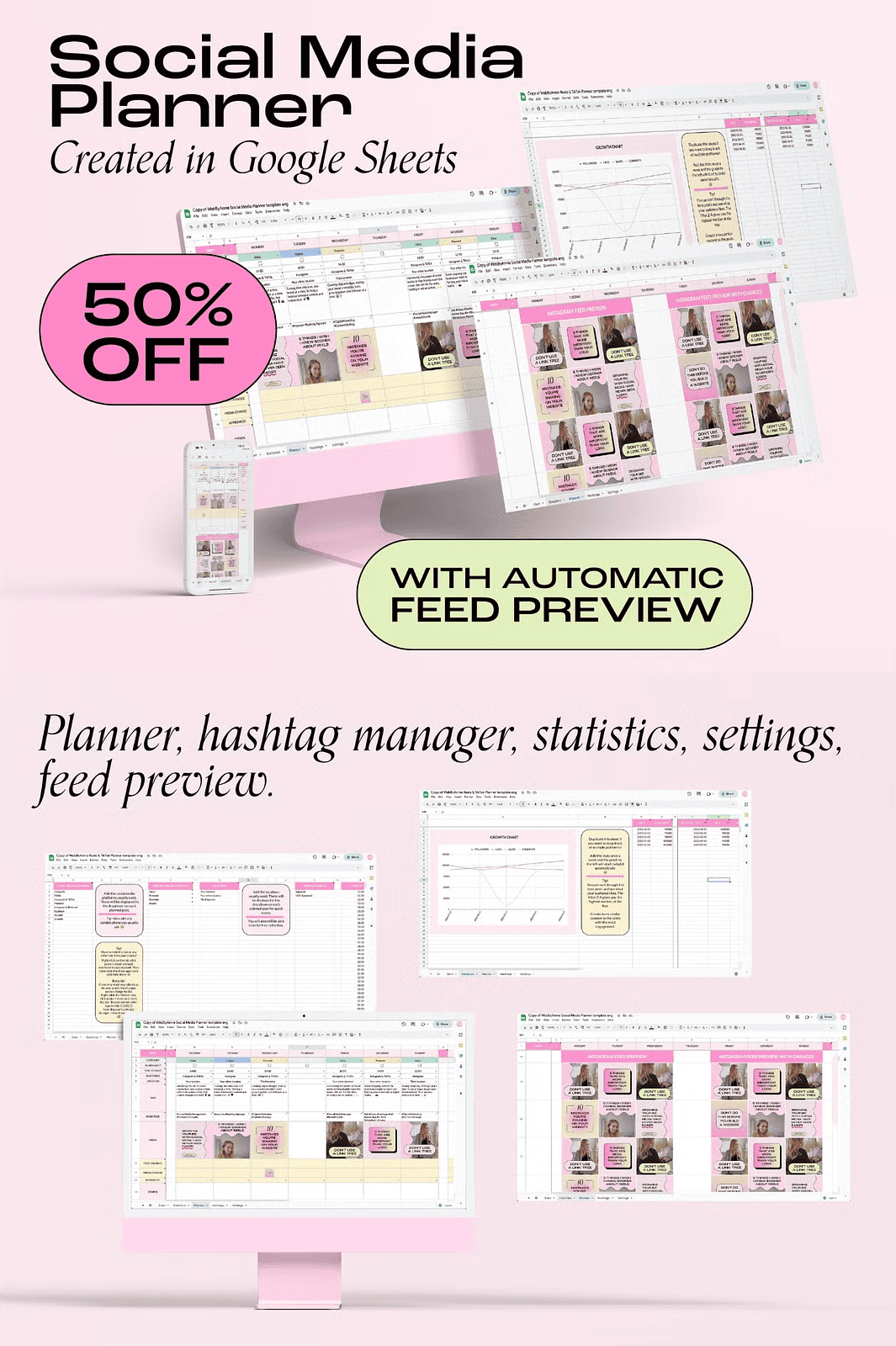
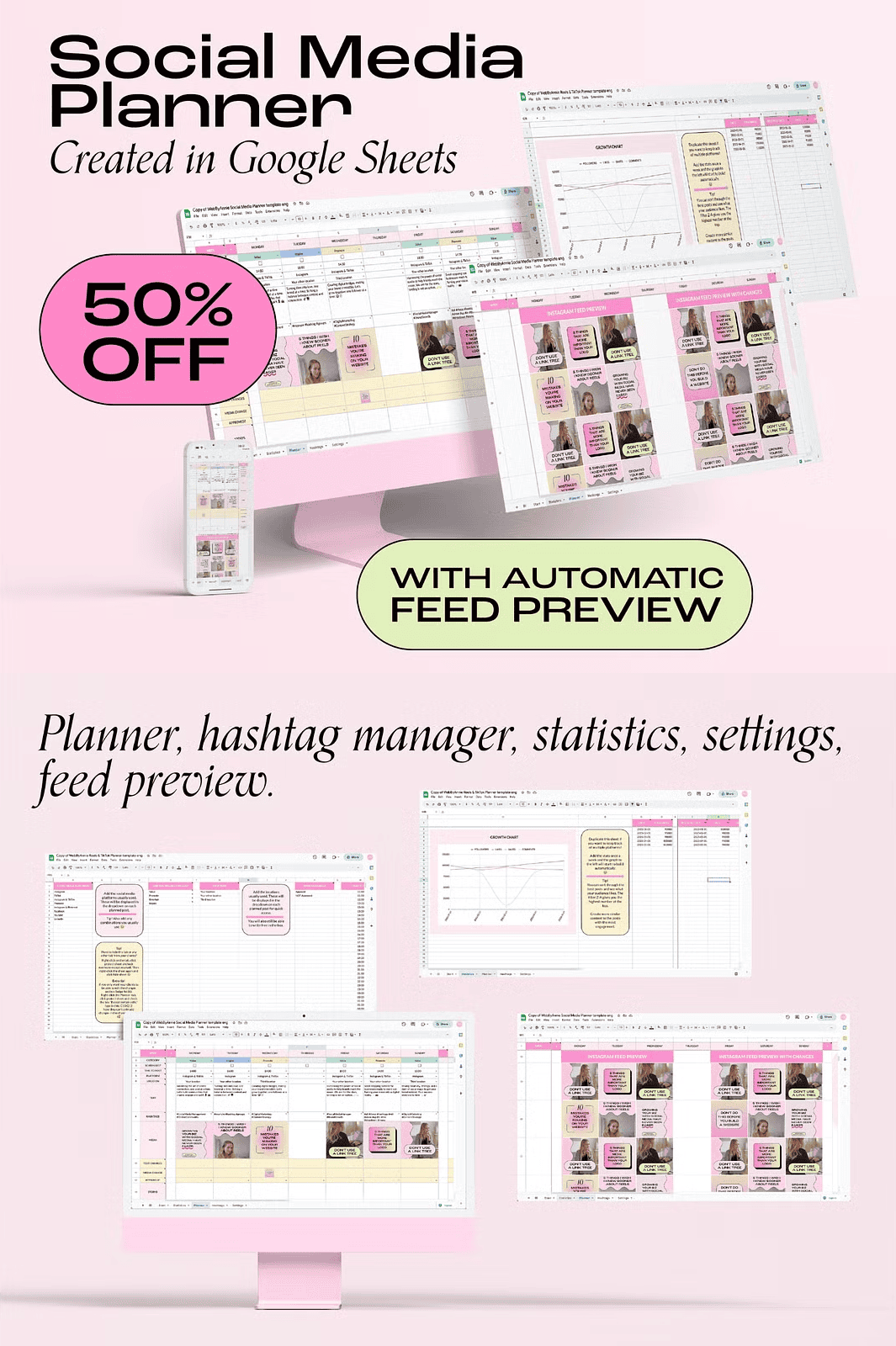
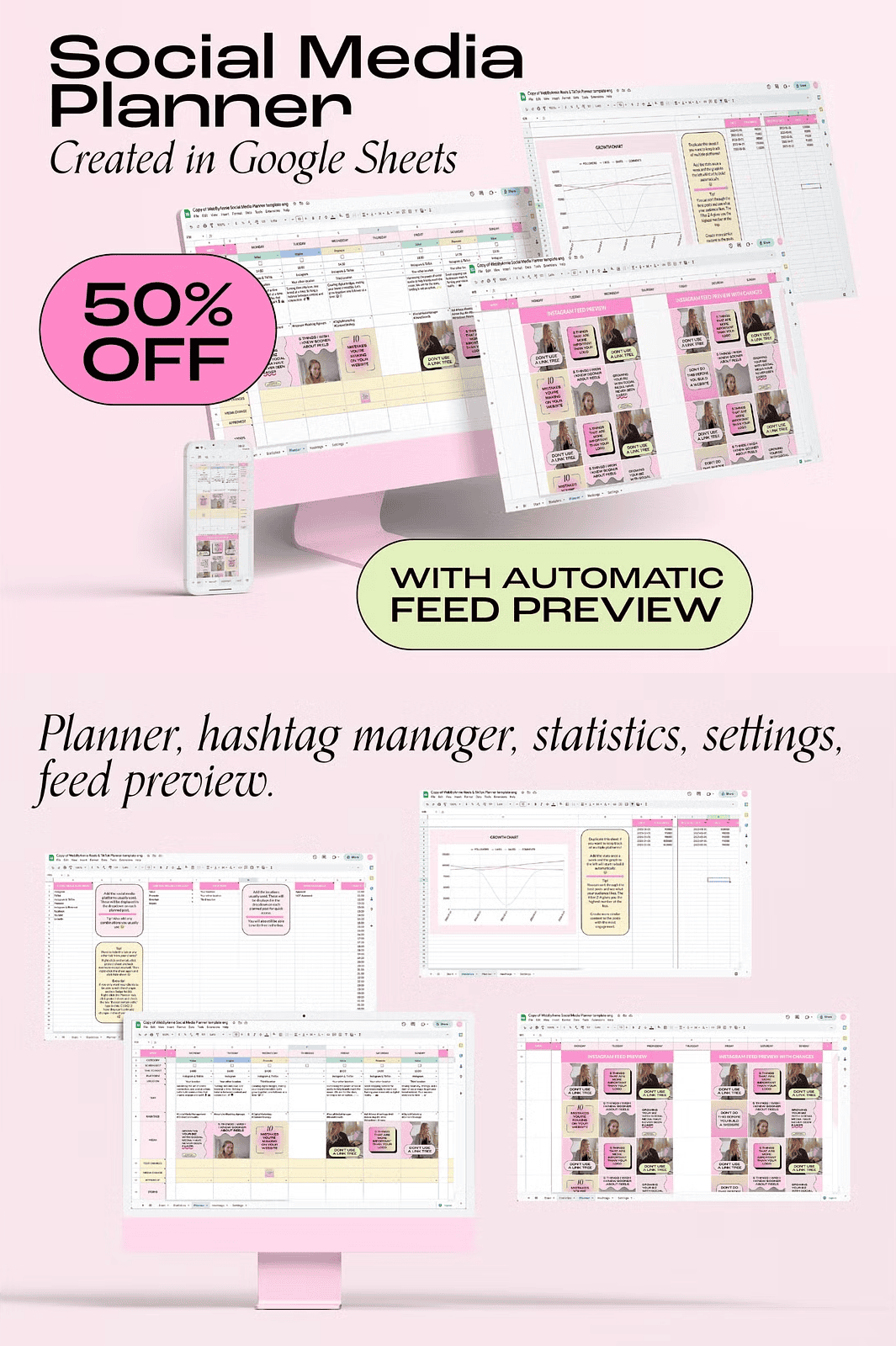
- Comprehensive Content Calendar: Plan and schedule your posts across Instagram, Facebook, TikTok, Pinterest, LinkedIn, and more.
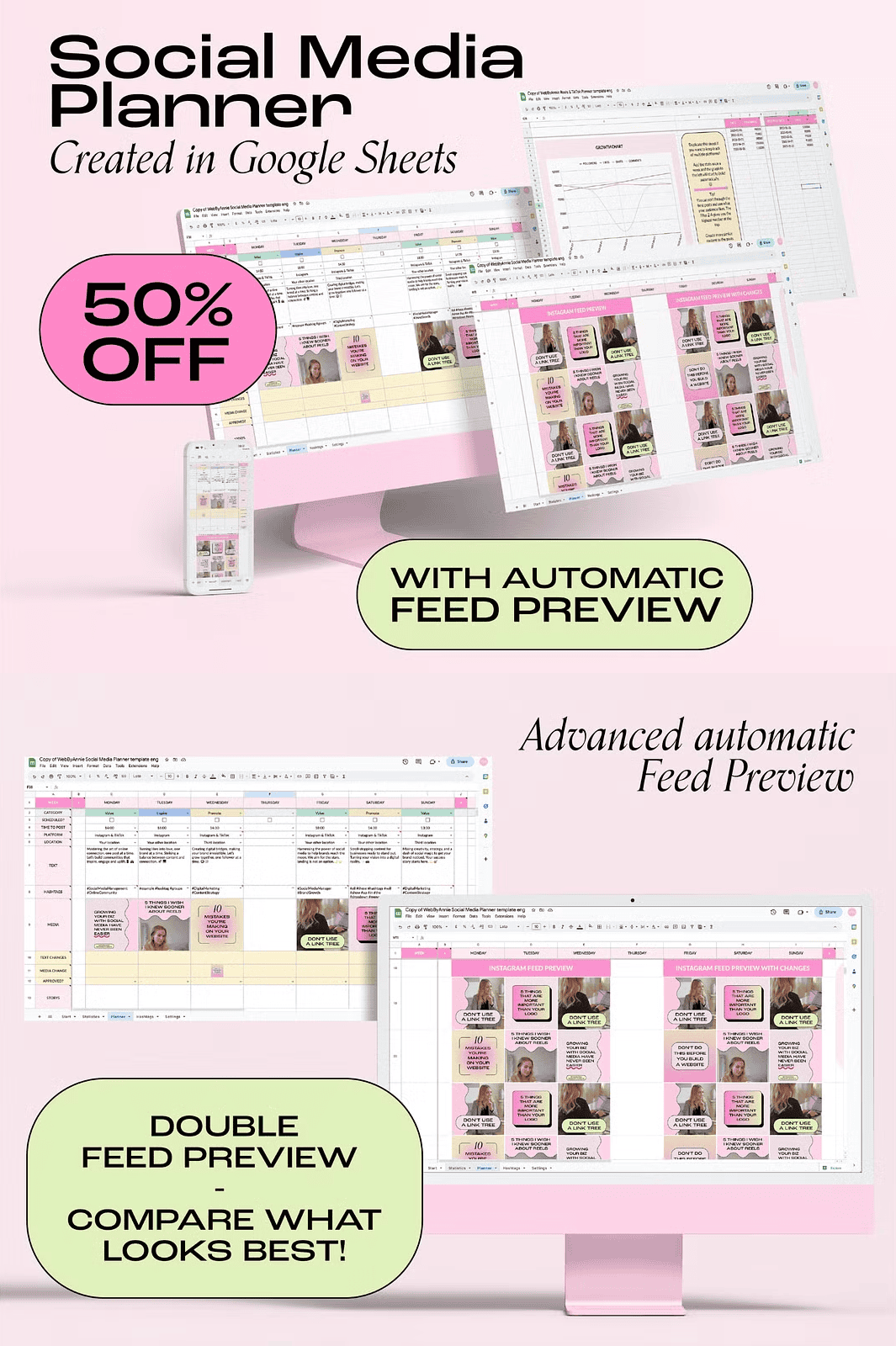
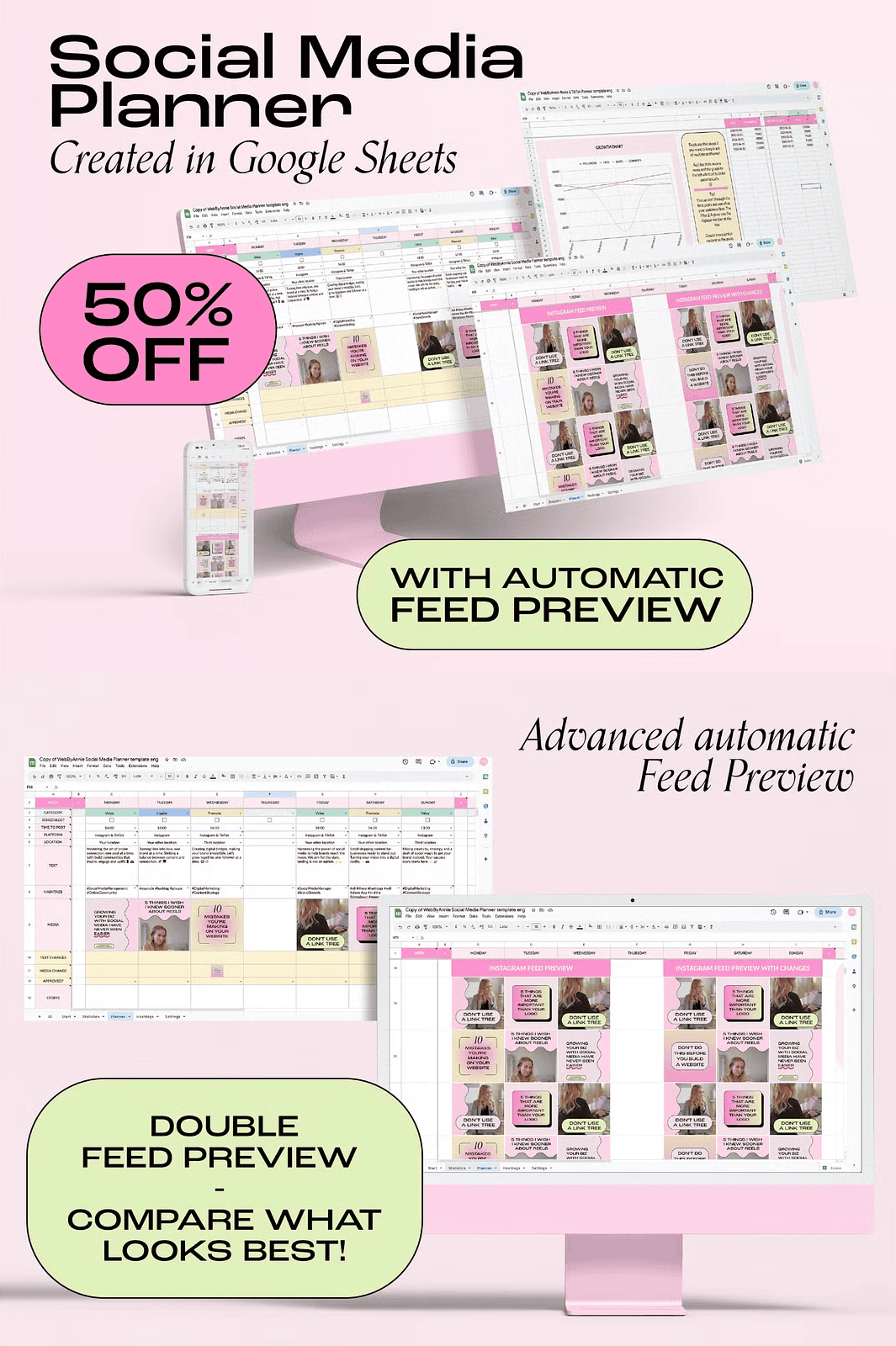
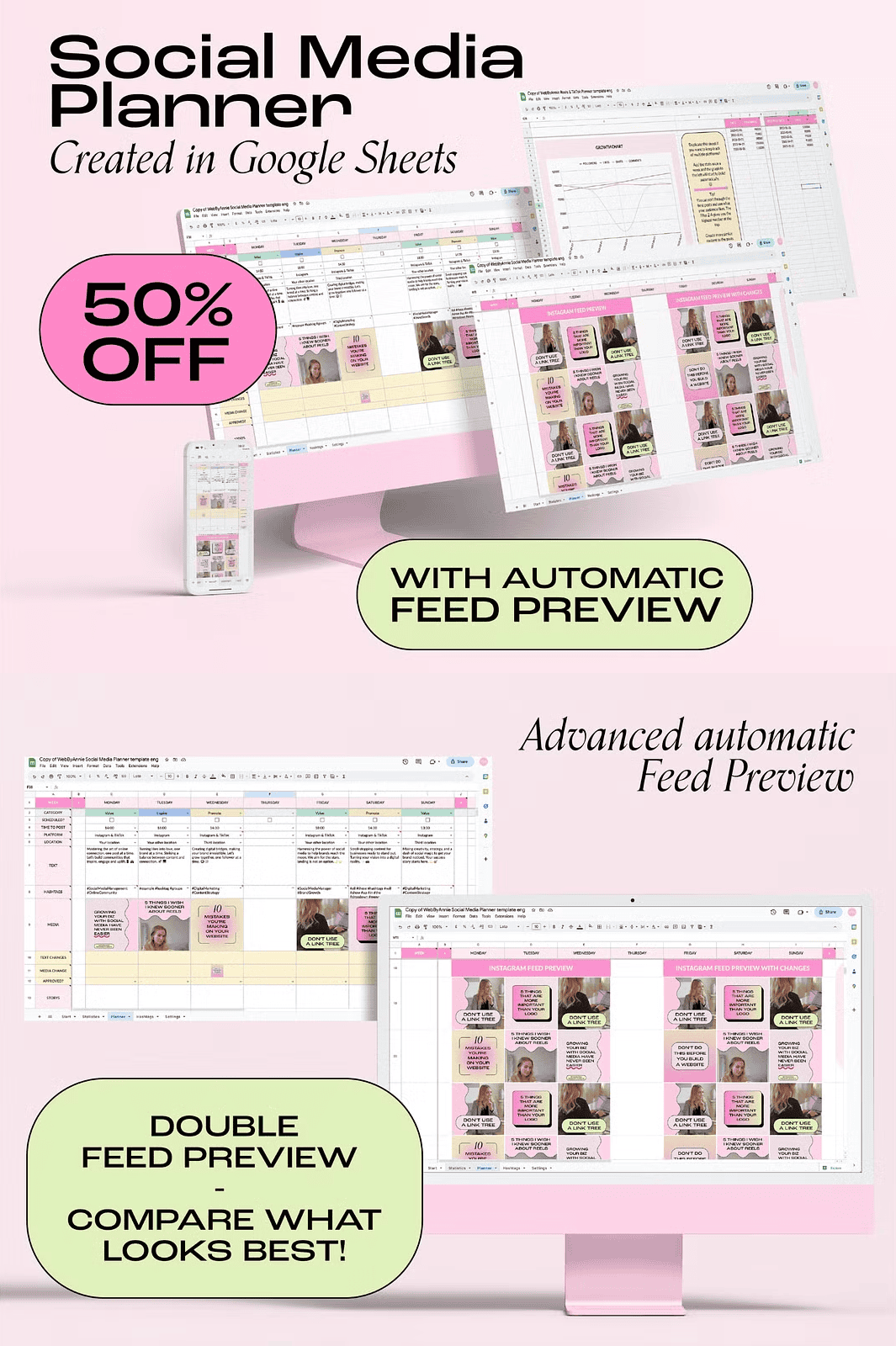
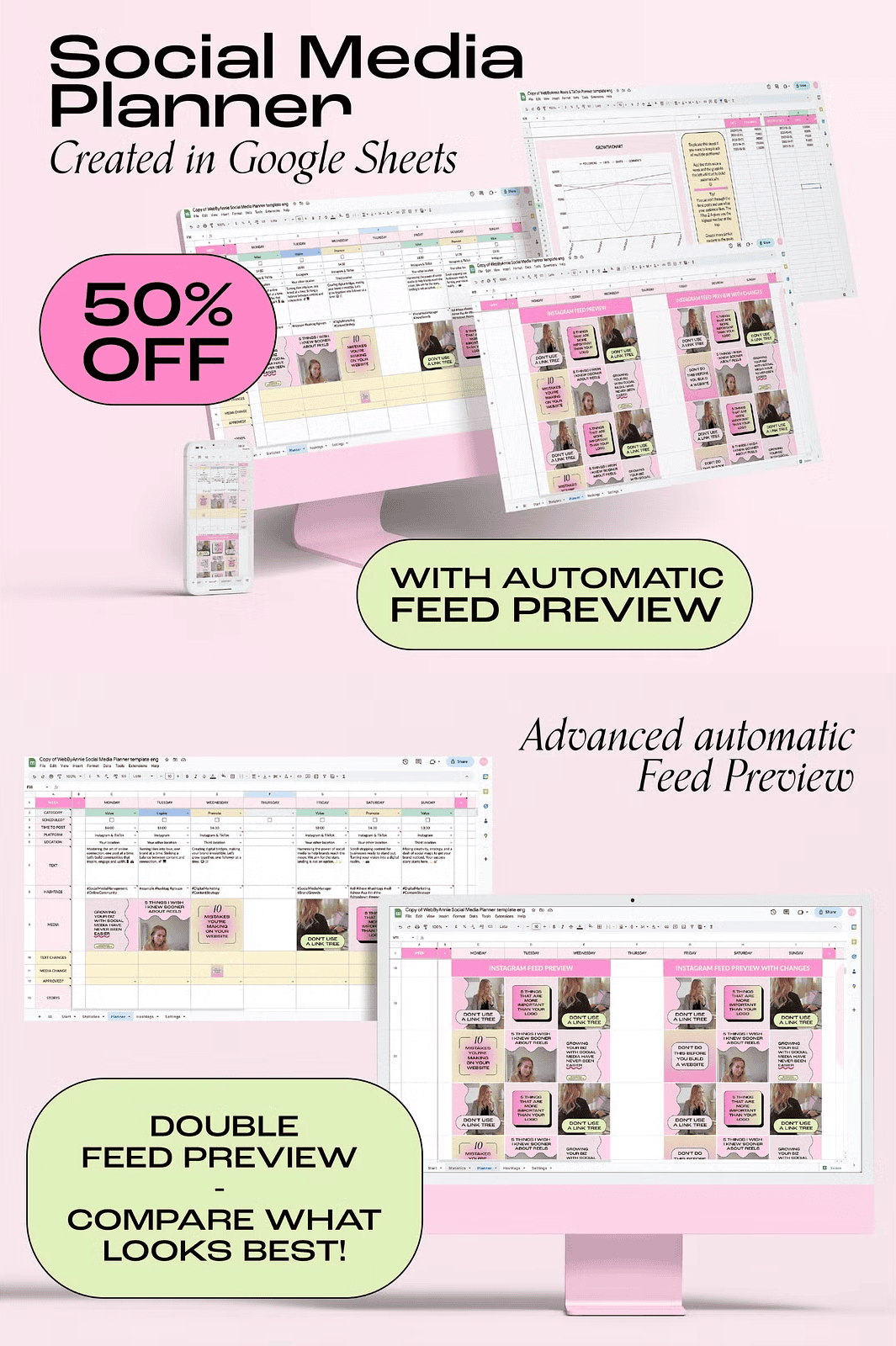
- Automatic Feed Preview: See exactly how your feed will look before you post. Our advanced algorithm visualizes your content in real-time, so you’ll never have to guess about layout or flow.
- Advanced Hashtag Manager: Organize and manage hashtag groups efficiently, ensuring your content reaches the right audience every time.
- Robust Statistics Dashboard: Track post performance and engagement with built-in analytics tools.
- Global Settings & Customization: Set up brand-specific preferences once, and they apply across all your platforms and campaigns.
- Video Tutorial: Step-by-step guide to help you get started, even if you’ve never used Google Sheets before.
Maximize Your Efficiency with Bonus Planners
We’ve packed extra value into your purchase with two powerful bonus planners:
- Bonus Planner: 3 Posts Per Day – Perfect for high-volume brands or social media managers with demanding schedules. Plan up to three posts and three stories daily across all platforms.
- Bonus Planner: 1-Month Overview – Focus on long-term strategy with a dedicated tab for planning an entire month in advance. Ideal for seasonal campaigns and product launches.
All planners are fully customizable, so you can personalize them to match your brand identity, workflow, and content goals.
Works Seamlessly Across Platforms, No Matter Your Role
This planner isn’t just for solo entrepreneurs. Whether you’re a social media manager, content creator, marketing team, or agency, it scales effortlessly.
- For Individuals: Stay consistent and strategic with your personal branding.
- For Agencies & Teams: Share the planner with your team, assign tasks, and approve posts with ease.
- For Client Management: Use the planner to present content calendars, track progress, and prove ROI.
Everything is cloud-based and requires only a free Google Account. No software installation. No compatibility issues.
Frequently Asked Questions
How do I access my planner?
Immediately after purchase, you’ll receive a direct link to the Google Sheet template. Click “Use Template” to create your own copy, which will be saved to your Google Drive. You can duplicate it as many times as needed for different campaigns or clients.
Do I need a subscription?
No. Unlike subscription-based tools, this is a **one-time purchase**. You own the planner outright and can use it for the rest of your life.
Can I share the planner with my team?
Yes, as the owner, you have full rights to share the planner with colleagues or clients for collaboration and approval workflows.
How many posts can I plan per day?
The standard planner supports one post per day per platform. The bonus planner increases this capacity to **three posts and three stories per day** across platforms – ideal for high-frequency content creators.
How does the automatic feed preview work?
The feed preview uses a specialized algorithm within Google Sheets to automatically arrange your planned posts in chronological order, simulating Instagram’s actual grid. You’ll see layout, spacing, and visual flow instantly.
Can I customize or expand the planner?
Absolutely. Add your own tabs, create custom columns, or duplicate the main planner for each campaign. Keep your archive of past content for repurposing and inspiration.
Need help with content creation?
Check out our range of Canva templates to generate eye-catching visuals that pair perfectly with your planner.
Where can I get support?
Reach out anytime at hello@webbyannie.com. We’re here to help.
Important Notice
This is a **digital product**. Once purchased, it will be available for instant download. No physical copies will be shipped. Due to the nature of digital goods, refunds or exchanges are not offered. However, if you encounter any technical issues with the file or download, please contact us immediately and we’ll assist you promptly.
All templates, icons, and design elements are copyrighted. Your purchase grants you a license to use these materials for your own projects, but resale, redistribution, or commercial use beyond the license terms is strictly prohibited. By purchasing, you agree to our Terms of Purchase.