
Launch Your Next Web Project Faster with a Professional, Ready-to-Use Wireframe Library
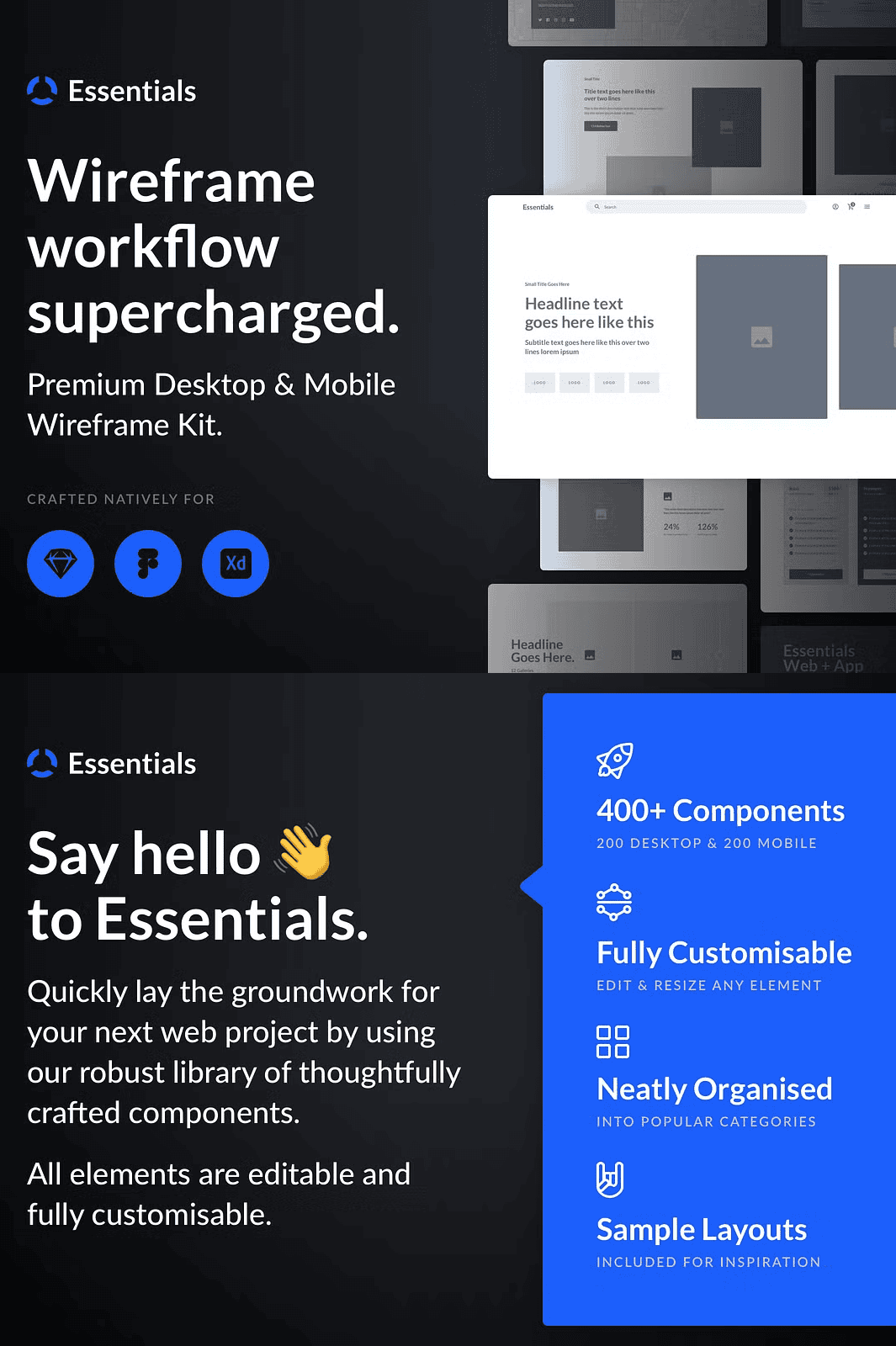
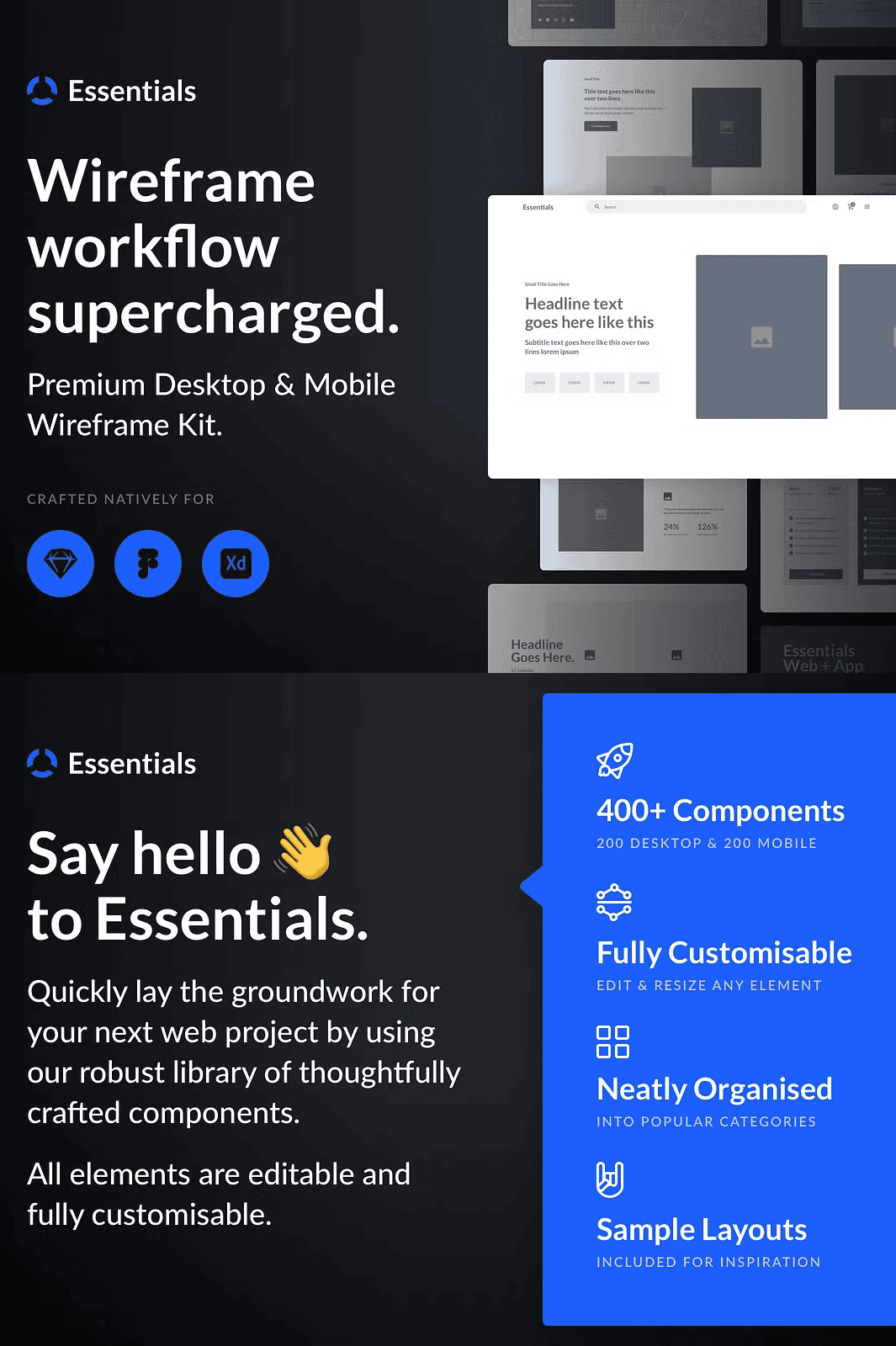
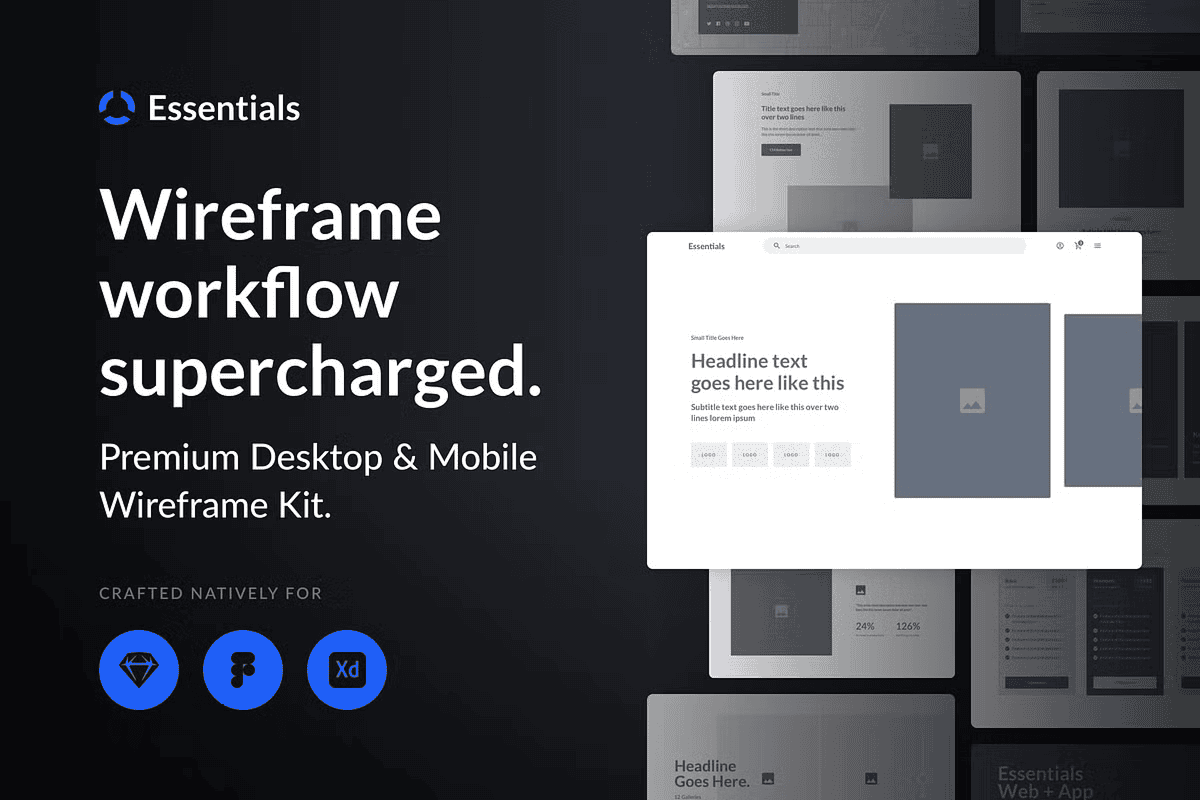
Transform your design process from slow and chaotic to fast and focused with the Essentials Wireframe Kit. This all-in-one solution delivers a powerful collection of 400+ professional-grade wireframe components—200 for desktop and 200 optimized for mobile—thoughtfully crafted to accelerate your projects from concept to client approval. Whether you’re building a startup landing page, a complex web app, or an e-commerce interface, this kit gives you the foundational layout tools needed to sketch, iterate, and present with confidence—no more starting from scratch.
Unlock Unmatched Design Flexibility with Fully Editable, Customizable Components
Every element in the Essentials Wireframe Kit is fully editable, scalable, and adaptable to your unique vision. Resize, reposition, recolor, or restructure any component instantly—no design limits, no compromise on creativity. Replace placeholder content with your real copy, insert custom icons, adjust spacing, or redefine visual hierarchy with precise control. With layered organization and clear naming conventions, you can edit individual elements without disrupting the entire layout, saving hours of manual adjustments and reducing errors.
Core Features for High-Efficiency Design
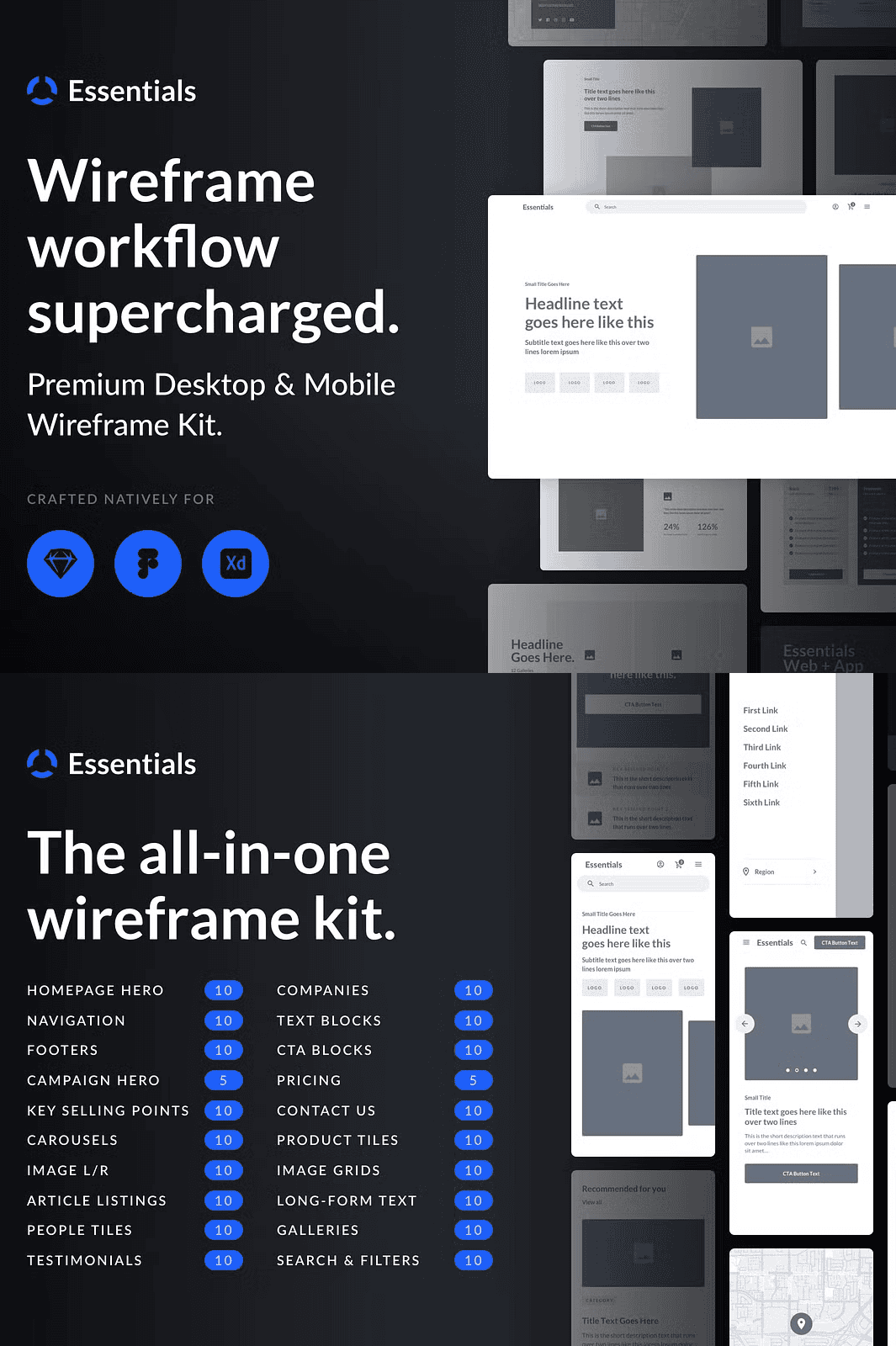
- 400+ Editable Components: Access 20 distinct categories, each packed with 10–20 versatile examples to spark innovation and reduce design fatigue.
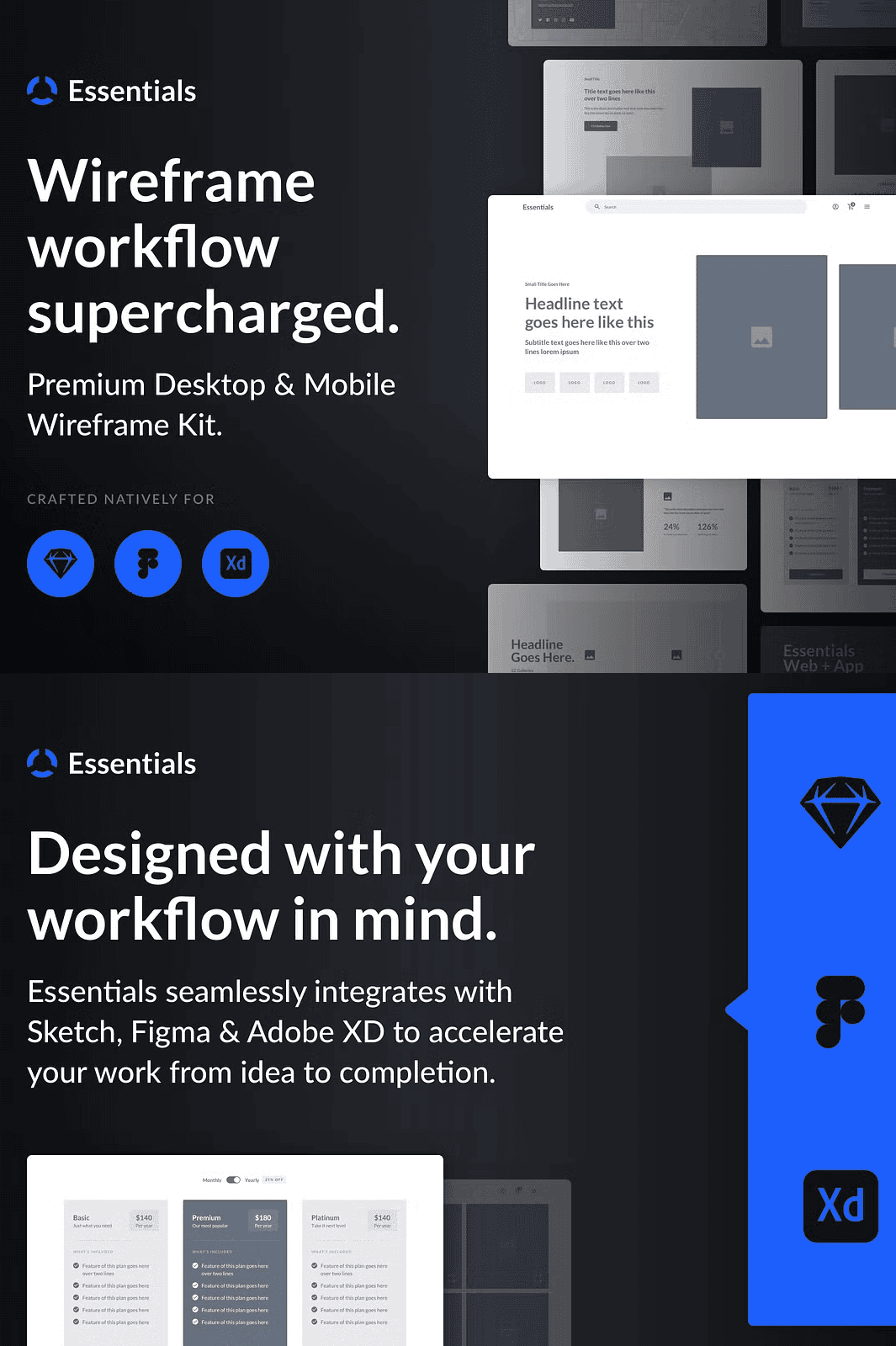
- Native Compatibility: Fully optimized for Sketch, Figma, and Adobe XD. Seamless integration means no format issues, no plugin hassles.
- Neatly Organized Structure: Components are grouped into logical categories including Homepage Hero, Navigation, Footers, Testimonials, Pricing Blocks, Carousels, Image Grids, Contact Us, Search & Filters, and more—ideal for quick access and consistent branding.
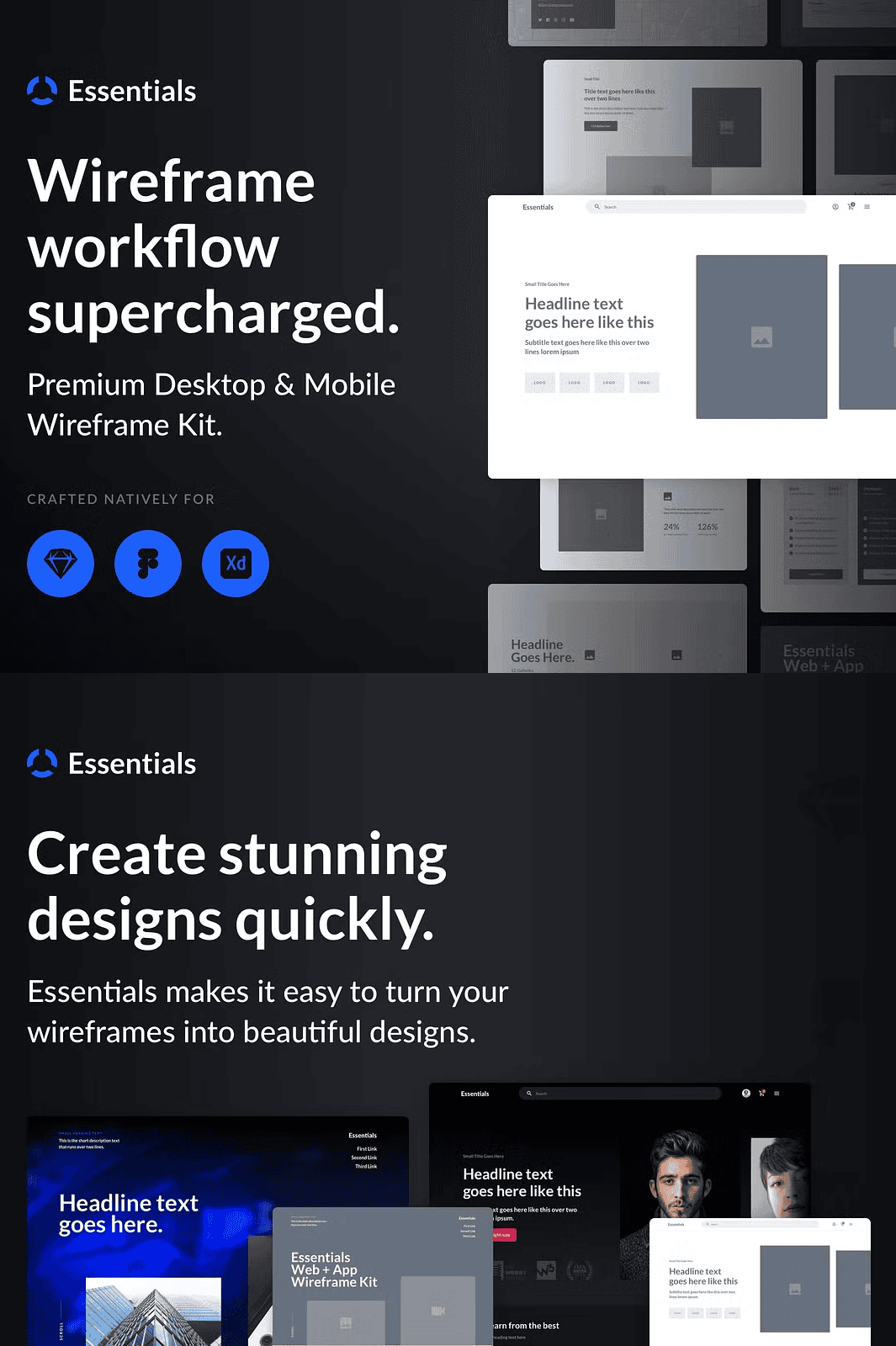
- Sample Layouts Included: Get instant inspiration with ready-to-use mockups for key pages like landing pages, product dashboards, and service portals.
- Google Fonts Integration: Built-in access to popular Google Fonts ensures your typography looks clean, modern, and consistent across platforms.
- Print & Export Ready: Export your designs in high-resolution formats for sharing, presentations, or handoff to developers without losing clarity or quality.
Streamline Client Workflows and Deliver Results Faster
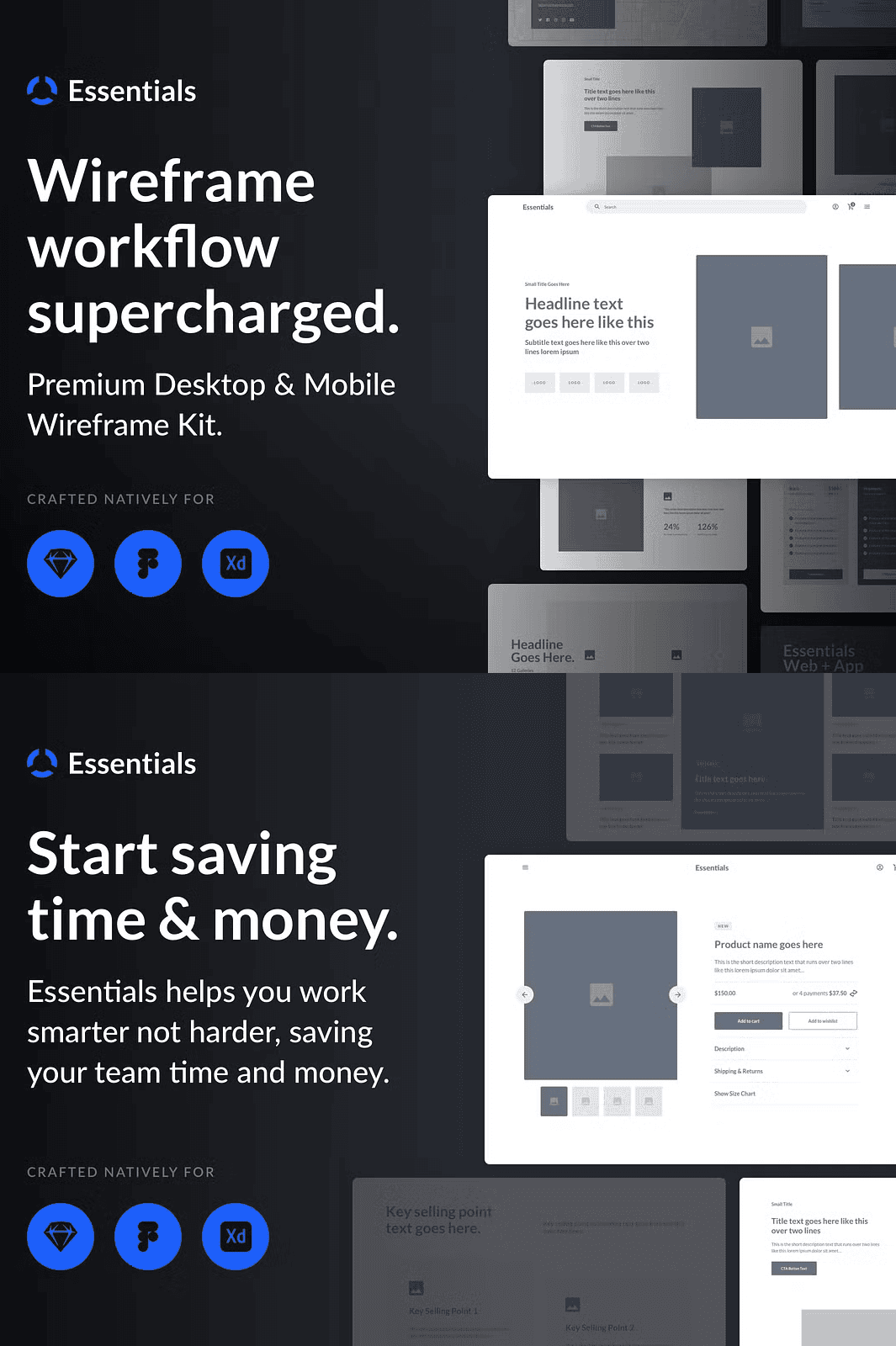
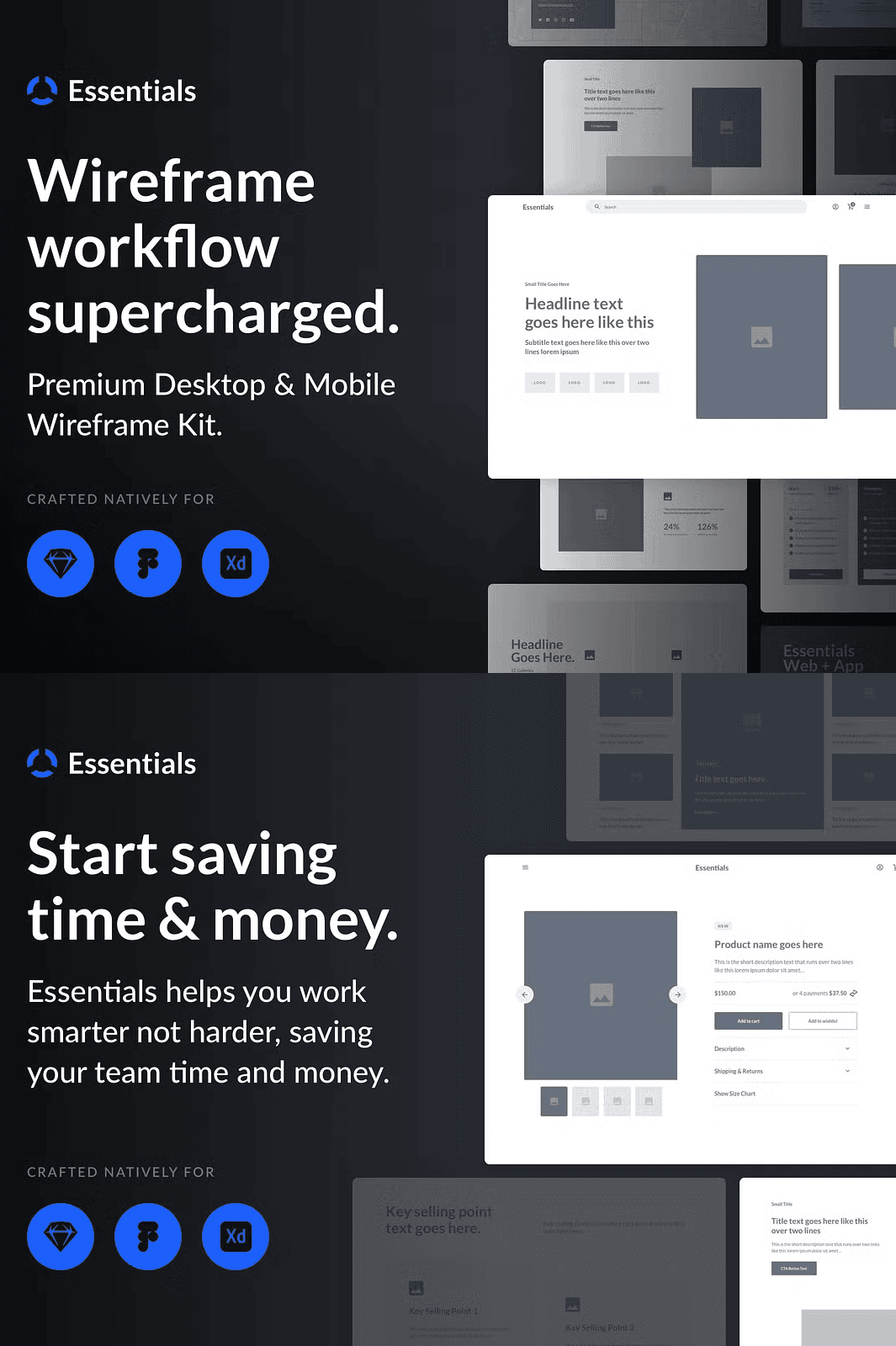
Speed up your project lifecycle with a toolkit that eliminates repetitive tasks. Use the same components across multiple projects—maintaining style consistency while reducing revision cycles. Present more prototypes, test more concepts, and respond to feedback quicker. This is especially valuable for freelancers, design agencies, and in-house teams juggling multiple clients and tight deadlines.
Designed for Real-World Designers: Built with Your Workflow in Mind
Essentials doesn’t just provide templates—it redefines how you work. The component library is structured using industry best practices for file organization, layer naming, and reuse. You’ll find intuitive symbols, reusable states, and modular blocks that integrate smoothly into any design system. Spend less time reinventing the wheel and more time solving user problems.
Power Your Next Project in 4 Simple Steps
Step 1: Download & Import
Log in to your account and download the Essentials Wireframe Kit. Extract the files and import them directly into Sketch, Figma, or Adobe XD. The kit supports both modern and legacy versions of each tool, ensuring compatibility across team environments.
Step 2: Customize with Precision
Open any component—like a CTA block or pricing table—and modify every element: swap images, edit text, change button colors, or adjust grid alignment. The layers are clearly labeled, making editing intuitive even for junior designers or those new to the tool.
Step 3: Prototype & Present
Combine components to build full-page layouts. Link screens to create interactive prototypes. Use the sample layouts as a foundation or take them as inspiration for your own unique design. Share links with clients or stakeholders for instant feedback.
Step 4: Export & Handoff
Once finalized, export your wireframes as high-fidelity PDFs, PNGs, or SVGs. Share them directly with developers via Figma’s design system or Sketch’s shared libraries. All assets are export-ready and fully legible, minimizing miscommunication during development.
Legal & Usage Guidelines
This digital product is licensed for personal and commercial use. You are permitted to use the wireframes in client projects, agency deliverables, and product launches. However, re-selling, redistributing, or modifying the original files for resale is prohibited. You do not gain ownership of the template files—your license grants use rights, not intellectual property rights.
Expand Your Design Toolkit with Complementary Resources
Take your design workflow to the next level by pairing the Essentials Wireframe Kit with these professionally designed companion assets:
- UI Kit: Modern App Components
- Icon Set: 200+ Minimalist Line Icons
- Design System Templates for Figma
Build a complete design ecosystem that supports every stage of the product development cycle.