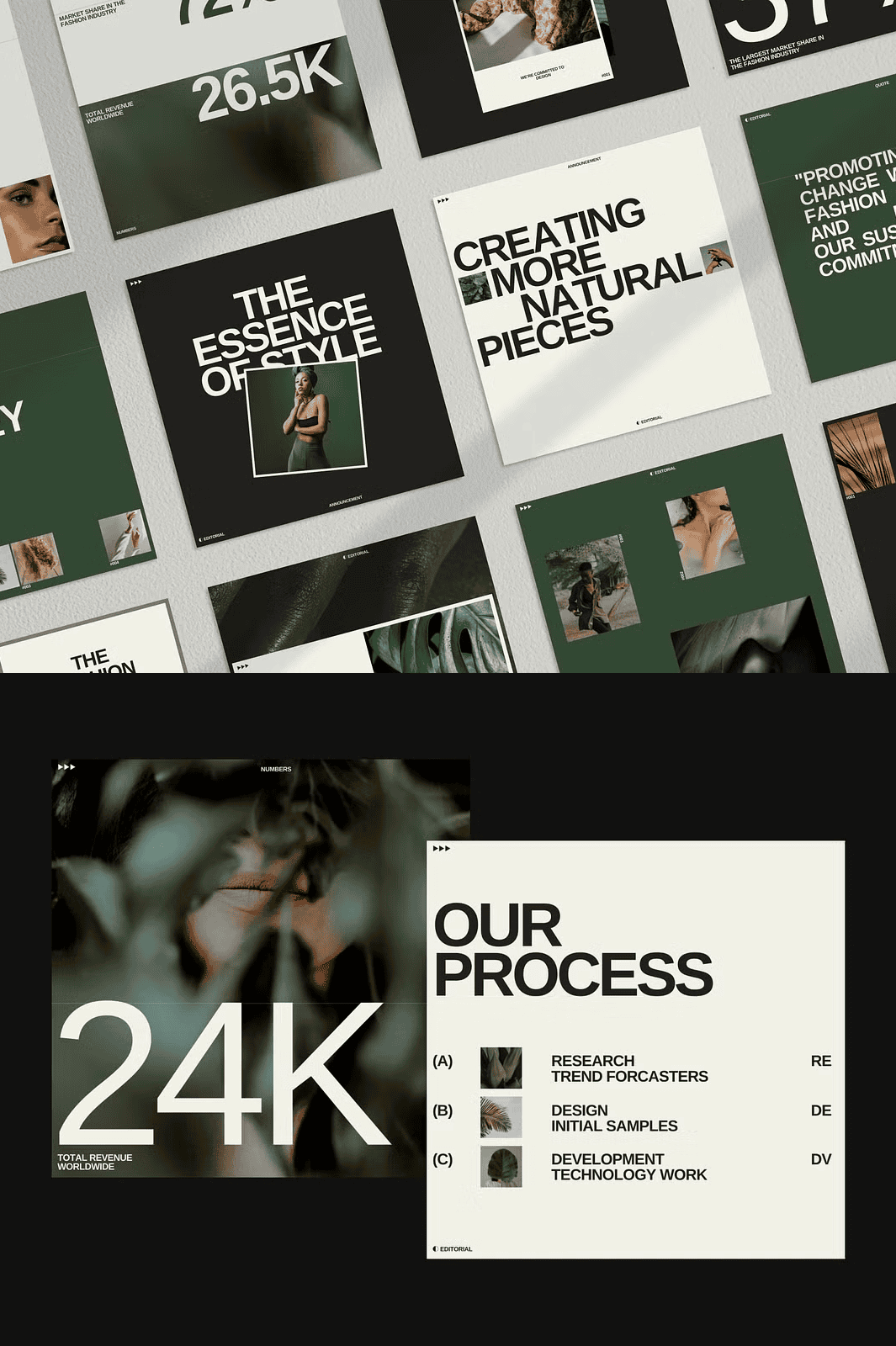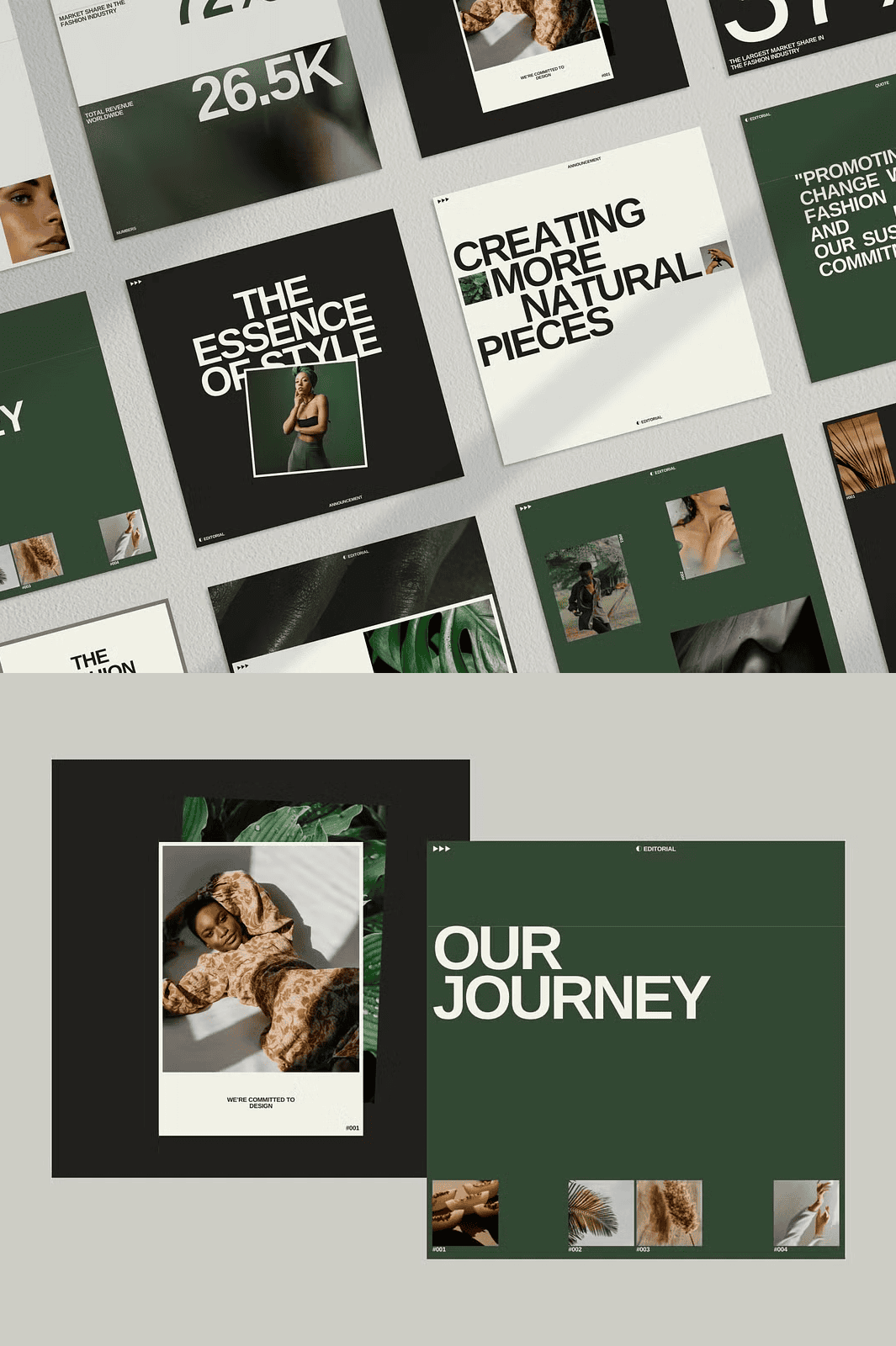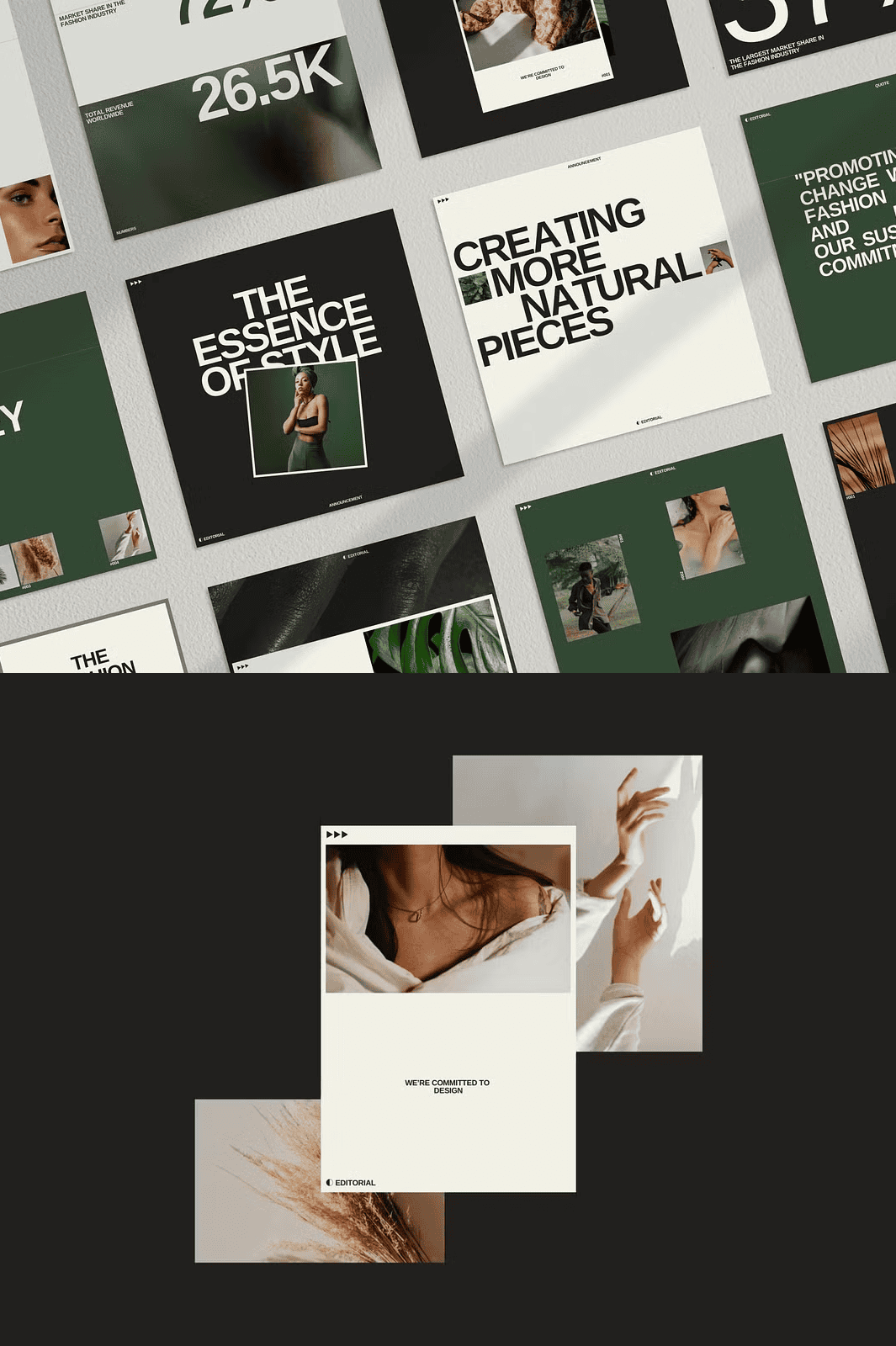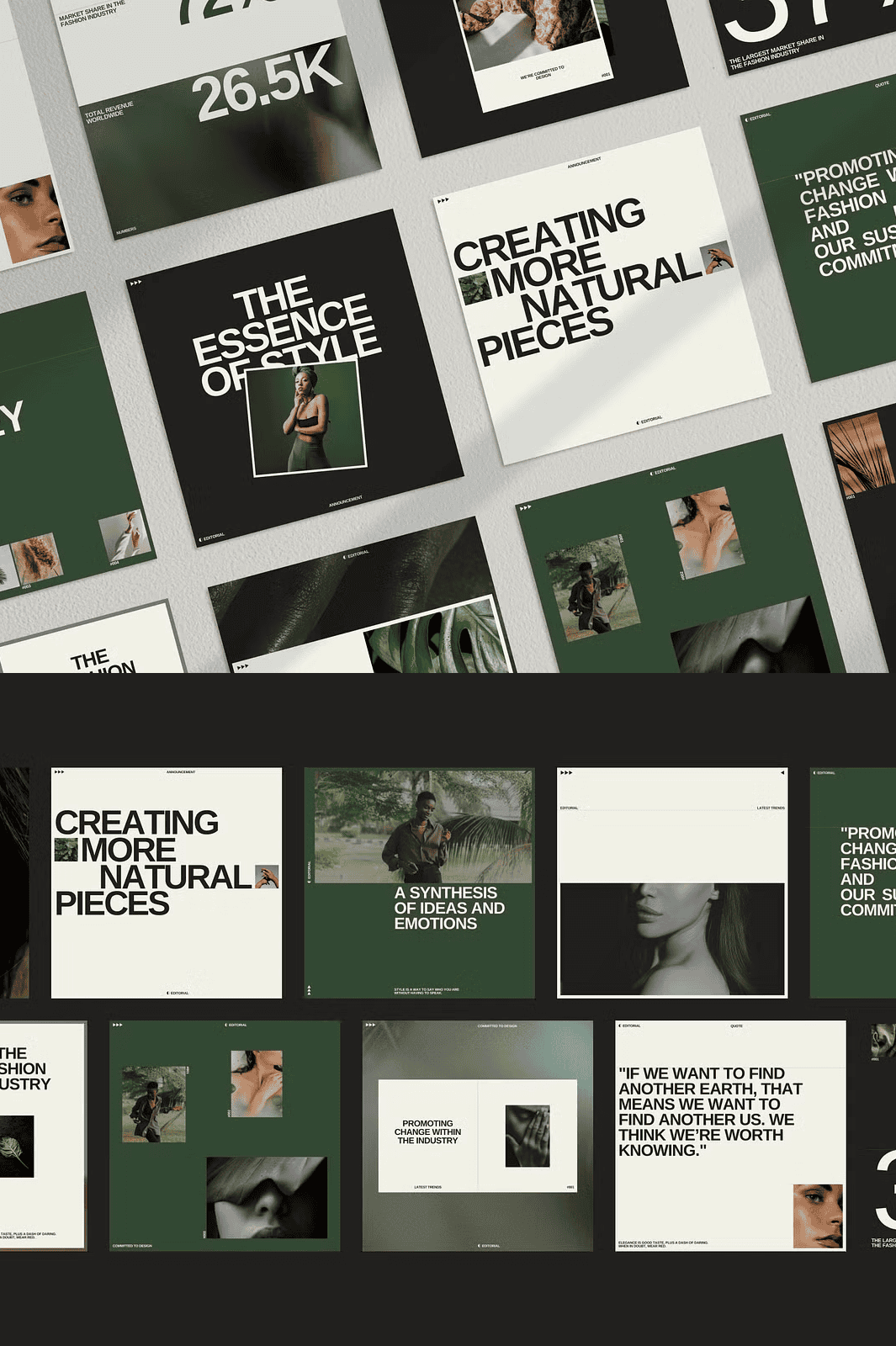

Why These Templates Boost Your Brand Quickly and Efficiently
Stop wasting precious hours wrestling with design tools. These 30 expertly crafted square post and story templates give you a polished, cohesive feed **in minutes**, not days. By using active, ready‑to‑publish layouts, you can focus on delivering value to your audience—whether you’re a coach, blogger, photographer, or freelancer—while the templates handle the visual heavy‑lifting.
Comprehensive Package: What’s Included in This Template Set
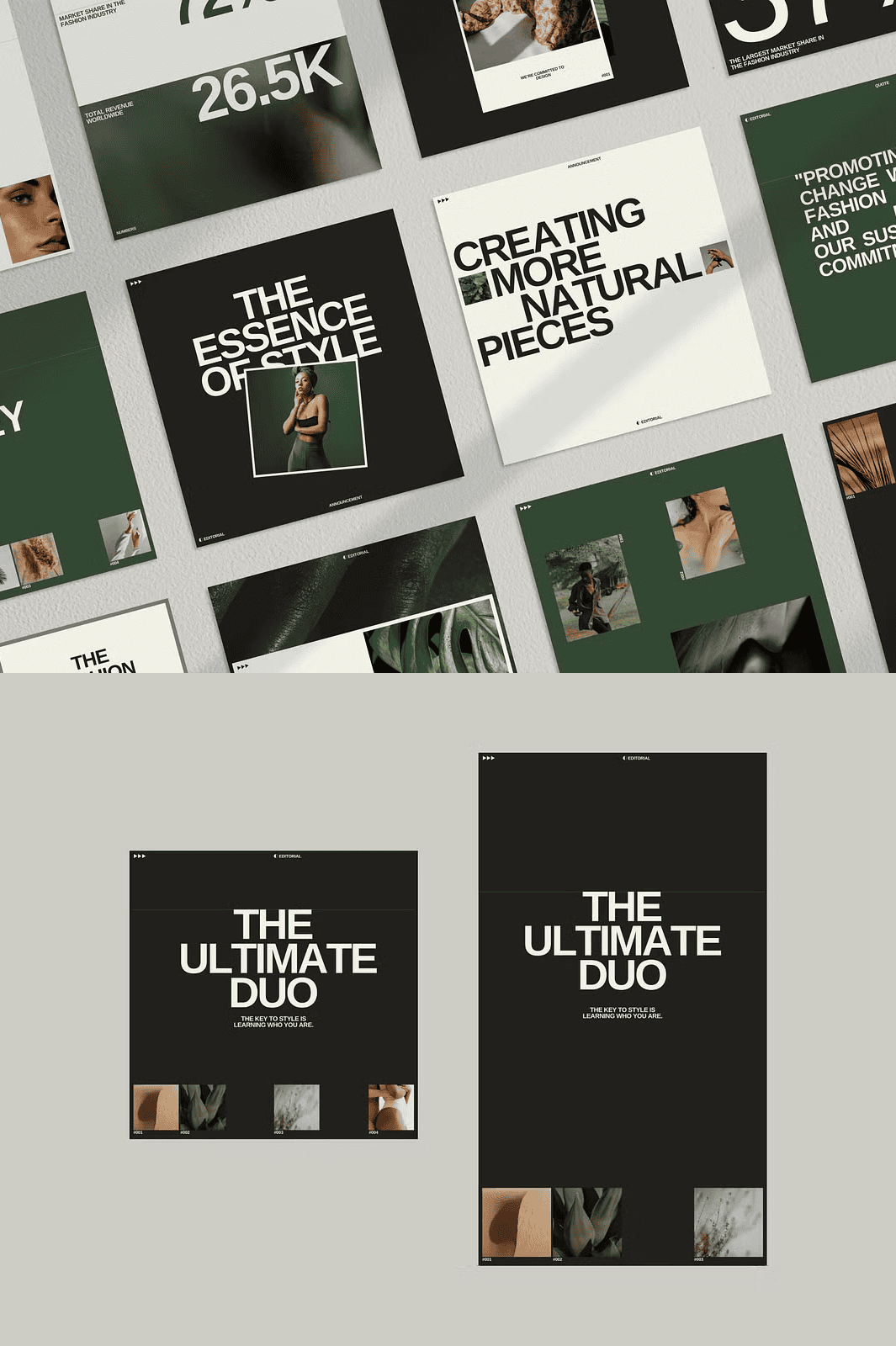
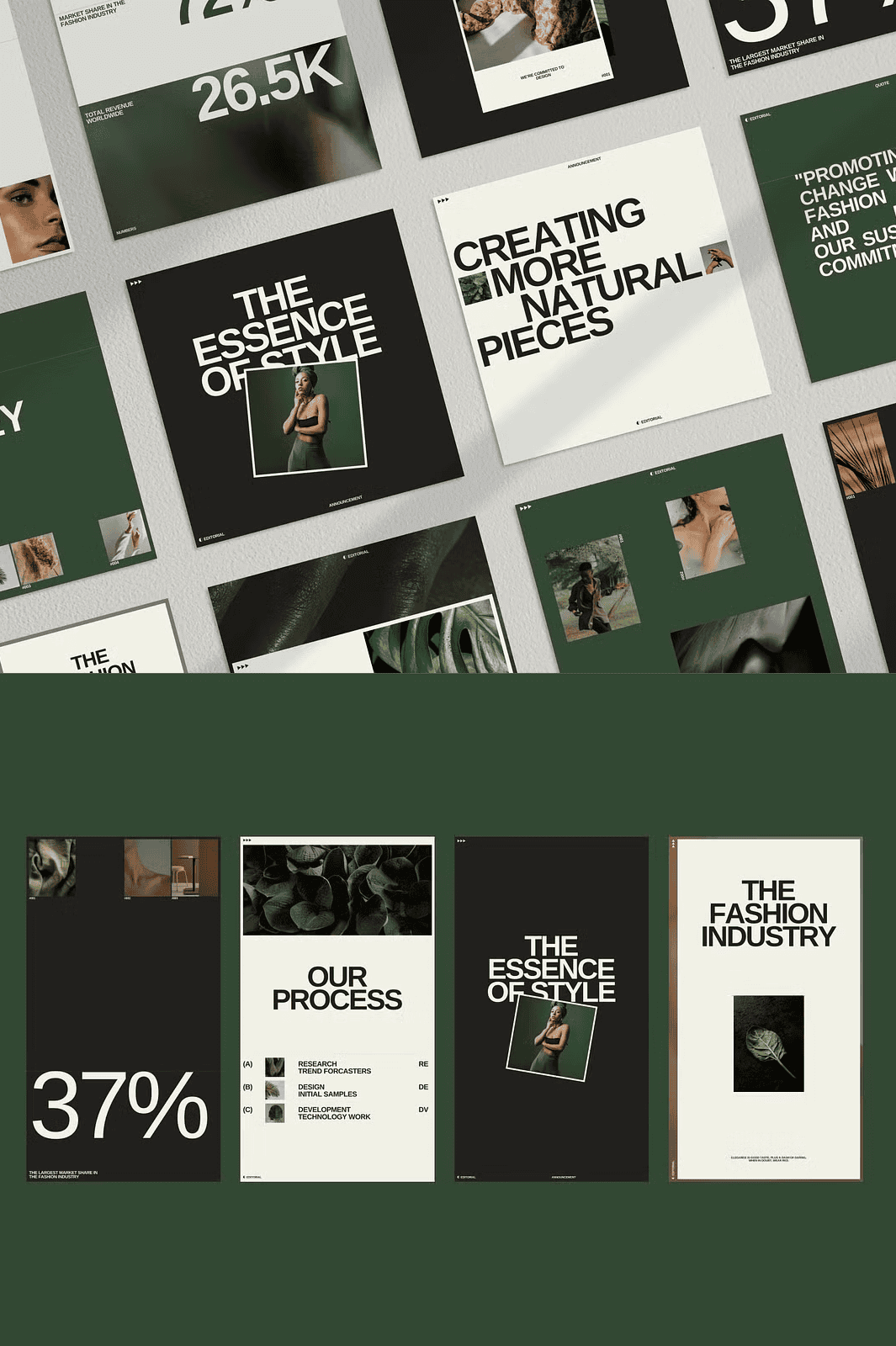
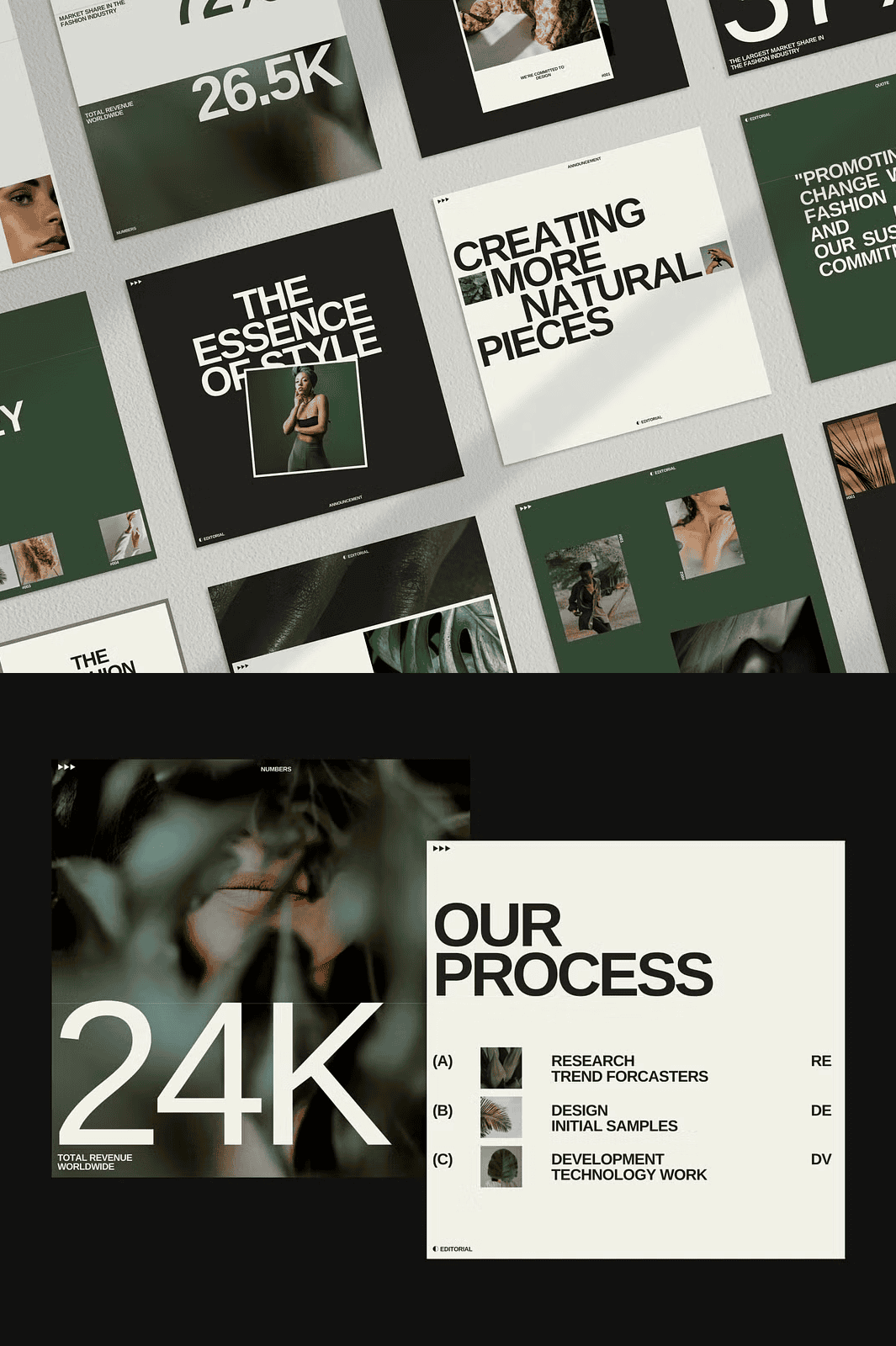
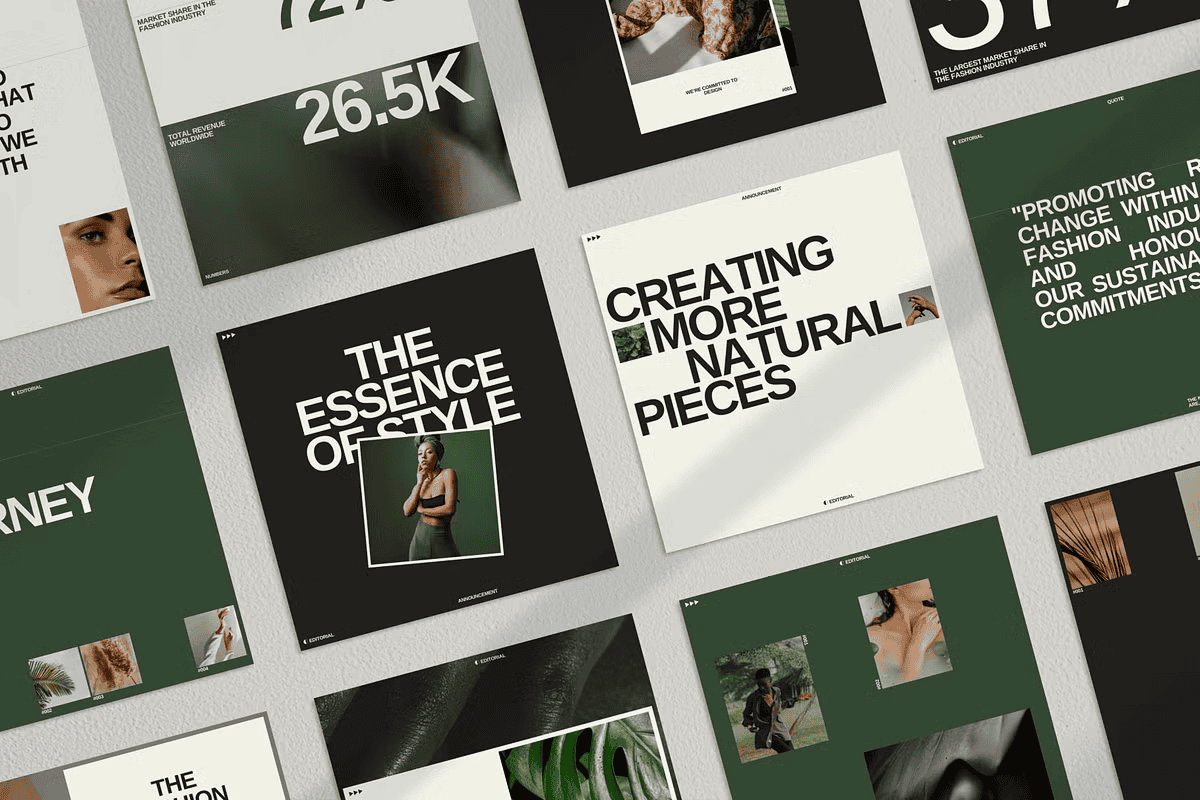
30 Square Post Templates (1080 × 1080) Designed for Maximum Impact
- Clean, minimalist layouts that showcase your content without distraction.
- Each post is sized perfectly for Instagram feeds and adaptable for Facebook or Pinterest.
30 Story Templates (1080 × 1920) Built for Engaging Swipe‑Through Experiences
- Dynamic frames for polls, promotions, behind‑the‑scenes, and more.
- Full‑screen design ensures your message fills the screen and captures attention.
Powerful Features: Compatibility, Editability, and Free Resources
Canva Compatibility for Free Version Users
All templates open directly in Canva’s free editor at www.canva.com. No subscription required—simply click the link, log in, and start customizing.
Photoshop Editable Files for Advanced Designers
If you prefer Photoshop, each layout is provided as a .psd file with smart objects. Replace images, edit text, and adjust colors with a single click.
Free Fonts and Stock Photos Included Out‑of‑the‑Box
- All typography uses the open‑source Arimo font, free for personal and commercial use.
- High‑quality photos are sourced from the Pexels library on Canva—completely royalty‑free.
Full Customization: Colors, Graphics, and Text
Changing brand colors, swapping graphics, or rewriting copy takes seconds. The templates are built with editable layers and placeholder text so you can tailor every element to reflect your unique identity.
How to Use Canva Templates: Simple Three‑Step Workflow
Step 1 – Download and Open the PDF Containing Template Links
After purchase, you’ll receive a PDF with direct Canva links. Click any link to launch the corresponding template in your browser.
Step 2 – Edit Text, Images, and Colors Within Canva
Replace placeholder content with your own photos, modify headlines, and adjust the color palette to match your brand guidelines.
Step 3 – Export and Publish to Instagram Instantly
When you’re satisfied, download the file as PNG or JPG and upload straight to Instagram, Facebook, or any other platform you need.
How to Use Photoshop Templates: Professional‑Grade Flexibility
Step 1 – Extract the .psd Files from Your Download Package
Unzip the archive and locate the Photoshop files. Open them in Photoshop CC or any compatible version.
Step 2 – Edit Text, Colors, and Images Using Smart Objects
Double‑click the smart‑object layer to replace images, then edit text layers directly. All changes update instantly across the design.
Step 3 – Export Optimized Files for Instagram Posting
Save each updated design as PNG or JPEG (high‑resolution 1080 × 1080 for posts, 1080 × 1920 for stories) and upload to your social channels.
Get Started Today: Transform Your Feed with Minimal Effort
Your audience expects visually striking content, and you deserve a hassle‑free way to deliver it. These 30 Canva & PSD Instagram templates give you a complete, editable library that **saves time, boosts engagement, and reinforces brand consistency**. Whether you’re a solo entrepreneur or managing multiple client accounts, this toolkit empowers you to publish professional‑grade visuals on schedule—every single day.