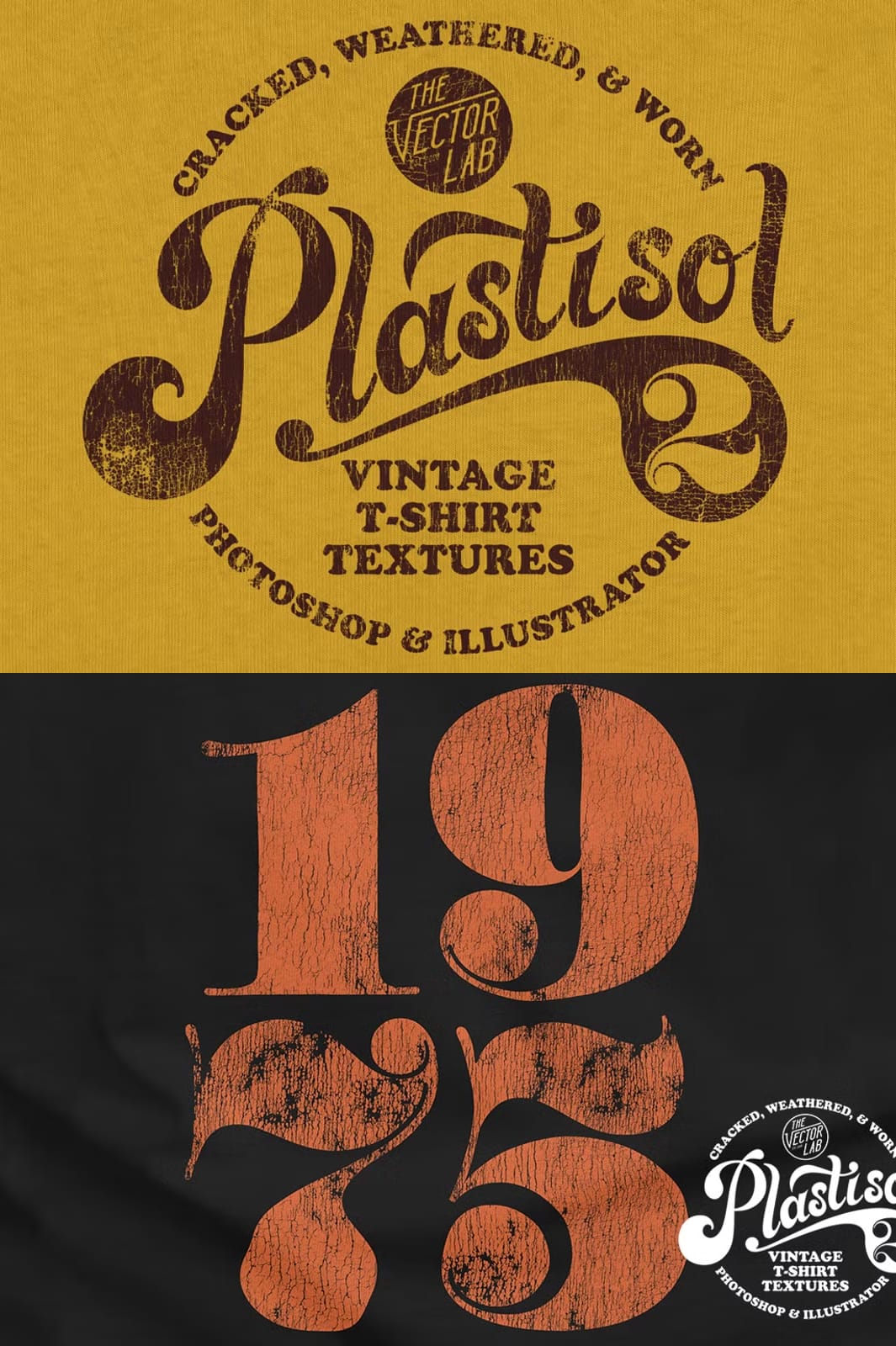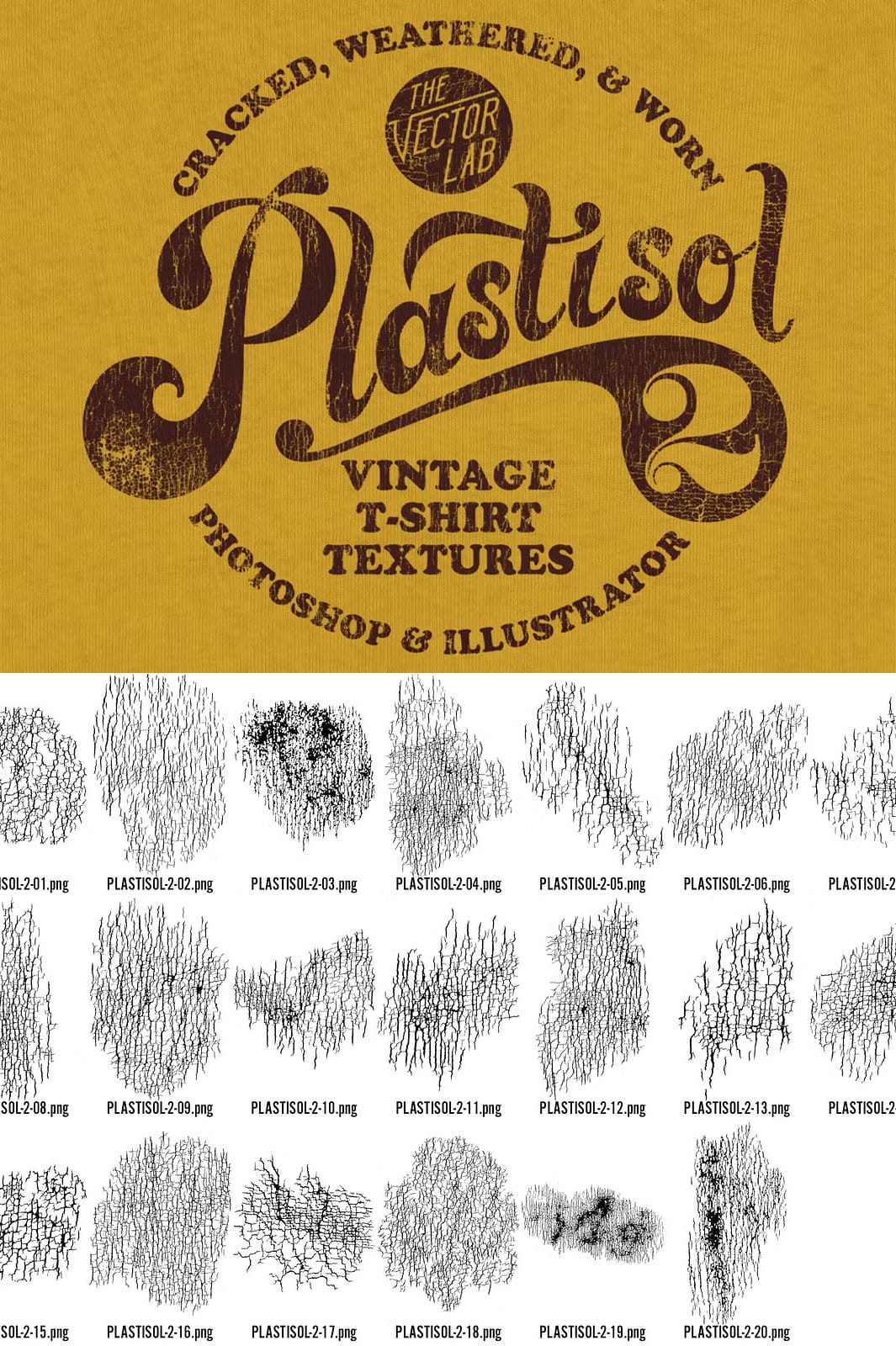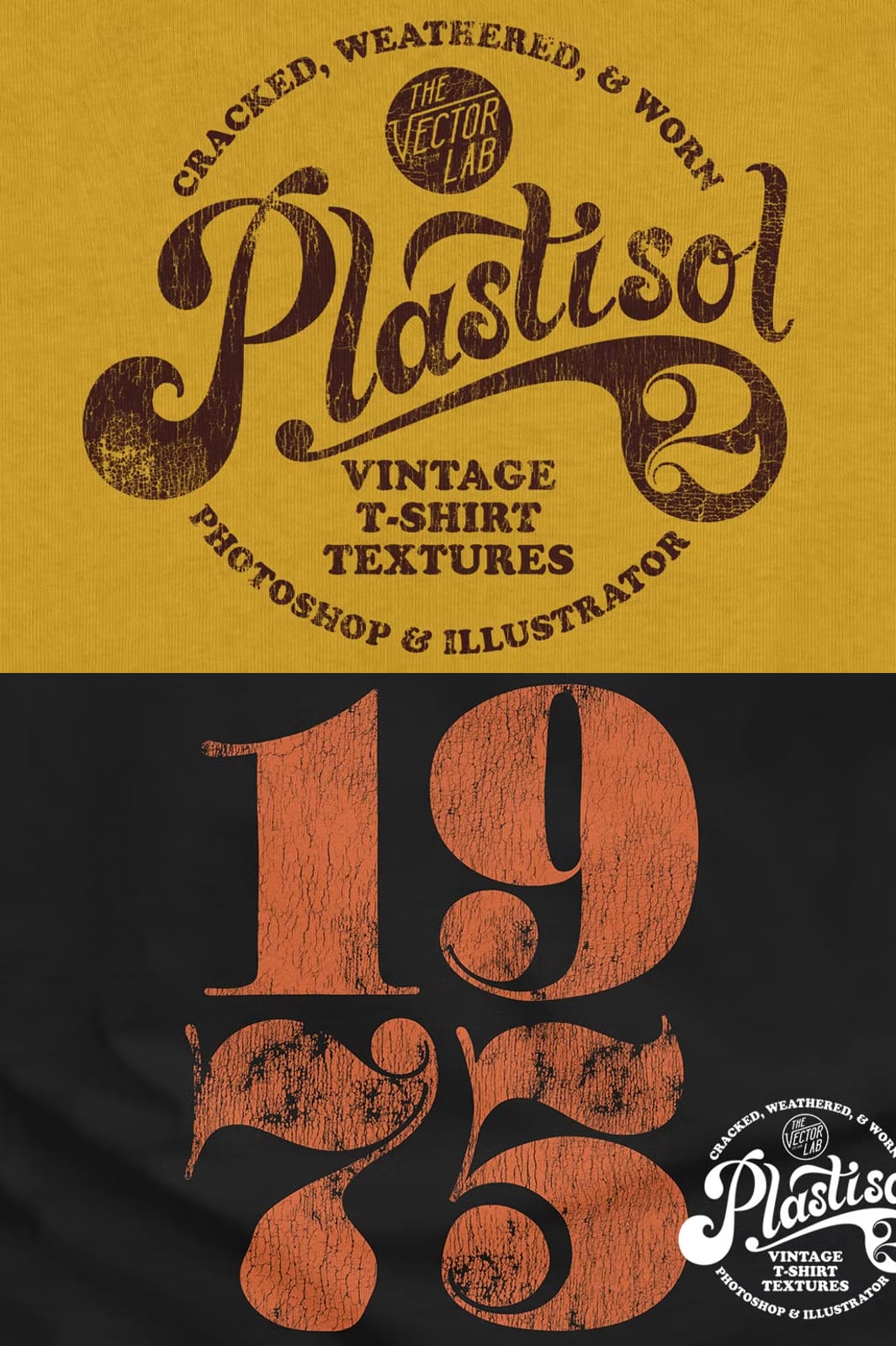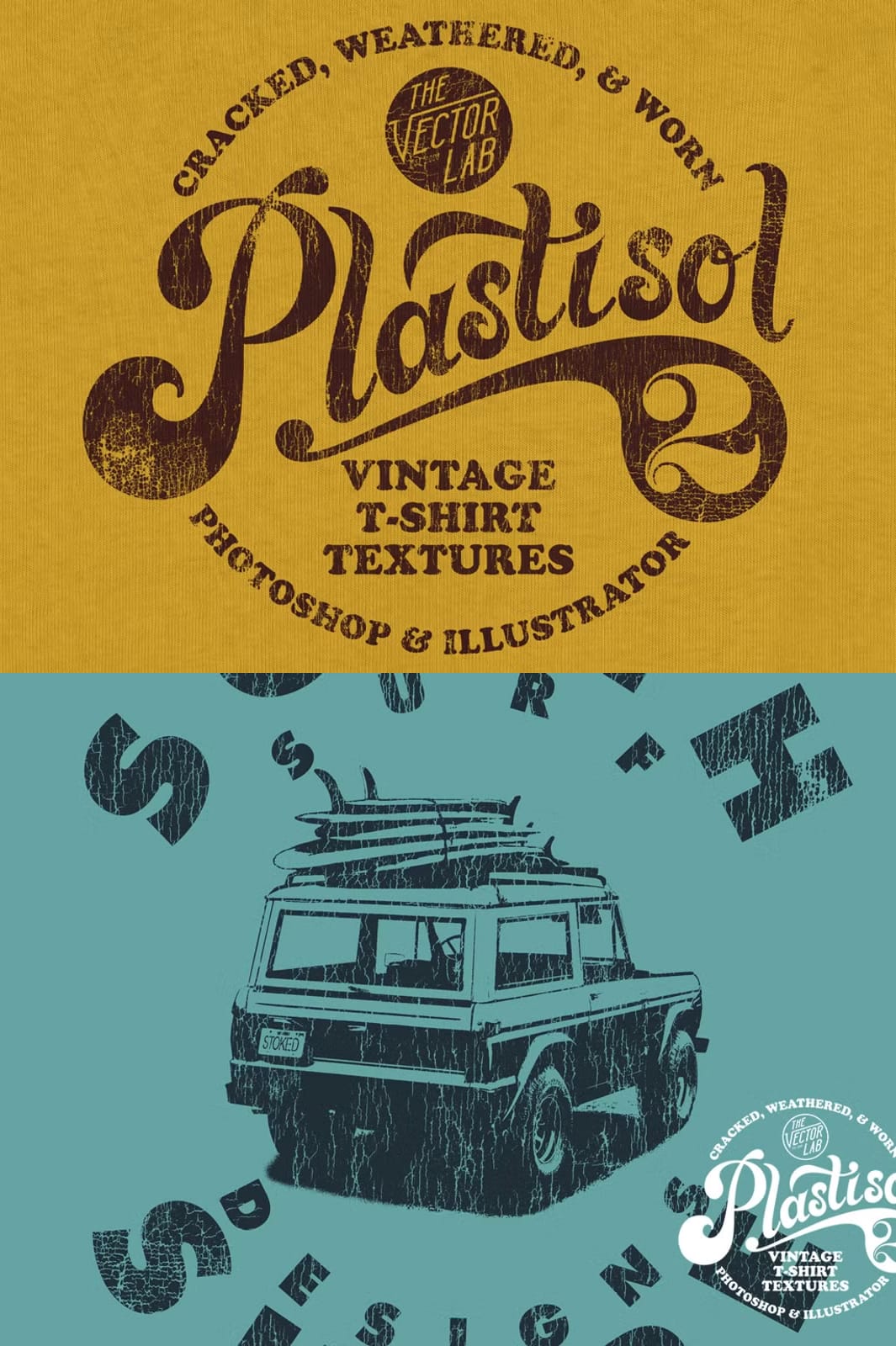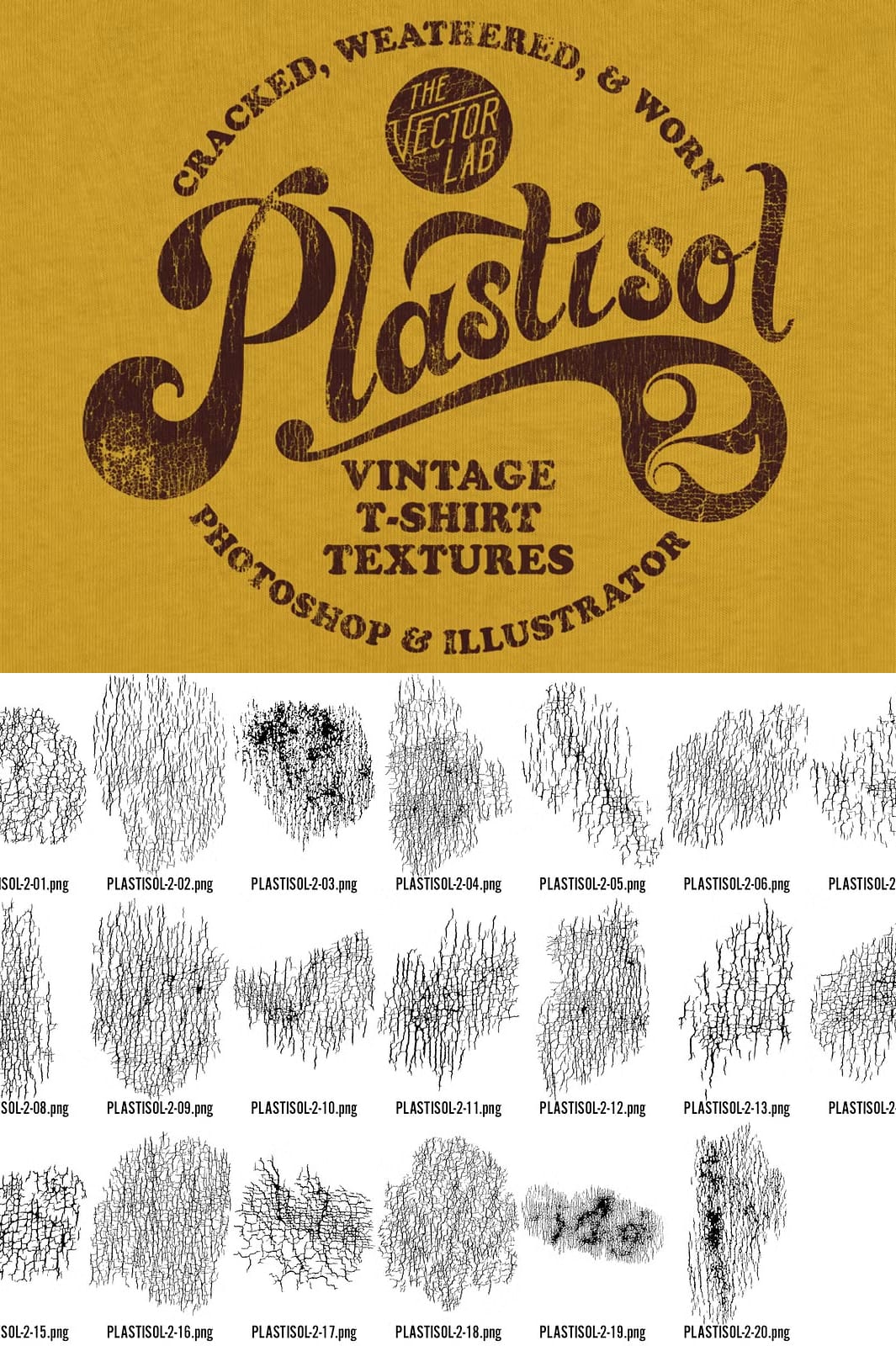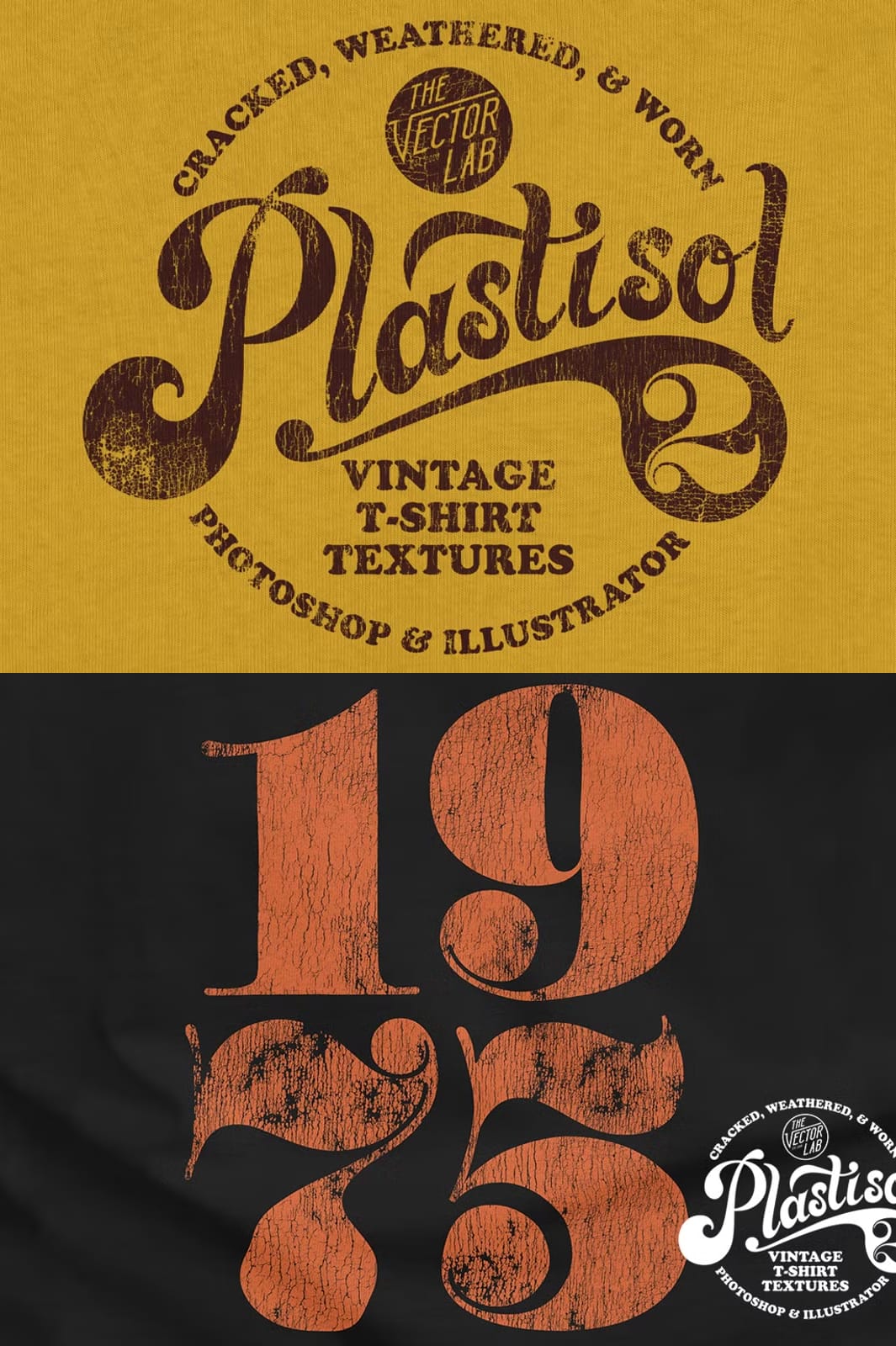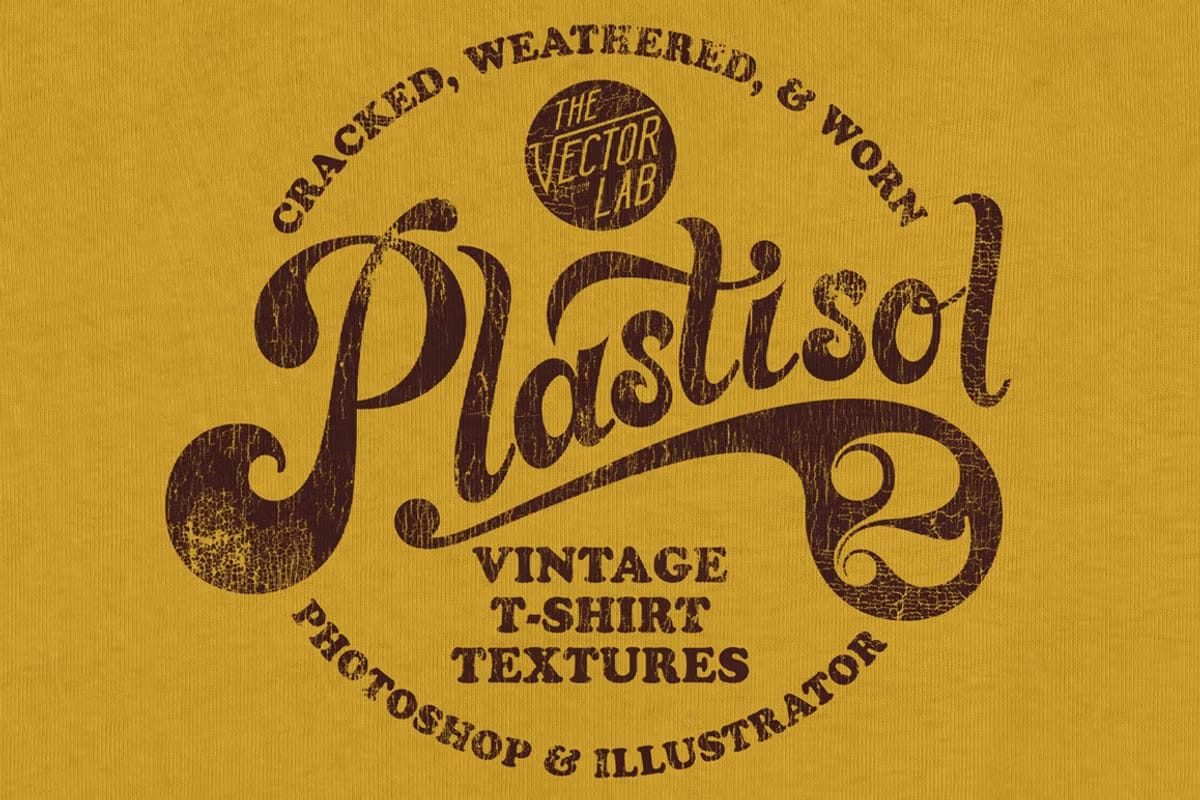

Plastisol 2 launches with a complete overhaul on April 9 2019, delivering 20 brand‑new, refined textures across vector AI, high‑resolution bitmap TIFF, transparent PNG, and Photoshop brush formats. This follow‑up to the original Plastisol collection captures the cracked‑ink look of aged screen‑printed tees, giving your projects an authentic thrift‑shop feel with unparalleled precision.
Why Choose Plastisol 2?
Enhanced Visual Fidelity
Each texture features subtle edges that let you control placement down to the pixel. The refined cracks and flakes mimic decades‑old screen ink, ensuring your designs convey genuine vintage character rather than a generic filter effect.
Multi‑Format Flexibility
All 20 textures arrive in four production‑ready formats:
- Illustrator AI (Vector) – scalable without loss, ideal for logos and large‑format prints.
- Bitmap TIFF – pure black‑and‑white data (no grayscale) with automatic transparency in Illustrator, perfect for screen‑print separations and color swaps. Each file’s longest side exceeds 4000 px, guaranteeing crisp output.
- Photoshop Brush (.abr) – simply double‑click to load; instantly paint textures onto any layer.
- PNG with Transparent Background – ready for web, mock‑ups, and layered compositions; also >4000 px wide for high‑resolution use.
Bonus Fabric Mockup Panel
The bundle includes a free fabric‑mockup panel and step‑by‑step instructions, allowing you to showcase textures on realistic t‑shirt templates in seconds.
Historical Context: The Science of Plastisol
Plastisol ink revolutionized screen printing in the 1970s, offering durability and vibrant color. Over time, repeated washes, stretching, and exposure to concert‑stage chaos cause the ink to crack, flake, and fade—exactly the aesthetic that vintage thrift‑shop shirts display today. By reproducing these natural wear patterns, Plastisol 2 supplies designers with the visual shorthand that instantly signals “authentic vintage” to consumers.
Integration with Existing Resources
Plastisol 2 is part of the larger T‑Shirt Design Master Collection, the most comprehensive bundle of t‑shirt design assets on the market. If you haven’t explored the original Plastisol 1 Collection, it remains a valuable complement, offering additional textures and color variations.
Practical Applications
Physical Screen‑Print Production
Import the TIFF files into Illustrator, assign spot colors, and generate screen separations with zero grayscale interference. The crisp black‑and‑white data ensures clean plates and consistent ink deposition.
Digital Mock‑Ups & Portfolios
Apply the PNGs or brushes to Photoshop mock‑ups, instantly transforming a modern tee into a weathered relic. This visual cue boosts client confidence and showcases your ability to deliver retro aesthetics without costly physical samples.
Branding & Marketing Collateral
Overlay textures on business cards, flyers, or social media graphics to maintain a cohesive “vintage‑meets‑modern” brand language across all touchpoints.
How to Maximize the Bundle
Layering Techniques
Combine multiple textures using Photoshop blending modes (Overlay, Soft Light, Multiply) to craft custom wear patterns that suit specific garment colors or fabric types.
Color Swapping Workflow
Open the AI files, replace the vector fills with brand‑specific hues, and export updated PNGs. This workflow lets you preserve the cracked‑ink texture while matching any color palette.
Export Settings for Web vs Print
For web use, export PNG‑24 with transparency and compress with “Save for Web” to keep file sizes under 200 KB. For print, retain the original 300 dpi TIFFs to ensure sharpness on large formats.
Instant Access – Download Now
Ready to infuse your designs with authentic vintage grit? Click the button below to download the complete Plastisol 2 bundle and start creating instantly.
Integrate these textures today and watch your t‑shirt concepts transform from ordinary to unmistakably retro craftsmanship.