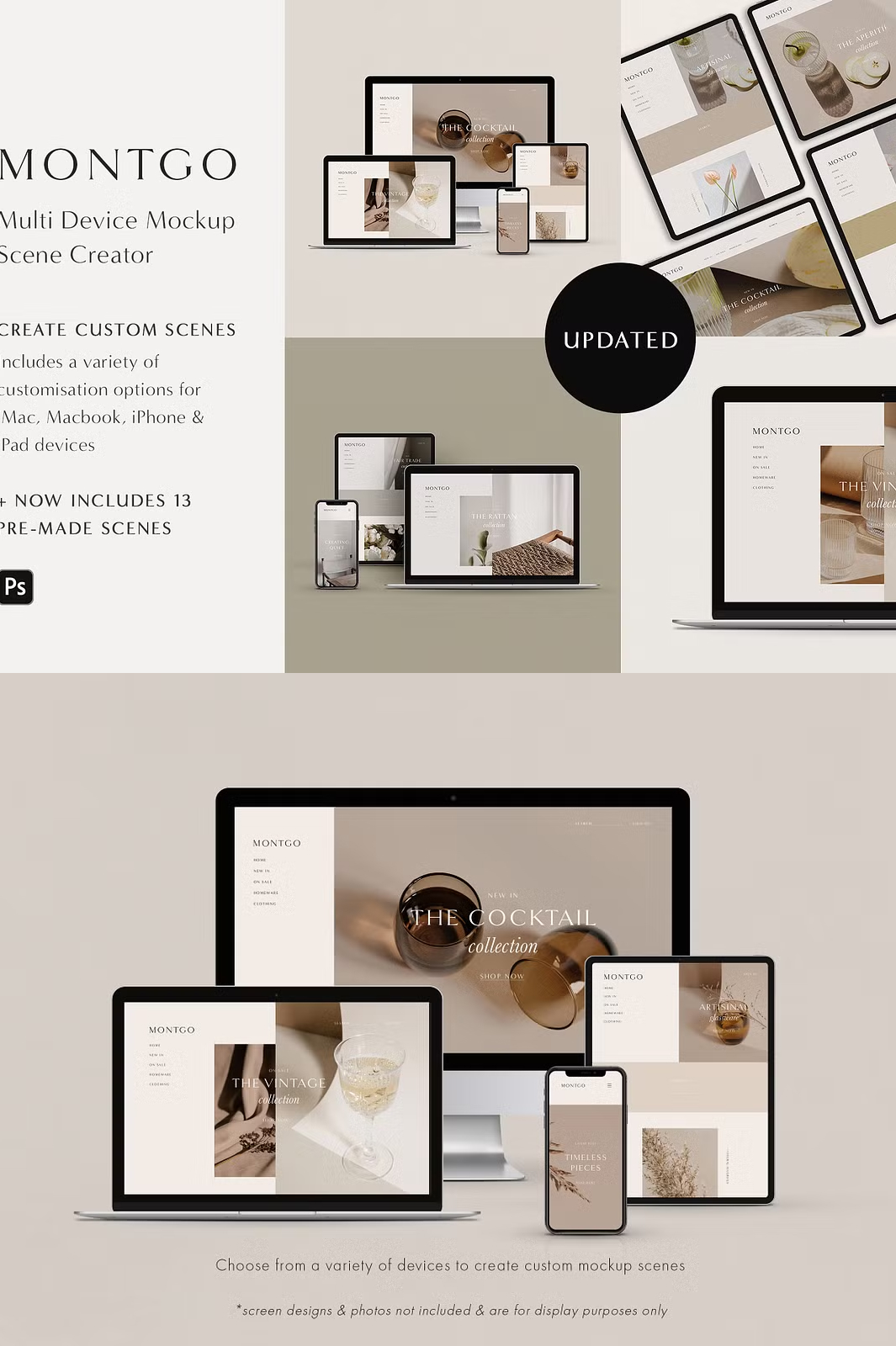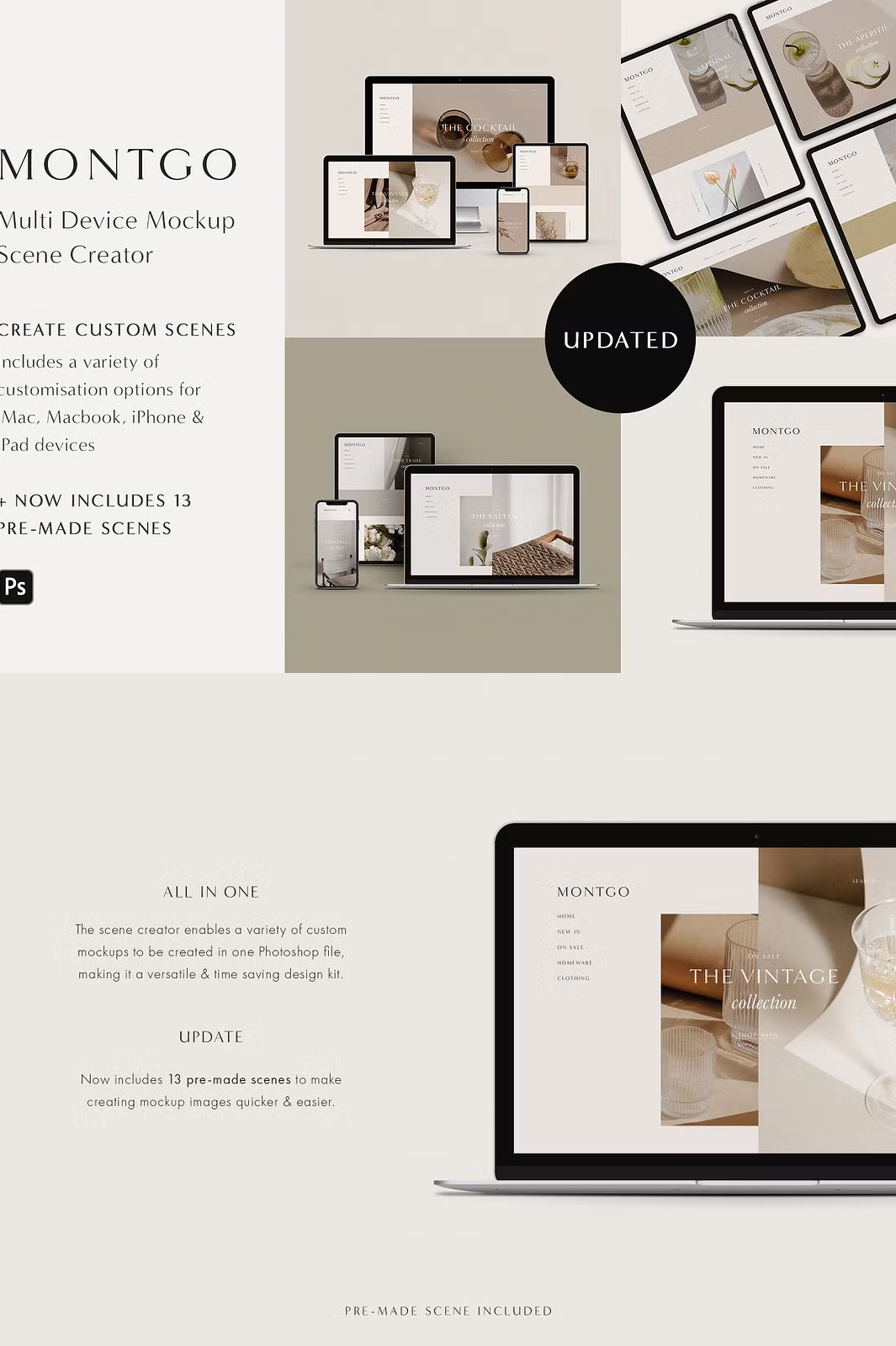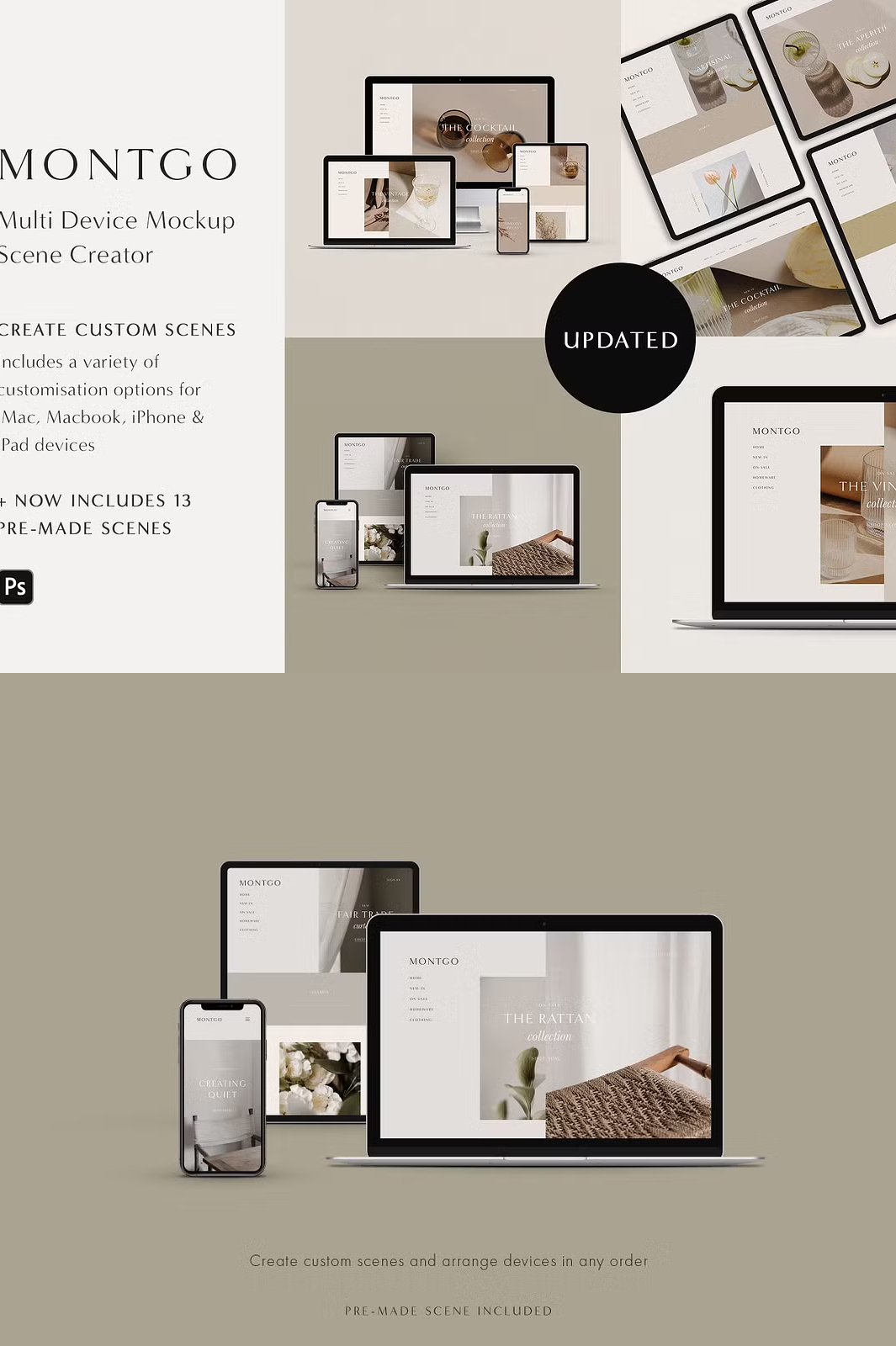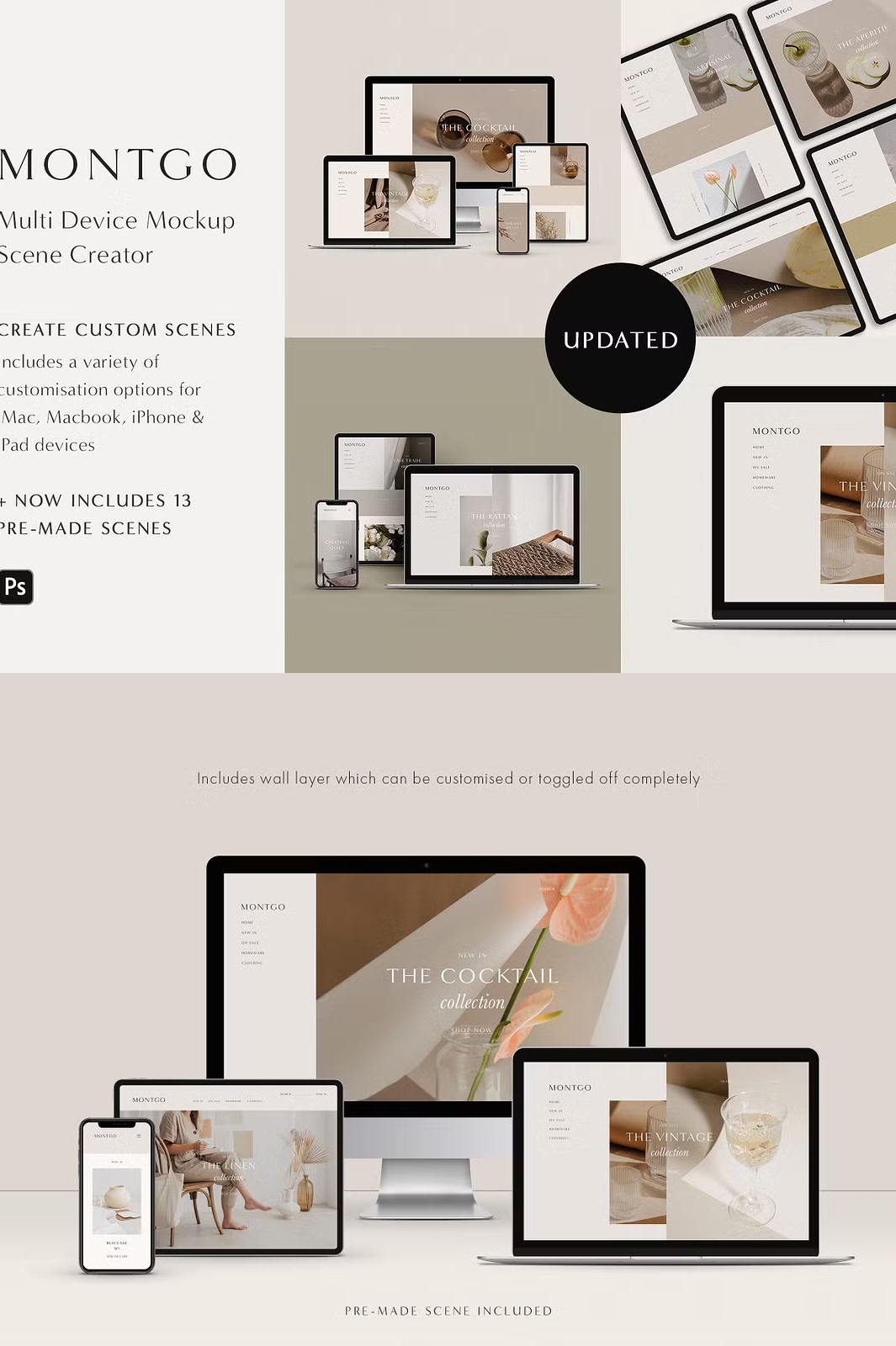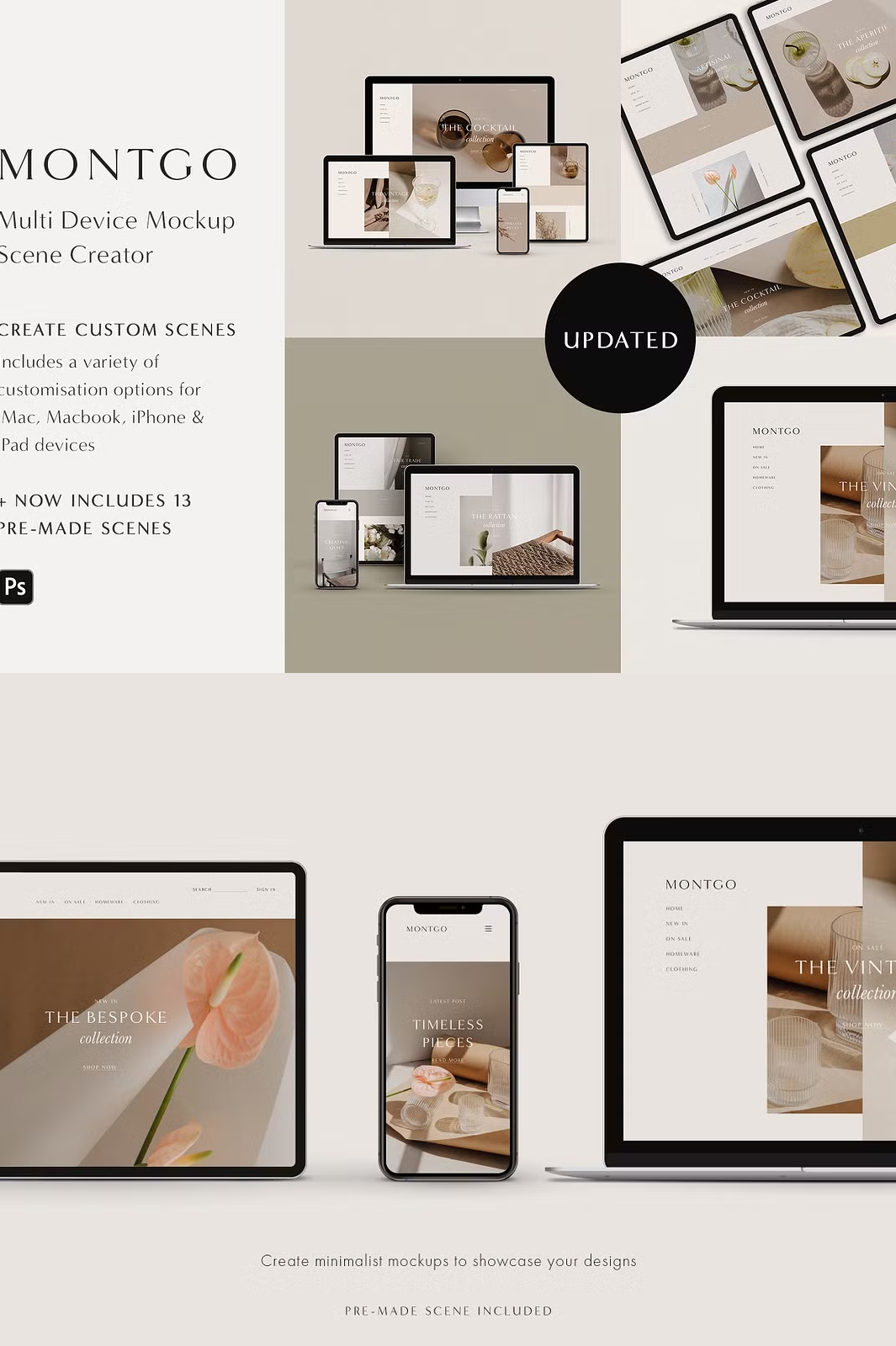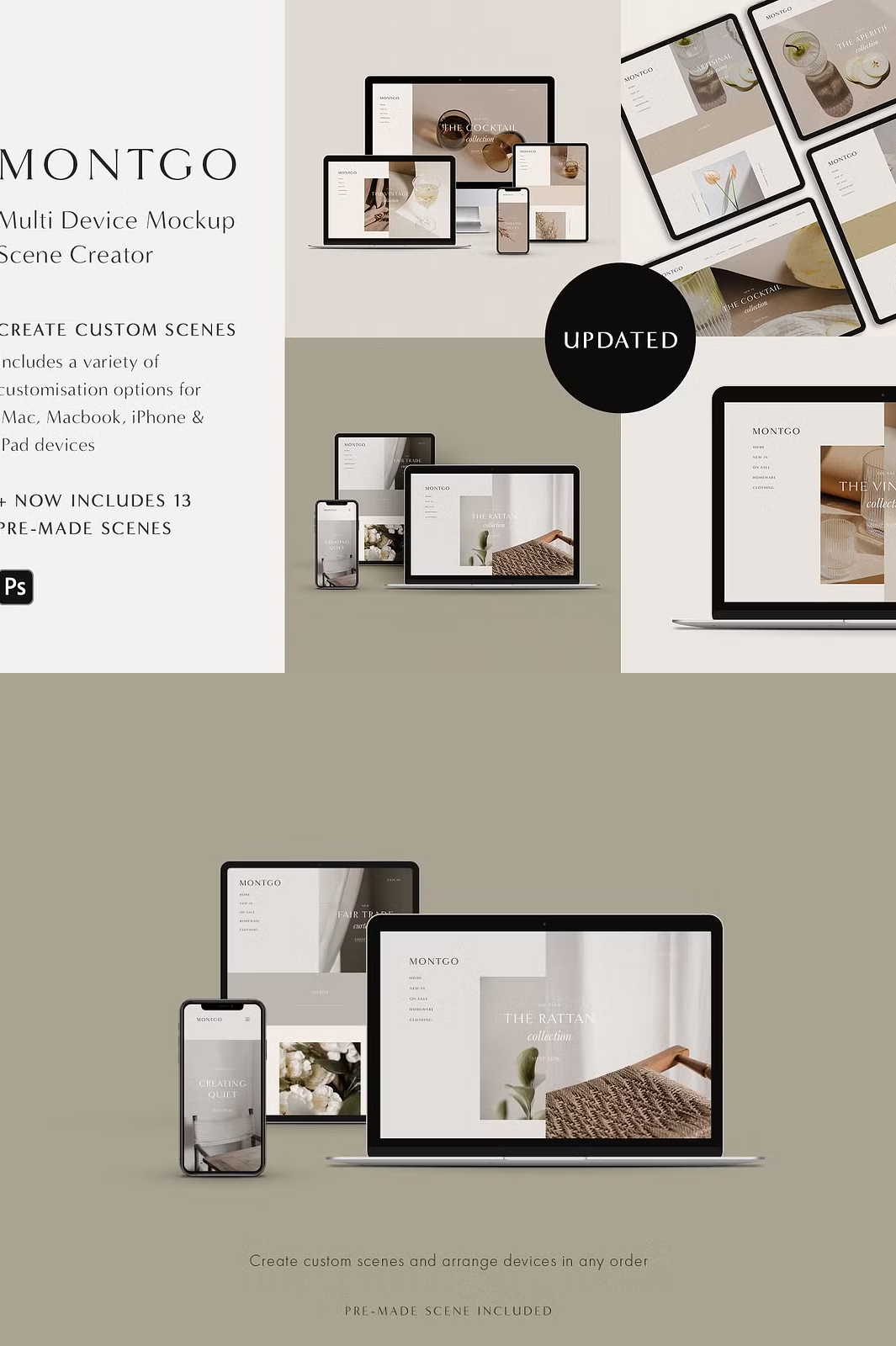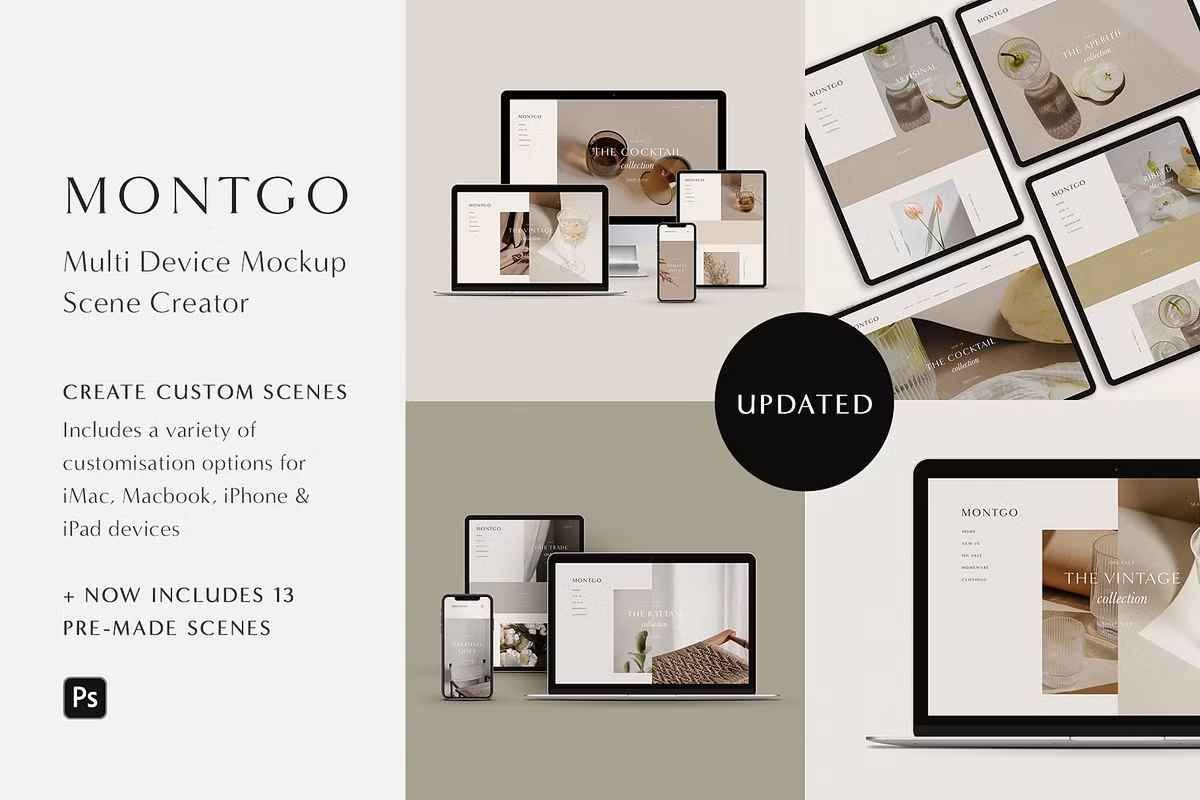

Bring your **responsive website designs** to life with **Montgo**, a sleek and minimalist **multi-device mockup scene creator**. Designed for **Adobe Photoshop**, this all-in-one kit allows you to **create custom mockup scenes** effortlessly in a single **Photoshop file**.
Featuring **four Apple devices** – **iMac (desktop), MacBook (laptop), iPhone X (phone), and iPad (tablet)** – this scene creator gives you complete control over how your designs are presented. Whether you’re **building website mockups, branding presentations, or app showcases**, Montgo provides **versatility and creative freedom** to craft the perfect scene.
✨ Why Choose Montgo?
- 🖥️ **4 Apple Devices Included** – Showcase your design on an **iMac, MacBook, iPhone X, and iPad**.
- 🎨 **Multiple Customization Options** – Adjust **device colors, background textures, screen glare, shadows**, and more.
- 📐 **13 Pre-Made Scenes** – Speed up your workflow with **ready-to-use mockup compositions**.
- 🔄 **Easy Smart Object Editing** – Insert your designs **seamlessly** into screen placeholders.
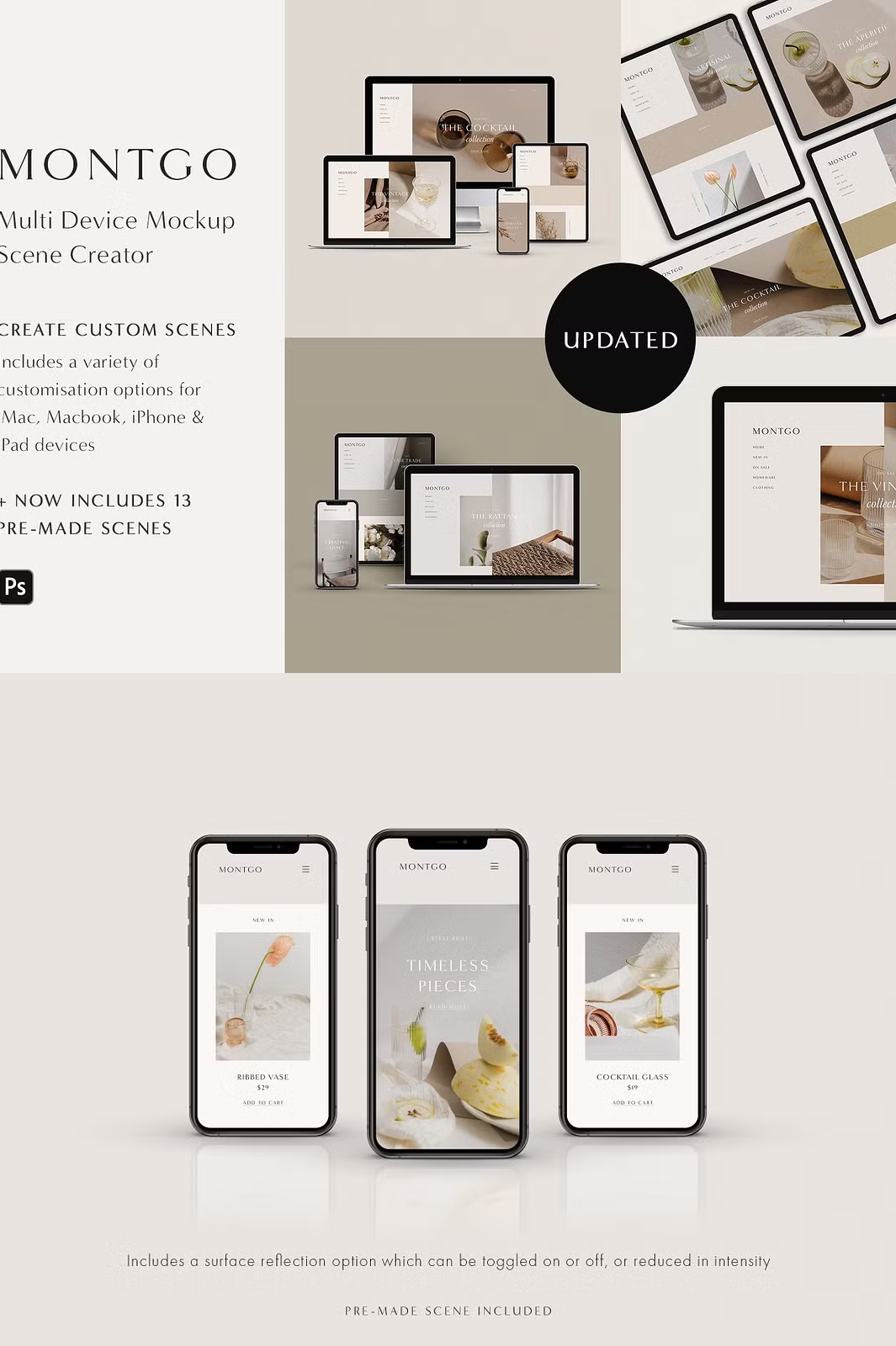
- 🛠️ **Advanced Shadow & Reflection Controls** – Toggle **reflections, adjust shadow directions, and fine-tune glare** for a realistic effect.
- 💻 **Perfect for Web & UI Designers** – Create **stunning presentations** for **websites, apps, portfolios, and marketing materials**.
📂 What’s Included in the Montgo Mockup Pack?
Inside this versatile **scene creator** pack, you’ll find:
- 🎨 **1 Photoshop (.PSD) File** – Fully layered with Smart Objects.
- 🖼️ **13 Pre-Made Photoshop Scenes** – Professionally arranged for quick setup.
- 📜 **PDF Guide with Tutorials** – Step-by-step instructions to help you get started.
🖋️ Customization Features
Montgo gives you complete control over the **look and feel** of your mockup scenes:
- 📱 **Choose from 4 Devices** – Desktop (iMac), Laptop (MacBook), Phone (iPhone X), and Tablet (iPad).
- 🎨 **Customizable Device Colors** – Pick the perfect shade to match your design aesthetic.
- 🖼️ **Flexible Background Options** – Change the background **color**, add **texture layers**, or choose from **4 included background textures**.
- 🌟 **Adjustable Screen Glare** – Customize glare direction or **toggle off completely**.
- 🕶️ **Directional Shadow Control** – Choose whether shadows **fall left or right**.
- 🌊 **Optional Device Reflection** – Toggle reflections **on or off** or fine-tune the intensity.
🔧 Compatibility & Requirements
Montgo is designed to work with **Adobe Photoshop CS4 or newer**. For the best experience, **Adobe Photoshop CC** is recommended.
Important Note: This product includes **mockup scenes only** – fonts, photographs, and design previews are NOT included.
🚀 Get Started Instantly – Download & Customize
Montgo is an **instant digital download**. Once purchased, you’ll receive access to the files and can start creating **stunning mockup scenes** right away.
📥 Download Montgo Mockup Scene Creator
📩 Need Help?
If you have any questions, feel free to reach out to us via email at hello@moyo-studio.com. We’re happy to assist you!
💡 Looking for More?
Check out our **latest multi-device scene creator**, Hoxton, for even more creative possibilities.
📜 Terms of Use
Once purchased, you have **commercial and personal use rights**, allowing unlimited usage. However, resale, sharing, or redistribution is prohibited.
🔄 Returns & Exchanges
Since this is a **digital product**, refunds and exchanges are **not available**. Please reach out before purchasing if you have any questions.