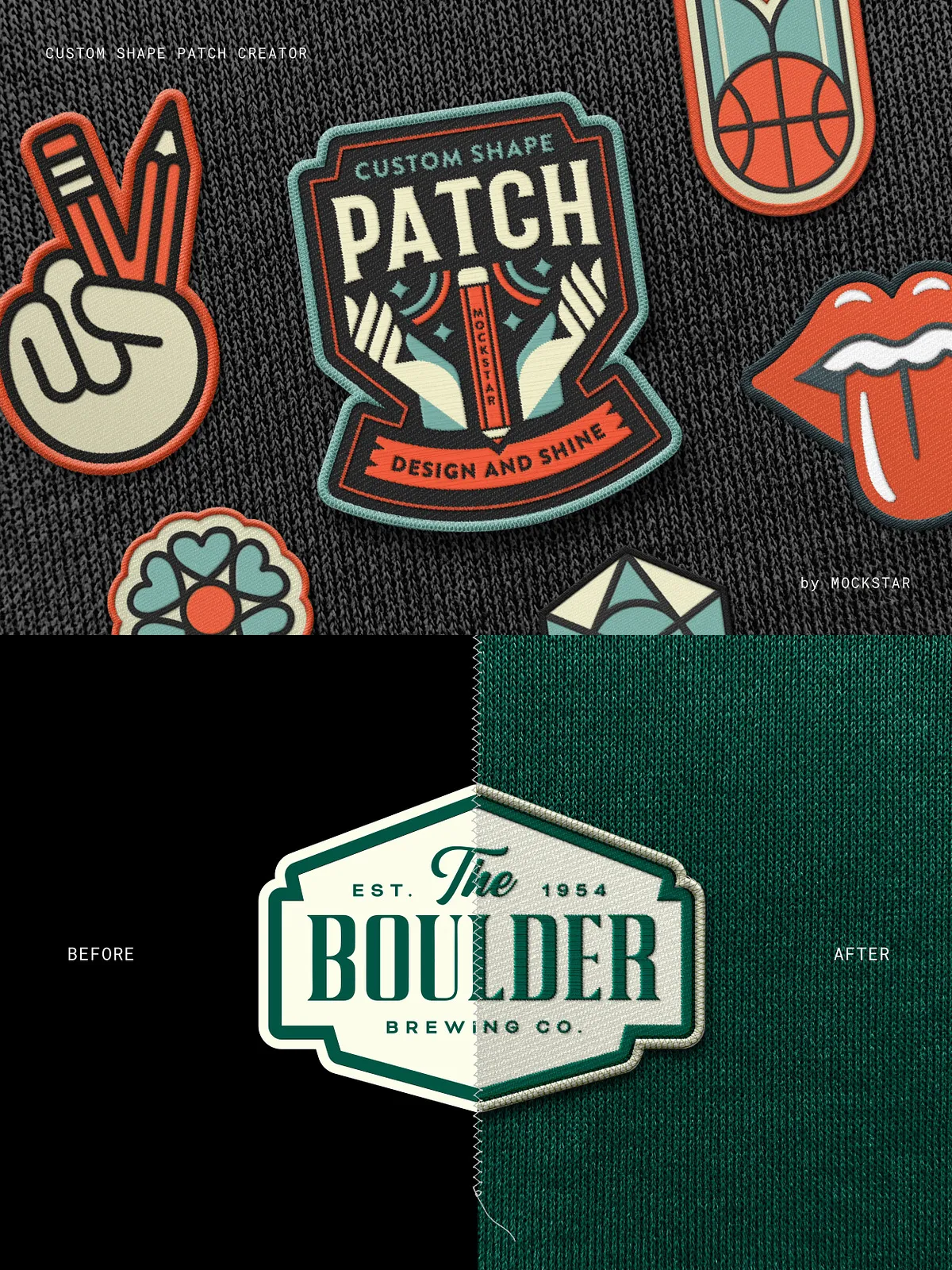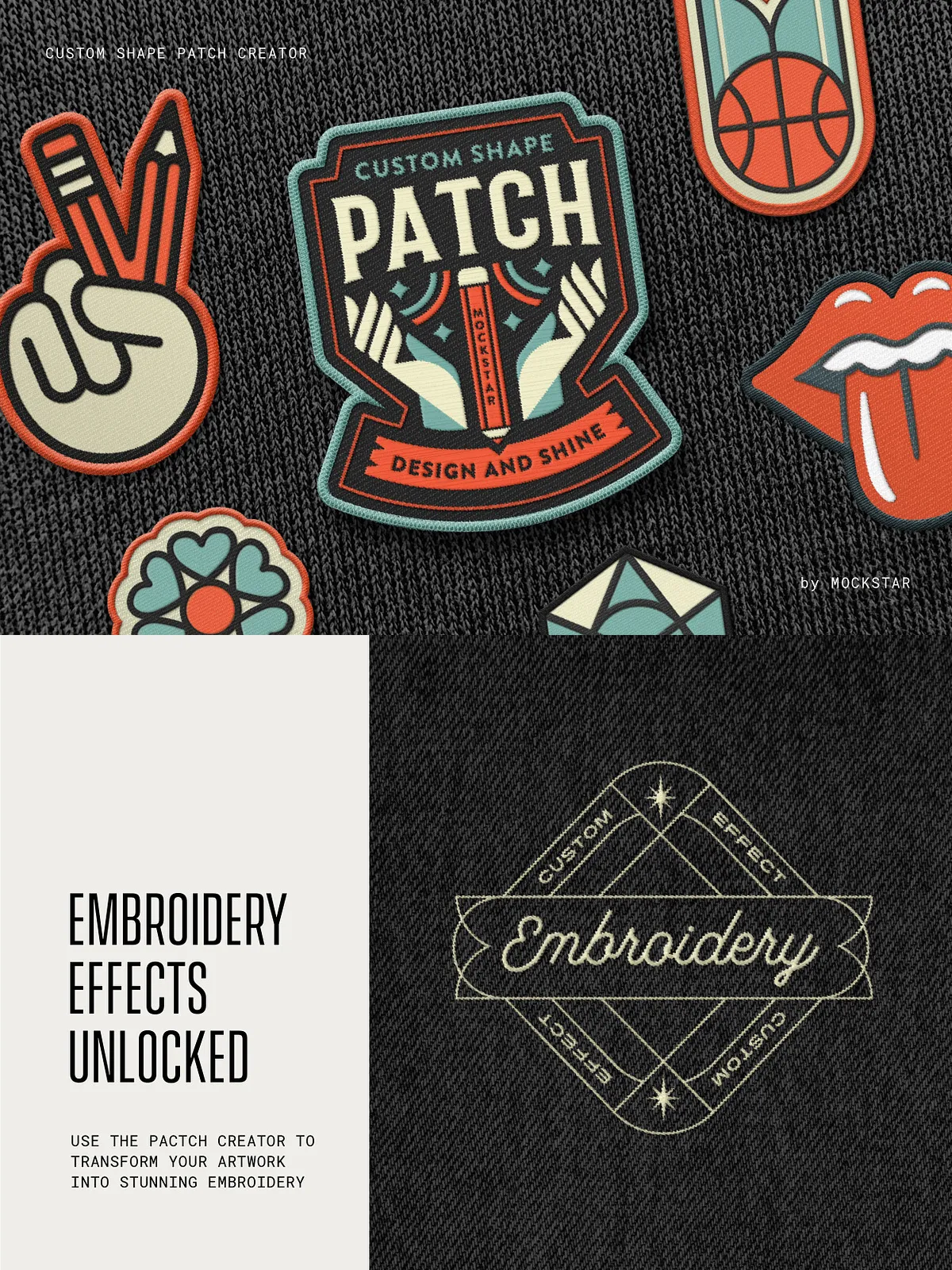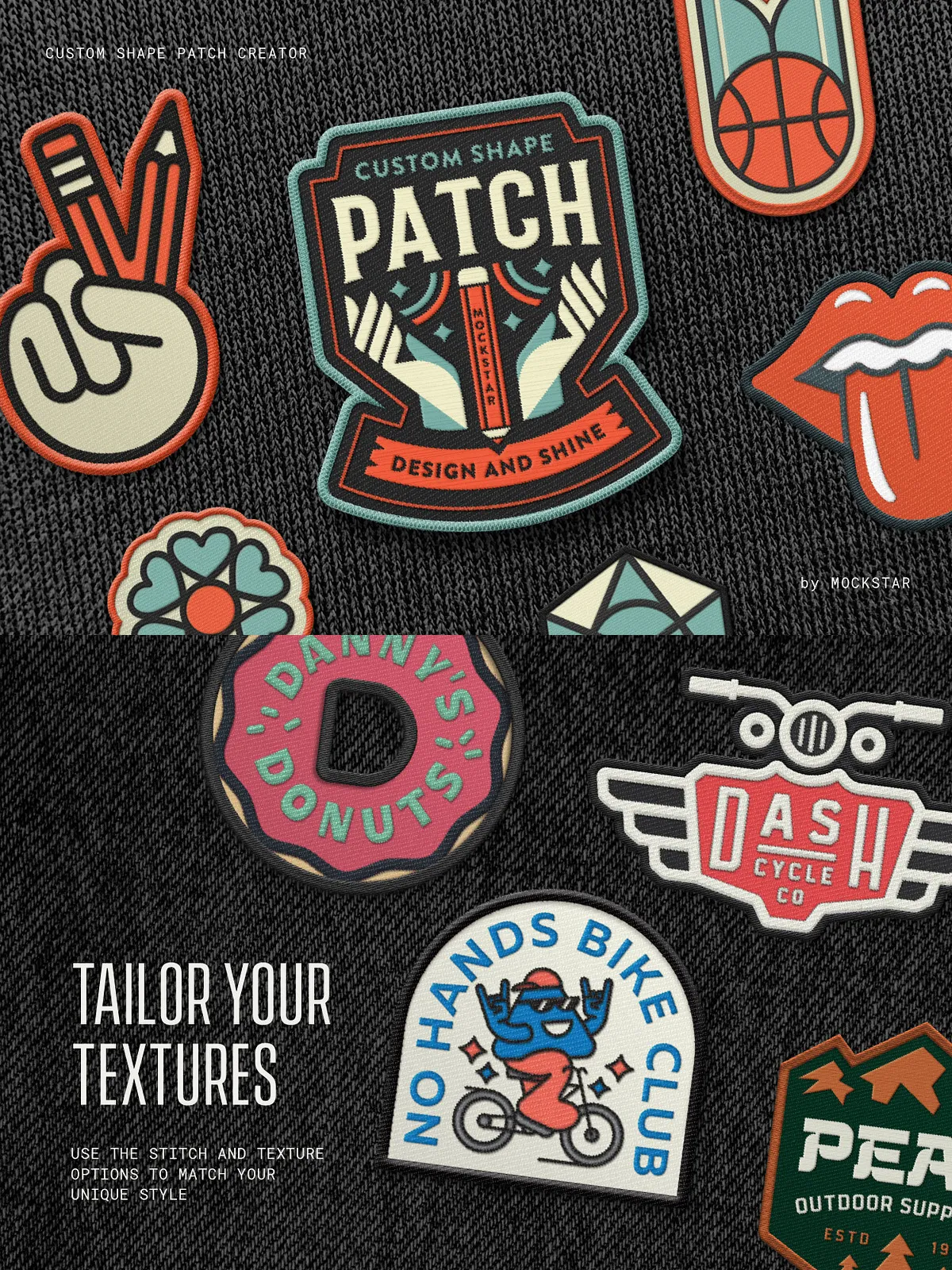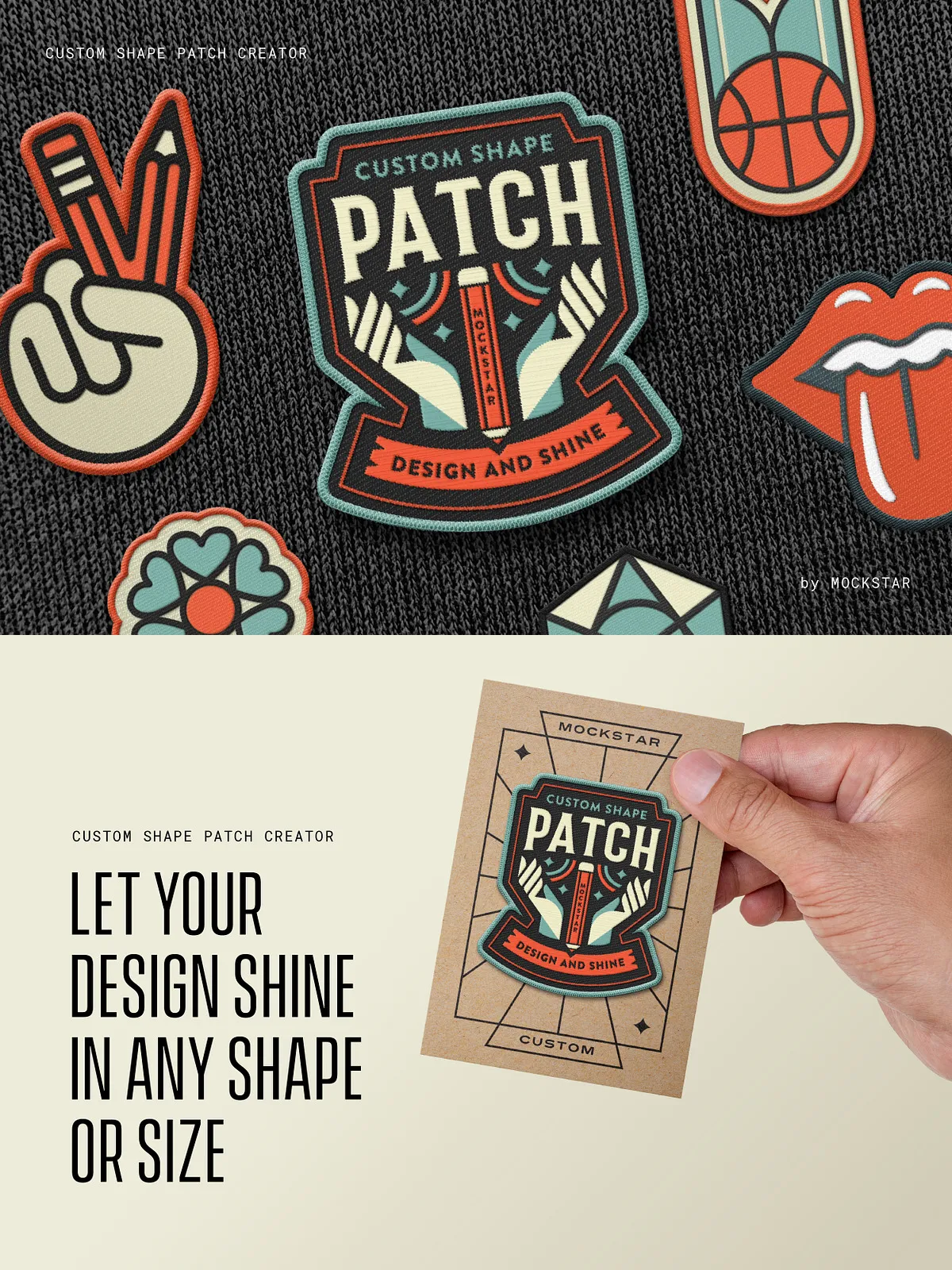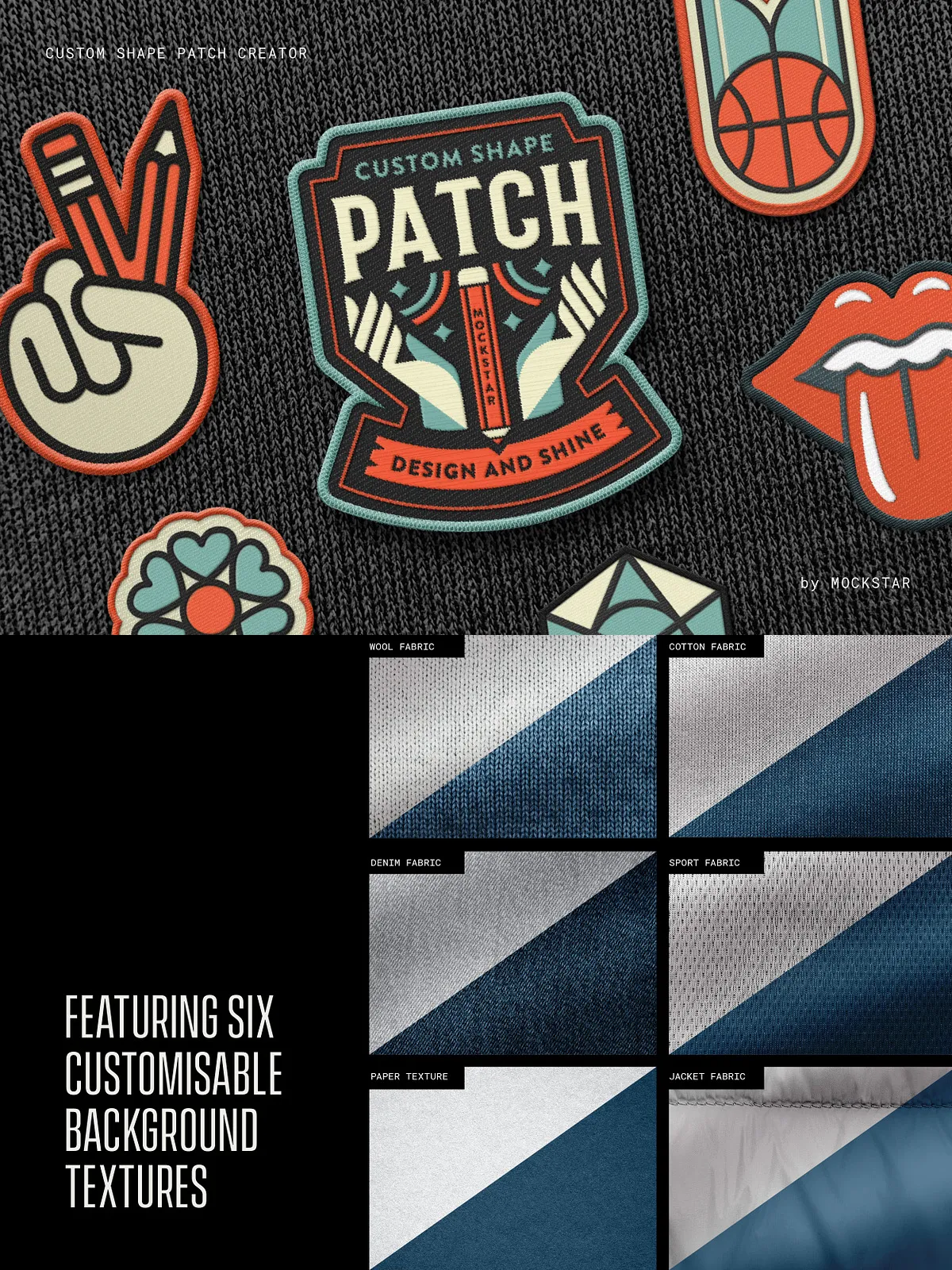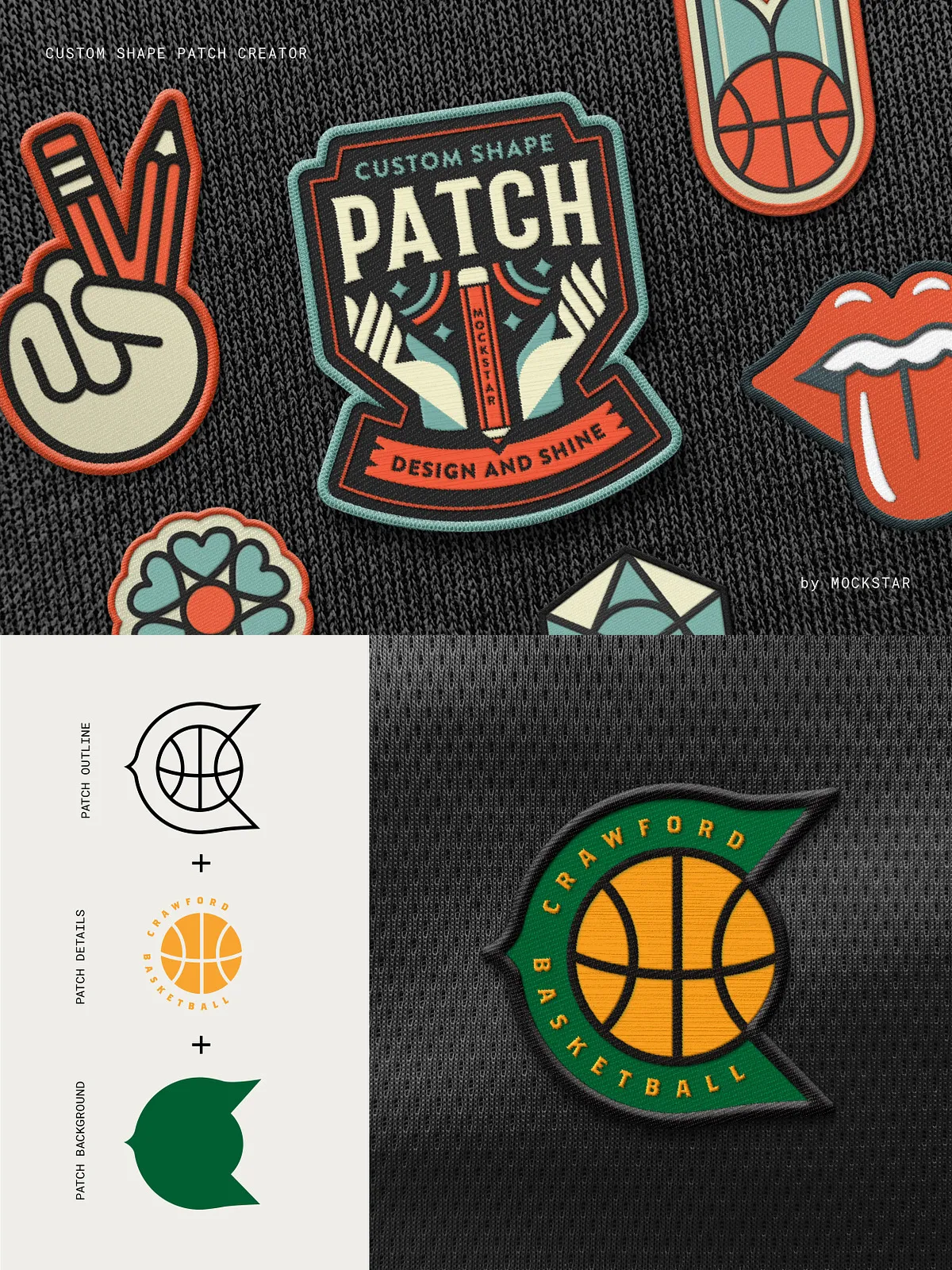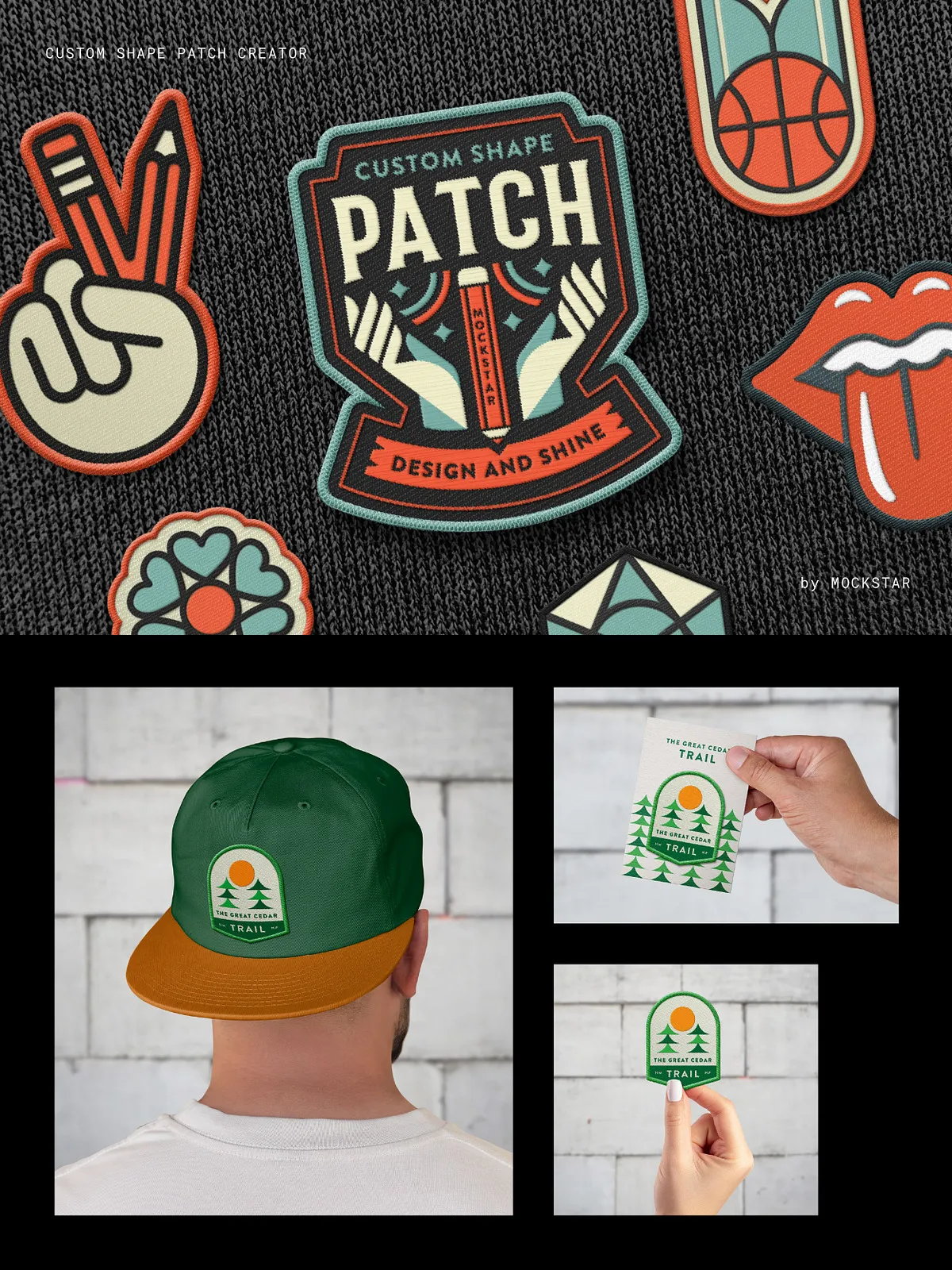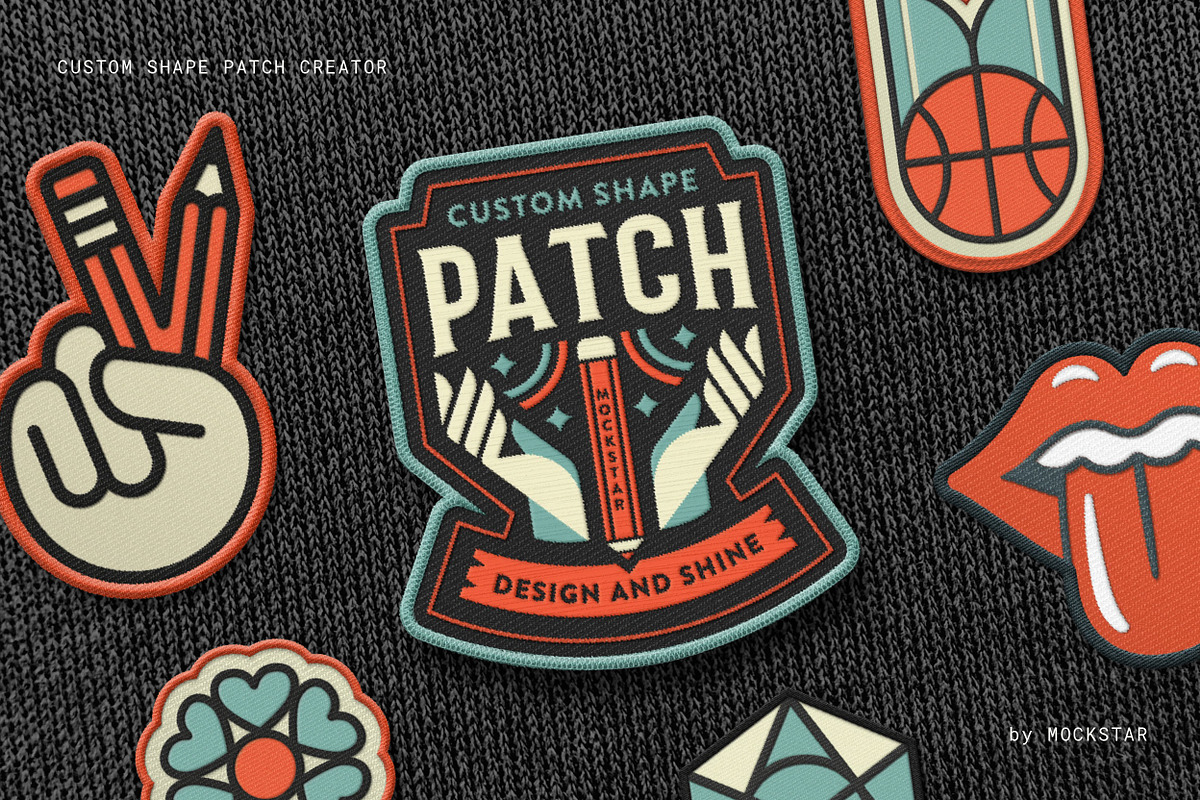

Break free from standard patch shapes and sizes with this Adobe Photoshop mockup, allowing you to design your own custom-shaped patch with ease. Featuring pre-set settings and stitch effect options, you can select the style that best complements your artwork, save your creation, and showcase your design like a pro!
Like what you see?
We’ve also created the Enamel Pin Mockup which is a powerful time-saver when presenting your realistic enamel pin designs:
https://creativemarket.com/mockstar/7025243-Enamel-Pin-Mockup
For a discounted price when buying the Custom Shape Patch Mockup and the Enamel Pin Mockup, check out the combo pack:
https://creativemarket.com/mockstar/7027739-Patch-and-Pin-Mockup-Combo
What’s included in this mockup?
One 4000×3500 pixel / 300 dpi customizable template for Adobe Photoshop
3 Stitch Options
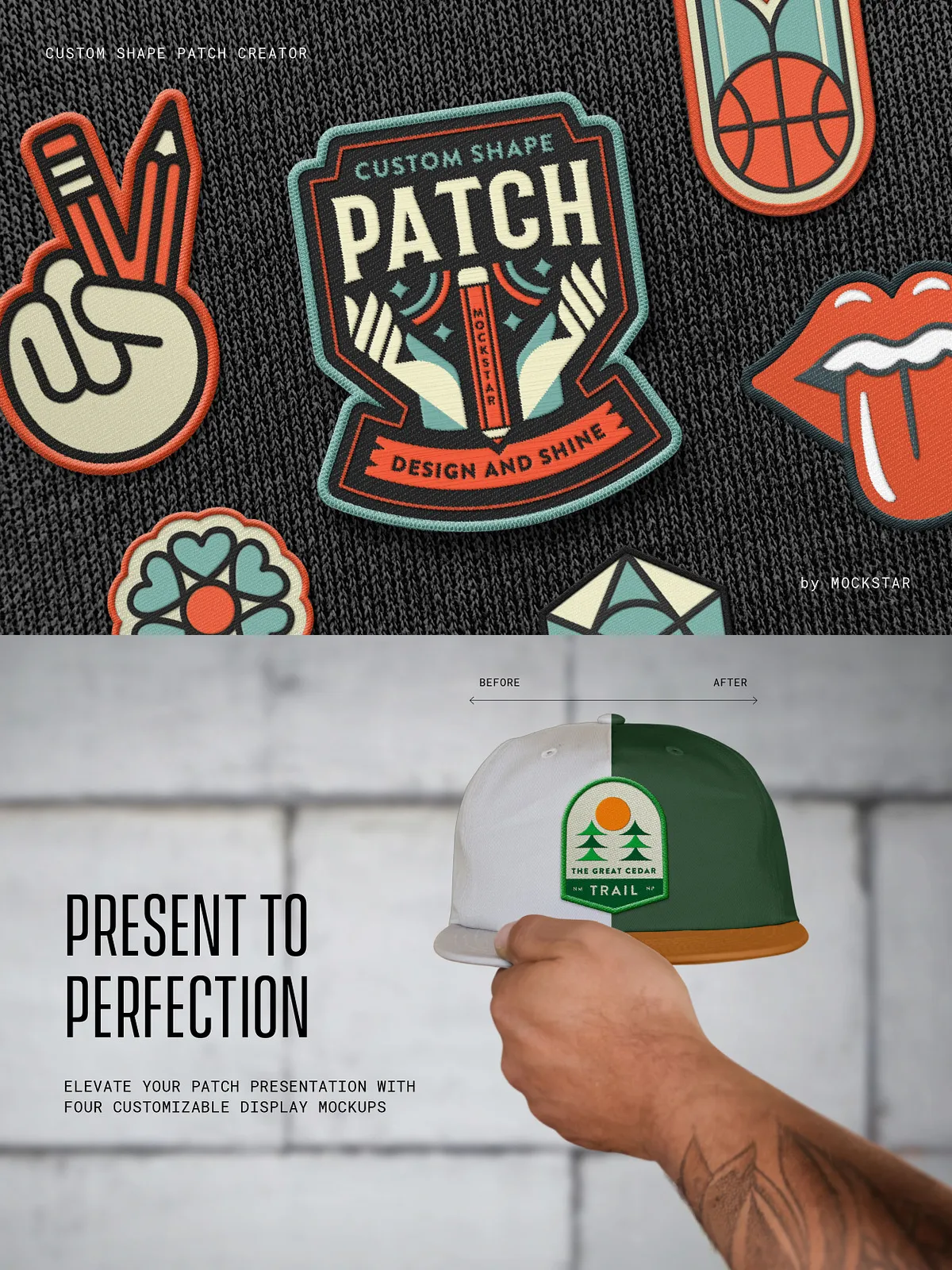
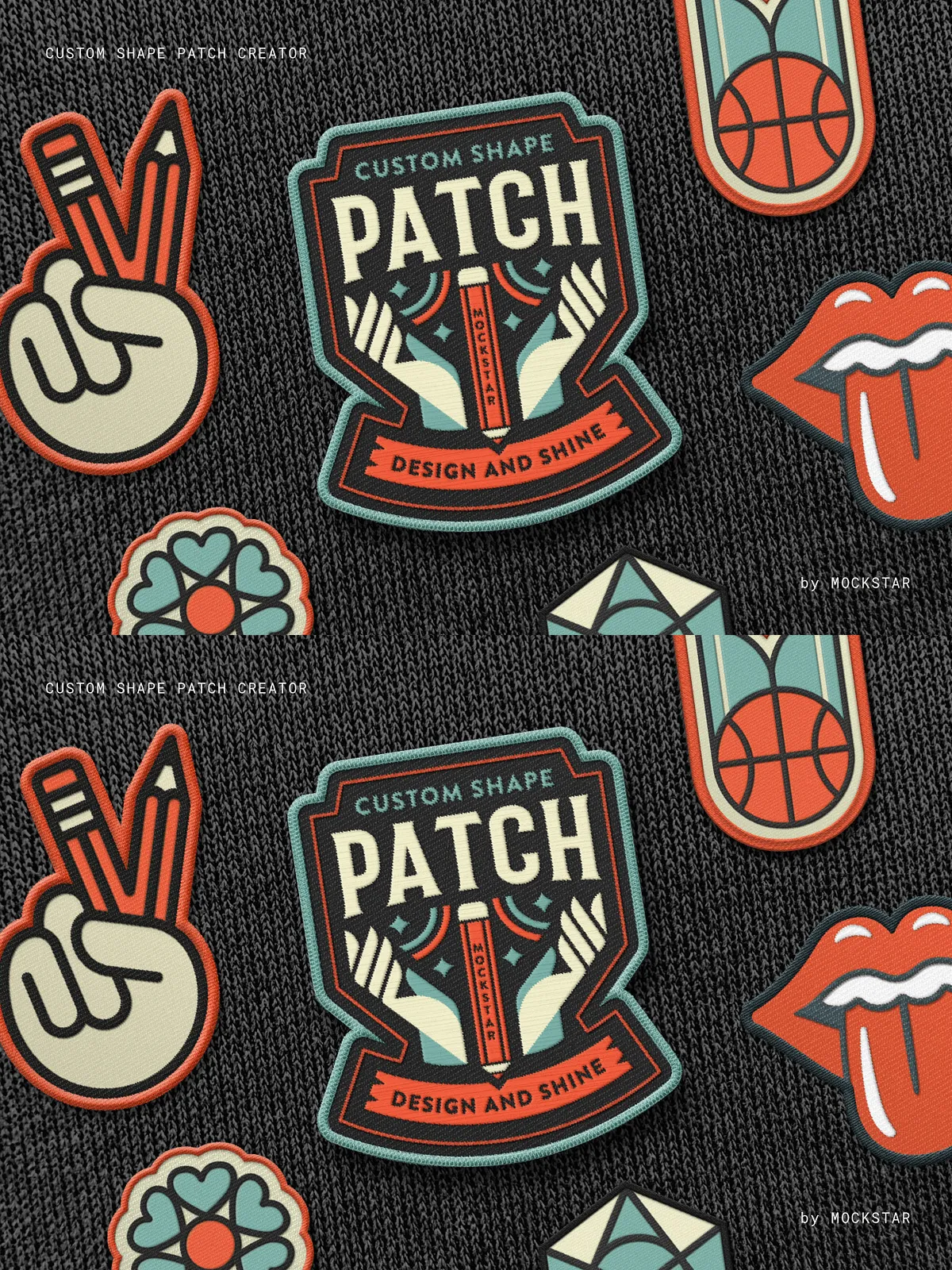
Four customisable display mockups for Adobe Photoshop
PDF Help Guide
Video Demonstration Guide
Simple to use.
Just add your design elements in to the smart object layers and hit save!
Become an expert in no time by watching the demonstration video, which walks you through each step to create a stunning patch design.
Customize with ease.
This mockup offers three border styles, three patch texture options, and three embroidery stitch effects to add the perfect finishing touch.
Fully layered with editable effects in-case you want to go even deeper in customising your patch!
This mockup is incredibly versatile, perfect for branding, logos, illustrations, or text designs. Add it to your toolkit today and elevate your creative projects!