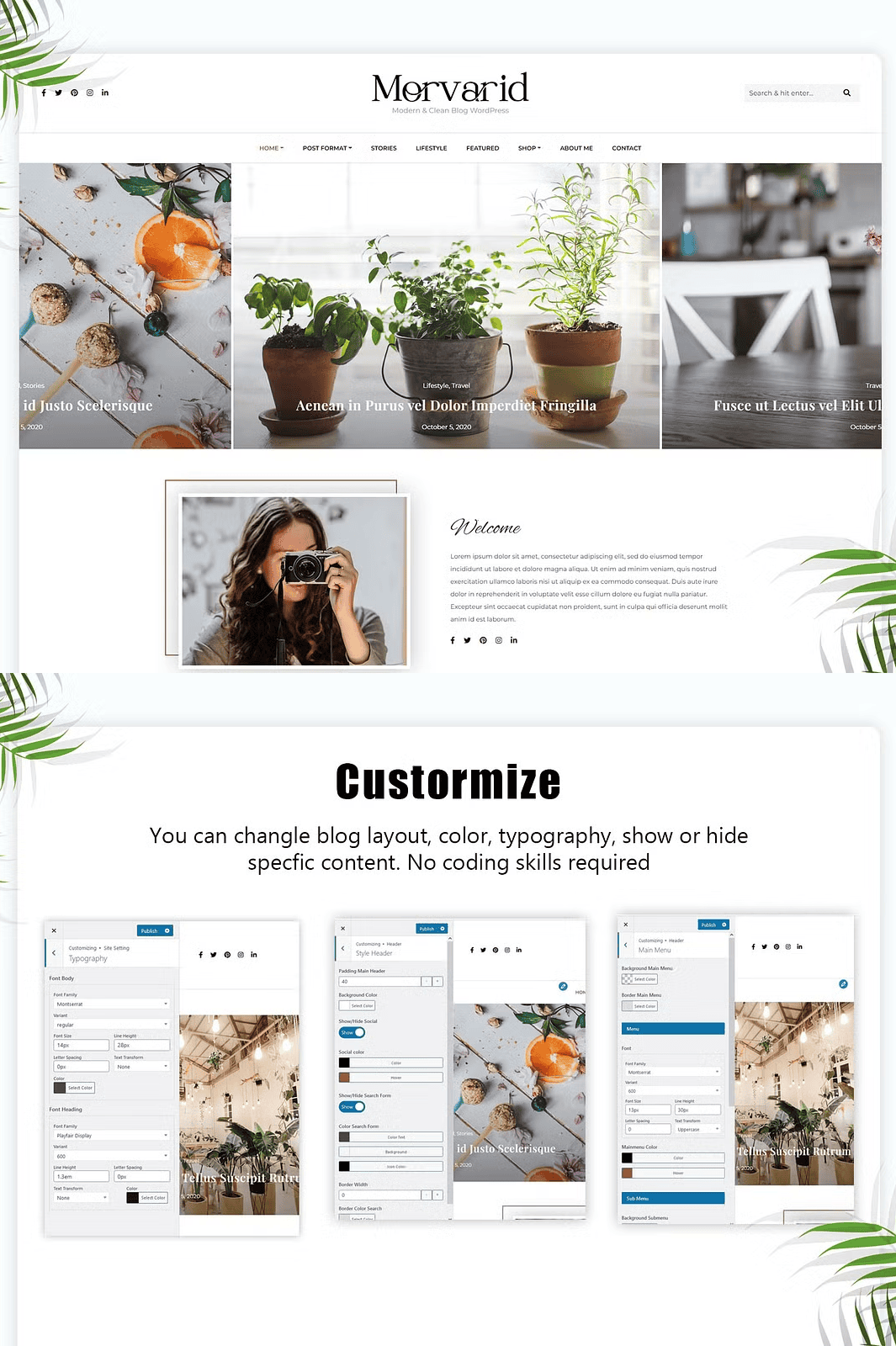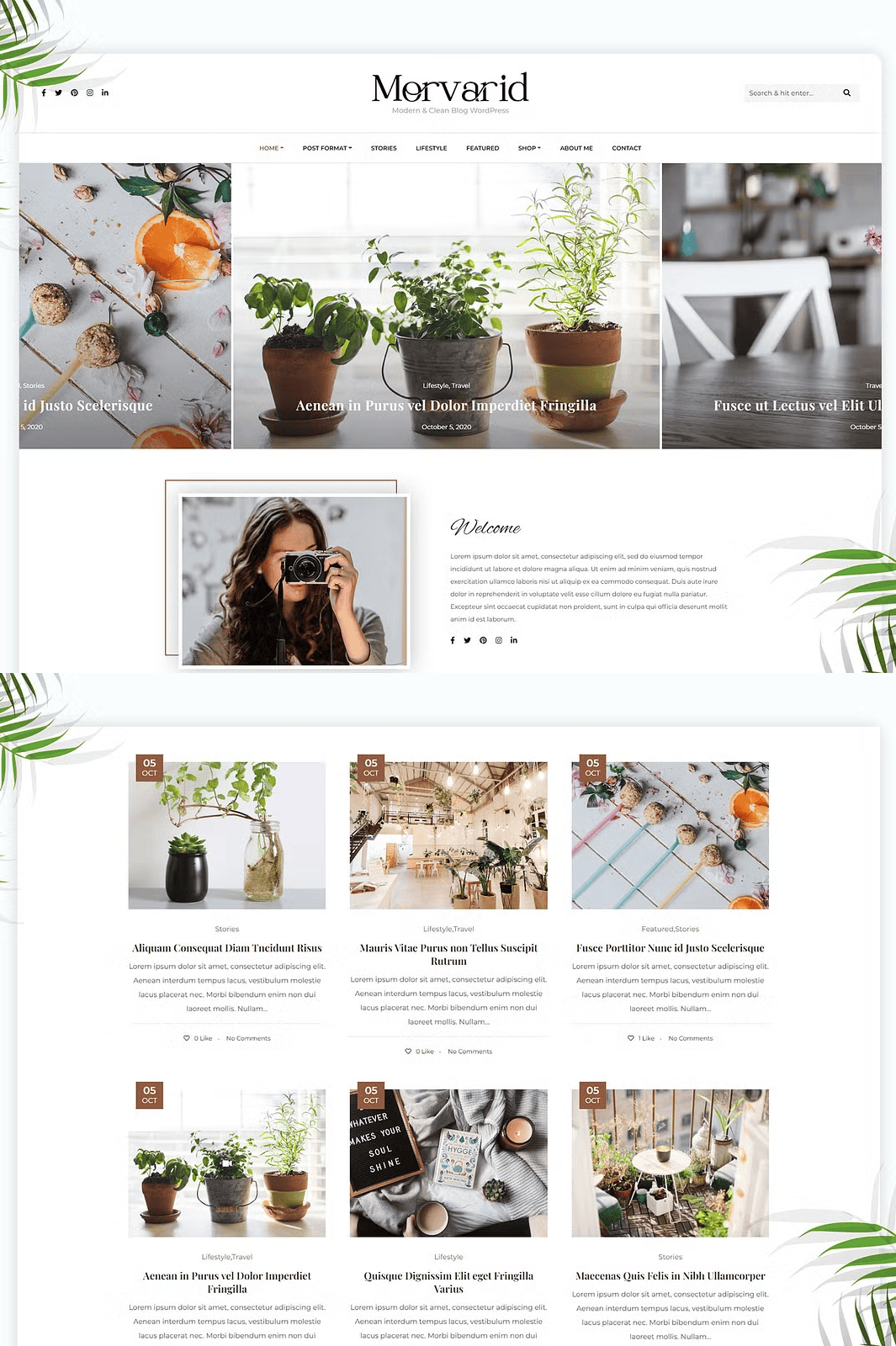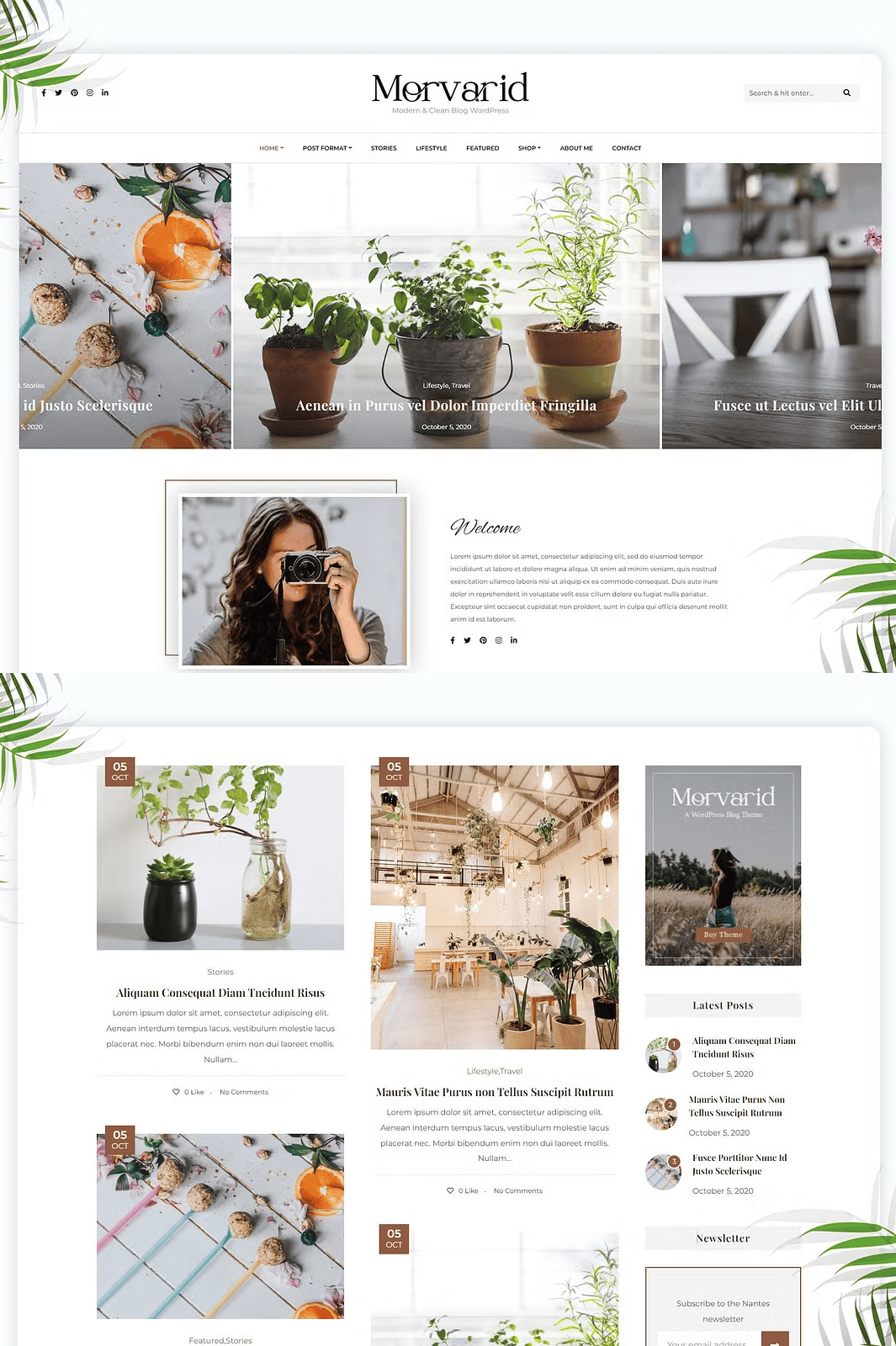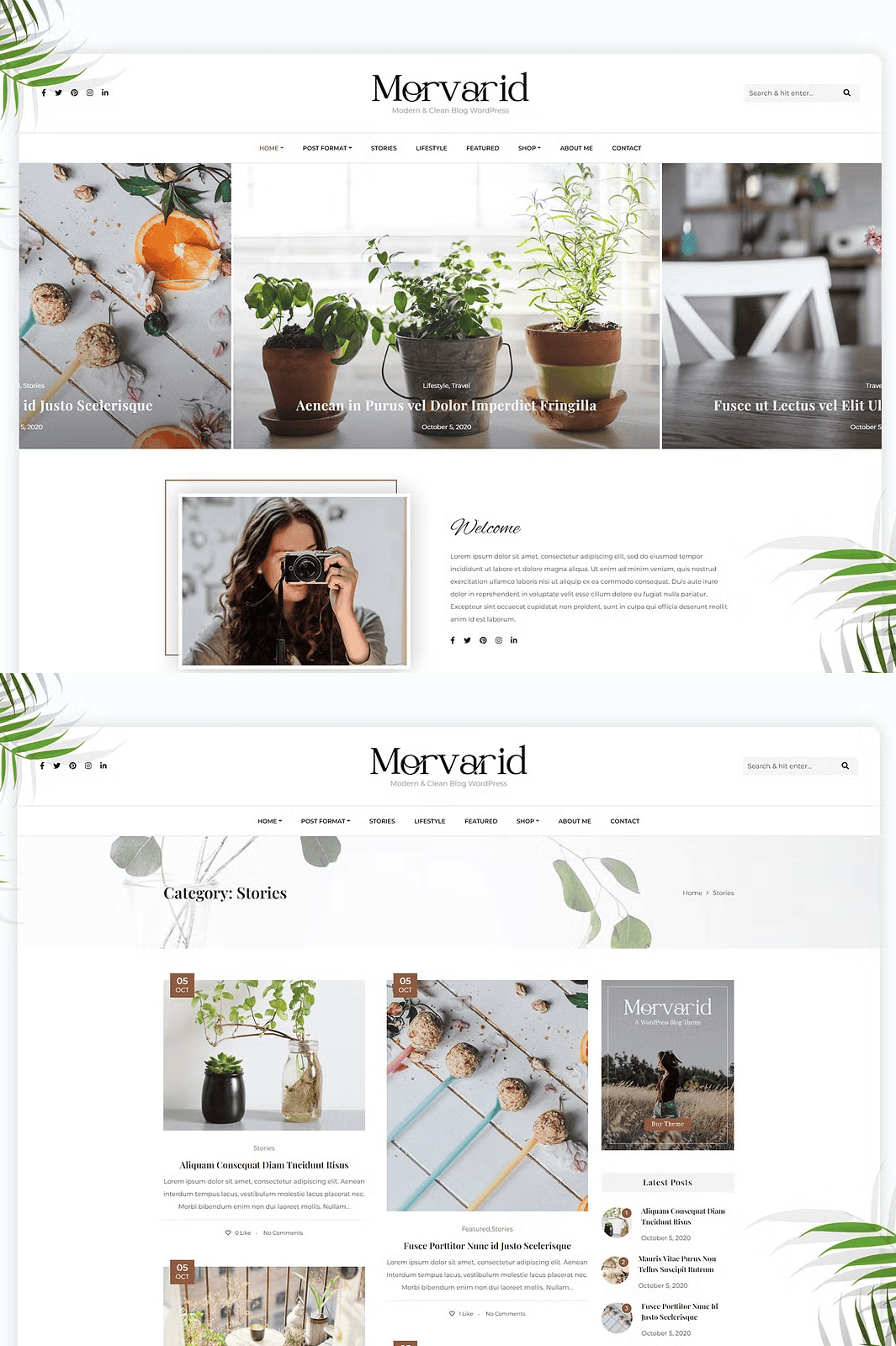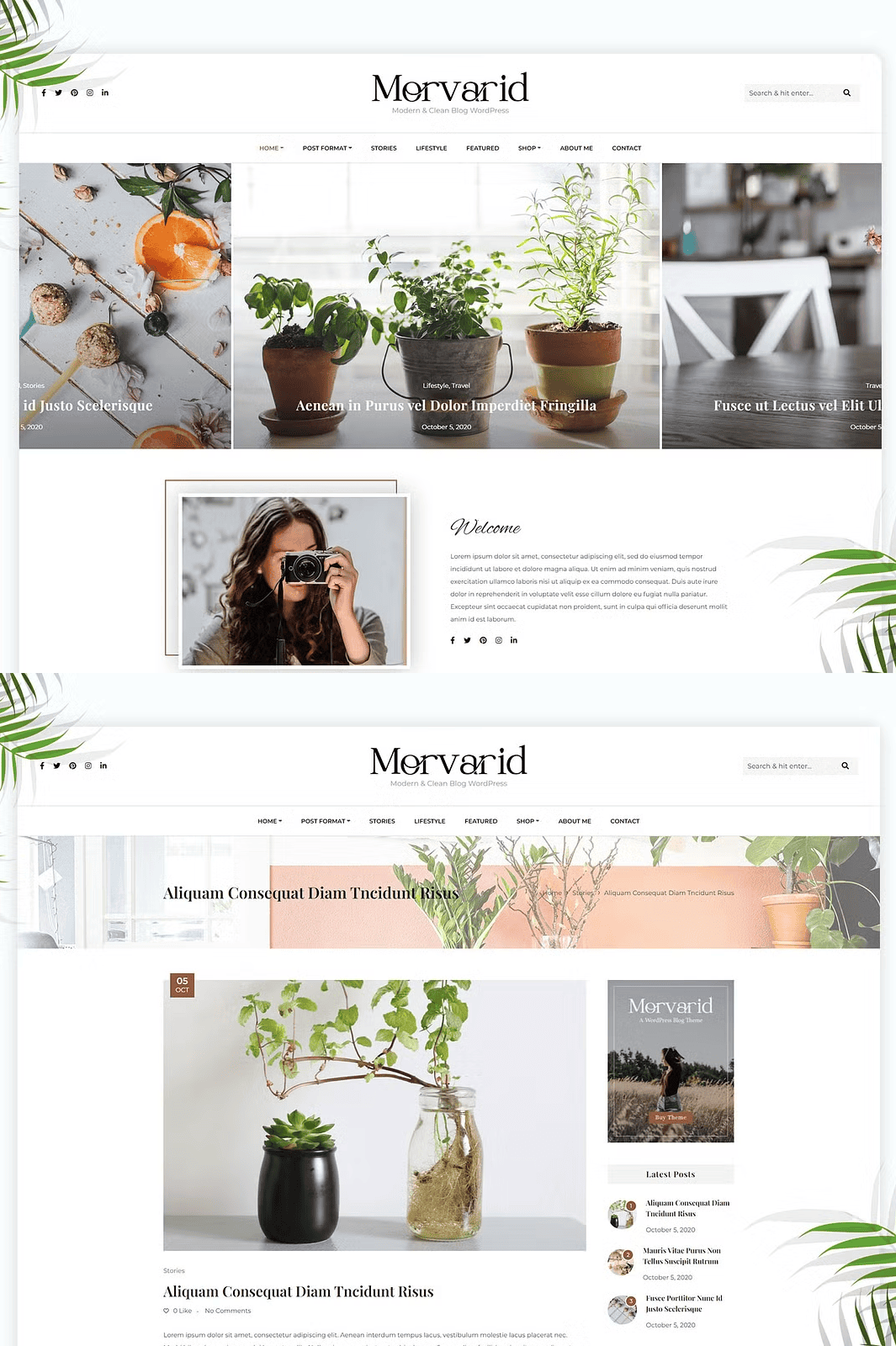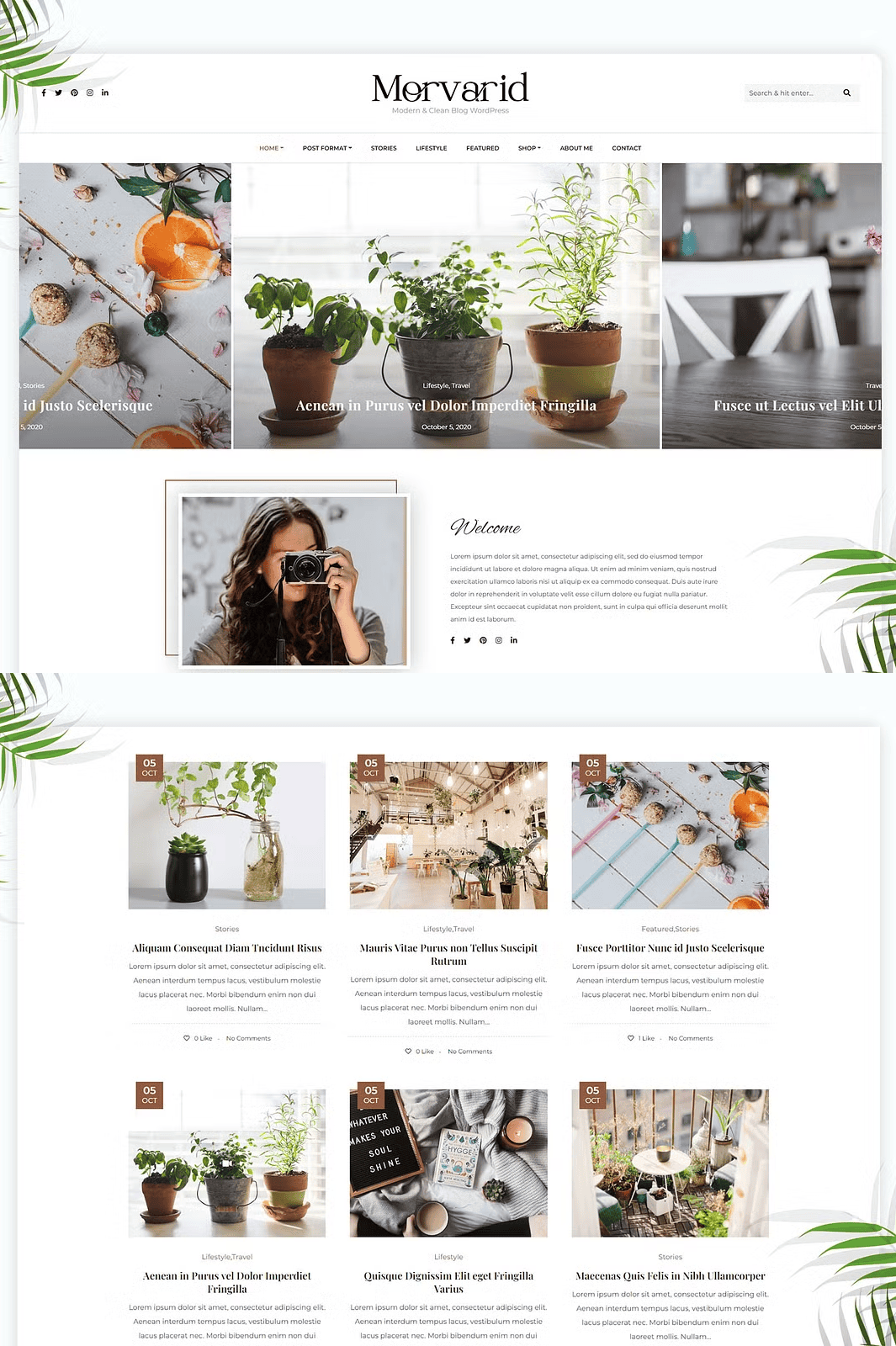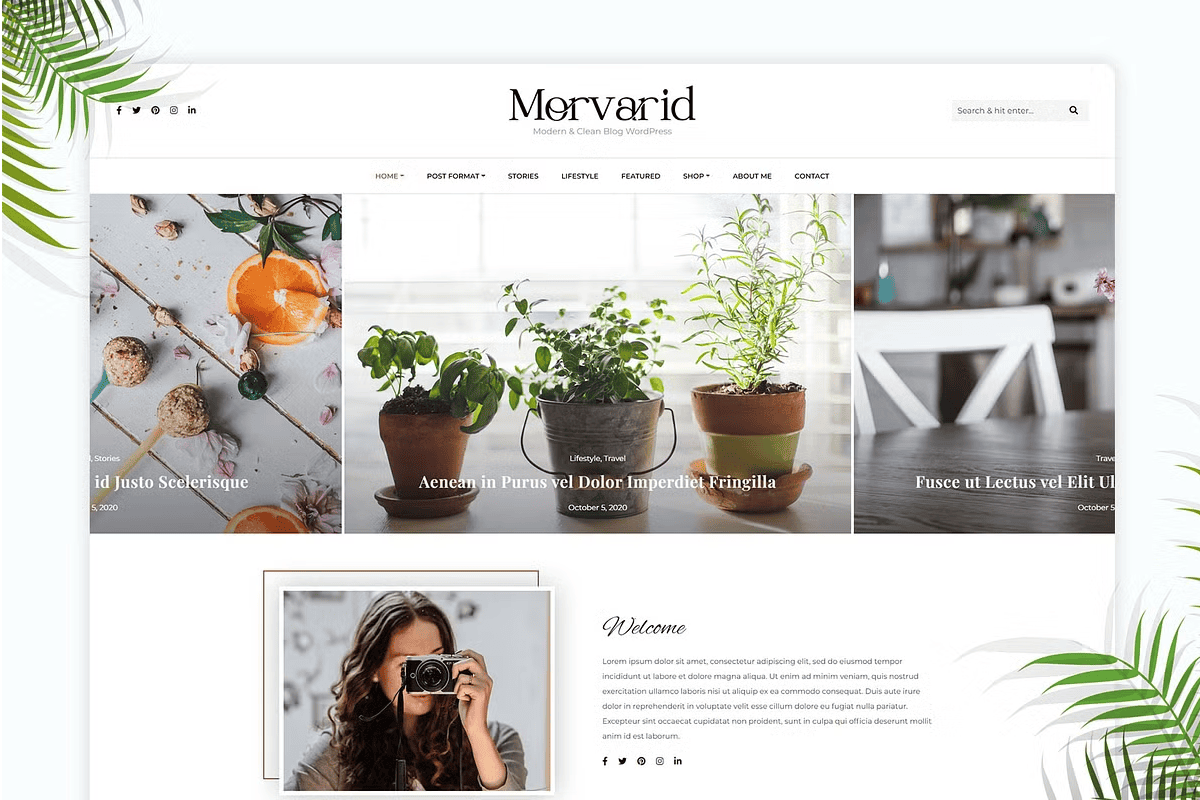

Morvarid is a sleek, high-performance WordPress theme designed for bloggers, content creators, and small business owners who demand elegance, speed, and full customization control. Crafted with precision using the latest Bootstrap technology, Morvarid delivers a fully responsive, mobile-optimized experience that looks flawless across smartphones, tablets, laptops, and desktops. Launch your blog or online shop with confidence—Morvarid makes web presence powerful, beautiful, and effortless.
Transform Your Blog with Powerful, Built-In Features
One-Click Demo Import & Instant Setup
Get your site live in minutes. Morvarid includes a robust 1-click demo installer that imports fully designed layouts—perfect for personal blogs, lifestyle content, recipe sharing, or simple online stores. Choose a layout that fits your niche, then personalize it instantly without writing a single line of code.
Dynamic Customizer for Real-Time Personalization
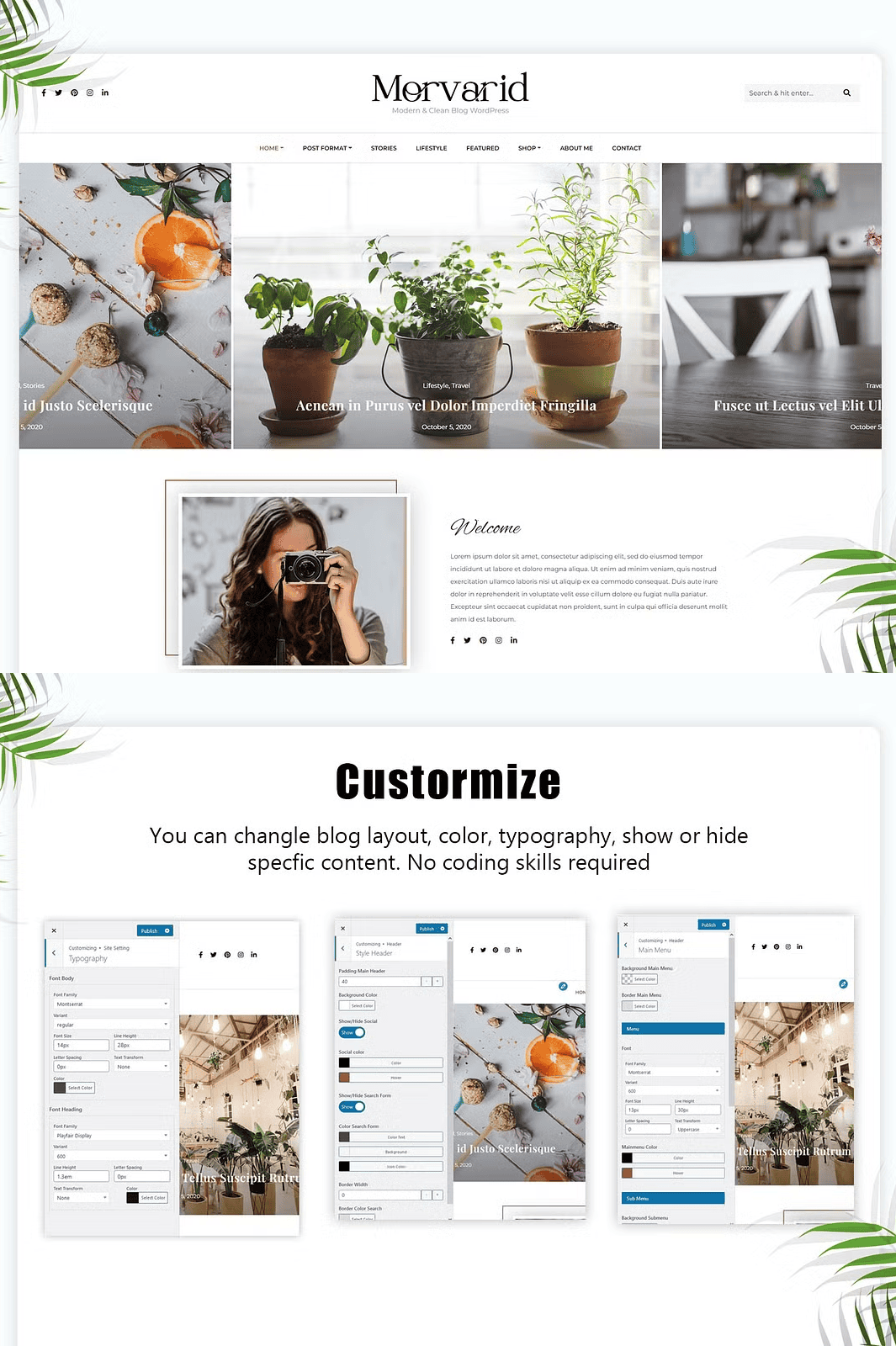
Tailor every visual element with the native WordPress Customizer. Adjust your color palette, typography, header layout, sidebar visibility, and content structure in real time. Whether you want a minimalist look or a bold, vibrant design, Morvarid adapts to your vision with intuitive controls—no coding required.
Full WooCommerce Compatibility to Build Your Shop
Turn your blog into a thriving online store. Morvarid supports native WooCommerce integration, enabling you to showcase products, manage inventory, accept online payments, and streamline checkout—all within a theme designed for speed and usability.
HTML5 & CSS3: Clean, Semantic, and Future-Ready Code
Powered by HTML5 and CSS3, Morvarid ensures semantic structure, faster load times, and seamless browser compatibility. Your website performs efficiently, ranks higher on search engines, and remains stable through future updates.
SEO-Friendly Architecture for Better Visibility
Boost your search engine performance with clean SEO-optimized code, proper heading hierarchy, schema markup support, and fast-loading pages. Morvarid gives your content the best possible chance to be discovered by your ideal audience.
Multiple Blog Layouts & Custom Widgets
Switch effortlessly between blog display styles—grid, list, masonry, and card layouts—to highlight your content in the most engaging way. Enhance your sidebar and footer with custom widgets including newsletter sign-ups, social feeds, and recent posts.
Integrated Contact Form 7 & Mailchimp Support
Connect with your audience instantly. Morvarid includes built-in support for Contact Form 7 and a pre-configured Mailchimp for WP plugin to help you grow your email list and boost engagement.
Child Theme Ready + Full Documentation
Extend your theme safely with a ready-to-use child theme that preserves your customizations during updates. The comprehensive online documentation includes video tutorials, setup guides, customization tips, and FAQ—everything you need to build and maintain your site.
Fast, Dedicated Support Team
Stuck? We’re here for you. Morvarid offers prompt, friendly, and expert-level support via email and our support portal. No issue is too small—our team helps you solve problems fast so you can stay focused on creating great content.
Frequently Asked Questions (FAQ)
Q: How do I install Morvarid?
A: After downloading, unzip Main-Morvarid.zip to access morvarid.zip and morvarid-child.zip. Upload morvarid.zip via Appearance > Themes > Add New > Upload Theme in WordPress.
Q: I get a “stylesheet.css not found” error. What should I do?
A: This means you haven’t unzipped the main file. Always extract Main-Morvarid.zip first before uploading the inner theme package.
Q: Can I use Morvarid with WordPress.com?
A: Morvarid is designed for WordPress.org (self-hosted). With a Creator Plan or higher, you can install it on WordPress.com—but we recommend self-hosting for maximum control and performance.
Q: Do I need external frameworks or plugins?
A: No. Morvarid is a standalone theme. It includes all core features demo import, customizer, widgets, WooCommerce support without requiring additional frameworks or third-party plugins.
Q: How do I start building a WordPress site?
A: Choose a reliable hosting provider. For beginners, managed WordPress hosts simplify setup, while advanced users can opt for full control with VPS or dedicated servers. Get recommended hosts: lucid-themes.com/how-to-get-started-with-wordpress/